AI Photo Editor for Schengen Visa Photos
Last updated
Get EU visa-compliant photos from any portrait - no photo booth required.
Drop your photo here
"replace background with light grey for Schengen visa, resize to 35x45mm, ensure face is 70-80% of image, neutral expression, even lighting"
Release to upload
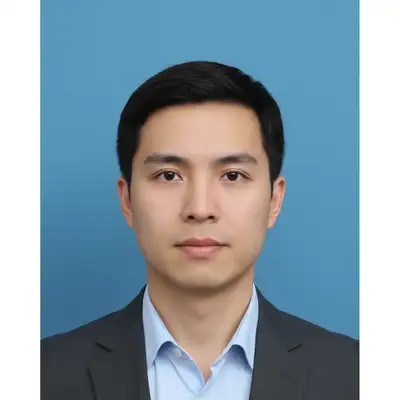
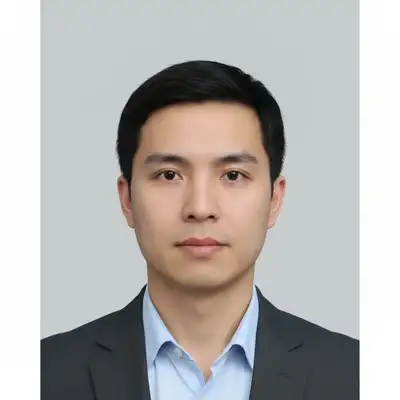
Built for EU Visa Applicants
Schengen visa photos must meet strict biometric standards: light neutral background (white or light grey), 35x45mm dimensions, 70-80% face coverage, neutral expression, no glasses glare. EditThisPic formats any portrait to these exact specifications. One tool works for all 27 Schengen countries.
Tools for Schengen Visa Photos
Enhance Face
Even lighting, natural skin tones for biometric compliance
Replace Background
Change any background to light grey or white
How to AI Photo Editor for Schengen Visa Photos
-
Choose a compliant portrait
Use a recent photo (within 6 months) showing your full face, frontal view, neutral expression. Remove glasses if they have glare. Ensure good lighting without harsh shadows. Background doesn't matter - you'll replace it. Head should be centered, looking directly at camera.
Simple background replacement: 20-30 seconds. Full formatting with size adjustment and face enhancement: 45-60 seconds.Photos taken against a window with natural light (not direct sun) have the most even, flattering illumination. -
Describe Schengen visa requirements
Type your instruction: 'replace background with light grey for Schengen visa, resize to 35x45mm, ensure 70-80% face coverage, neutral expression.' Be specific: 'light grey' or 'off-white' are both acceptable. Include 'remove glasses glare' if wearing glasses. The AI understands visa photo requirements.
Add 'maintain natural skin tones and even lighting' to ensure biometric compliance. -
Verify biometric compliance
Check that face occupies 70-80% of frame (chin to top of head). Verify background is uniformly light grey or white with no shadows. Ensure eyes are clearly visible, no red-eye, neutral expression. Background should be seamless with no visible patterns or texture.
-
Print at correct dimensions
Download your formatted photo. Print at exactly 35x45mm (slightly larger than US passport photos which are 2x2 inches). Most photo printing services offer 'European passport photo' or '35x45mm' as a standard size. Verify dimensions before submitting to embassy.
Print 6-8 copies. Most Schengen visa applications require 2 photos, but having extras prevents delays if one is rejected.
Copy-Paste Prompts for Schengen Visa Photos
replace background with light grey for Schengen visa, resize to 35x45mm, ensure face is 70-80% of image, neutral expression, even lighting
This single prompt handles all requirements - background, size, and biometric compliance
replace background with pure white for EU visa photo, maintain 35x45mm dimensions, face centered with 70-80% coverage
White backgrounds are equally acceptable across all Schengen countries
replace background with light grey, remove all glare from glasses lenses, ensure eyes clearly visible, format to 35x45mm Schengen visa standard
Eyes must be visible without any reflections or glare for biometric scanning
replace background with uniform light grey, enhance face lighting to be even and frontal, remove shadows, format to 35x45mm with proper face coverage
Combines lighting correction with background replacement for photos taken in poor conditions
Show 3 more prompts
change background from blue to light grey for Schengen requirements, adjust dimensions from 2x2 inches to 35x45mm, maintain biometric quality
Reuse existing US/UK passport photos by reformatting to EU specifications
replace background with seamless off-white, remove any shadows on face and background, ensure even lighting meets biometric standards, 35x45mm format
Shadows on face or background are common rejection reasons
replace background with light grey, correct color balance to neutral, enhance to professional biometric photo quality, 35x45mm Schengen format
Indoor photos often have yellow/orange color casts that need correction
| Edit Type | Prompt | Time | |
|---|---|---|---|
| Light grey background | replace background with light grey for Schengen visa, 35x45mm |
25s | Try This → |
| White background | replace background with pure white, format to 35x45mm visa size |
20s | Try This → |
| Remove glasses glare | remove glare from glasses, light grey background, 35x45mm format |
30s | Try This → |
| Complete formatting | light grey background, even lighting, shadows removed, 35x45mm biometric |
40s | Try This → |
Real Examples
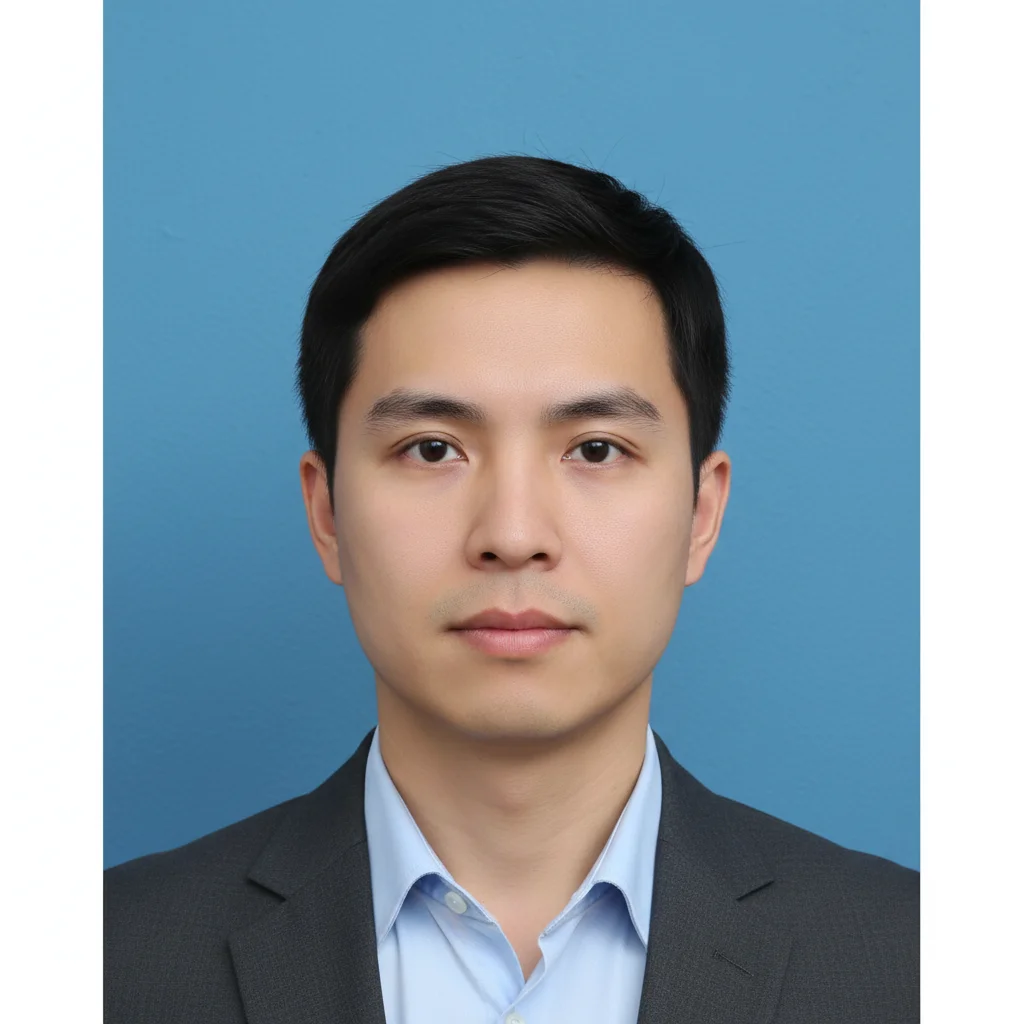
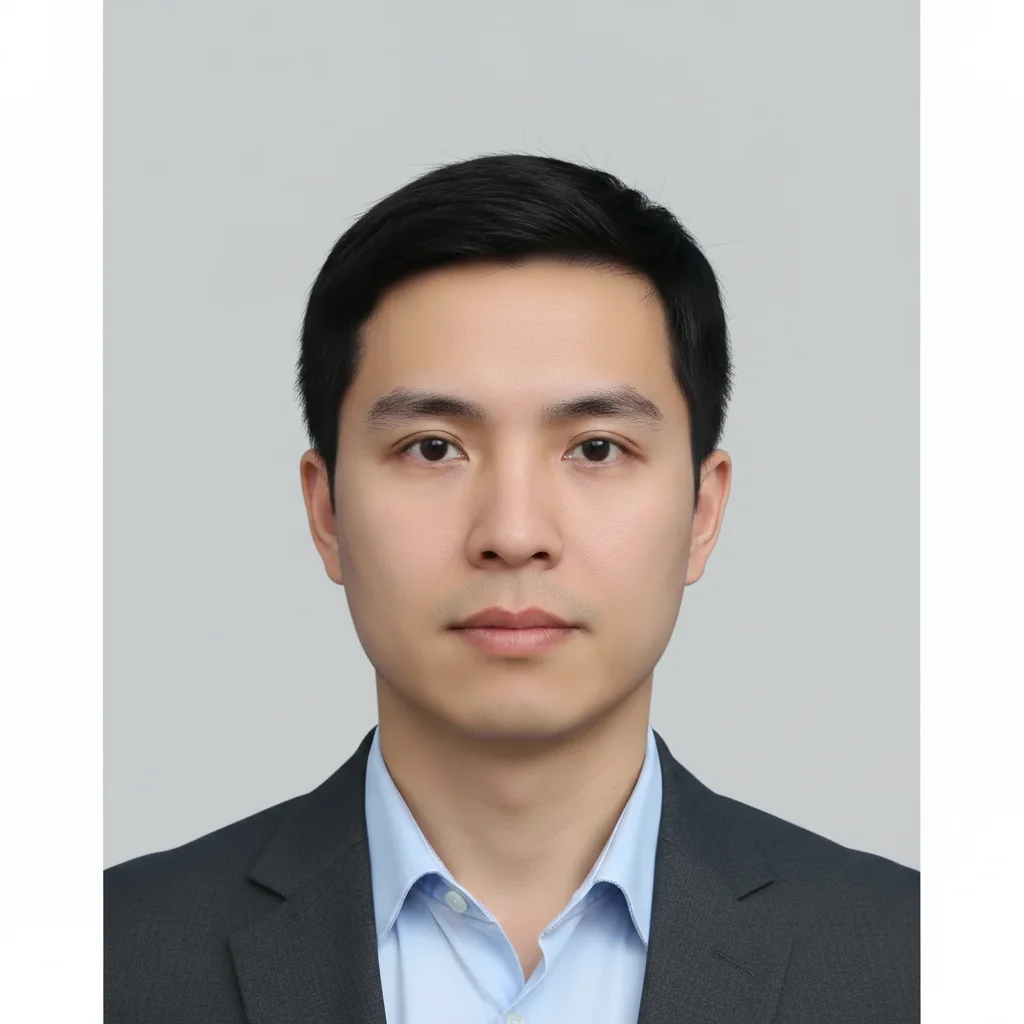
Blue wall to light grey background
Taken a selfie at home against a colored wall. One prompt converted it to embassy-ready format.
replace blue background with uniform light grey for Schengen visa, resize to 35x45mm, ensure 70-80% face coverage
Glasses glare removed
Glasses created reflections hiding eyes. AI removed glare while keeping frames intact.
remove glare from glasses completely, replace background with off-white, format to 35x45mm Schengen standard with proper face coverage
When Things Go Wrong
Face coverage is less than 70% or more than 80%
Why: The AI cropped too loosely or too tightly. Schengen requirements specify face (chin to crown) must occupy 70-80% of the photo height.
adjust crop so face occupies exactly 75% of image height, chin to top of head, maintain 35x45mm dimensions
Measure from chin to crown of head (not top of hair). This should be 32-36mm on the final print.
Background has visible gradient or isn't uniform
Why: The AI created a subtle gradient instead of a solid color. Visa photos require completely uniform backgrounds.
replace background with completely uniform light grey (RAL 7035), no gradient, perfectly flat color across entire background
Specify 'RAL 7035' for the exact neutral grey used in professional visa photo studios.
Glasses frames look distorted or unnatural
Why: Glare removal affected the frame shape. The AI may have over-corrected when removing reflections.
remove only the glare and reflections from lenses, keep glasses frames exactly as they are, maintain natural appearance
If glare is severe, consider retaking the photo without glasses. Schengen accepts photos without glasses.
Shadows still visible on face or background
Why: Strong directional lighting created shadows that need more aggressive removal for visa compliance.
remove all shadows from face and background, ensure completely even frontal lighting, seamless grey background
Tap markers on shadow areas before regenerating for targeted removal.
Skin tone looks unnatural or over-processed
Why: Heavy enhancement or lighting correction altered natural skin color. Biometric photos must show natural appearance.
replace background with light grey, maintain completely natural skin tones and facial features, minimal enhancement
Add 'keep natural appearance' to any prompt to prevent over-processing.
Dimensions don't match 35x45mm when printed
Why: Printing service may have defaulted to standard photo sizes instead of exact dimensions.
This is a printing issue, not an editing issue. Specify '35x45mm' or 'European passport size' when ordering prints.
Print a test copy first and measure with a ruler before ordering multiple copies.
Frequently Asked Questions
Do I need to mark the background before describing the changes?
No. Just type 'replace background with light grey for Schengen visa' and the AI handles it. Markers are only needed if you want to refine specific edges after the first attempt, but most visa photos work perfectly without any marking.
Which Schengen countries accept these photos?
All 27 Schengen countries use identical photo specifications per ICAO 9303 and EU Regulation 810/2009. These include: Austria, Belgium, Czech Republic, Croatia, Denmark, Estonia, Finland, France, Germany, Greece, Hungary, Iceland, Italy, Latvia, Liechtenstein, Lithuania, Luxembourg, Malta, Netherlands, Norway, Poland, Portugal, Slovakia, Slovenia, Spain, Sweden, and Switzerland.
Is there a free Schengen visa photo tool that doesn't require login?
Yes. EditThisPic formats photos to Schengen visa specifications completely free, with no account required. Upload your portrait, describe the visa requirements, and download your formatted photo. No watermarks, no signup, no hidden fees.
Should the background be white or grey?
Both are acceptable. Schengen visa guidelines specify 'light neutral background' - either white, off-white, or light grey works. Most professional studios use light grey (RAL 7035) because it provides better contrast with all skin tones and hair colors. White is common for passport photos and is equally acceptable.
Can I wear glasses in my Schengen visa photo?
Yes, but only if there is absolutely no glare or reflection on the lenses, and your eyes are fully visible. Many consulates prefer photos without glasses to avoid compliance issues. If you choose to wear glasses, use EditThisPic to remove any glare: 'remove all glare from glasses lenses, ensure eyes clearly visible.'
How recent does my photo need to be?
Schengen visa photos must be taken within the last 6 months and show your current appearance. If your appearance has changed significantly (haircut, facial hair, weight change), you need a new photo. The photo must represent how you look when traveling.
Is EditThisPic's AI photo editor for schengen visa photos really free?
Yes — you get 1 free edit per week, no account needed. Plans start at $4.99/month for 15 edits.
How long does it take to schengen visa?
Usually 15-30 seconds. Upload your photo, describe what you want, and the AI delivers the result.
Popular use cases
Ready to edit your photos?
Free to try. No signup required. Meets EU biometric standards.
Format Visa PhotoTrusted by 15,000+ users