Free • No signup Add Steam · Free

Add Steam to Food Photo

Describe where steam should rise and AI adds realistic heat effects instantly. No marking needed.
Bowl of ramen without steam
Before
Same ramen bowl with realistic steam rising
After

Add Steam to Food Photo

Drop your photo here

or click to browse

Release to upload

Free • No signup

Advertisement
Popular use cases:
  • food photography
  • restaurant menus
  • recipe blogs
  • food marketing
  • culinary content
  • food styling
  • hot beverage photos
  • fresh food presentation

Cost
Free No signup required
Time
Instant results in 15-30 seconds
Works on
Any device - browser, phone, tablet, desktop
Powered by
AI-powered photo editing
Scenario Prompt Time
Single dish steam add steam rising from the soup bowl 30s
Beverage steam add visible steam from the coffee mug 30s
Multiple items add steam to both the main dish and coffee 40s

How it works

  1. Upload your food photo

    Drop your image into EditThisPic. JPG, PNG, WebP up to 7MB. Photos of hot dishes, soups, coffee, tea, or any food that should look fresh and steaming work best.

    Expect: Simple steam effects: 25-35 seconds. Multiple steam sources: 35-45 seconds.
  2. Describe the steam effect

    Type what you want: 'add steam rising from the soup bowl' or 'make the coffee look hot with visible steam.' The AI understands context and adds realistic vapor that looks natural. No marking or selection needed.

    Tip: Mention intensity if you want subtle or dramatic effects: 'light steam' or 'thick rising steam' for different looks.

    Copy one of these to get started:

    Hot soup or stew add steam rising from the soup bowl, make it look freshly served and hot
    Coffee or tea mug add visible steam rising from the coffee mug to show it's hot and fresh
    Plated hot dish add light steam rising from the hot food on the plate
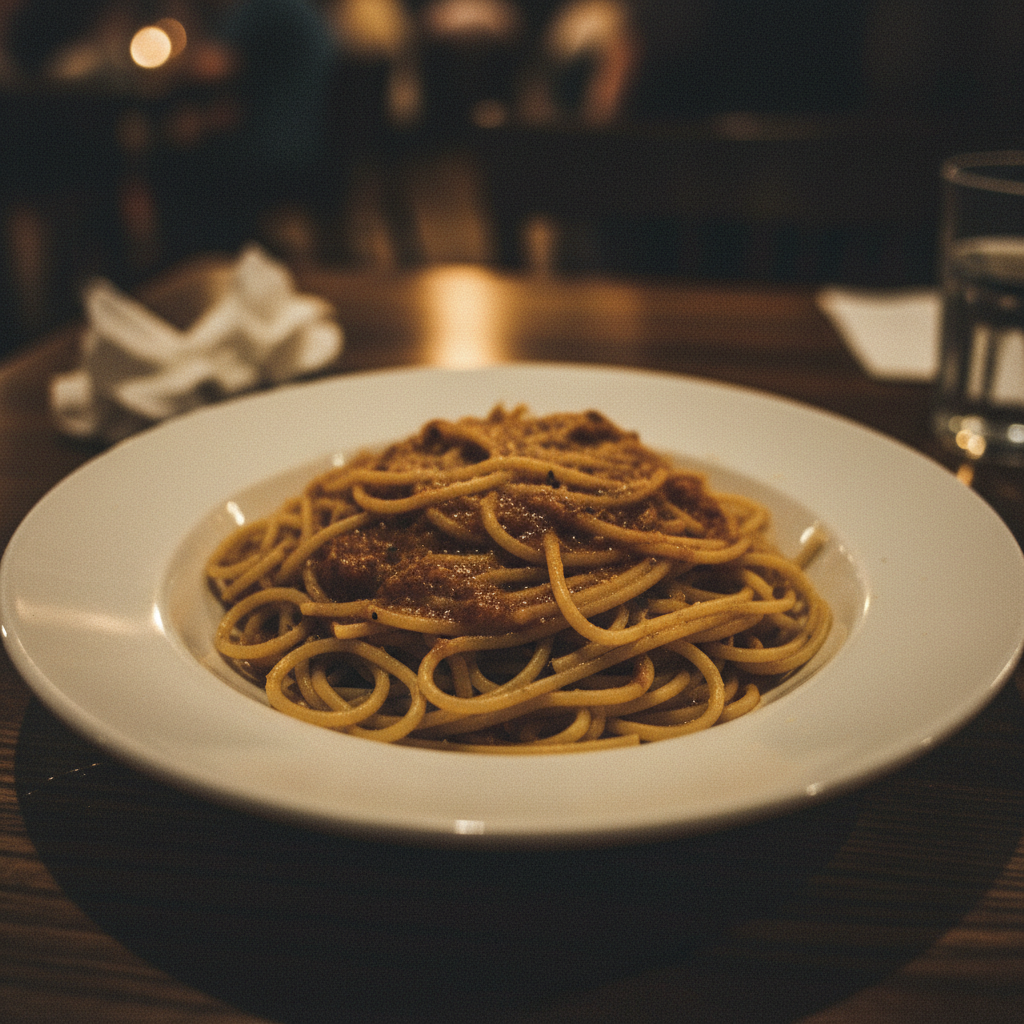
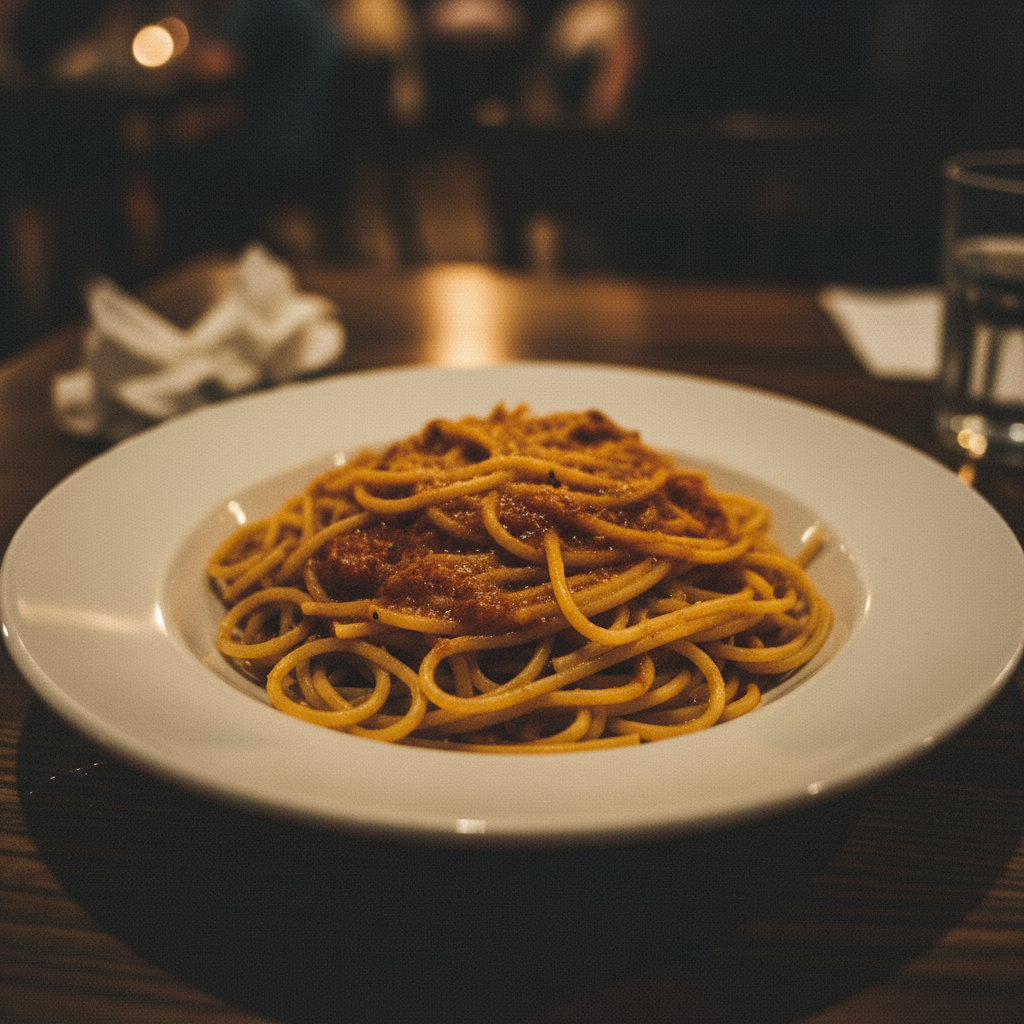
    Pasta or rice bowl make the pasta look freshly cooked with steam rising from the bowl
    2 more prompts
    Multiple steam sources add steam rising from both the main dish and the coffee cup
    Dramatic steaming effect add thick dramatic steam rising from the hot pot, like it just came off the stove
  3. Review the steam effect

    Check that steam rises naturally from the heat source. Look for realistic vapor density, proper direction (upward), and natural lighting. Zoom in to verify the steam blends seamlessly with the photo.

  4. Refine with markers if needed

    If steam appears in the wrong spot or you want it in a specific area, tap markers on the exact location and regenerate. Most steam effects work perfectly on the first try.

    Tip: Markers are optional precision tools. Try describing first—the AI usually places steam correctly.
Try it free

Add Steam to Food Photo

Drop your photo here

or click to browse

Release to upload

Free • No signup

"I photograph menus for local restaurants. Adding steam makes their dishes look fresh-from-the-kitchen instead of staged. My clients love how appetizing the photos look now." @FoodStylist_Elena

See it in action

Bowl of ramen without steam
Before
->
Same ramen bowl with realistic steam rising
After

Soup bowl steam effect

A bowl of ramen transformed with realistic steam rising to make it look freshly served and hot.
Prompt: add steam rising from the soup bowl, make it look freshly served and hot
Yellow coffee mug without steam
Before
->
Same coffee mug with steam rising naturally
After

Coffee mug steam

A plain coffee photo enhanced with visible steam to communicate warmth and freshness.

Prompt: add visible steam rising from the coffee mug to show it's hot and fresh
Advertisement

If something looks off

AI added steam in the wrong area or to the wrong food item

Why: When multiple food items are in the photo, the AI might not know which one should steam without specific guidance.

Try: Tap a marker directly on the food item that should steam, then regenerate with the same prompt

Tip: Markers tell the AI 'add steam HERE specifically' and eliminate ambiguity.

Steam looks too thick or unrealistic

Why: Default steam generation might be too dramatic for subtle food photography styles.

Try: add light steam rising from the [food item], subtle and natural-looking

Tip: Words like 'light', 'subtle', or 'gentle' control steam intensity for more realistic results.

Steam doesn't rise upward naturally

Why: Steam physics can be challenging for AI when the photo angle or lighting is unusual.

Try: add steam rising straight up from the hot [food], following natural physics

Tip: 'Rising straight up' or 'following natural physics' helps the AI apply correct vapor direction.

Steam disappears into background or isn't visible

Why: Light backgrounds make white/light gray steam difficult to see without proper contrast.

Try: add visible steam with slight gray tint rising from the [food], ensure it stands out against the background

Tip: Mentioning 'visible' and 'stands out' encourages the AI to add contrast for better visibility.

Quick answers

Do I need to mark where the steam should appear?

No! Just describe what should steam: 'add steam rising from the soup bowl' or 'make the coffee look hot with steam.' The AI understands common heat sources like bowls, mugs, plates, and pots. Only use markers if you have multiple food items and want steam on a specific one.

Can I add steam to cold food to make it look hot?

Yes! This is perfect for food photography when dishes have cooled during a photo shoot. The AI adds realistic steam effects that make cold food appear freshly cooked and hot, ideal for menus, blogs, or marketing materials.

How do I control how much steam appears?

Use descriptive words in your prompt: 'light steam' for subtle effects, 'thick steam' for dramatic looks, or 'visible steam' for moderate effects. You can also say 'gentle vapor' or 'dramatic rising steam' to control intensity.

Does the AI add steam to beverages automatically?

The AI adds steam where you describe. Say 'add steam to the coffee' or 'make the tea look hot with steam.' It recognizes hot beverages and generates appropriate vapor density and direction for cups, mugs, teapots, and glasses.

Ready to add steam to your food photos?

Free to try. No signup required.

Try it free