AI Film Look Filter
Just describe the film aesthetic you want - AI handles the analog emulation.
Apply Film Look to Photos Free
Drop your photo here
or click to browse
Release to upload
Free • No signup
Popular use cases:
- portrait photography
- street photography
- travel photography
- wedding photography
- Instagram film aesthetic
- analog photography fans
- Cost
- Free No signup required
- Time
- Instant results in 15-30 seconds
- Works on
- Any device - browser, phone, tablet, desktop
- Powered by
- AI-powered photo editing
| Scenario | Prompt | Time |
|---|---|---|
| Kodak Portra warm portrait | apply Kodak Portra 400 with warm creamy tones and subtle grain |
15s |
| Fuji Superia vibrant | apply Fujifilm Superia 400 with saturated colors and cool tones |
15s |
| Kodak Gold nostalgic | apply Kodak Gold 200 with warm yellow cast and high contrast |
15s |
How it works
Try it free ↓
Apply Film Look to Photos Free
Drop your photo here
or click to browse
Release to upload
Free • No signup
"Finally got that authentic film look I've been chasing. Just described 'Fujifilm 400H' and it nailed the colors and grain perfectly." @analogfan
See it in action
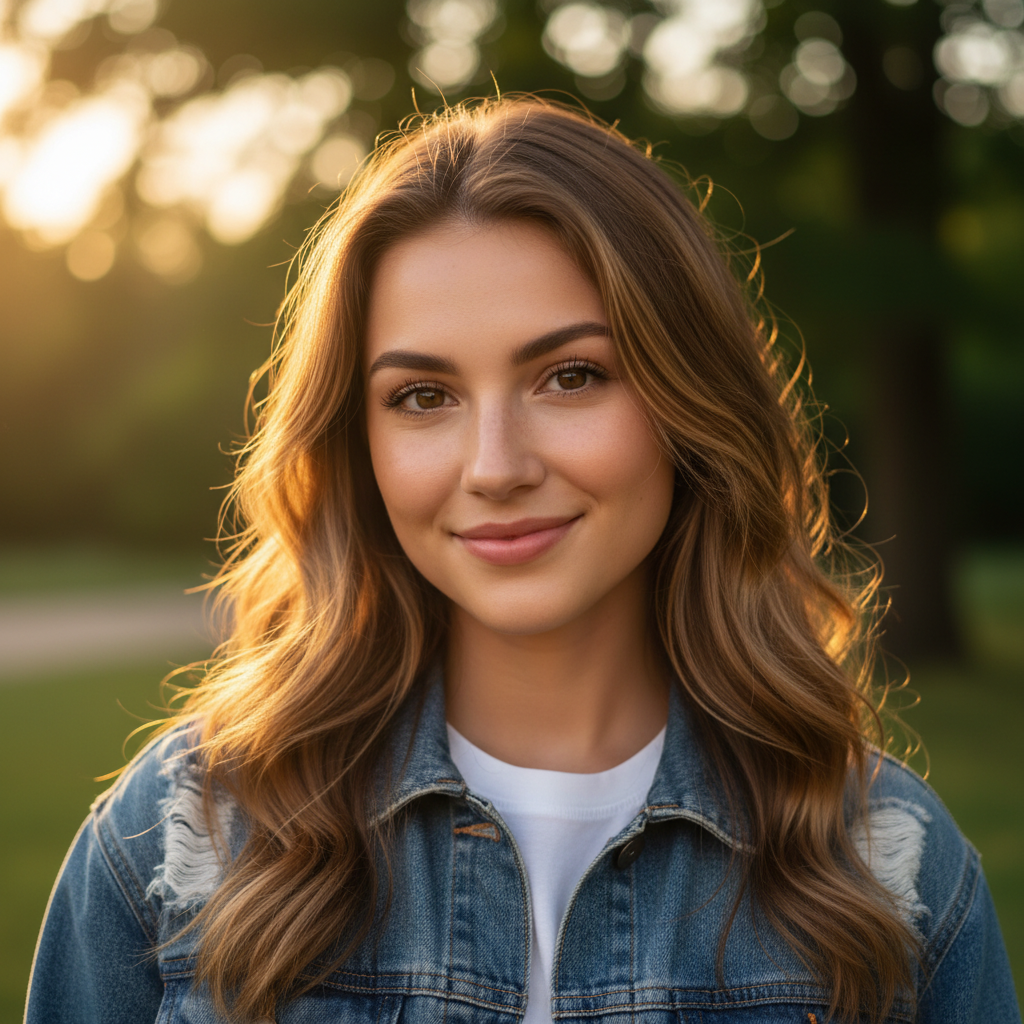
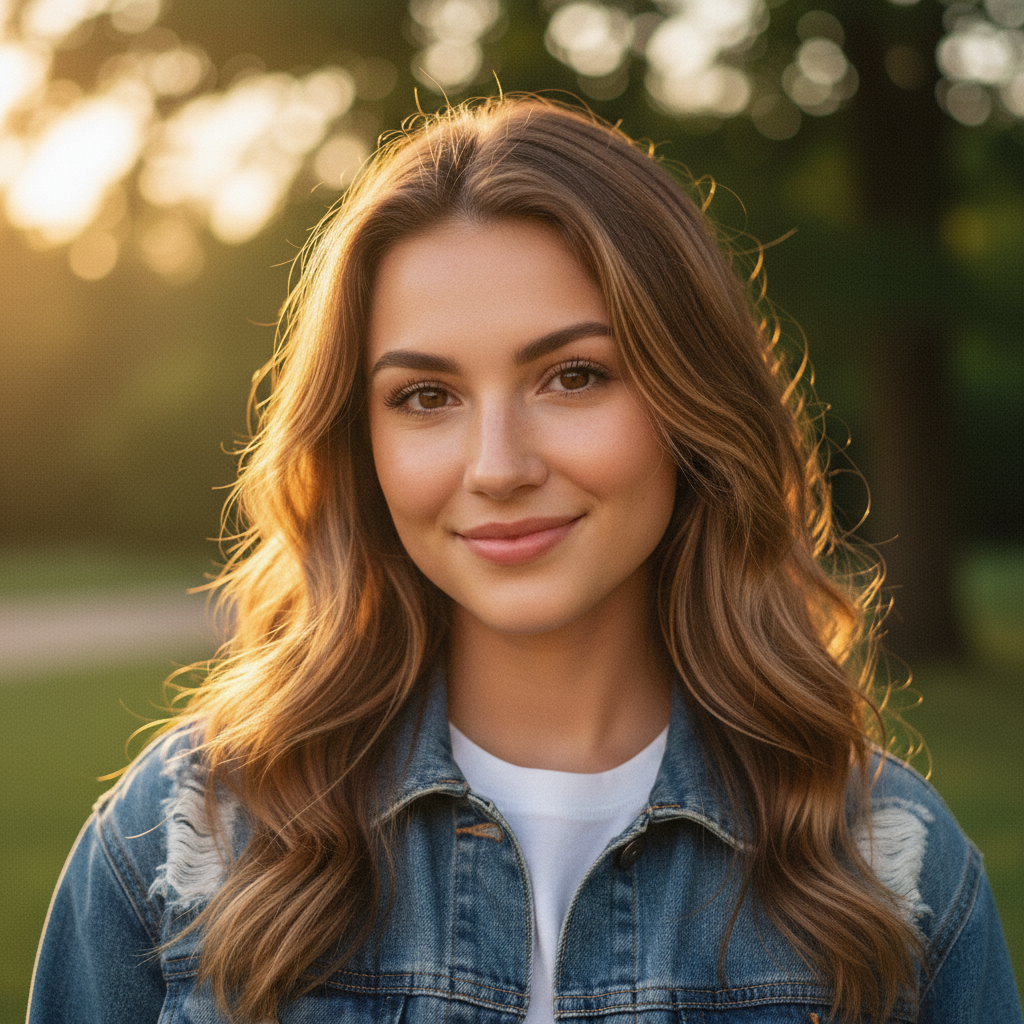
Portrait with Kodak Portra Look
Applied Kodak Portra 400 film aesthetic to a digital portrait for warm, professional film tones.
Prompt:
apply a Kodak Portra 400 film look with warm creamy tones, natural skin colors, and subtle film grain
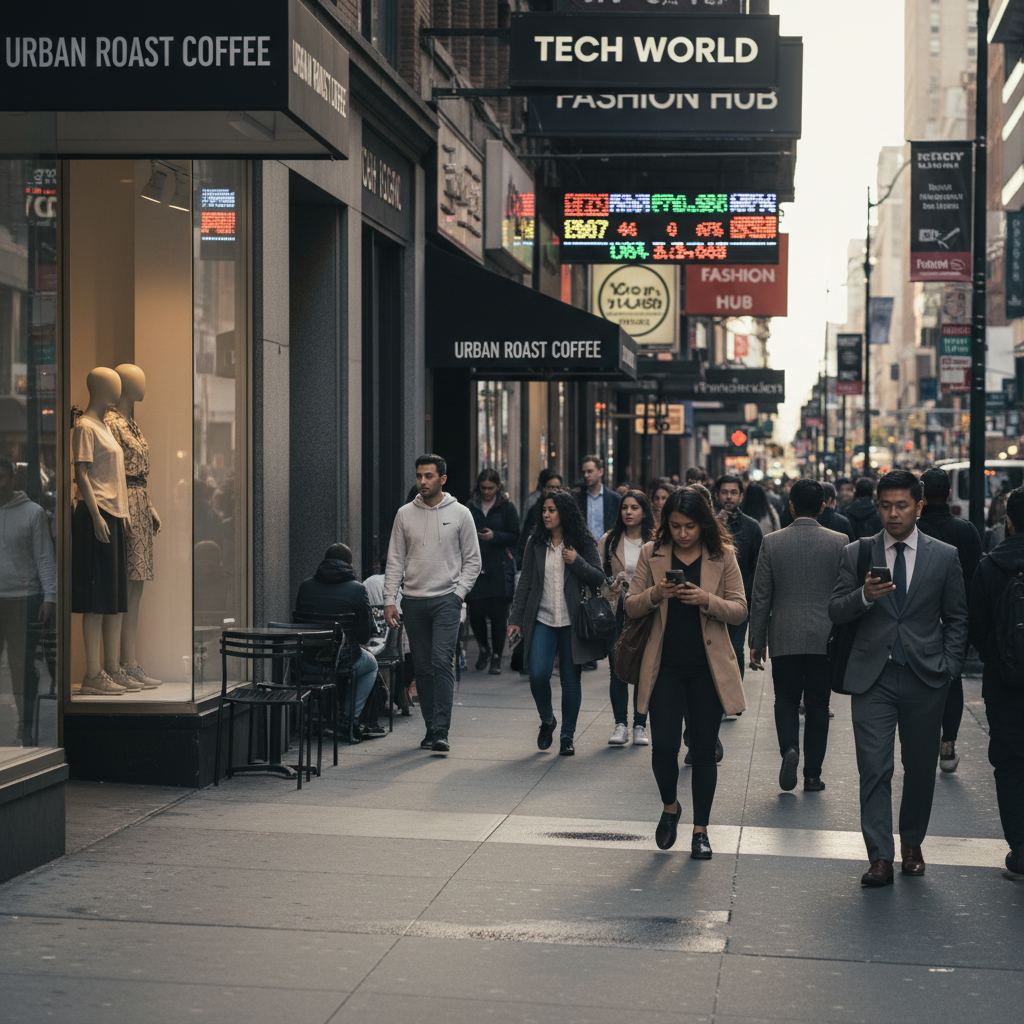
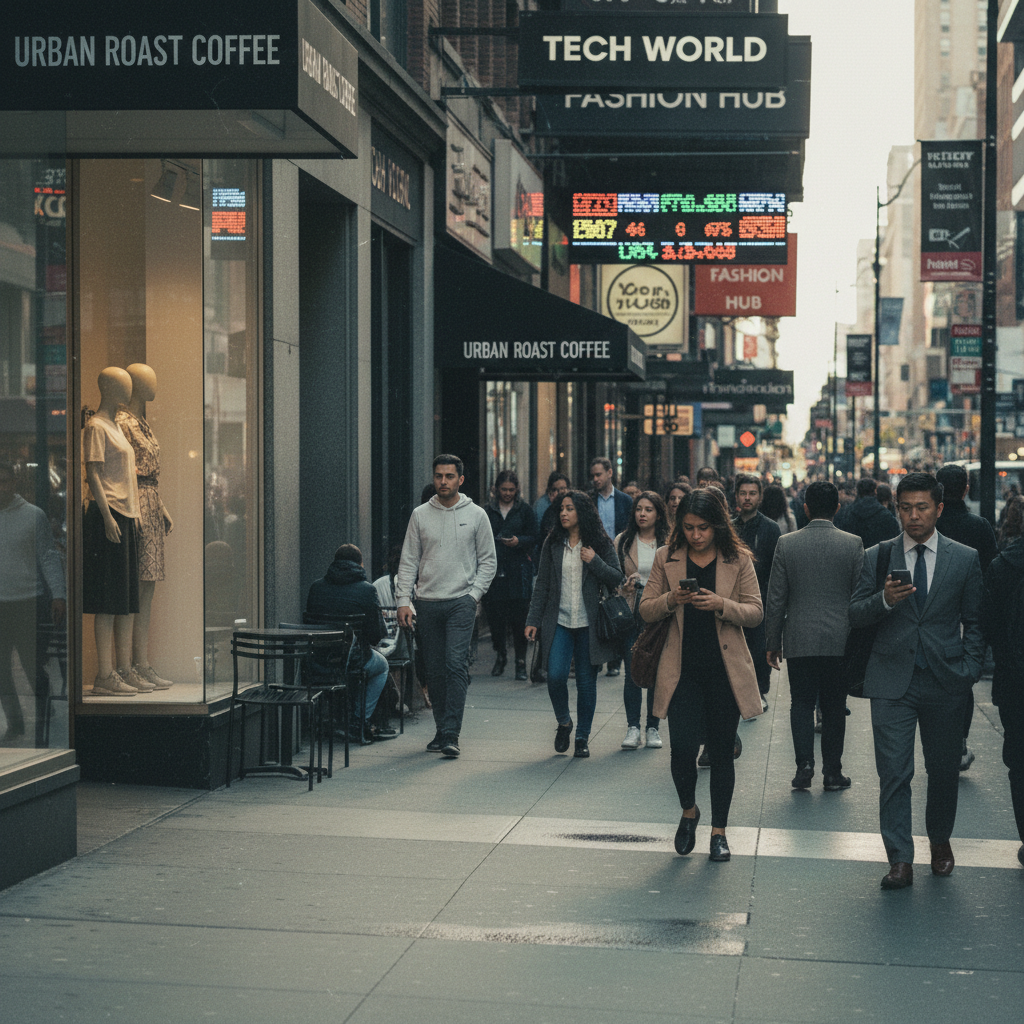
Street Photo with Kodak Gold Look
Transformed a digital street photo into nostalgic Kodak Gold 200 aesthetic with warm tones.
Prompt:
apply Kodak Gold 200 film aesthetic with warm yellow cast, high contrast, and visible grain
If something looks off
Quick answers
Ready to add authentic film look to your photos?
Free to try. No signup required.