Free • No signup Apply Daguerreotype look · Free

AI Daguerreotype Filter

Just describe the daguerreotype look you want and AI applies it instantly.
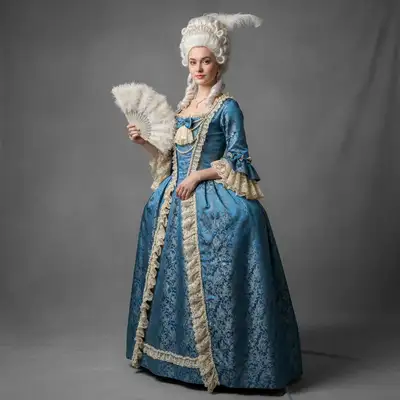
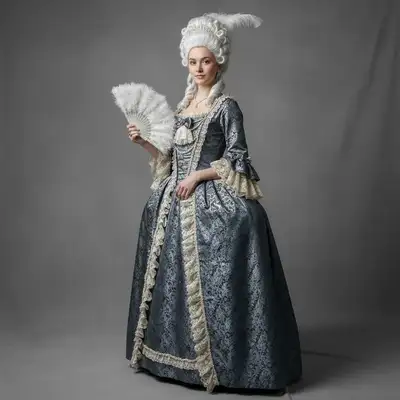
Modern color portrait
Before
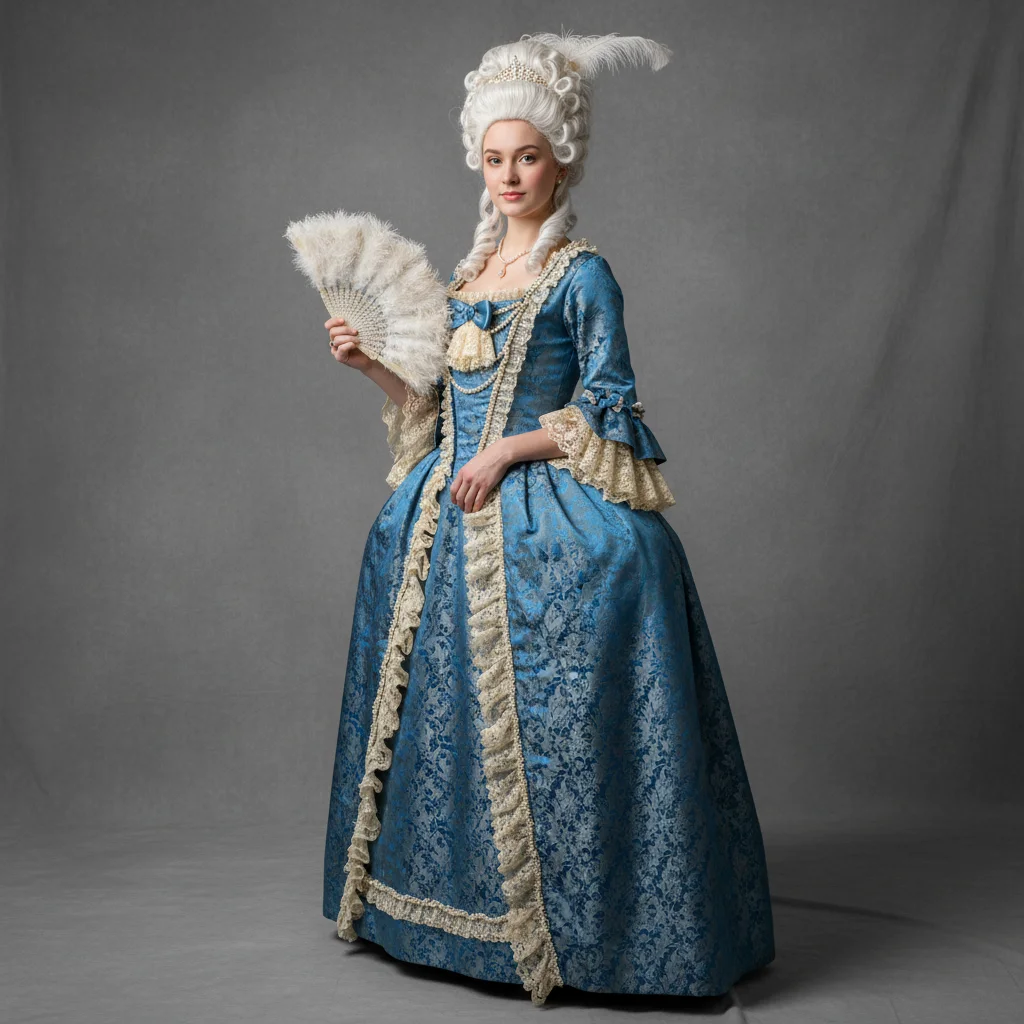
Portrait with daguerreotype metallic silver mirror finish
After

Apply Daguerreotype Look to Photo

Drop your photo here

or click to browse

Release to upload

Free • No signup

Advertisement
Popular use cases:
  • historical photography
  • period portraits
  • antique aesthetics
  • museum reproductions
  • vintage art projects
  • historical reenactment photos
  • costume portraits
  • Victorian aesthetics

Cost
Free No signup required
Time
Instant results in 15-30 seconds
Works on
Any device - browser, phone, tablet, desktop
Powered by
AI-powered photo editing
Scenario Prompt Time
Classic metallic finish apply daguerreotype effect with metallic silver finish, mirror-like surface, sharp detail 25s
Aged with patina create daguerreotype look with metallic silver tones, subtle edge tarnish and oxidation patterns 30s
High contrast dramatic apply daguerreotype effect with mirror-like finish, high contrast, deep blacks 25s

How it works

  1. Upload your photo

    Drop your image into EditThisPic. JPG, PNG, WebP up to 7MB. Daguerreotype effects work best on formal portraits, still life subjects, and images with good lighting and sharp detail—just like original daguerreotype subjects.

    Expect: Simple daguerreotype effects: 20-30 seconds. Complex effects with specific patina or tarnish patterns: may need 2-3 refinements.
  2. Describe what you want

    Type your instruction: 'apply daguerreotype effect with metallic silver finish' or 'create 1840s daguerreotype look with mirror-like surface and subtle tarnish.' Be specific about the metallic quality, tonal range, and any patina or aging you want. No marking needed—the AI understands historical photography terms.

    Tip: Include terms like 'mirror-like,' 'metallic silver,' 'sharp detail,' or 'subtle patina' for authentic daguerreotype characteristics

    Copy one of these to get started:

    Classic daguerreotype portrait apply daguerreotype effect with metallic silver finish, mirror-like surface, sharp detail, and rich tonal range from pure white to deep black
    Aged daguerreotype with patina create daguerreotype look with metallic silver tones, subtle edge tarnish and oxidation patterns, authentic 1840s aged appearance
    High-contrast daguerreotype apply daguerreotype effect with mirror-like metallic finish, high contrast, deep blacks, and bright highlights
    Daguerreotype with case vignette create daguerreotype look with metallic silver finish and dark edge vignette as if viewed in period case
    3 more prompts
    Pristine daguerreotype (no aging) apply daguerreotype effect with perfect metallic silver mirror surface, no tarnish, as if freshly created
    Sepia-toned daguerreotype create daguerreotype look with warm sepia metallic tones instead of cool silver, mirror-like finish
    Daguerreotype with hand-tinting apply daguerreotype effect with metallic silver finish and subtle hand-painted color accents on cheeks and clothing
  3. Review the metallic finish

    Check the daguerreotype effect at full size. Verify the image has that distinctive mirror-plate sheen, proper tonal range (whites, midtones, deep blacks), and the characteristic sharp detail of real daguerreotypes.

  4. Refine with markers if needed

    If specific areas need more metallic sheen, different aging, or the effect isn't uniform, tap markers on those spots and regenerate with adjusted instructions. This is optional—most daguerreotype effects work without markers.

    Tip: Markers are for area-specific refinement, not required. Try without them first.
Try it free

Apply Daguerreotype Look to Photo

Drop your photo here

or click to browse

Release to upload

Free • No signup

"Incredible daguerreotype effect. It captures that authentic mirror-plate look with the metallic sheen and unique tonal quality of real 1840s photography." @historyphoto

See it in action

Modern color portrait
Before
->
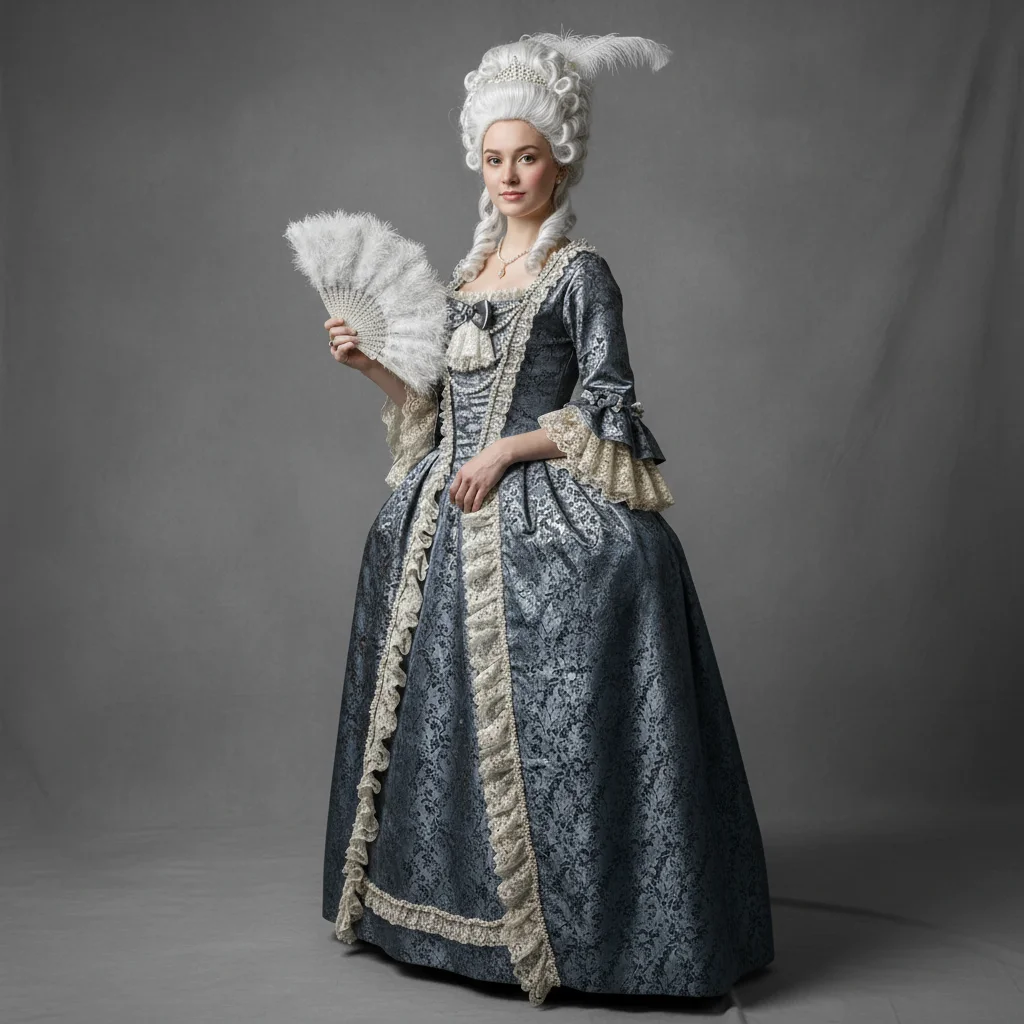
Portrait with daguerreotype metallic silver mirror finish
After

Formal portrait with metallic silver finish

Applied classic daguerreotype effect with authentic mirror-plate appearance and rich tonal range.

Prompt: apply daguerreotype effect with metallic silver finish, mirror-like surface, sharp detail, and rich tonal range
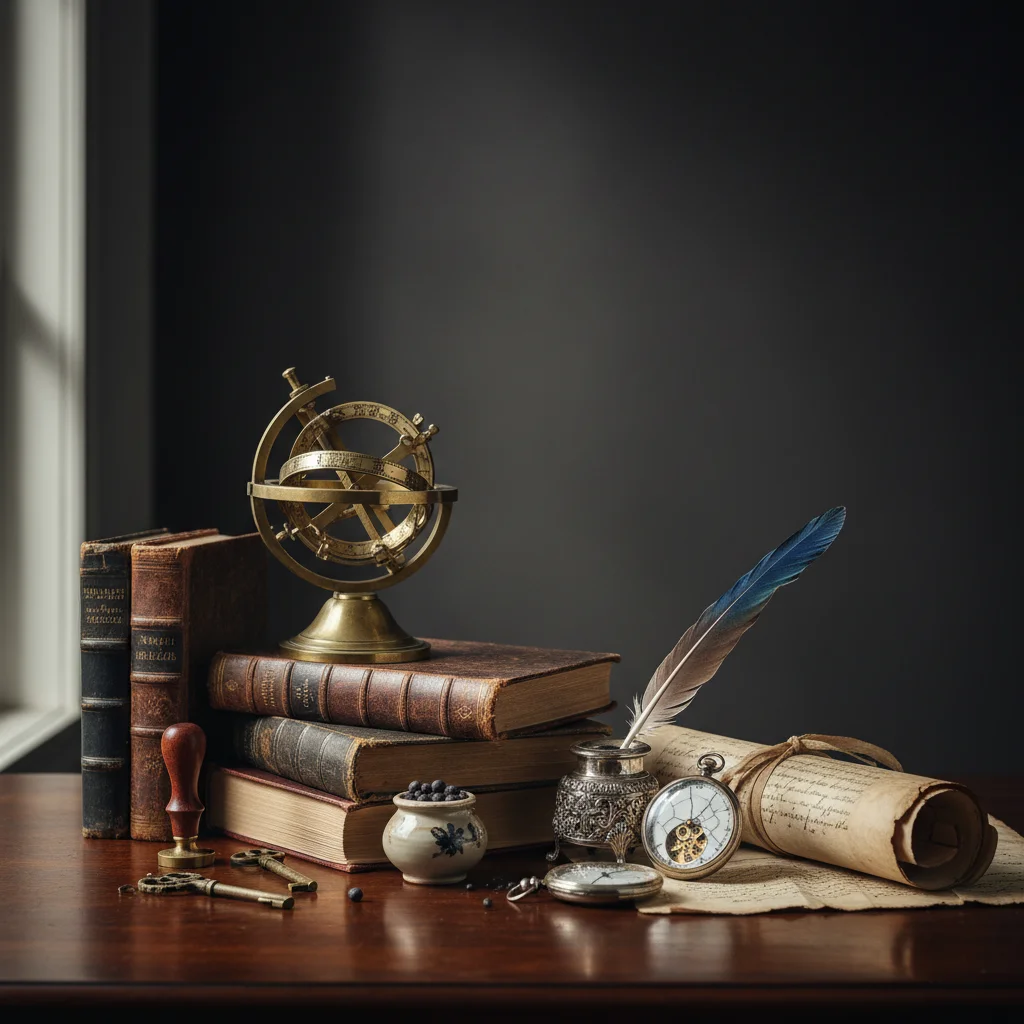
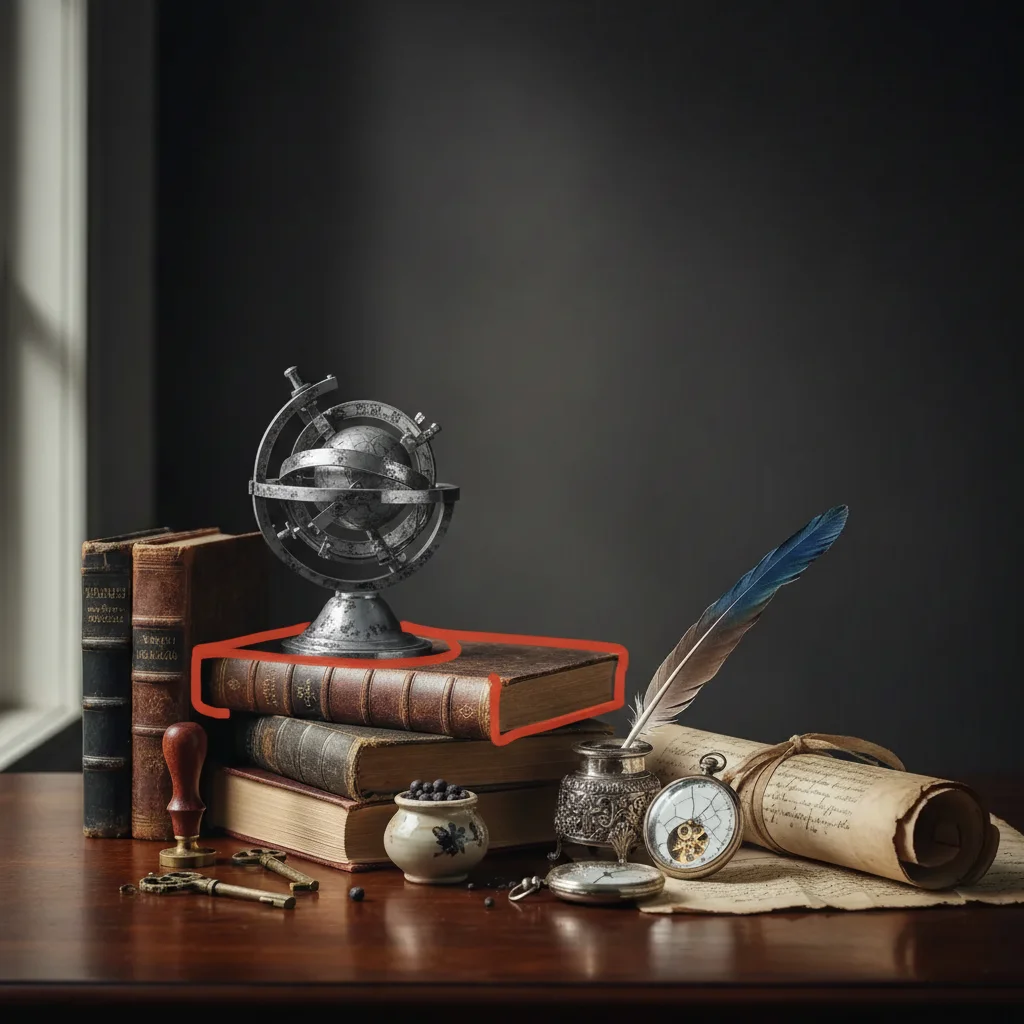
Modern still life photo
Before
->
Still life with aged daguerreotype patina effect
After

Still life with patina and aging

Created aged daguerreotype look with subtle tarnish patterns and oxidation at edges.

Prompt: create daguerreotype look with metallic silver tones, subtle edge tarnish and oxidation patterns, authentic aged appearance
Modern architectural photo
Before
->
Architecture with high-contrast daguerreotype effect
After

High-contrast architectural detail

Applied dramatic daguerreotype effect with deep blacks and bright highlights for architectural subject.

Prompt: apply daguerreotype effect with mirror-like metallic finish, high contrast, deep blacks, and bright highlights
Advertisement

If something looks off

AI changed the wrong area or applied effect unevenly

Why: The AI couldn't determine which areas should have more metallic sheen or patina from description alone.

Try: Tap markers on areas where you want stronger metallic finish or more/less aging, then regenerate with area-specific instructions

Tip: Markers tell the AI 'apply this quality HERE specifically.' Use them for selective aging or shine.

Image doesn't look metallic or mirror-like enough

Why: The daguerreotype's signature mirror-plate quality may not be strong enough, making it look like regular black and white.

Try: Add 'strong metallic sheen' or 'mirror-like reflection quality' to emphasize the characteristic daguerreotype surface

Tip: The metallic quality is what distinguishes daguerreotypes from other early photography. Emphasize it explicitly.

Too much aging or patina obscures the image

Why: Heavy tarnish and oxidation can overwhelm the subject, especially if applied too uniformly or aggressively.

Try: Use 'subtle patina' or 'light edge tarnish only' to reduce aging, or remove aging terms entirely for pristine look

Tip: Real daguerreotypes range from pristine to heavily tarnished. Start subtle and add more aging if desired.

Tonal range is flat or lacks contrast

Why: Daguerreotypes are known for exceptional tonal range. Without it, the effect lacks authenticity.

Try: Add 'rich tonal range from pure white to deep black' or 'high contrast' to improve tonal separation

Tip: Daguerreotypes had remarkable tonal range for their era. This is a key characteristic to include.

Detail looks soft instead of sharp

Why: Real daguerreotypes captured incredibly sharp detail on metal plates. Softness breaks the historical authenticity.

Try: Ensure your original image is sharp, then add 'sharp detail' or 'crisp focus' to the prompt

Tip: Start with a high-quality, sharp original. Daguerreotypes can't add sharpness that isn't there.

Color remains visible instead of monochrome

Why: Daguerreotypes were monochromatic processes (except hand-tinted versions). Any residual color breaks authenticity.

Try: Add 'monochrome silver tones' or 'no color' to ensure complete conversion to daguerreotype palette

Tip: Only specify color if you want hand-tinted effects. Otherwise, emphasize monochrome metallic tones.

Quick answers

Do I need to mark areas before applying the daguerreotype effect?

No! For most daguerreotype effects, just describe what you want: 'apply daguerreotype with metallic silver finish.' The AI applies the effect globally. Only use markers when you want selective aging (like tarnish at edges only) or different metallic intensity in specific areas.

What makes a daguerreotype look authentic?

Real daguerreotypes from the 1840s-1850s have distinctive characteristics: mirror-like metallic silver surface, exceptional sharpness and tonal range, unique viewing angle reflectivity, and often subtle edge tarnish or oxidation. To recreate this authentically, include 'metallic silver finish,' 'mirror-like surface,' 'sharp detail,' and optionally 'subtle patina' for aged appearance. The key is the metallic sheen—that's what distinguishes daguerreotypes from other early photography.

Is there a free daguerreotype filter without Photoshop?

Yes! EditThisPic applies daguerreotype effects with AI using just text descriptions. No manual layer masking, metallic overlays, or complex Photoshop techniques needed. It's free to try with no account required, and works on portraits, still lifes, and any subject that would suit historical 1840s photography aesthetics.

Can I add aging or patina to make it look antique?

Yes! Include 'subtle patina,' 'edge tarnish,' or 'oxidation patterns' in your prompt. Real daguerreotypes often developed tarnish over time, especially at edges. You can specify 'pristine' for museum-quality clean finish, or add aging terms for authentic antique appearance. Use markers to control where aging appears if you want it in specific areas only.

Should the subject matter match historical daguerreotype subjects?

Authentic daguerreotypes were portraits, still lifes, and architectural details—subjects that could stay still during long exposures. While the effect works on any image, it looks most historically accurate on formal portraits, still arrangements, buildings, and landscapes. Modern action shots or candid moments will have the daguerreotype look but won't match the period aesthetic as convincingly.

Ready to apply daguerreotype effects to your photos?

Free to try. No signup required.

Try it free