Do I need to mark anything before applying blue hour?
No! Just describe the effect: 'apply blue hour filter' or 'add twilight blue hour atmosphere.' The AI recognizes skies, light sources, and applies the characteristic blue hour colors automatically. No marking needed.
How do I add blue hour filter to a photo for free?
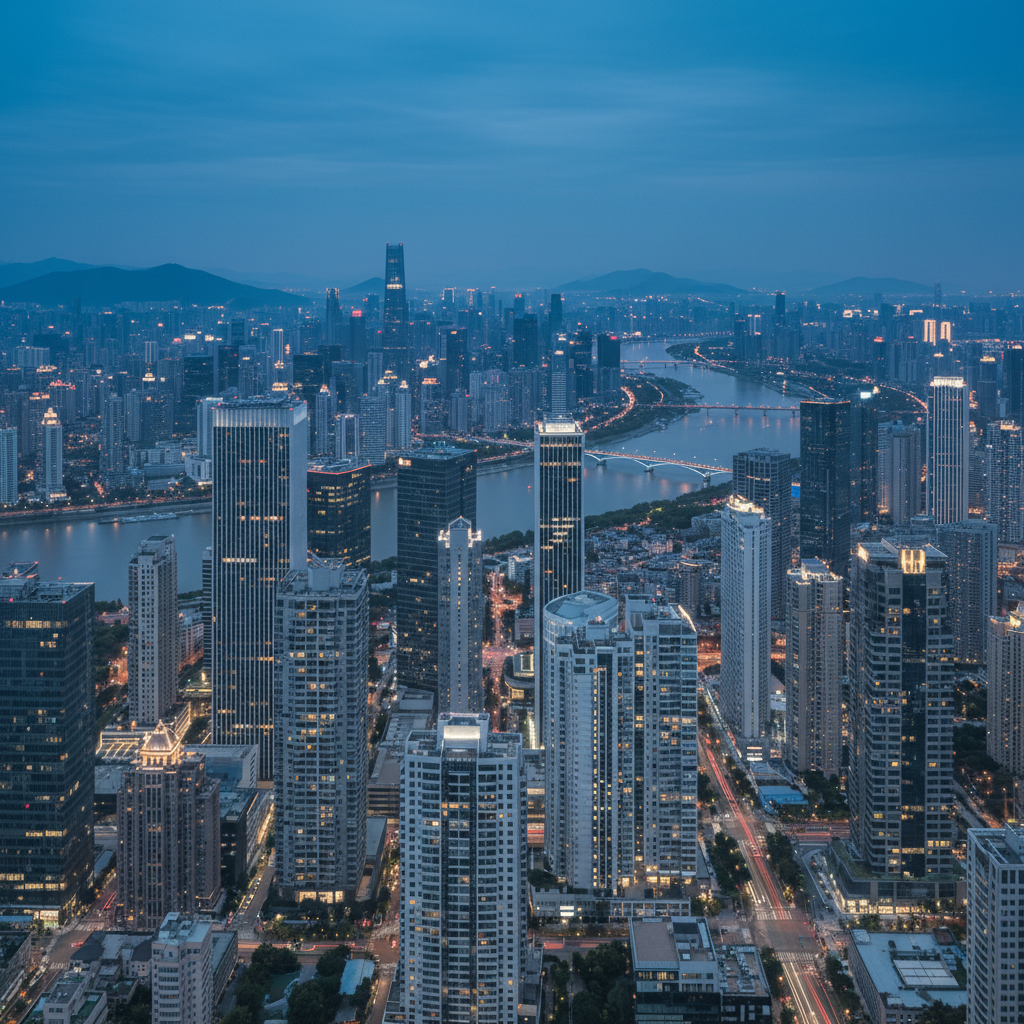
Upload your outdoor image to EditThisPic and request blue hour: 'apply blue hour filter with deep blue sky and warm lights.' The AI transforms the sky to deep twilight blue and enhances warm tones in artificial lights. Free to use, no account needed.
What is blue hour in photography?
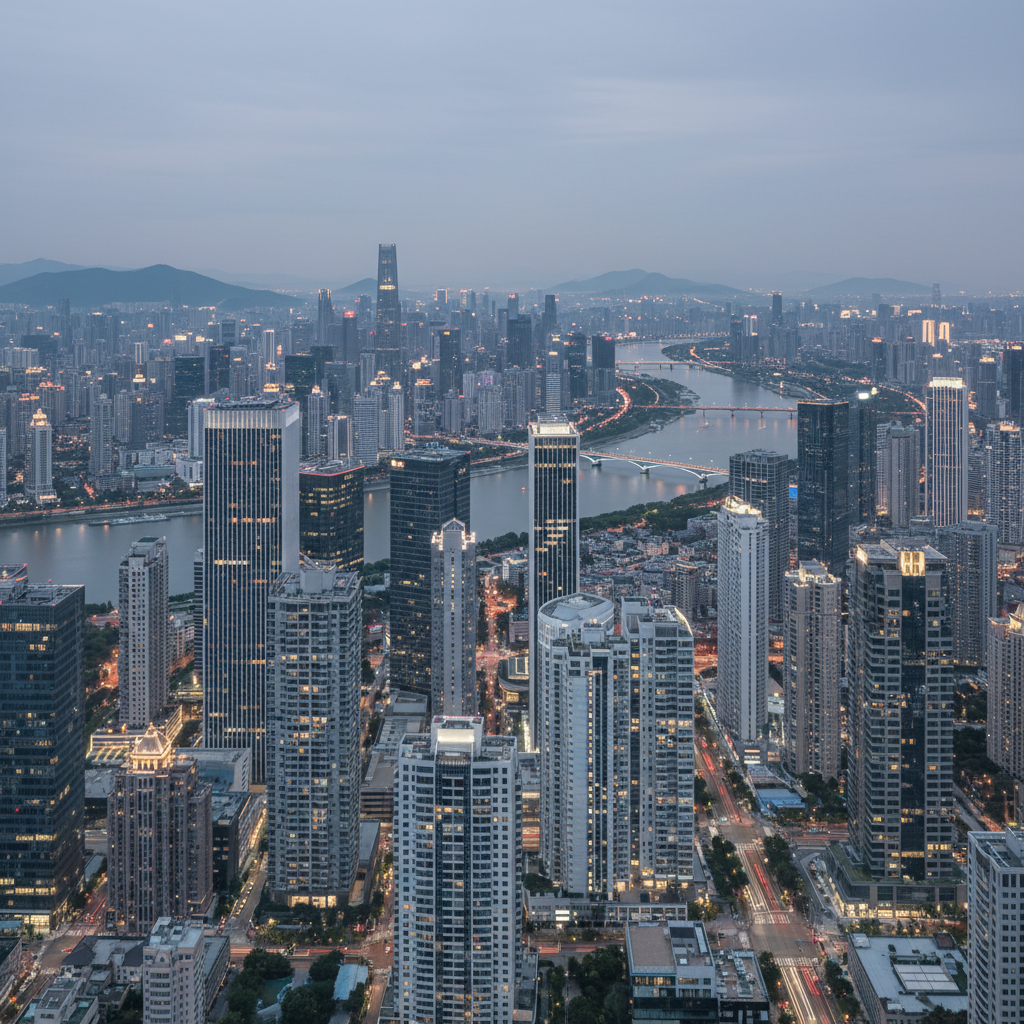
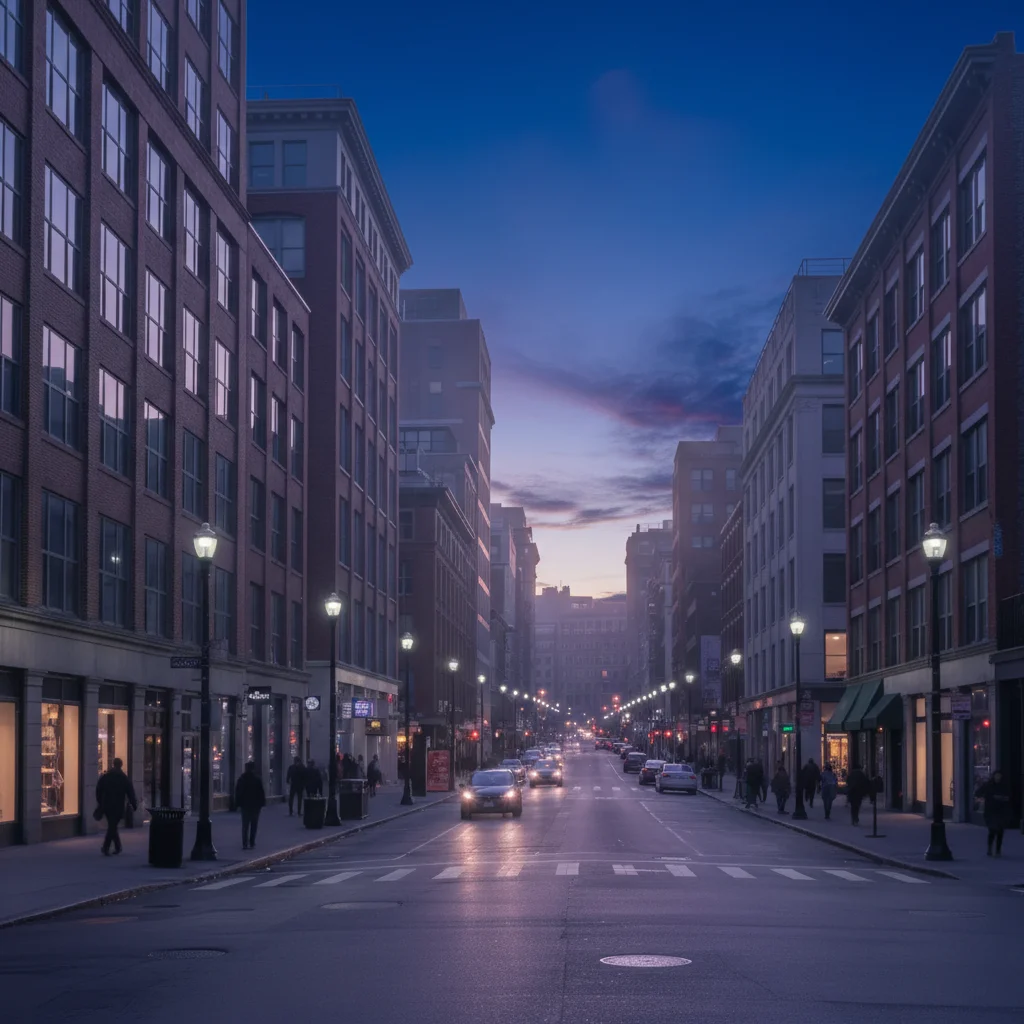
Blue hour is the twilight period just after sunset or before sunrise when the sky turns deep blue while artificial lights appear warm orange. It creates magical contrast between cool blue ambient light and warm artificial lights. Photographers prize this brief window for its unique atmosphere.
Will this work on any photo or just cityscapes?
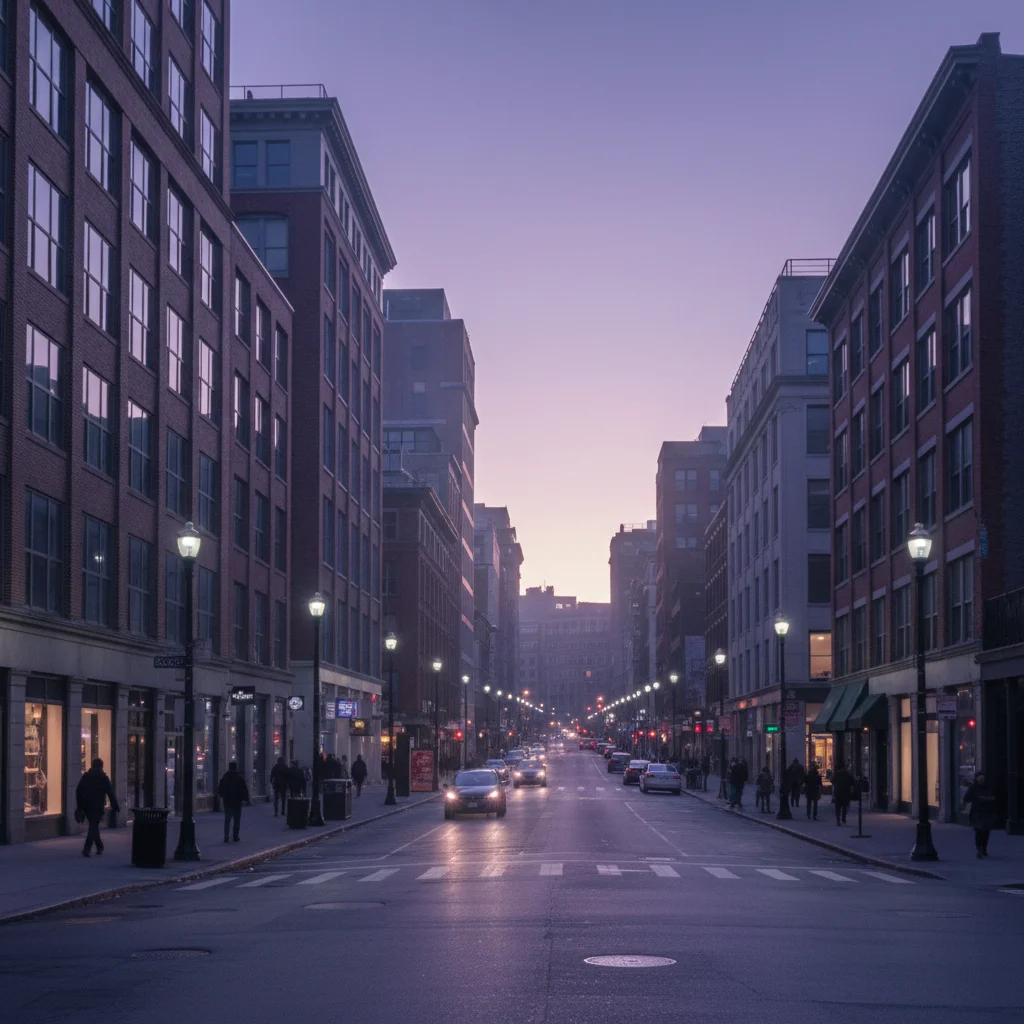
Best on outdoor scenes with visible sky—cityscapes, landscapes, architecture, streets. Works great with artificial lights (buildings, street lamps) for classic contrast, but also enhances nature scenes with rich twilight blue tones. Indoor photos won't benefit much.
What's the difference between blue hour and just making the sky blue?
True blue hour is a specific color palette: deep indigo-blue sky + warm orange lights + soft atmospheric glow. It's not just blue sky—it's the interplay of cool and warm tones. The AI creates this entire look, not just color-shifts the sky.
Is EditThisPic's AI blue hour look applyer really free?
Yes — you get 1 free edit per week, no account needed. Plans start at $4.99/month for 15 edits.
Can I apply blue hour look on my phone?
Yes. EditThisPic works in any mobile browser — iPhone, Android, tablet. No app download needed.
What photo formats does the AI blue hour look applyer support?
JPG, PNG, WebP, and HEIC. Upload any common photo format and EditThisPic handles the rest.
How much does EditThisPic cost?
You get 1 free edit per week — no account needed. After that, credit packs start at $1.99 for 3 edits. Monthly plans start at $4.99/mo for 20 edits with unused credits rolling over. All edits are full resolution with no watermark.