Free • No signup Apply Miniature effect · Free

AI Miniature Effect

Describe the miniature style you want and AI transforms reality into tiny models.

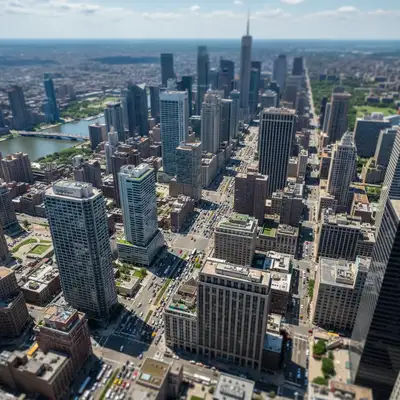
Normal city view before miniature effect
Before
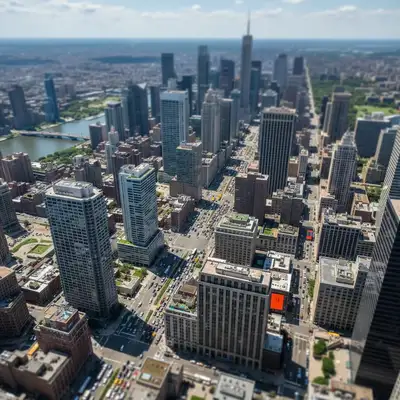
City transformed into toy-like miniature scale model
After

Apply Miniature Effect

Drop your photo here

or click to browse

Release to upload

Free • No signup

Advertisement
Popular use cases:
  • aerial photography
  • cityscape photography
  • drone footage
  • architectural photography
  • toy town effect
  • scale model photography
  • creative effects

Cost
Free No signup required
Time
Instant results in 15-30 seconds
Works on
Any device - browser, phone, tablet, desktop
Powered by
AI-powered photo editing
Scenario Prompt Time
Classic miniature make this look like a miniature scale model with toy-like colors, shallow depth of field, and vibrant saturation 25s
Toy town apply toy town effect to this cityscape with boosted colors, tilt-shift blur, and scale model appearance 25s
Diorama style transform this scene into a realistic diorama with miniature model lighting and selective focus 30s
Subtle effect apply subtle miniature effect keeping most detail but adding slight color boost and soft blur at edges 20s

How it works

  1. Upload your photo

    Drop your image into EditThisPic. Miniature effects work best on elevated views—cityscapes, aerial shots, architectural scenes. JPG, PNG, WebP up to 7MB.

    Expect: Simple miniature effects: 20-30 seconds. Complex scenes with detailed adjustments: may need 2-3 refinements for perfect toy-like appearance.
  2. Describe the miniature effect

    Type your instruction: 'make this look like a miniature scale model' or 'apply toy town effect with boosted colors and selective blur.' Be specific about intensity—subtle miniature vs extreme toy-like look. The AI understands concepts like 'scale model,' 'diorama,' 'toy town,' and will apply appropriate blur, color saturation, and contrast.

    Tip: Mention specific attributes: 'vibrant toy-like colors,' 'sharp focus on center,' 'dramatic shallow depth of field' helps the AI nail your vision.

    Copy one of these to get started:

    Classic miniature scale model make this look like a miniature scale model with toy-like colors, shallow depth of field, and vibrant saturation
    Toy town cityscape apply toy town effect to this cityscape with boosted colors, tilt-shift blur, and scale model appearance
    Diorama style transform this scene into a realistic diorama with miniature model lighting and selective focus
    Subtle miniature apply subtle miniature effect keeping most detail but adding slight color boost and soft blur at edges
    3 more prompts
    Extreme toy look create extreme toy-like miniature with highly saturated colors, strong blur, and plastic model appearance
    Aerial miniature make this aerial view look like a scale model with miniature world effect and enhanced colors
    Architectural model transform this building into an architectural scale model with clean miniature styling and precise focus
  3. Generate and review

    Click Generate and watch the AI transform your scene. Check the color saturation—it should be boosted but not garish. Verify the blur placement creates depth. The result should feel like a photograph of a real miniature, not a filtered snapshot.

  4. Refine with markers if needed

    If specific areas need more saturation, different blur intensity, or focus adjustments, tap markers on those spots and regenerate. This is optional—most miniature effects work without markers.

    Tip: Markers help customize focus zones and color intensity. Try without them first to see the AI's interpretation.
Try it free

Apply Miniature Effect

Drop your photo here

or click to browse

Release to upload

Free • No signup

"My aerial shots now look like perfect toy towns. The miniature effect is way more convincing than just blur—it actually looks scaled down." @dronepilot

See it in action

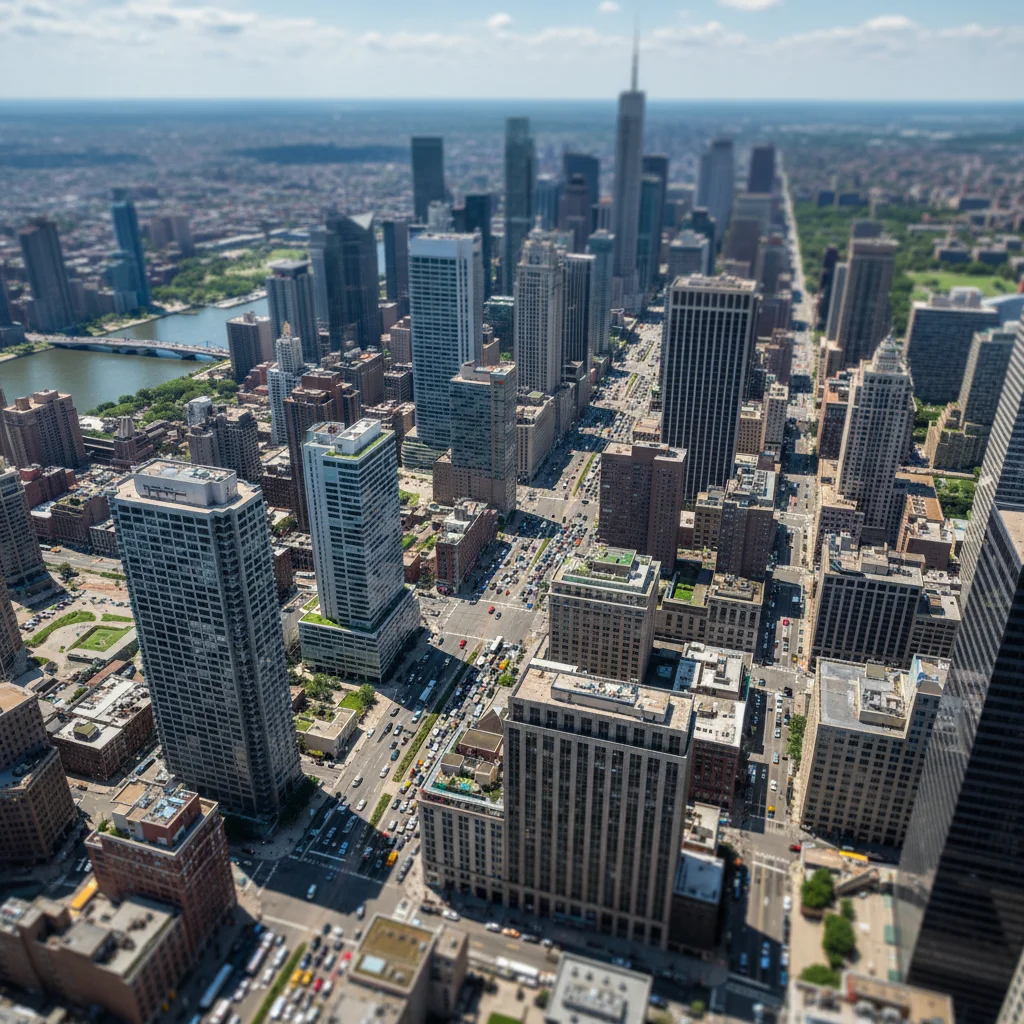
Normal city view before miniature effect
Before
->
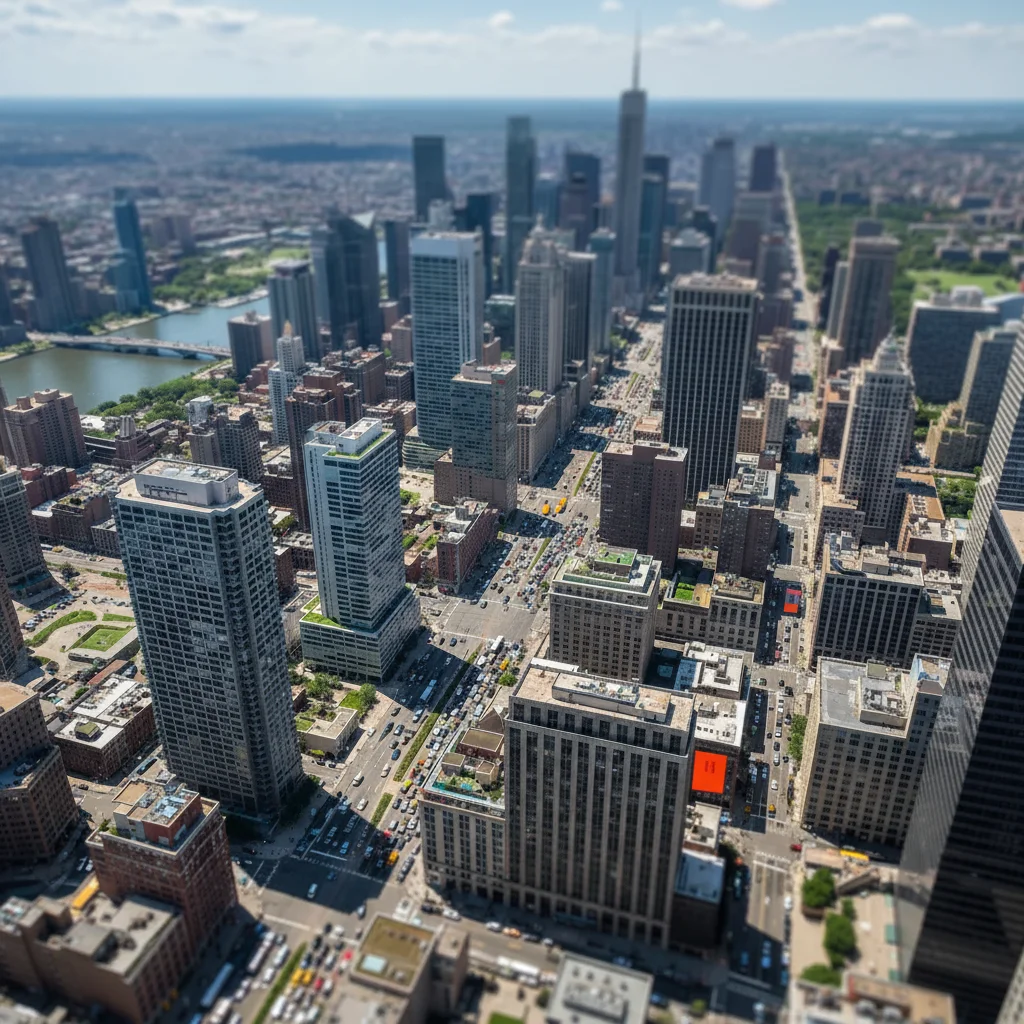
City transformed into toy-like miniature scale model
After

City Miniature Scale Model

Cityscape transformed into convincing miniature with boosted colors and selective blur creating toy town illusion.

Prompt: make this look like a miniature scale model with toy-like colors, shallow depth of field, and vibrant saturation
Aerial city view before toy town effect
Before
->
Aerial view transformed into colorful toy town miniature
After

Toy Town Aerial View

Aerial footage turned into colorful toy town with enhanced saturation and strategic blur placement.

Prompt: apply toy town effect to this cityscape with boosted colors, tilt-shift blur, and scale model appearance
Landscape before diorama effect
Before
->
Landscape as realistic miniature diorama model
After

Diorama Style Landscape

Landscape scene transformed into realistic diorama with miniature model lighting and focus.

Prompt: transform this scene into a realistic diorama with miniature model lighting and selective focus
Advertisement

If something looks off

Colors look oversaturated or fake

Why: Miniature effects boost saturation, but too much looks garish instead of toy-like. Balance is key.

Try: apply miniature effect with moderate color boost and natural toy-like saturation, not oversaturated

Tip: Words like 'moderate,' 'natural,' or 'realistic toy colors' prevent over-the-top saturation while keeping the miniature feel.

The effect just looks blurry, not miniature

Why: True miniature effect requires more than blur—color treatment, contrast, and lighting all contribute to the illusion.

Try: create miniature scale model look with shallow depth blur, enhanced colors, and increased contrast

Tip: Mention all three elements: selective blur (depth), color boost (toy-like), and contrast (model lighting).

Blur is in the wrong places

Why: Miniature effects typically use horizontal focus bands like tilt-shift. Generic blur placement breaks the illusion.

Try: apply miniature effect with horizontal focus band keeping center sharp and blur top and bottom

Tip: Specify 'horizontal focus band' or 'tilt-shift style blur' for proper miniature depth of field.

Scene still looks full-scale, not miniature

Why: Weak effects or wrong perspective. Miniature illusion needs elevated view and strong effect application.

Try: apply strong miniature effect with dramatic shallow depth, vibrant colors, and clear scale model appearance

Tip: Use 'strong' or 'dramatic' to intensify the effect. Ground-level photos rarely work—you need elevated perspective.

AI changed the wrong area or applied effect unevenly

Why: The AI couldn't determine exactly which zones you wanted affected from description alone. This happens with ambiguous requests.

Try: Tap markers on areas that need more/less effect intensity, then regenerate with the same prompt

Tip: Markers help customize which areas get strong miniaturization vs subtle treatment. Try without them first.

Quick answers

Do I need to mark areas before applying the miniature effect?

No! Just describe what you want: 'make this look like a miniature scale model' or 'apply toy town effect with boosted colors.' The AI understands these concepts and applies blur, color saturation, and lighting automatically. Only use markers when you need precision—like customizing which areas get stronger effects or adjusting focus zones after your first attempt.

How is this different from tilt-shift blur?

Miniature effect includes tilt-shift-style blur but goes further—it also boosts color saturation, increases contrast, and adjusts lighting to mimic scale model photography. Tilt-shift is just the selective focus part. Miniature effect is the complete transformation that makes scenes look like toy dioramas, not just blurred photos. You can request 'miniature effect with tilt-shift blur' to get both.

What's the best free tool for miniature photo effects?

EditThisPic's AI Miniature Effect applies comprehensive miniaturization—selective blur, color enhancement, contrast adjustment—all from a simple description. Unlike filters that just blur the edges, our AI understands what makes photos look like scale models and applies multiple adjustments together. Perfect for aerial photography, cityscapes, and architectural shots.

What types of photos work best for miniature effects?

Elevated views work best: cityscapes from tall buildings, aerial drone footage, architectural shots from high angles. You need perspective that shows depth and scale. Ground-level portraits don't work. The scene should already look somewhat like a diorama—cities with buildings and streets, harbors with boats, highways with tiny cars. Scenes with obvious depth and multiple planes of focus create the best illusion.

Can I control how strong the miniature effect is?

Yes! Use descriptive language: 'subtle miniature effect' for light treatment, 'moderate scale model look' for balanced, or 'extreme toy town effect' for dramatic miniaturization. You can also specify individual elements: 'strong color boost but subtle blur' or 'dramatic depth of field but natural colors' to customize the effect intensity.

Ready to create miniature model effects?

Free to try. No signup required.

Try it free