Free โ€ข No signup Add Flower crown ยท Free

AI Flower Crown Adder

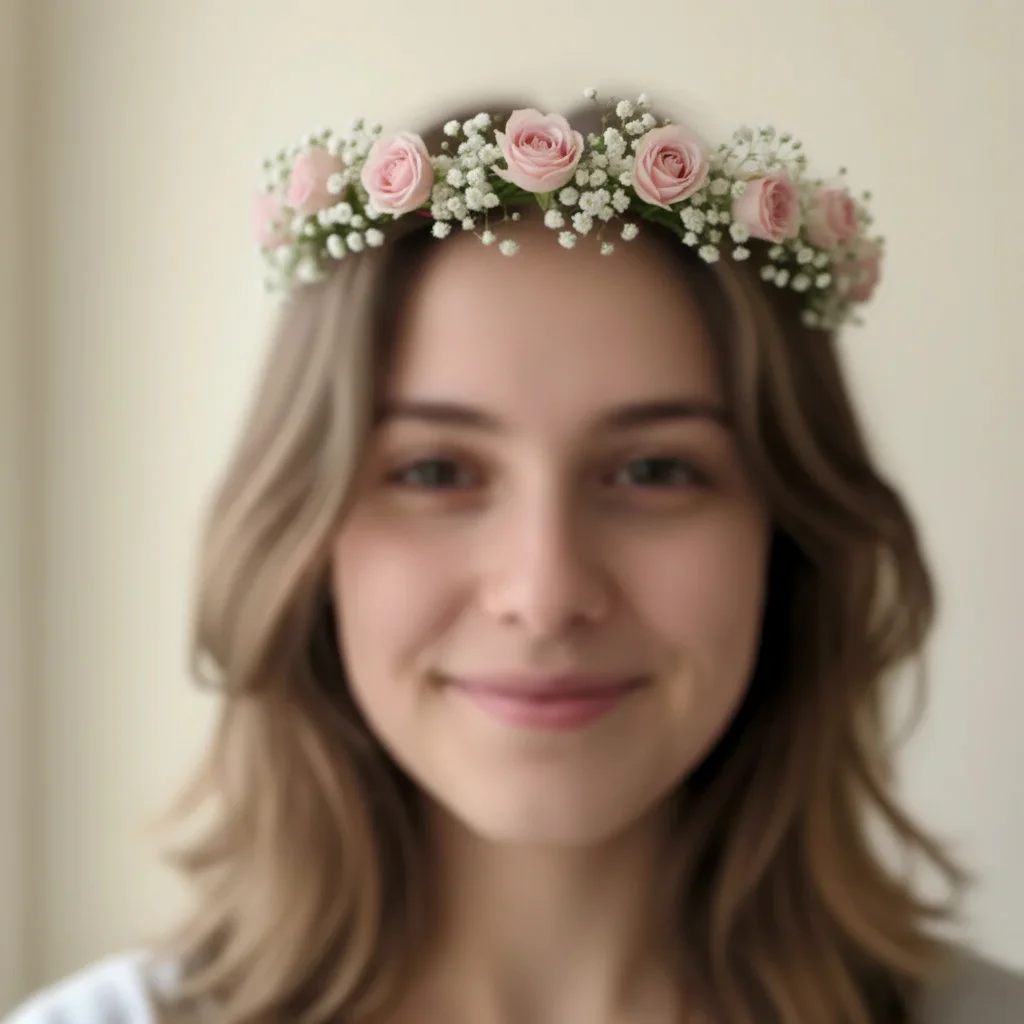
Before
Before
โ†’
After
After

Free AI Flower Crown Adder

Drop your photo here

or click to browse

Release to upload

Free โ€ข No signup

Advertisement
Popular use cases:
  • flower crown filter
  • snapchat flower crown
  • boho flower crown
  • wedding flower crown
  • festival flower crown
  • floral headpiece
  • flower headband
  • digital flower crown
  • virtual flower crown
  • flower crown photo editor

Cost
Free No signup required
Time
Instant results in 15-30 seconds
Works on
Any device - browser, phone, tablet, desktop
Powered by
AI-powered photo editing
Scenario Prompt Time
15-30s
15-30s
15-30s
15-30s
15-30s

How it works

  1. Upload your photo

    Choose any portrait or selfie where you want to add a flower crown. Works best with photos where the person's head is clearly visible and well-lit.

    Expect: Upload takes 20-30 seconds depending on your connection speed.
  2. Describe the flower crown you want

    Just type what kind of flower crown you envision - the AI handles placement automatically. Specify flower types, colors, size, and style. No need to mark where it goes - the AI finds the head and places it naturally.

    Tip: Be specific about colors and flower types for best results. 'Delicate pink roses and baby's breath' works better than just 'flowers'.

    Copy one of these to get started:

    Classic romantic look Add a delicate flower crown with pink roses and white baby's breath
    Festival vibes Add a boho flower crown with sunflowers and wildflowers
    Natural, subtle look Add a simple daisy chain flower crown
    Elegant botanical style Add a flower crown with purple lavender and eucalyptus leaves
    4 more prompts
    Beach wedding style Add a tropical flower crown with hibiscus and plumeria flowers
    Gothic romantic look Add a dramatic flower crown with deep red roses and dark foliage
    Soft seasonal aesthetic Add a spring flower crown with cherry blossoms and pastel blooms
    Fairy tale or fantasy portrait Add a ethereal flower crown with white orchids and silver leaves
  3. Review the result

    Check that the flower crown looks natural and sits properly on the head. Make sure the size and positioning match what you wanted. If needed, refine your description and regenerate.

  4. Download Your Enhanced Photo

    Save your photo with the beautiful flower crown added. No watermark, ready to share on social media or use however you like.

Try it free โ†“

Free AI Flower Crown Adder

Drop your photo here

or click to browse

Release to upload

Free โ€ข No signup

See it in action

Before
Before
->
After
After

Prompt: Add a delicate flower crown with pink roses and white baby's breath
Before
Before
->
After
After

Prompt: Add a boho flower crown with sunflowers and wildflowers
Before
Before
->
After
After

Prompt: Add a tropical flower crown with hibiscus and plumeria flowers
Advertisement

If something looks off

AI changed the wrong area or something I didn't want changed

Why: The AI couldn't determine exactly which area you meant from description alone.

Try: Tap a marker on the specific area you want to change, then regenerate with the same prompt

Tip: Markers tell the AI 'I mean THIS one specifically.' Use them when description alone is ambiguous.

Flower crown looks too big or too small

Why: The AI's default sizing didn't match the proportions you wanted.

Try: Add 'small and delicate' or 'large and dramatic' to your description to control size

Tip: Terms like 'delicate', 'subtle', 'bold', or 'statement' help the AI understand the scale you want.

Crown doesn't sit naturally on the head

Why: The head angle or hair style made placement challenging.

Try: Try adding 'sitting naturally on top of the head' or 'following the curve of the head' to your prompt

Tip: Photos with clear head visibility and minimal hair obstruction work best.

Flowers look artificial or unrealistic

Why: The AI needs more guidance on the natural, organic look you want.

Try: Add descriptors like 'natural-looking', 'fresh', 'realistic', or 'organic' to your prompt

Tip: Mentioning specific real flower varieties (roses, daisies, lavender) produces more realistic results.

Colors don't match what I wanted

Why: Generic color terms can be interpreted differently.

Try: Be more specific: use 'blush pink' instead of 'pink', 'deep burgundy' instead of 'red'

Tip: Reference specific shades or use comparison terms like 'pastel purple' or 'vibrant orange'.

Crown works on one person but not others in group photo

Why: The AI applied the crown to the most prominent person.

Try: Use a marker to indicate which person should get the crown, then regenerate

Tip: For group photos, process each person separately for best control over placement.

Quick answers

Do I need to mark where the flower crown should go?

No! Just describe the flower crown style you want. The AI automatically detects the person's head and places the crown naturally. You only need markers if you have multiple people and want to specify which one gets the crown.

Is this tool really free?

Yes, completely free with no watermark. You don't need to create an account or enter any payment information. Upload, edit, and download as many photos as you want.

Can I use this on group photos?

Yes! The AI will typically add the crown to the most prominent person. If you want it on a specific person in a group, just tap a marker on their head before describing the crown style.

What photo types work best?

Clear portraits or selfies where the person's head is fully visible work best. Good lighting and minimal hair obstruction help the AI place the crown naturally. Both indoor and outdoor photos work well.

Can I specify exact flower types?

Absolutely! The more specific you are, the better. Mention roses, daisies, sunflowers, lavender, orchids, or any flower variety. You can also combine multiple types like 'roses and baby's breath' or 'wildflowers and eucalyptus'.

How do I get a Snapchat-style flower crown?

Use prompts like 'Add a delicate flower crown with pink roses and white baby's breath' or 'Add a simple daisy chain flower crown'. These create the popular social media filter aesthetic.

Ready to add a beautiful flower crown?

Free to try. No signup required.

Try it free โ†’