Free • No signup Enhance Muscles · Free

AI Muscle Enhancer

Describe the muscle definition you want and AI enhances it instantly. No marking needed.
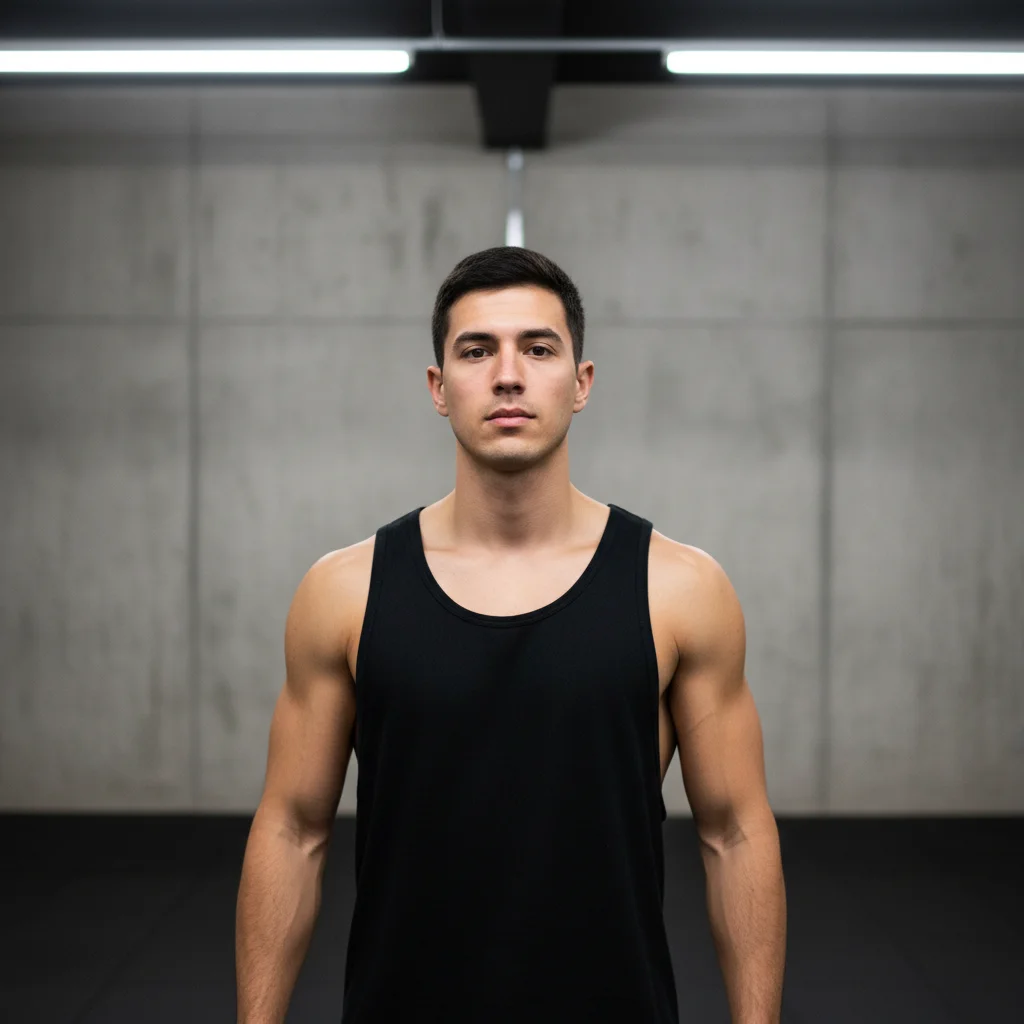
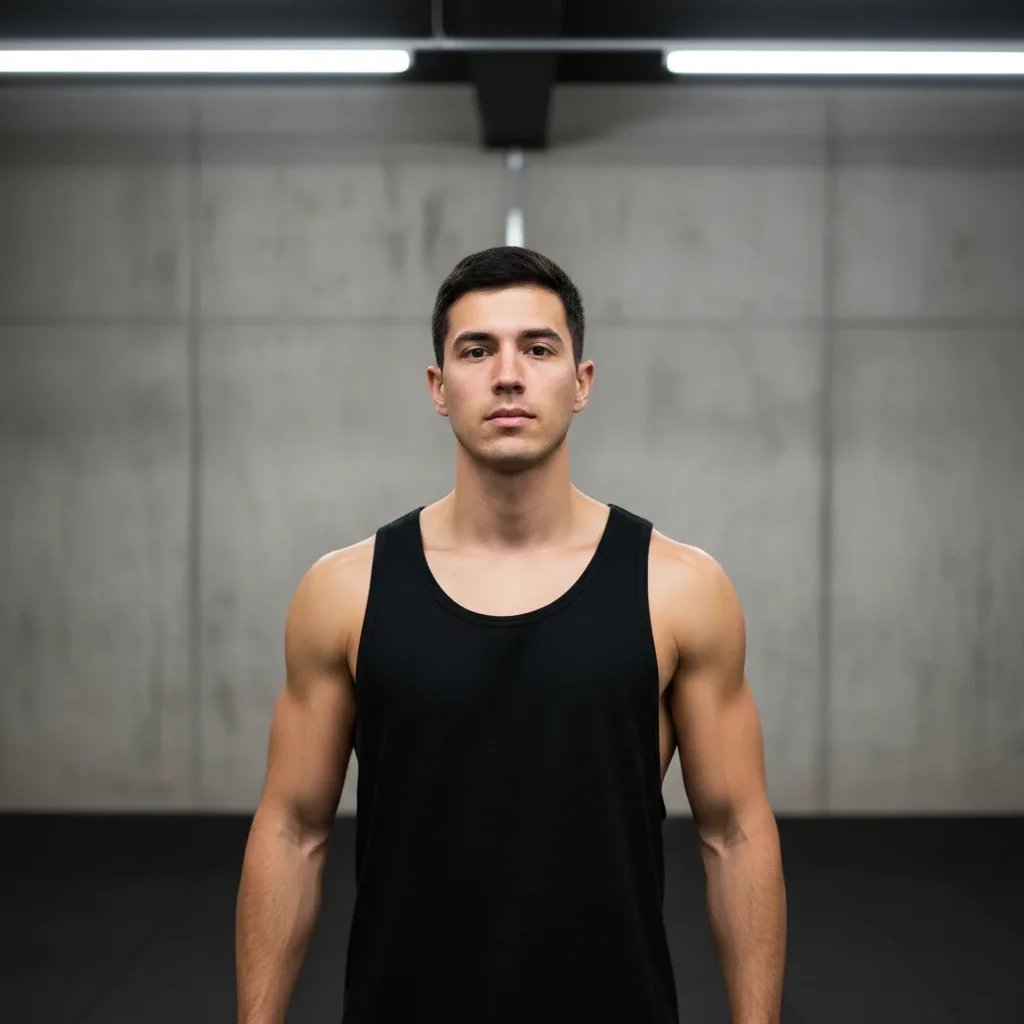
Man in tank top with average arm muscle tone
Before
Same man with visibly enhanced arm muscle definition
After

AI Muscle Enhancer

Drop your photo here

or click to browse

Release to upload

Free • No signup

Advertisement
Popular use cases:
  • gym progress photo
  • muscle definition
  • fitness photo editing
  • bodybuilding photo
  • athletic photo enhancement
  • muscle tone boost
  • workout progress
  • body transformation

Cost
Free No signup required
Time
Instant results in 15-30 seconds
Works on
Any device - browser, phone, tablet, desktop
Powered by
AI-powered photo editing
Scenario Prompt Time
Subtle definition boost slightly enhance muscle definition, subtle 30s
Specific muscle group enhance arm muscles, natural biceps and triceps 35s
Full athletic enhancement add overall athletic muscle tone, lean and defined 45s

How it works

  1. Upload your photo

    Drop your image into EditThisPic. JPG, PNG, WebP up to 7MB. Photos where skin and muscles are visible work best—tank tops, gym wear, or shirtless shots. Good lighting that shows existing body contours helps the AI add realistic definition.

    Expect: Subtle muscle enhancement: 30-40 seconds. Full body muscle definition: 45-60 seconds and may need refinements.
  2. Describe the muscle enhancement

    Type what you want: 'enhance the arm muscles for more definition' or 'add visible abs and a more toned chest.' Be specific about which muscle groups and how much definition. No marking needed—the AI understands anatomy.

    Tip: Name specific muscles: 'biceps', 'deltoids', 'abs', 'pecs' for targeted enhancement instead of general 'muscles.'

    Copy one of these to get started:

    Toned arms enhance the arm muscles for more visible definition, natural-looking biceps and triceps
    Visible abs add visible six-pack abs and a toned midsection, realistic definition under the existing lighting
    Broader chest and shoulders enhance the chest and shoulder muscles for a broader more athletic look, natural proportions
    Overall athletic tone add overall athletic muscle tone across the body, lean and defined without being bodybuilder-level
    3 more prompts
    Leg muscles enhance the leg muscles with more visible quad and calf definition, athletic and toned
    Back muscles add definition to the back muscles, visible lats and traps for a V-taper silhouette
    Subtle definition boost slightly enhance muscle definition across all visible muscle groups, just a subtle improvement
  3. Review the result

    Check that the enhanced muscles look natural under the existing lighting. Look for realistic shadow placement, proportional muscle size, and no artificial-looking bumps or edges. The enhancement should look like good gym lighting, not CGI.

  4. Refine with markers if needed

    If specific muscle groups need more or less enhancement, tap markers on those areas and regenerate. Most subtle enhancements work well on the first try.

    Tip: Markers are for precision refinement only. Try without them first—you usually won't need them.
Try it free

AI Muscle Enhancer

Drop your photo here

or click to browse

Release to upload

Free • No signup

"Took a gym progress photo but the lighting washed out my gains. Enhanced the muscle definition slightly and now the photo actually shows the work I've put in." @GymProgress_Tyler

See it in action

Man in tank top with average arm muscle tone
Before
->
Same man with visibly enhanced arm muscle definition
After

Arms enhanced for gym progress photo

Arm muscles given more visible definition to better show workout progress in a gym photo.

Prompt: enhance the arm muscles for more visible definition, natural-looking biceps and triceps
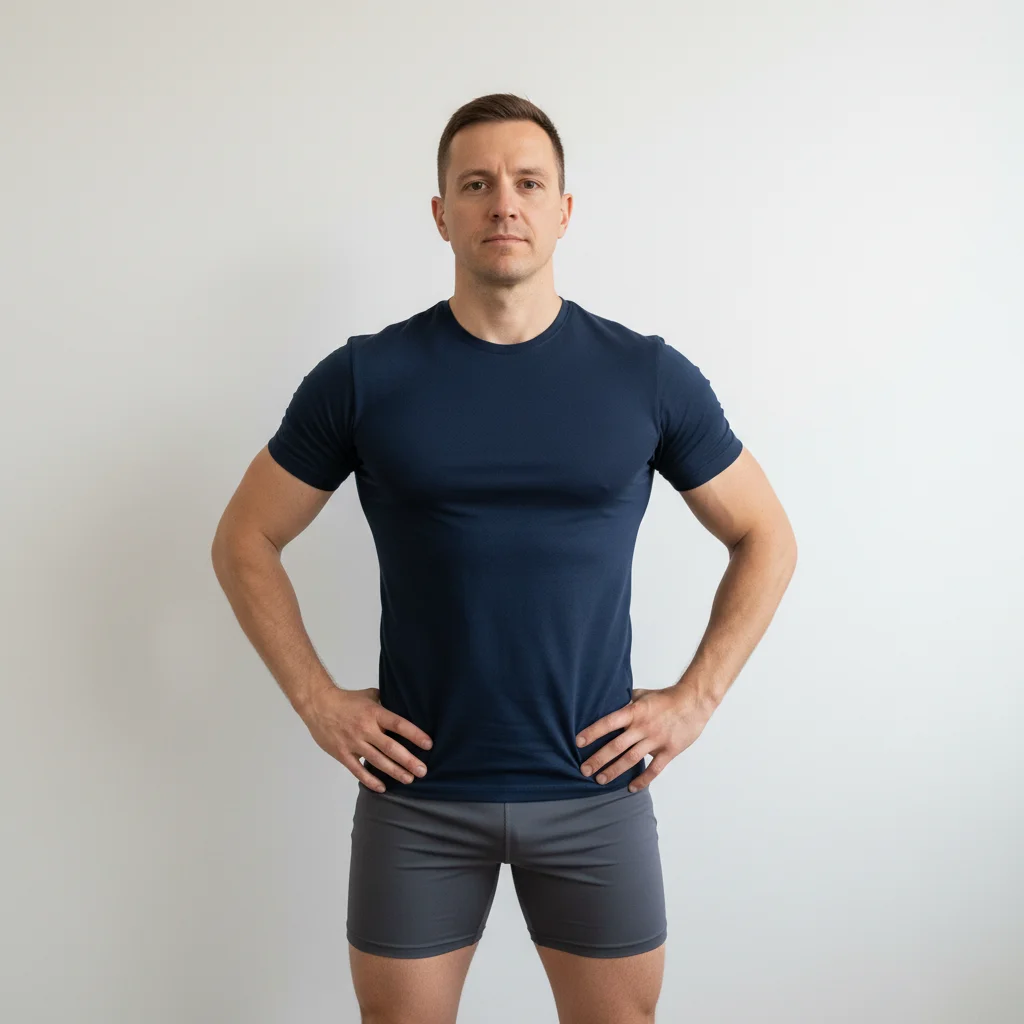
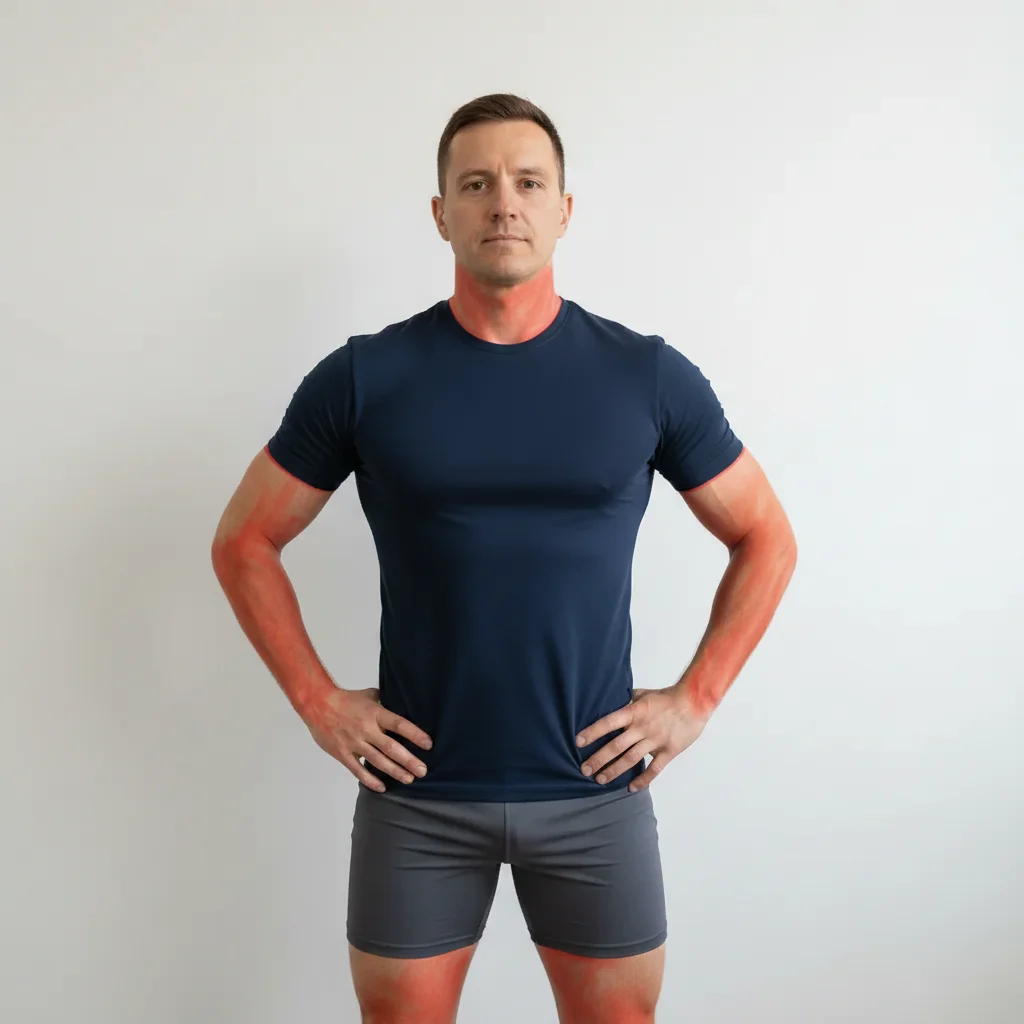
Man in fitted workout clothes with average build
Before
->
Same man with enhanced athletic muscle tone visible through clothing
After

Athletic tone for fitness content

Overall body tone enhanced for a more athletic look in a fitness photo.

Prompt: add overall athletic muscle tone across the body, lean and defined without being bodybuilder-level
Advertisement

If something looks off

AI changed the wrong area or something I didn't want changed

Why: The AI couldn't determine exactly which muscle group you meant from description alone. It may have enhanced areas you didn't intend.

Try: Tap a marker on the specific muscle group, then regenerate: enhance only this area

Tip: Markers tell the AI 'I mean THIS muscle specifically.' Use them to target individual body parts.

Muscles look artificially inflated or cartoonish

Why: The AI over-enhanced the muscles, creating exaggerated proportions that don't look natural.

Try: add only subtle muscle definition, natural-looking enhancement as if from good gym lighting

Tip: 'As if from good gym lighting' is the perfect benchmark—it tells the AI to enhance what's there, not create fantasy muscles.

Muscle shadows don't match the photo lighting

Why: The AI added muscle definition shadows that conflict with the existing light direction in the photo.

Try: enhance muscles with shadow and definition that matches the existing lighting direction in this photo

Tip: If light comes from the left, muscle shadows should appear on the right. Mention the light direction if visible.

Enhancement is visible through clothing

Why: The AI tried to add muscle detail through fabric, creating an unrealistic x-ray effect.

Try: enhance muscle appearance only where skin is visible, adjust clothing fit to suggest a more muscular frame underneath

Tip: 'Adjust clothing fit' is the realistic approach—muscles under fabric show through tighter fabric, not as visible anatomy.

Body proportions look unbalanced after enhancement

Why: Enhancing only some muscle groups without adjusting adjacent areas creates a disproportionate look.

Try: enhance muscles proportionally across the whole body, keep all muscle groups balanced relative to each other

Tip: 'Balanced relative to each other' prevents the classic mistake of huge arms on a narrow frame.

Quick answers

Do I need to mark my muscles before describing what to enhance?

No! Just describe the enhancement: 'enhance arm muscles' or 'add visible abs.' The AI understands human anatomy and targets the right areas automatically. Only use markers if you want to enhance a very specific muscle group and the AI is affecting the wrong areas.

How do I enhance muscles in a photo for free?

Upload your photo to EditThisPic and type an instruction like 'enhance arm muscles for more definition.' The AI adds realistic muscle tone in 30-45 seconds. Free to use, no account required, no watermarks on the result.

Is there a free AI muscle enhancer that doesn't require login?

Yes, EditThisPic enhances muscles for free with no account needed. Upload your photo, describe the muscle definition you want, and download the result. No watermarks. Works on gym photos, selfies, and any shot where muscles are visible.

Will the muscle enhancement look realistic?

Subtle enhancements look completely natural—like the difference between bad and great gym lighting. The AI adds shadows and definition that follow the photo's existing light source. Avoid extreme enhancements for the most believable results.

Ready to enhance your muscles in photos?

Free to try. No signup required.

Try it free