AI Weight Loss Visualizer
← Browse all body & person toolsLast updated
Describe how much lighter, and the same photo comes back slimmer. No marking needed.
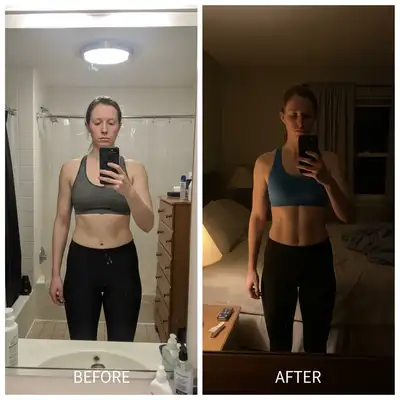
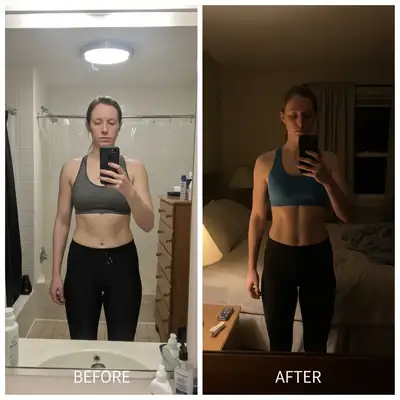
Upload photo to visualize weight loss
"Show this person with a noticeably slimmer waist and belly, keeping the rest of the body, the clothes and the pose exactly as they are."
Free to try · no sign-up · photos are never shared
Release to upload
How it works
See it in action
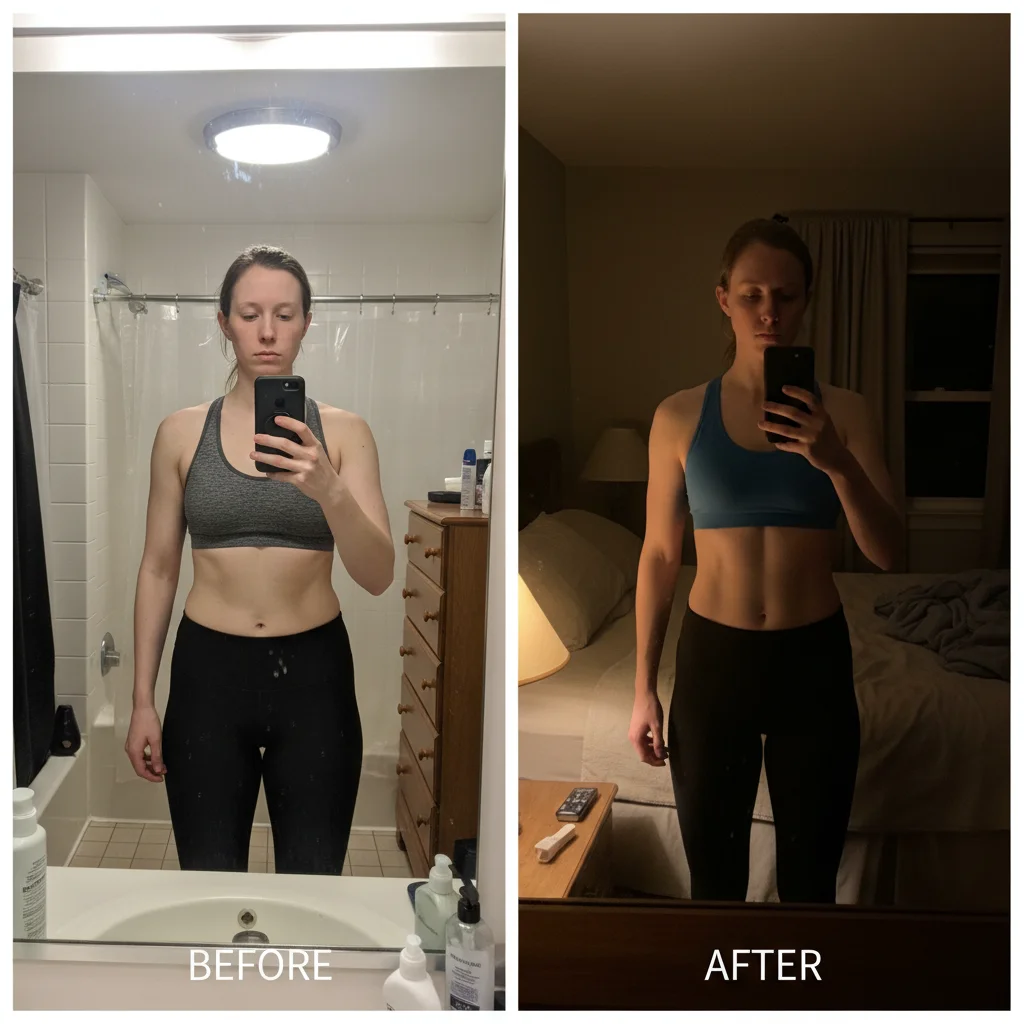
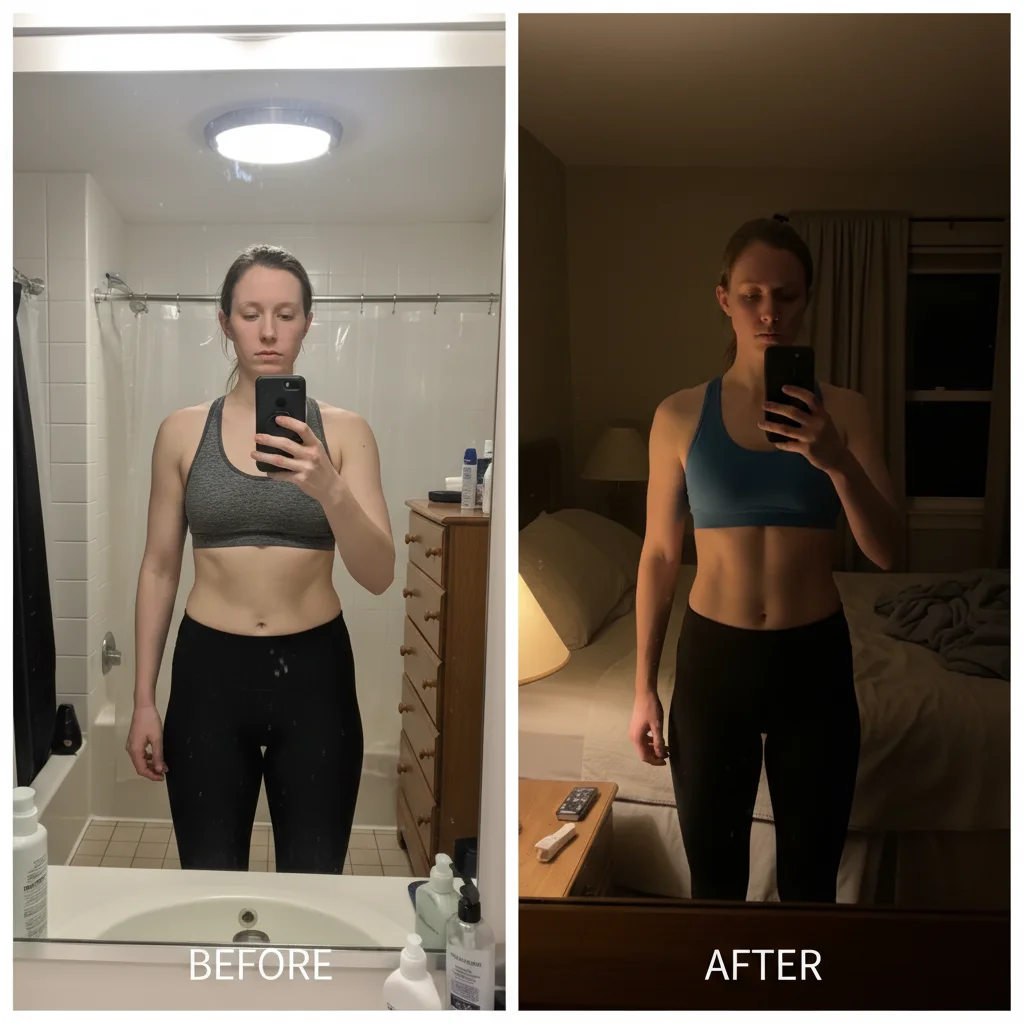
A heavier build shown after significant weight loss
A full-length studio photo of a man in a fitted grey t-shirt and jeans, and the same man returned visibly lighter: the belly gone, the waist narrower, the face and neck leaner, and the t-shirt now hanging loose where it had been stretched tight. Same person, same clothes, same pose, same wall. Two of the three attempts behind this pair delivered; the third came back as the original photo.
Show what this man would look like after losing a significant amount of weight — make his waist and belly noticeably slimmer, his face and neck leaner, and his t-shirt hang loosely instead of stretched tight. Keep him the same person in the same clothes, same pose, same studio background.
Thirty pounds lighter, same photo
A woman photographed full-length in a black tank top and grey leggings against a white studio wall, and the same photo with a slimmer waist and hips, leaner arms and a leaner face — her top now hanging loose rather than fitted. The pose, the clothes, the shoes and the background are untouched, which is what makes the two frames read as the same person rather than two different people.
Transform this into a photo of the same woman thirty pounds lighter — a slimmer waist and hips, a leaner face and arms, clothes that now hang loose on her. Same person, same clothes, same pose, same white studio background. Return the slimmer version, not the original photo.
Quick answers
Popular use cases
Ready to edit your photos?
Free to try. No signup required.