Free • No signup Slim Neck · Free

AI Neck Slimmer

Describe the neck refinement you want and AI slims it naturally.
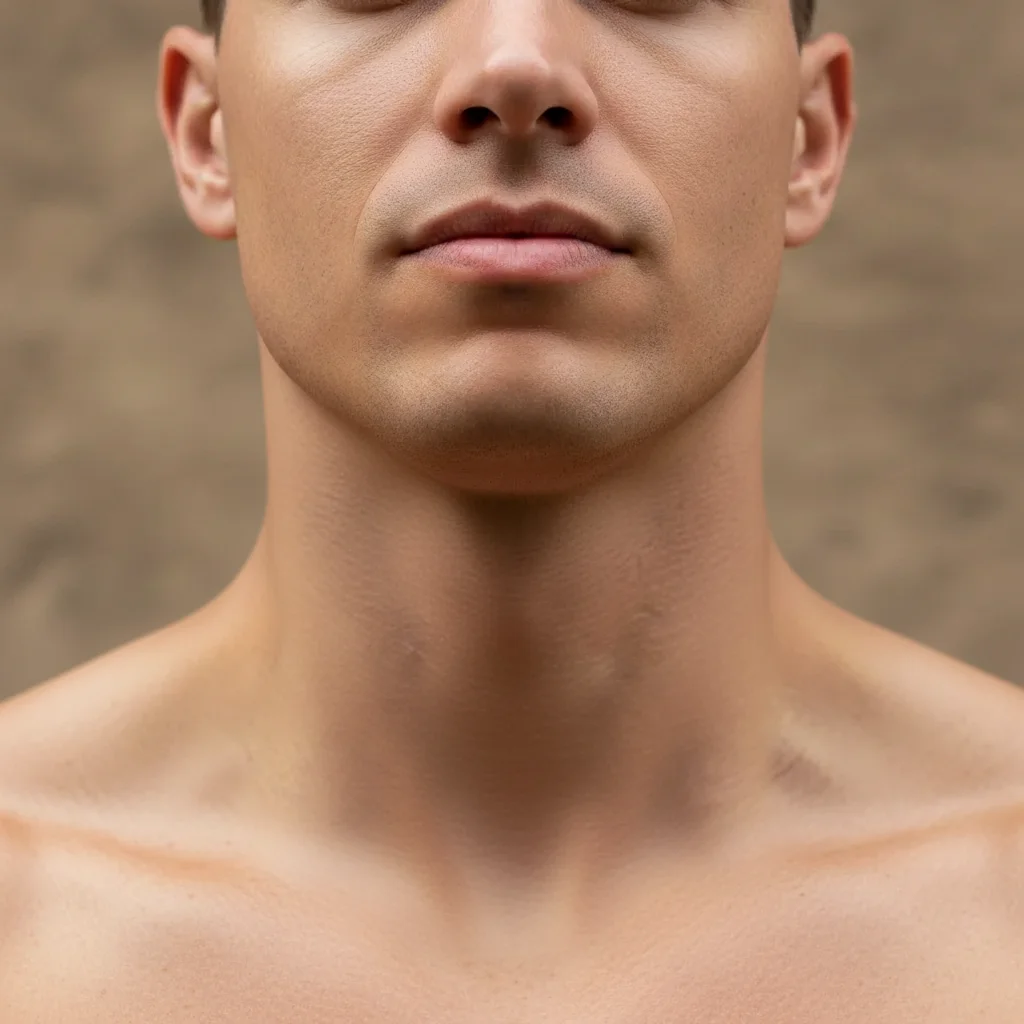
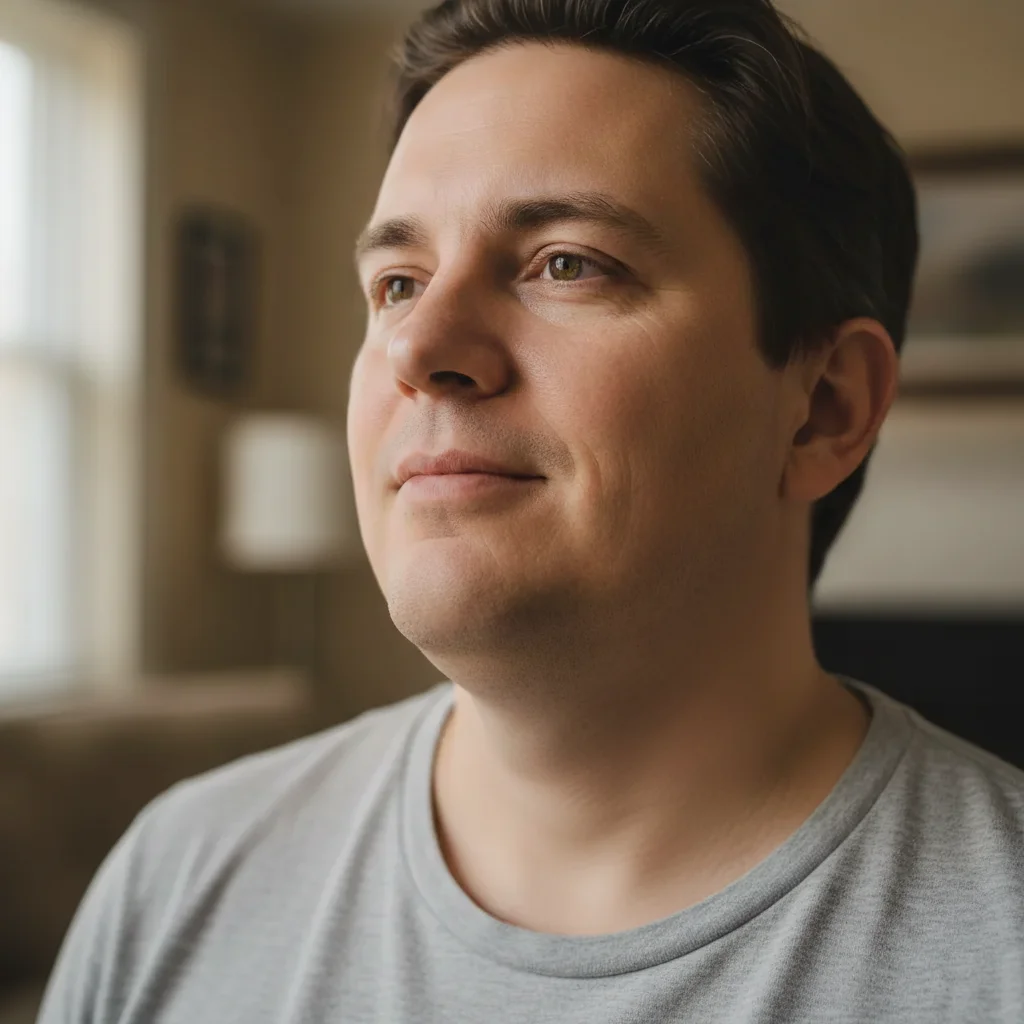
Portrait with wider thick neck
Before
Portrait with slimmed refined neck
After

Slim Neck in Photo

Drop your photo here

or click to browse

Release to upload

Free • No signup

Advertisement
Popular use cases:
  • professional headshots
  • portrait photography
  • LinkedIn photos
  • dating profile pictures
  • social media selfies

Cost
Free No signup required
Time
Instant results in 15-30 seconds
Works on
Any device - browser, phone, tablet, desktop
Powered by
AI-powered photo editing
Scenario Prompt Time
General slimming slim and refine the neck area while maintaining natural proportions 25s
Neck and double chin slim neck and reduce double chin appearance, keep natural shadows 30s
Subtle refinement subtly slim the neck for a more refined look, minimal change 20s

How it works

  1. Upload your photo

    Drop your portrait into EditThisPic. Works best with clear views showing the neck and chin area. JPG, PNG, WebP up to 7MB.

    Expect: Subtle slimming: 20-25 seconds. Moderate refinement may need one adjustment for perfect balance.
  2. Describe what you want

    Type your instruction: 'slim and refine the neck area' or 'reduce neck width slightly.' Be specific about the degree of change. No marking needed—the AI understands neck anatomy and natural proportions.

    Tip: Use 'subtle', 'moderate', or 'noticeable' to control slimming intensity

    Copy one of these to get started:

    General neck slimming slim and refine the neck area while maintaining natural proportions
    Reduce double chin and neck slim neck and reduce double chin appearance, keep natural shadows
    Subtle neck refinement subtly slim the neck for a more refined look, minimal change
    Elongate and slim neck slim the neck and make it appear slightly longer and more elegant
    3 more prompts
    Definition without slimming add definition to the neck and jawline without changing neck width
    Front neck smoothing slim and smooth the front of the neck, reduce any bulging
    Side profile slimming slim the neck in profile view for a more defined jawline to shoulder line
  3. Generate and review

    Click Generate and watch AI slim the neck while preserving natural shadows, skin texture, and chin connection. Check that proportions look balanced with the rest of the face.

  4. Refine with markers if needed

    If slimming needs adjustment or you want to target specific areas of the neck, tap markers on those spots and regenerate. This is optional—most edits work without markers.

    Tip: Markers are for precision refinement, not required. Try without them first.
Try it free

Slim Neck in Photo

Drop your photo here

or click to browse

Release to upload

Free • No signup

"Made my neck look so much more refined in headshots. Totally natural, you can't even tell it was edited." @taylor_b

See it in action

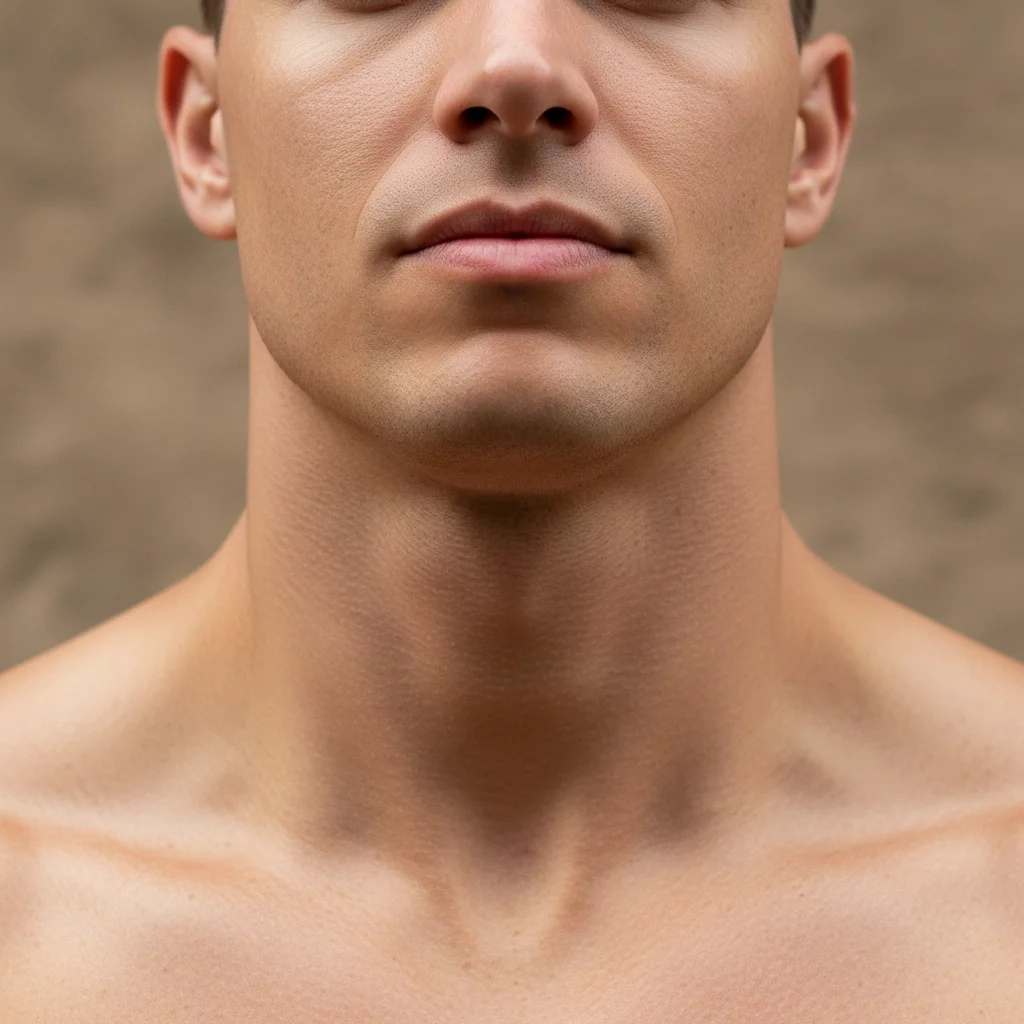
Portrait with wider thick neck
Before
->
Portrait with slimmed refined neck
After

Natural neck slimming

Slimmed and refined the neck area while maintaining natural proportions and skin texture.
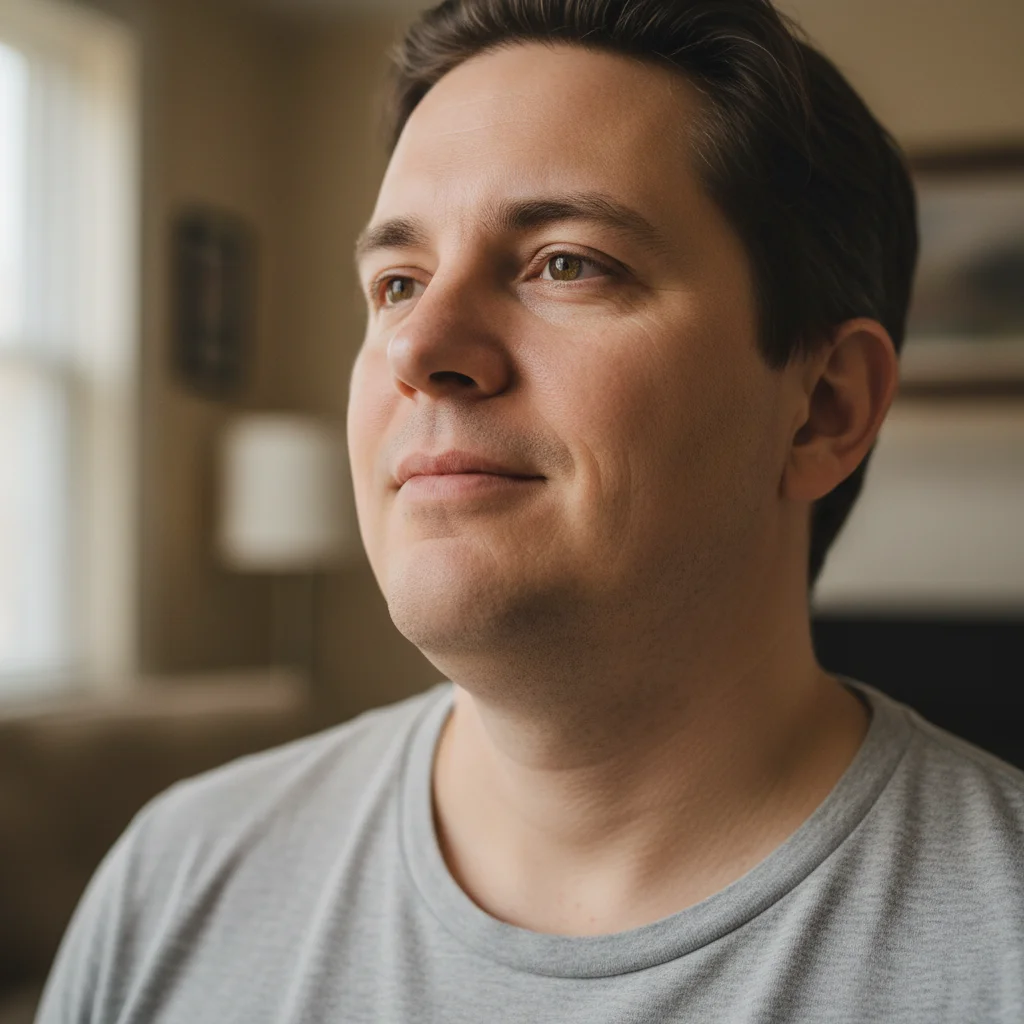
Prompt: slim and refine the neck area while maintaining natural proportions
Portrait with double chin and wider neck
Before
->
Portrait with reduced double chin and slimmed neck
After

Double chin and neck reduction

Reduced double chin appearance and slimmed the neck for a more defined profile.

Prompt: slim neck and reduce double chin appearance, keep natural shadows
Portrait with short thick neck
Before
->
Portrait with elongated elegant neck
After

Elongated elegant neck

Slimmed the neck and made it appear longer for an elegant profile.

Prompt: slim the neck and make it appear slightly longer and more elegant
Advertisement

If something looks off

AI changed the wrong area or modified more than just the neck

Why: The AI couldn't determine exactly which areas you meant from description alone. This happens with ambiguous requests.

Try: Tap markers on the specific neck areas you want slimmed, then regenerate with the same prompt

Tip: Markers tell the AI 'I mean THIS area specifically.' Use them when description alone is ambiguous.

Neck looks unnaturally thin or distorted

Why: Slimming was too extreme or didn't maintain anatomical proportions.

Try: Add 'subtly' and 'maintaining natural proportions': 'subtly slim neck while maintaining natural proportions'

Tip: Multiple small adjustments often look better than one extreme change

Chin or shoulders look disconnected

Why: Neck slimming didn't blend properly with adjacent features.

Try: Add 'blending naturally with chin and shoulders' to your prompt
Skin texture looks airbrushed

Why: AI smoothed texture during slimming.

Try: Add 'preserving natural skin texture and wrinkles' to your prompt
Shadows and lighting don't match

Why: Slimmed neck has incorrect shadow placement.

Try: Add 'keeping original lighting and shadows' to your prompt
Change is too subtle or barely visible

Why: AI applied conservative slimming.

Try: Use stronger descriptors: 'noticeably slim the neck' or 'significantly reduce neck width'

Tip: Be explicit about the degree of change you want

Quick answers

Do I need to mark the neck area before describing what I want slimmed?

No! Just describe what you want: 'slim and refine the neck area' or 'reduce neck width.' The AI understands neck anatomy and natural proportions. Only use markers when you need precision—like targeting very specific areas or refining after your first attempt.

How do I slim neck in a photo for free?

Upload your photo to EditThisPic and type 'slim and refine the neck area while maintaining natural proportions.' The AI reduces neck width while preserving skin texture and natural shadows in 20-30 seconds. Completely free, no signup required.

Will the slimmed neck look natural or obviously edited?

When you include 'maintaining natural proportions' in your prompt, the AI preserves anatomical realism, skin texture, and lighting. Subtle to moderate slimming looks completely natural.

Can I slim neck and reduce double chin at the same time?

Yes. Use 'slim neck and reduce double chin appearance' in your prompt. The AI addresses both areas while maintaining natural contours.

What's the difference between neck slimming and adding definition?

Neck slimming reduces width. Adding definition enhances shadows and contours without changing size. For pure contouring, use 'add definition to neck without slimming.'

Ready to slim your neck?

Free to try. No signup required.

Try it free