Free โ€ข No signup Add Smile ยท Free

AI Smile Generator

Describe the smile you want. AI handles facial adjustments.
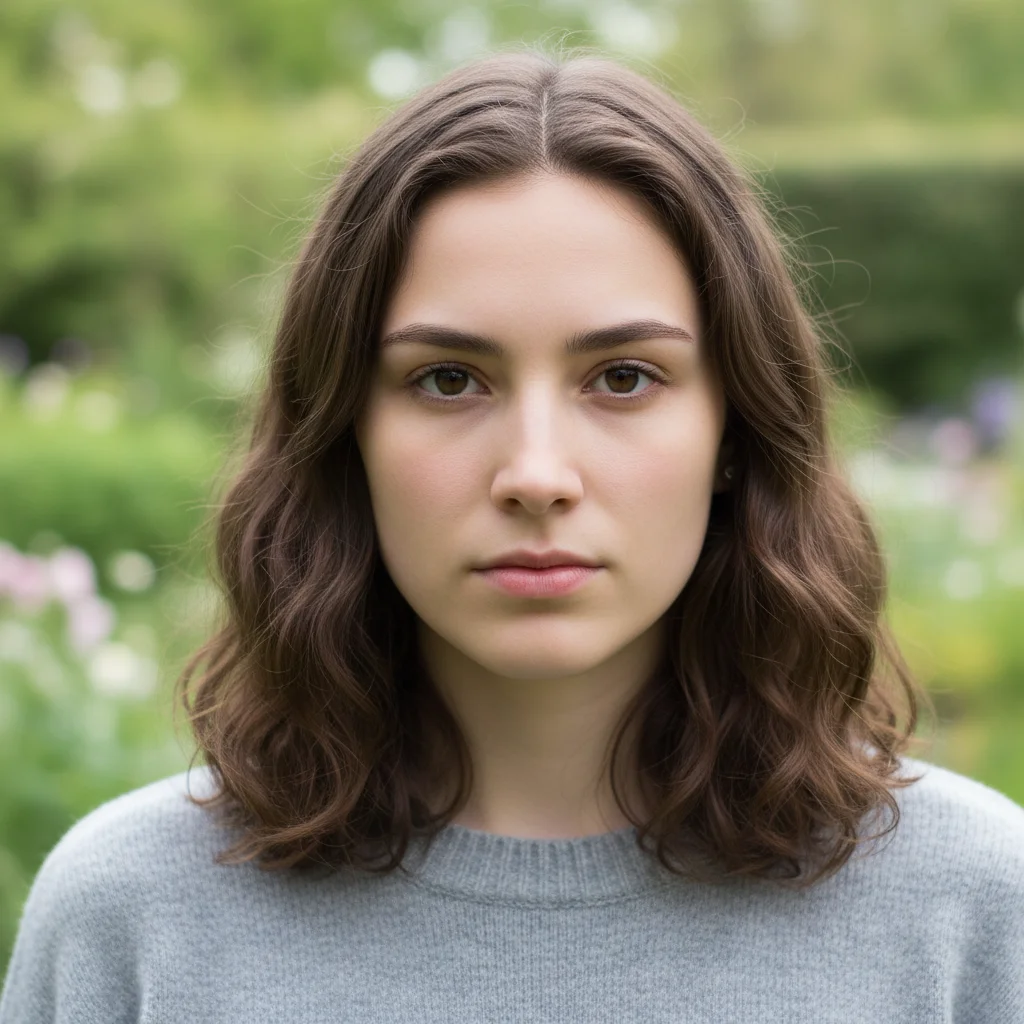
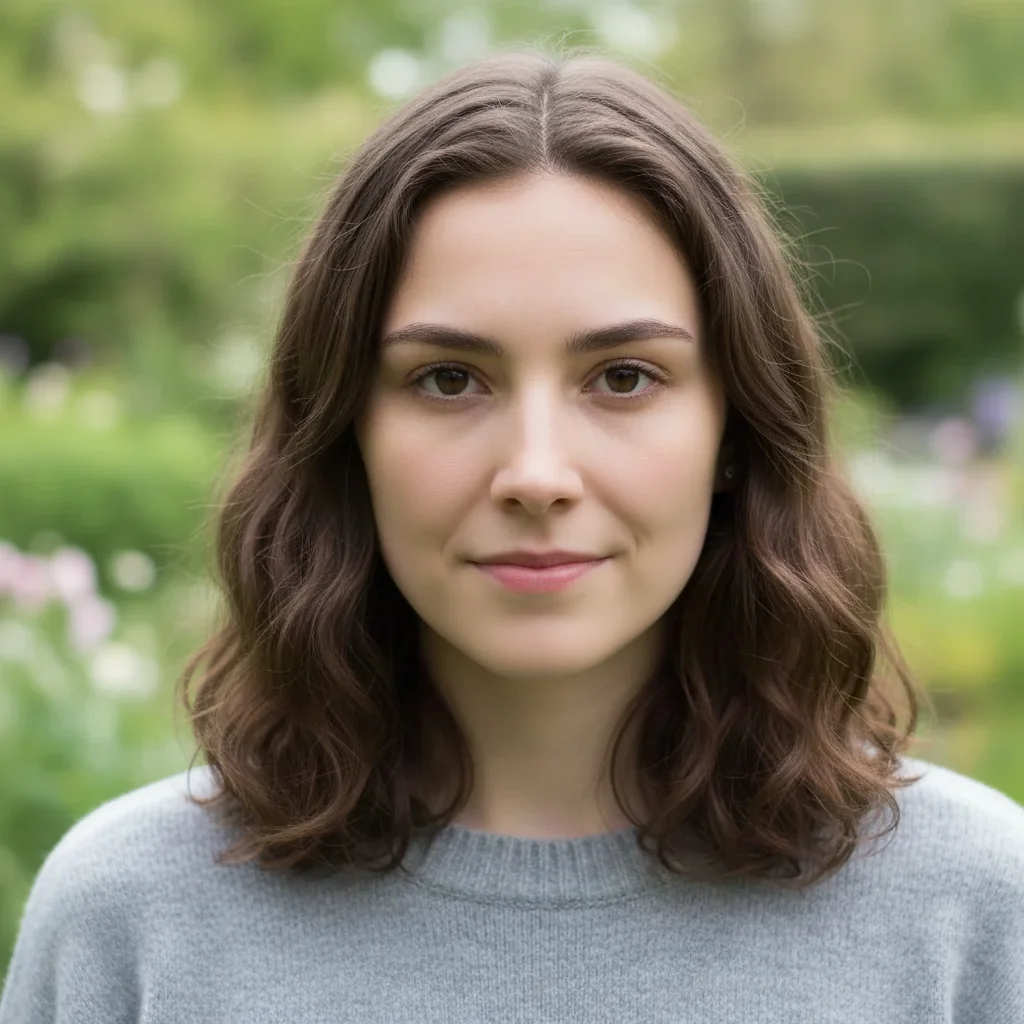
Woman in business attire with serious expression
Before
โ†’
Same woman with confident professional smile
After

Add Smile to Photo

Drop your photo here

or click to browse

Release to upload

Free โ€ข No signup

Advertisement
Popular use cases:
  • professional headshots
  • LinkedIn profiles
  • dating profile photos
  • social media portraits
  • group photo fixes
  • family portraits
  • business photos
  • resume headshots

Cost
Free No signup required
Time
Instant results in 15-30 seconds
Works on
Any device - browser, phone, tablet, desktop
Powered by
AI-powered photo editing
Scenario Prompt Time
Professional smile add a confident professional smile with warm eyes, subtle and polished 20s
Natural warm smile give her a natural warm smile with happy eyes and slight eye crinkles 15s
Bright cheerful smile add a bright cheerful smile showing teeth with genuine happy expression 20s
Subtle smile give him a subtle gentle smile, closed mouth with soft eyes 15s

How it works

  1. Upload your photo

    Drop your image into EditThisPic. Works best with portraits, headshots, and photos where faces are clearly visible. Front-facing or slight angle photos work better than profile shots. JPG, PNG, WebP up to 7MB.

    Expect: Simple portraits: 15-20 seconds for natural smile. Group photos or complex lighting: may need slight refinement for perfect expression matching.
  2. Describe the smile you want

    Type your instruction: 'add a warm natural smile with happy eyes' or 'give him a confident professional smile.' Be specific about the type of smile (subtle, bright, warm) and mention eyes for authenticity. The AI automatically identifies the face and applies the expression naturally.

    Tip: Real smiles involve the eyes. Include 'with happy eyes' or 'genuine smile with eye crinkles' for more authentic results that don't look forced.

    Copy one of these to get started:

    Professional headshot smile add a confident professional smile with warm eyes, subtle and polished
    Natural warm smile give her a natural warm smile with happy eyes and slight eye crinkles
    Bright cheerful smile add a bright cheerful smile showing teeth with genuine happy expression
    Subtle gentle smile give him a subtle gentle smile, closed mouth with soft eyes
    2 more prompts
    Relaxed casual smile add a relaxed casual smile with natural teeth showing and friendly expression
    Joyful laughing smile transform to a joyful smile like they're laughing, big genuine smile with happy eyes
  3. Generate and review

    Click Generate and watch the AI add the smile. Check that it looks natural and matches the photo's mood. The AI preserves facial features while adjusting mouth and eyes for a genuine expression.

  4. Adjust if needed

    If the smile is too wide or not quite right, refine with a new prompt: 'make the smile more subtle' or 'bigger smile showing teeth.' Most smile additions work on the first try, but you can fine-tune the expression easily.

    Tip: Match the smile to the photo's context. Professional headshots need confident subtle smiles; casual photos can have brighter, more relaxed expressions.
Try it free โ†“

Add Smile to Photo

Drop your photo here

or click to browse

Release to upload

Free โ€ข No signup

"Fixed my serious LinkedIn headshot with a professional smile. It looks completely natural - no one can tell it was added." @career_pro

See it in action

Woman in business attire with serious expression
Before
->
Same woman with confident professional smile
After

Professional LinkedIn headshot

Transformed a serious business photo into an approachable professional headshot with a confident smile.
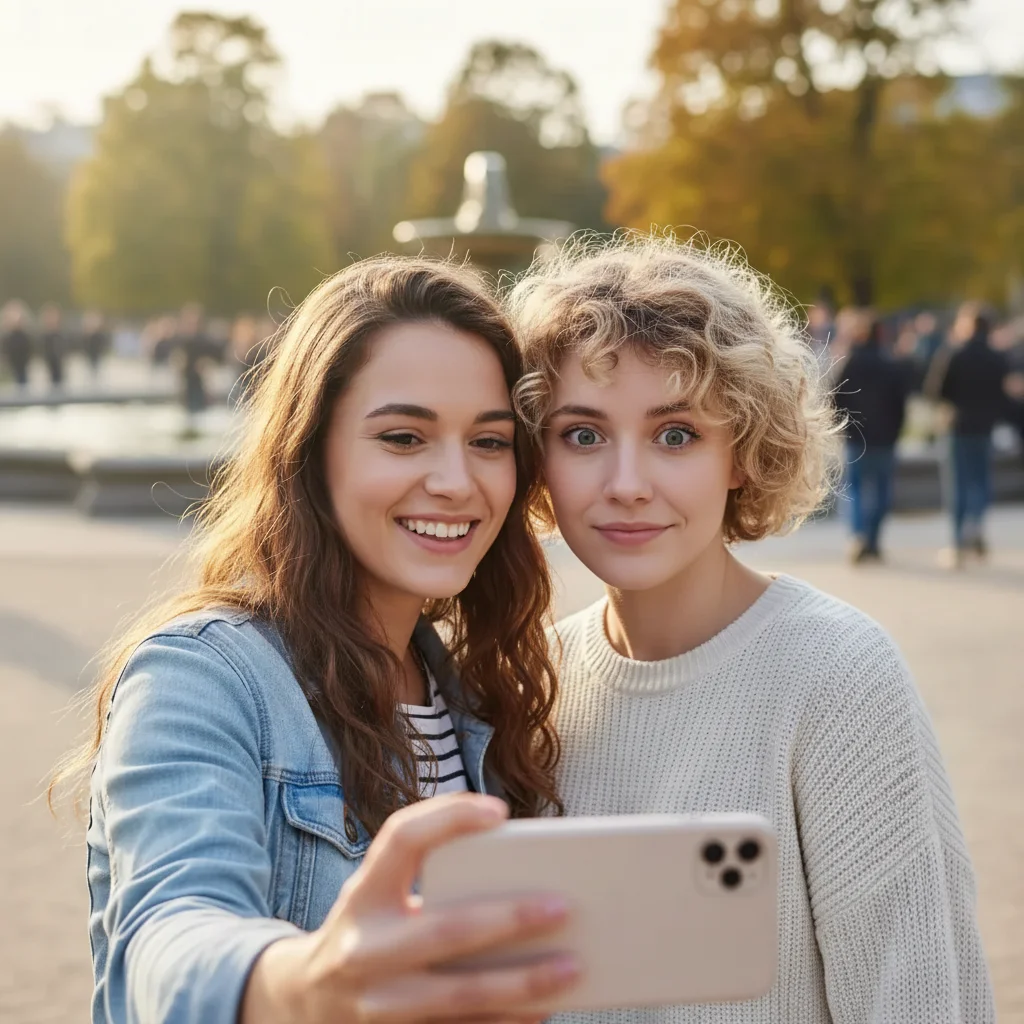
Prompt: add a confident professional smile with warm eyes, subtle and polished
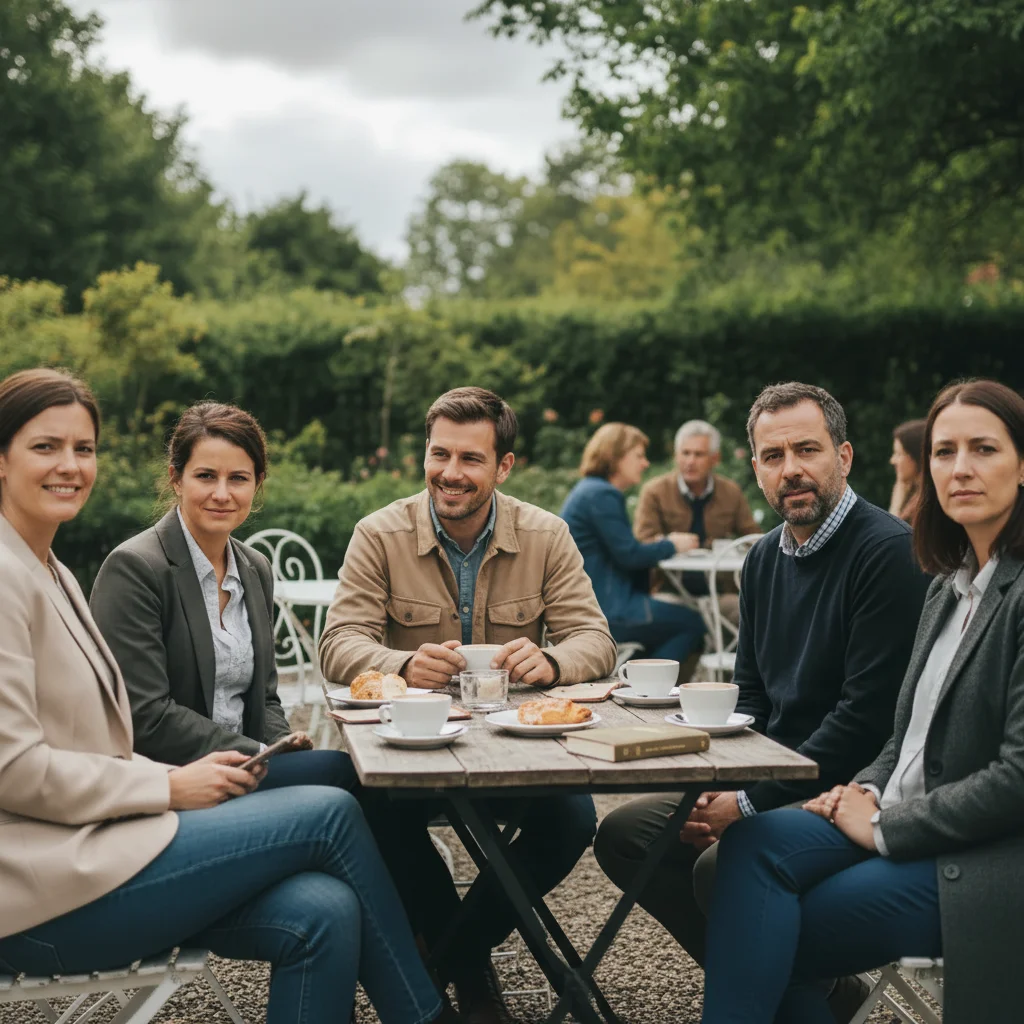
Group photo with one person not smiling
Before
->
Group photo with everyone smiling naturally
After

Group photo smile fix

Added a natural smile to one person who wasn't smiling while everyone else was happy.
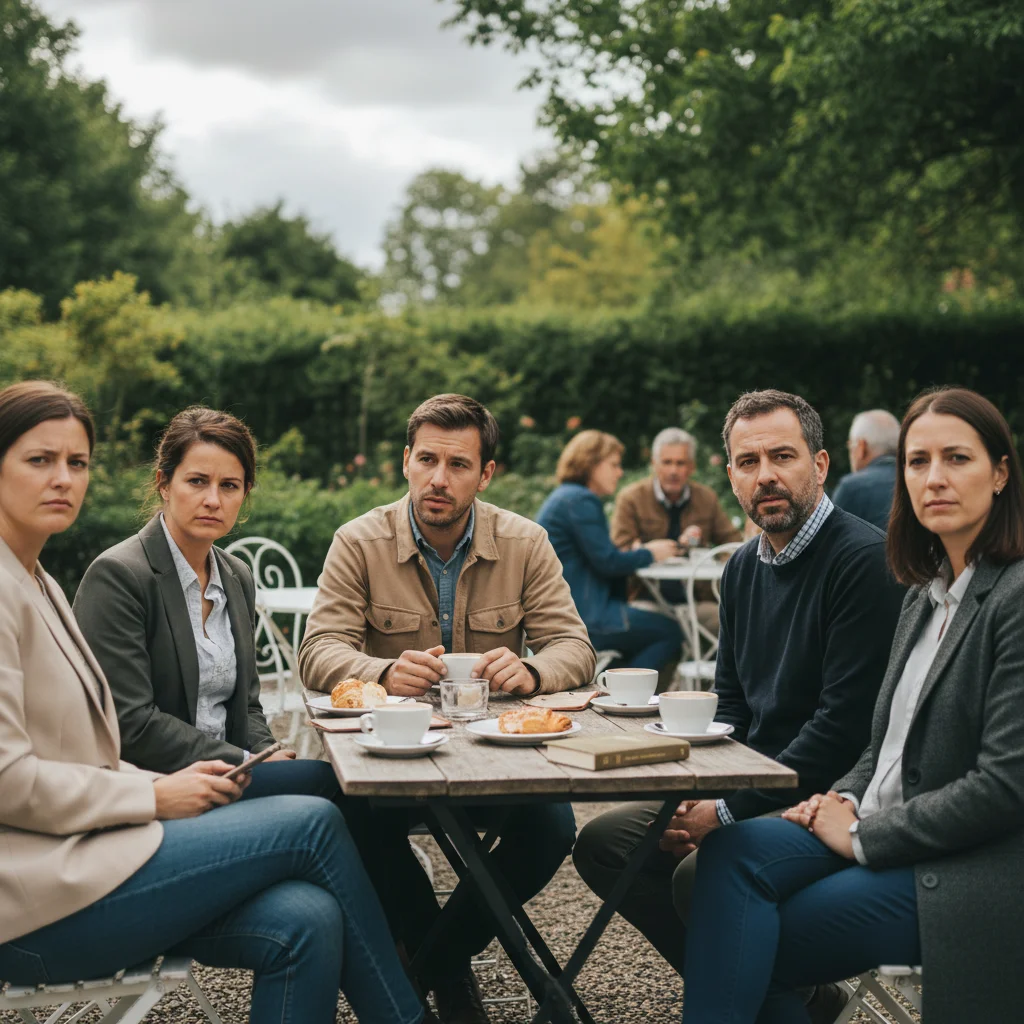
Prompt: give the man on the left a natural warm smile matching the group's happy mood
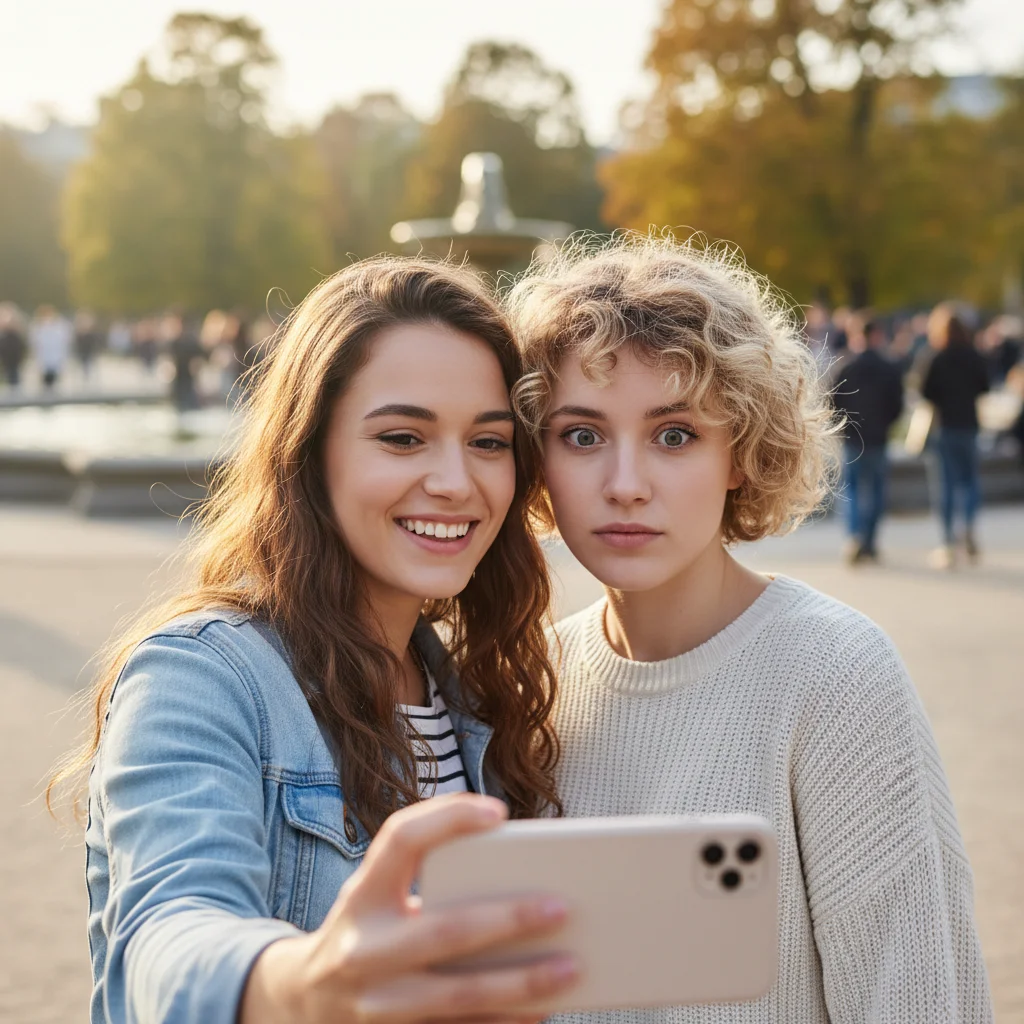
Man with slight smirk
Before
->
Man with bright genuine smile
After

Casual portrait enhancement

Turned a slight smirk into a genuine bright smile for a more engaging social media profile photo.

Prompt: add a bright cheerful smile showing teeth with genuine happy expression
Advertisement

If something looks off

AI changed the wrong person in a group photo

Why: The AI wasn't sure which face to modify when multiple people are visible.

Try: Be specific about who: 'add a smile to the woman on the right' or 'give the child in the red shirt a happy smile'

Tip: Use position (left, right, center) or clothing color to identify the specific person clearly.

Smile looks forced or unnatural

Why: The AI created a smile without matching eye expression, or the prompt asked for an extreme smile.

Try: Always include eyes: 'add a gentle smile with warm happy eyes' or try 'subtle natural smile with slight eye crinkles'

Tip: Real smiles always involve the eyes. The Duchenne smile (genuine) shows eye crinkles; fake smiles don't.

Face looks distorted or features changed

Why: The photo has poor lighting, low resolution, or the face is at an extreme angle making facial structure unclear.

Try: Use a higher quality photo with better lighting. Front-facing or slight angle works best. Avoid extreme profiles or heavily shadowed faces

Tip: The AI needs to see facial features clearly. Photos with harsh shadows or blur make natural smile generation difficult.

Smile doesn't match the photo's mood or context

Why: The smile type doesn't fit the setting (e.g., big laugh in a formal portrait).

Try: Match smile to context: 'professional subtle smile' for business, 'warm casual smile' for social, 'big joyful smile' for celebrations

Tip: Consider the photo's purpose. LinkedIn needs professional; Instagram can be casual; family portraits want warm.

Only mouth changed, eyes still look sad or serious

Why: The prompt didn't specify eye expression, so AI only modified the mouth.

Try: Always mention eyes: 'smile with happy eyes', 'genuine smile with warm eyes', or 'bright smile with crinkled eyes'

Tip: The eyes are crucial. A smile with sad eyes looks fake. Always request matching eye expression.

Smile is too big or too small

Why: The prompt's descriptors (subtle vs bright) weren't specific enough for your vision.

Try: Use size descriptors: 'slight smile', 'moderate smile', 'big smile', or 'wide grin' for better control

Tip: You can iterate: if first result is too big, try 'make the smile more subtle and gentle.'

Quick answers

Do I need to mark the face before adding a smile?

No! Just describe the smile you want: 'add a natural warm smile' or 'give her a professional confident smile.' The AI automatically detects faces. Only specify which person if there are multiple people: 'add smile to the man on the left.'

How do I add a smile to a photo for free?

Upload your photo to EditThisPic, type what kind of smile you want (like 'add a natural warm smile with happy eyes'), and click Generate. The AI handles facial expression modification automatically. No Photoshop or manual editing required. Free to try with no signup.

Will the added smile look natural or obviously fake?

When you include eye expression in your prompt (like 'with happy eyes' or 'with eye crinkles'), the AI creates genuine-looking Duchenne smiles that involve the whole face. The key is matching the smile type to your photo's context and always mentioning the eyes for authenticity.

Can I add smiles to group photos?

Yes! Specify which person you want to modify: 'add a smile to the woman on the right' or 'give the child in the blue dress a happy smile.' The AI can add smiles to specific individuals in group photos while leaving others unchanged.

What's the best free AI smile generator?

EditThisPic offers free AI-powered smile generation with no signup, no watermark, and no download required. Unlike manual photo editing that requires reshaping mouths and eyes separately, EditThisPic understands natural facial expressions and creates genuine-looking smiles automatically. Perfect for professional headshots, social media profiles, and fixing group photos.

Ready to add natural smiles to your photos?

Free to try. No signup required.

Try it free โ†’