AI Photo Editor for eBay Watch Listings
Professional watch listing photos in seconds. Capture dial detail, crystal condition, band wear, and case finish.
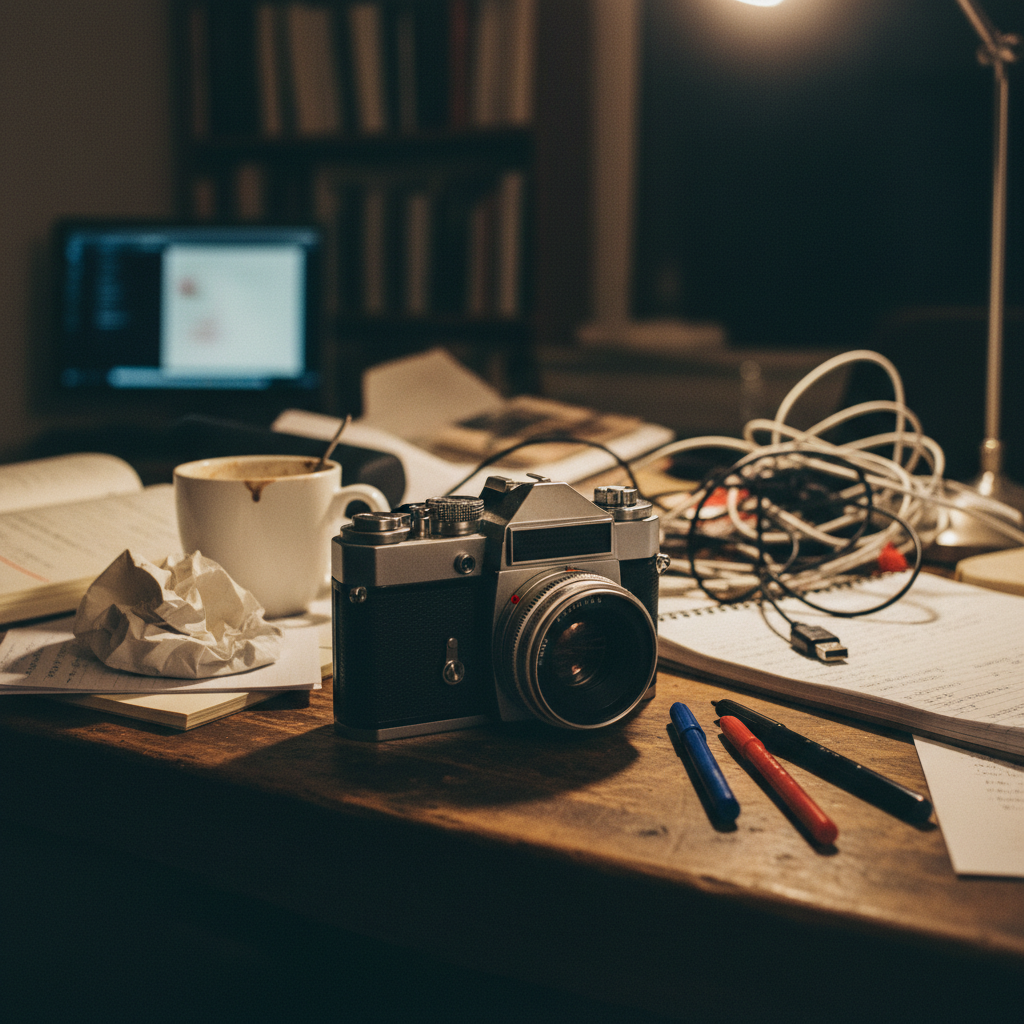
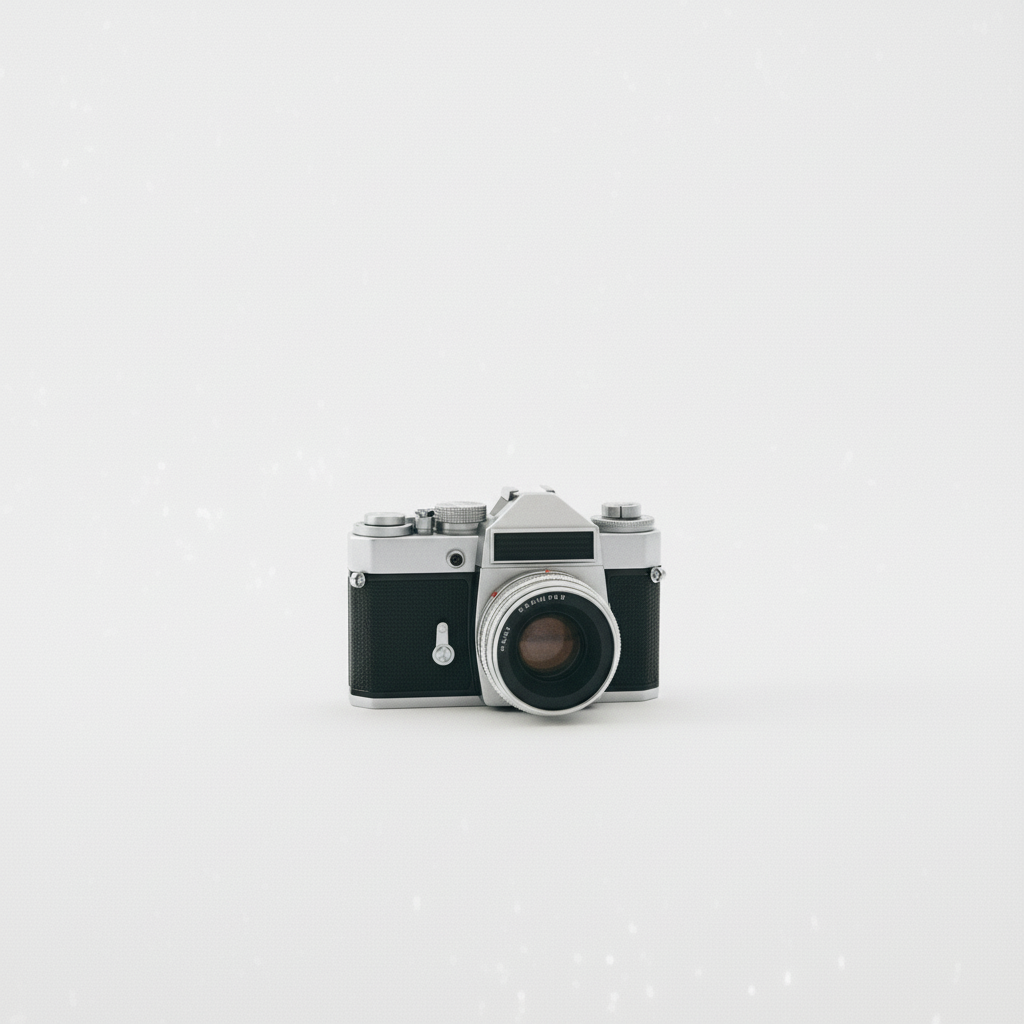
Drop your photo here
or click to browse
Release to upload
Free • No signup
"I sell vintage Seikos and Omegas on eBay. Watch buyers zoom into everything. EditThisPic lets me show crystal condition and dial detail on a clean background without expensive macro photography equipment." @WatchDealerMark
Built for Watch Sellers
Watch buyers are among the most detail-oriented collectors on eBay. They zoom in to check dial printing, crystal integrity, case finish, and bracelet condition. EditThisPic helps you document every detail on clean backgrounds that match the professional presentation watch collectors expect.
Tools Watch Sellers Use Most
Remove Glare
Reduce crystal glare that hides dial detail
Remove Background
Clean neutral backgrounds for professional watch presentation
Enhance Details
Sharpen dial printing and case engravings
Enhance Lighting
Even lighting to show case finish and bracelet condition
Create Professional Watch Photos
-
Upload your watch photo
Drop your watch photo into EditThisPic. JPG, PNG, and WebP up to 7MB. Shoot dial face, case back, crown side, bracelet clasp, and any condition details.
Background cleanup takes 15-20 seconds. Crystal glare reduction may need targeted markers. -
Describe the edit you want
Type 'replace background with clean neutral gray, reduce crystal glare, show dial detail clearly' for standard watch shots. For condition documentation, try 'enhance lighting to show case scratches and bracelet stretch.'
Neutral gray backgrounds work better than white for watches. White can overexpose metallic cases and hide subtle details. -
Verify dial and condition details
Zoom to 100% and check dial printing clarity, crystal condition, case finish, and bracelet link condition. Verify that hands are sharp and lume plots are visible.
Compare the dial color in the photo to the actual watch. Color accuracy is critical for collectors identifying dial variants. -
Process all angles consistently
Use the same background and style across dial shot, case back, crown side, and bracelet close-ups. Watch collectors expect consistent presentation.
Include a case back shot with serial number sharp enough to read. Buyers use this to verify authenticity.
Watch Photo Prompts for eBay
replace background with clean neutral gray, reduce crystal glare, show dial printing and hands clearly, professional watch photography
The primary listing photo. Crystal glare is the biggest challenge.
replace background with clean neutral gray, enhance sharpness on serial number and engravings, documentation quality
Serial numbers verify authenticity. Keep them readable.
replace background with clean neutral gray, show bracelet links and clasp condition clearly, preserve stretch documentation
Bracelet stretch affects value significantly. Document it honestly.
enhance lighting to show crystal scratches and chips clearly, clean background, honest condition documentation, preserve all wear
Crystal condition dramatically affects price. Show every scratch.
Show 4 more prompts
replace background with clean neutral gray, show crown condition and pushers clearly, enhance side profile detail
Crown condition indicates service history. Sharp detail helps.
replace background with clean dark gray, show lume condition clearly, preserve lume color and application quality
Lume condition matters for sports watches. Dark backgrounds show it better.
enhance lighting to show polishing marks and case finish, preserve original brushing and polishing patterns, honest condition documentation
Unpolished cases with original finish are more valuable. Document the finish honestly.
replace background with clean neutral gray, show watch with box and papers together, professional flat lay composition
Full set (box, papers, cards) significantly increases value. Show everything together.
| Edit Type | Prompt | Time | |
|---|---|---|---|
| Dial shot (reduced glare) | neutral gray background, reduce crystal glare, show dial |
20s | Try This → |
| Case back serial number | enhance serial number sharpness, neutral background |
15s | Try This → |
| Bracelet condition | show bracelet stretch and clasp condition clearly |
15s | Try This → |
| Crystal documentation | show crystal scratches clearly, honest condition |
20s | Try This → |
eBay Watch Photo Examples
Vintage Omega with dial detail visible
Vintage watch on nightstand. Crystal glare removed showing full dial detail.
replace background with clean neutral gray, reduce crystal glare, show dial detail clearly
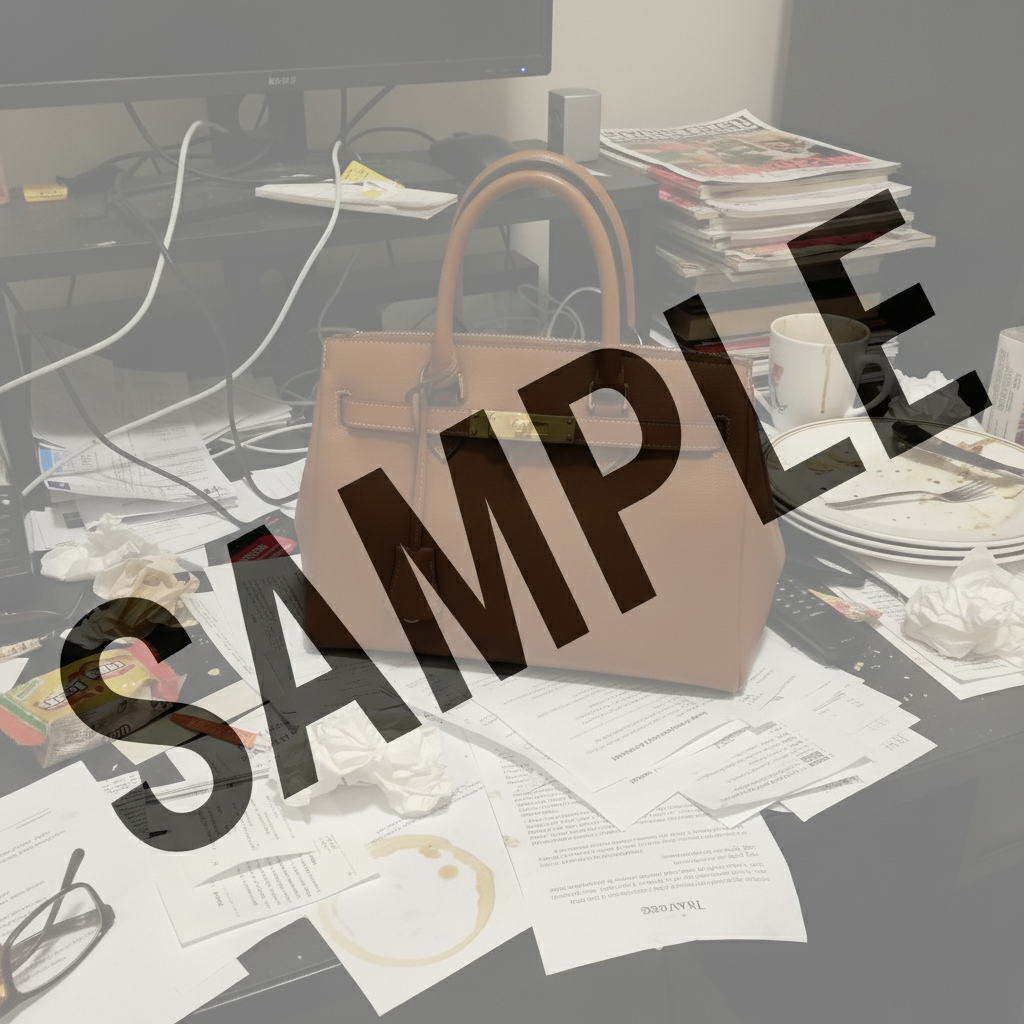
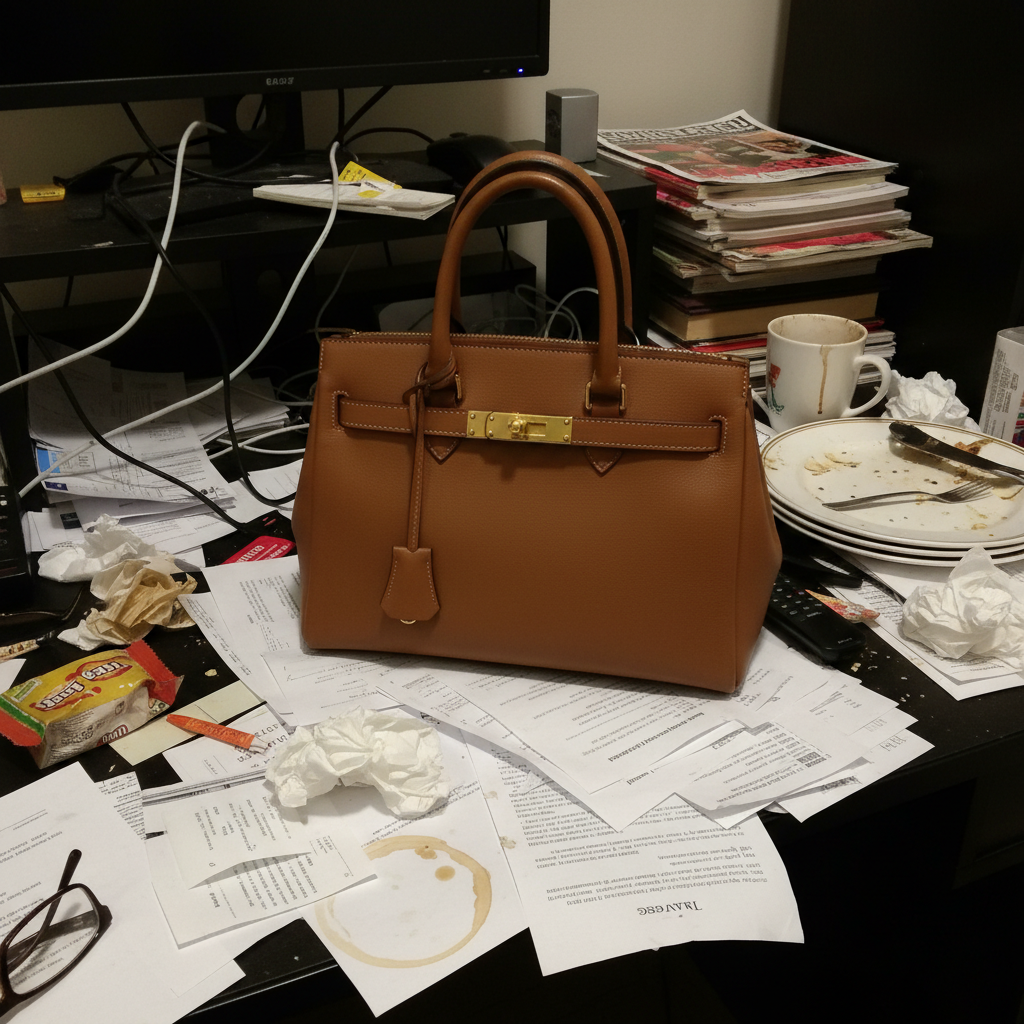
Case back serial number sharp and readable
Watch case back with serial number enhanced for authentication.
replace background with neutral gray, enhance serial number sharpness, documentation quality
Bracelet stretch documented honestly
Watch bracelet showing link stretch and clasp wear on clean background.
replace background with neutral gray, show bracelet stretch and clasp condition clearly
Common Watch Photo Issues
Crystal glare completely hides the dial
Why: Watch crystals are convex glass/sapphire that reflect overhead lights directly into the camera.
reduce crystal glare as much as possible, reveal dial detail underneath, clean neutral background
Photograph at a slight angle to avoid direct reflection. EditThisPic can reduce moderate glare but severe reflections may not fully clear.
AI altered dial color or patina
Why: Color correction changed the authentic dial color or tropical aging.
replace background only, preserve dial color and patina exactly as-is, no color correction on the watch
Tropical dials and aged lume are value features. Always add 'preserve dial color exactly' for vintage watches.
Case finish looks different from reality
Why: Lighting changes can make brushed steel look polished or vice versa.
replace background with neutral gray, preserve original case finish exactly, maintain brushing and polishing patterns
Case finish authenticity matters. 'Preserve original case finish' keeps brushed/polished areas accurate.
Serial number became blurry after editing
Why: Fine engravings at the case edge can soften during processing.
Run serial number close-ups as a separate edit for best sharpness.
Bracelet links blend together in photo
Why: Metal bracelets with similar-toned backgrounds lose link definition.
replace background with neutral gray, enhance lighting to show individual bracelet links and stretch clearly
Neutral gray provides the best contrast for stainless steel bracelets.
Lume plots are not visible
Why: Bright lighting washes out the lume material on hands and indices.
enhance visibility of lume plots on hands and dial, preserve lume color, clean dark background
Use a dark background when documenting lume condition. It provides better contrast.
Watch Seller Questions
How do I reduce crystal glare on watch photos?
Use 'reduce crystal glare, show dial detail clearly' in your prompt. The AI reduces the reflection while revealing the dial underneath. For best results, photograph at a slight angle to minimize direct reflection before editing.
Will EditThisPic preserve authentic dial patina?
Yes. Add 'preserve dial color and patina exactly as-is' to your prompt. Tropical dials, aged lume, and patina are value features that the AI will keep untouched while cleaning the background.
What background works best for watches?
Neutral gray is the standard for watch photography. It provides contrast for both steel and gold cases without overexposing metallic surfaces like white backgrounds do.
How do I show bracelet stretch?
Photograph the bracelet laid flat and use 'show bracelet links and stretch clearly' in your prompt. The AI will enhance lighting to make the gaps between stretched links visible.
Can I photograph watches through display case glass?
Yes, but display glass adds reflections. Use 'reduce glass reflections, show watch clearly through the case.' For best results, photograph without the glass if possible.
Should I show the watch running?
Yes, showing the second hand in motion (or at least the correct time) proves the movement works. Use 'preserve dial display and hand positions' in your prompt.
Ready to create professional watch listing photos?
Free to try. No signup required. Show every detail collectors need.
Start Editing