Resize Photos for Instagram Carousel
Get all your carousel photos to the same 4:5 ratio so your post looks professional.
Drop your photo here
or click to browse
Release to upload
Free • No signup
"My carousel posts always had mixed sizes - some square, some landscape. Now I run every photo through EditThisPic to get consistent 4:5 sizing. The carousels look so much more polished." @CarouselQueen
Built for Instagram Carousel Creators
Instagram carousels perform best when all slides have consistent dimensions. The 4:5 portrait format (1080x1350) takes up maximum screen space in the feed, getting more engagement than square or landscape. EditThisPic converts photos of any size to this optimal ratio - extending backgrounds naturally so you never lose important content. Perfect for photo dumps, tutorials, portfolios, and brand content.
Tools for Carousel Sizing
Extend Background
Expand photos to fit 4:5 portrait format
Resize Photo
Convert to exact carousel dimensions
Enhance Photo
Match color grading across carousel slides
Step-by-Step Guide
-
Upload your carousel photo
Drop any photo into EditThisPic - landscape, square, or already portrait. For multi-image carousels, process each photo to get consistent 4:5 sizing across all slides.
Simple resize: 20 seconds. Background extension: 25-35 seconds per photo. -
Describe the carousel sizing you need
Type 'resize to 1080x1350 Instagram carousel format' or 'extend background to 4:5 portrait ratio.' Specify which direction needs extension - usually above and below for landscape photos, or on sides for taller portraits.
Keep your subject in the center third - Instagram's grid view crops to square, so center content stays visible. -
Review the resized photo
Check that your subject is properly positioned and extended areas blend naturally. For carousel consistency, note the color balance and lighting so you can match across all slides.
-
Process remaining photos and download
Repeat for all carousel images to get consistent sizing. Download each at 1080x1350 for optimal Instagram quality. Upload all slides together for your polished carousel post.
Instagram carousels can have up to 20 slides now - process all images before uploading for the most cohesive look.
Copy-Paste Prompts for Instagram Carousels
resize to 4:5 Instagram carousel format 1080x1350, extend background above and below naturally, keep subject centered
4:5 portrait takes up maximum feed space and looks best in carousels
extend background above and below to convert square photo to 1080x1350 carousel dimensions, match existing colors and textures
Square photos need vertical extension - mentioning texture matching improves results
resize portrait photo to exact 4:5 ratio 1080x1350 for Instagram carousel, adjust crop to center subject properly
Portrait photos may just need slight cropping or minimal extension
resize product photo to Instagram carousel format 1080x1350, extend clean background evenly, keep product large and centered
Product carousels work best with consistent clean backgrounds
Show 4 more prompts
convert landscape travel photo to 4:5 carousel portrait, extend sky above and ground below, maintain scenic composition
Travel carousels look best with vertical photos showing more sky and scenery
resize overhead food photo to 1080x1350 carousel format, extend table surface to fill portrait dimensions
Food photos often need table/surface extension which AI handles well
resize full-body portrait to 4:5 Instagram carousel, ensure full outfit visible, extend background naturally
Fashion carousels need full outfits visible - specify 'full body' to prevent cropping
resize to Instagram carousel 1080x1350 with space at top for step number text, position main content in lower portion
Tutorial carousels need consistent text placement - leave top space for numbering
| Edit Type | Prompt | Time | |
|---|---|---|---|
| Landscape to carousel | extend above/below for 4:5 carousel |
30s | Try This → |
| Square to carousel | extend to 1080x1350 portrait |
25s | Try This → |
| Product carousel | extend clean background to 4:5 |
20s | Try This → |
| Group photo carousel | 4:5 keeping all faces visible |
30s | Try This → |
Real Examples
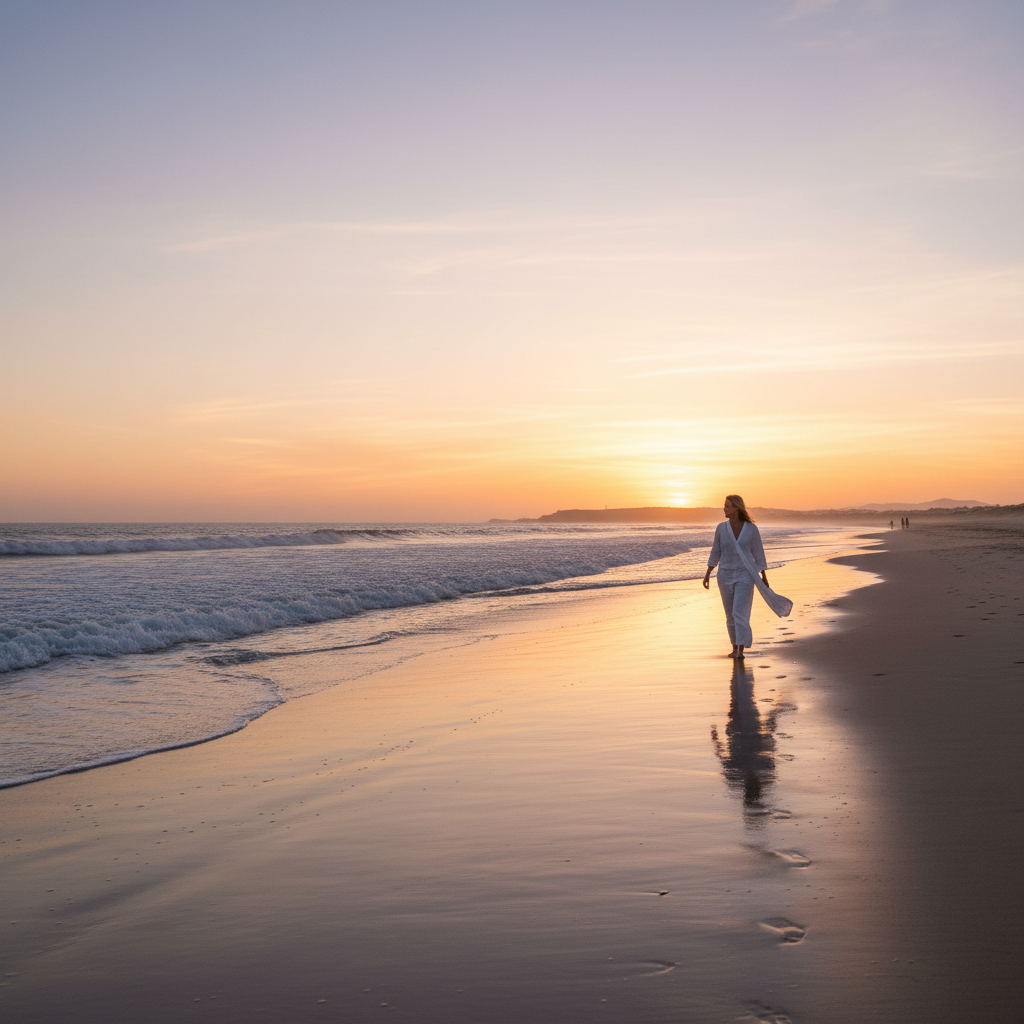
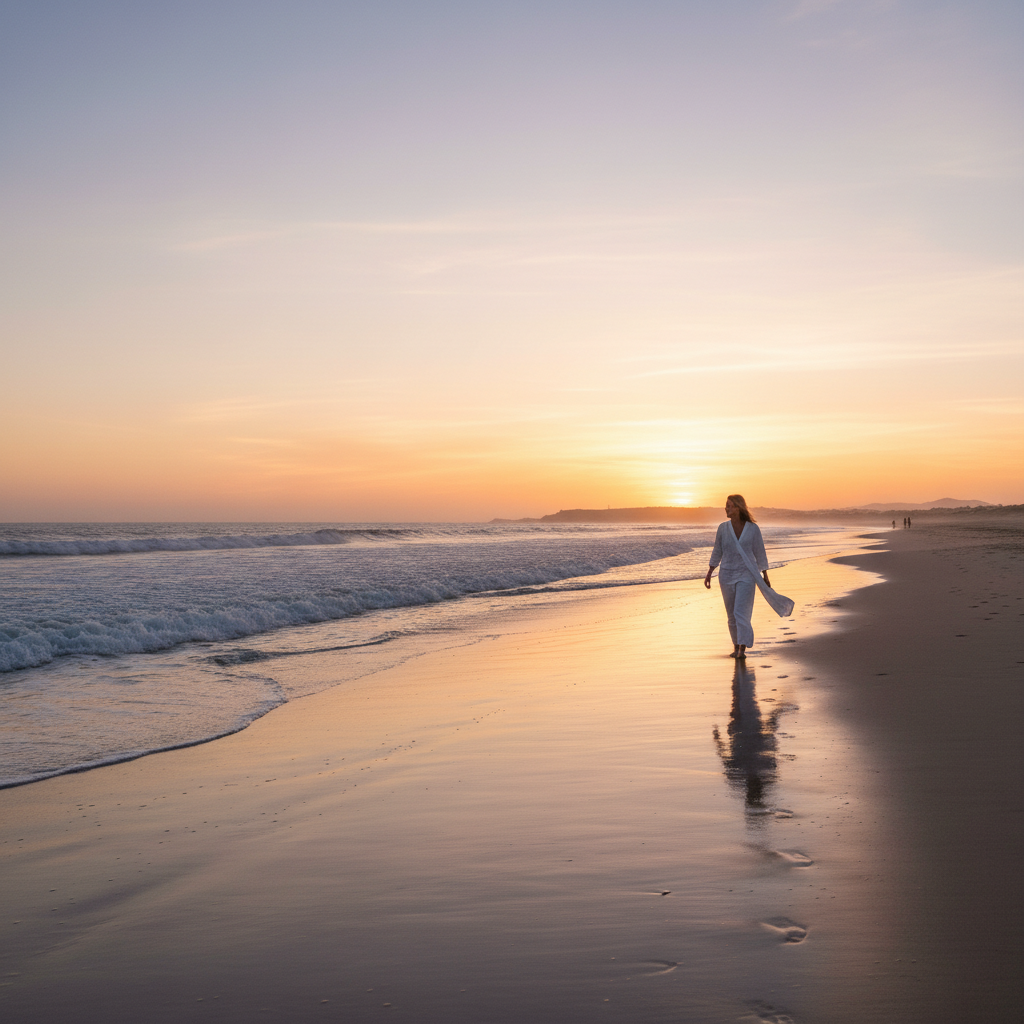
Landscape beach photo to carousel slide
A wide 16:9 travel photo needed to fit the 4:5 carousel format without losing the beautiful scenery.
extend sky above and sand below to convert this 16:9 beach photo to 4:5 Instagram carousel format 1080x1350, maintain the sunset colors throughout
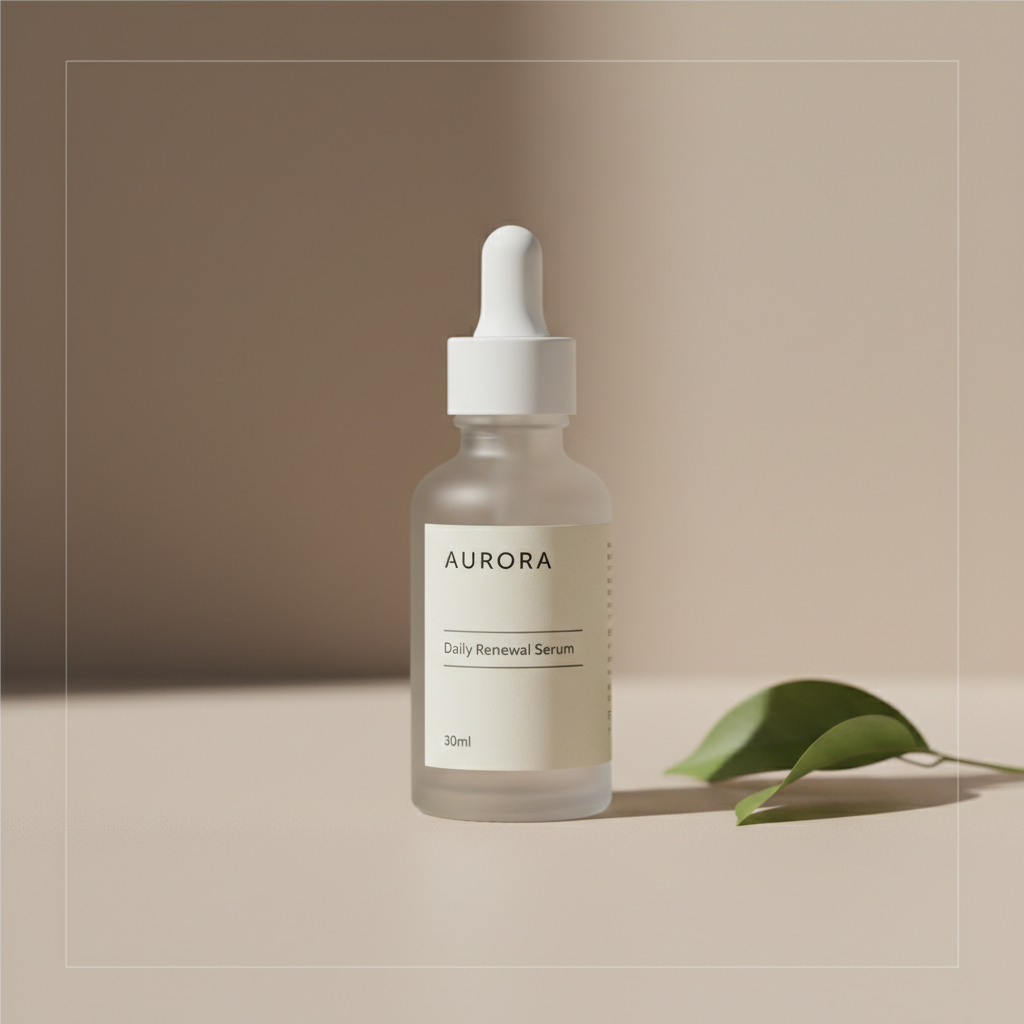
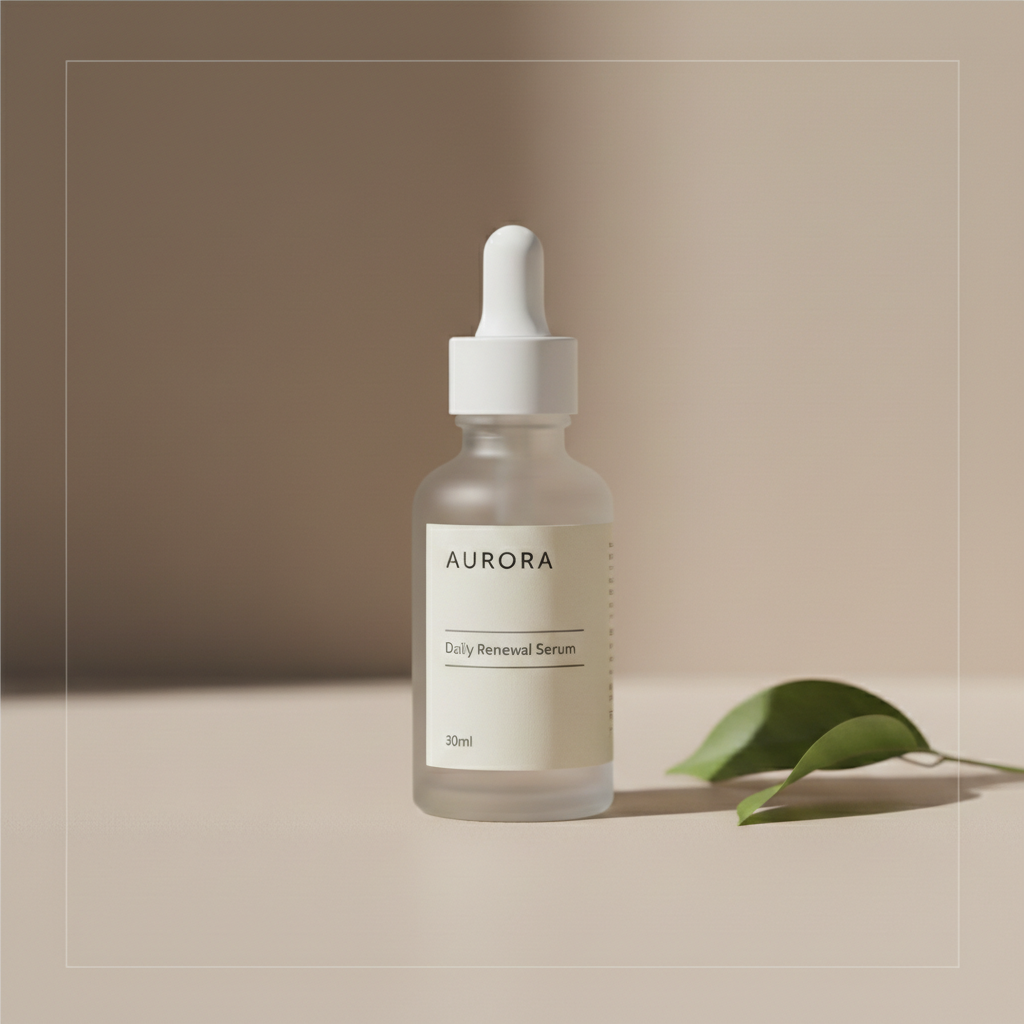
Square product photo to carousel
A 1:1 product shot needed to match the rest of a brand's 4:5 carousel posts.
extend clean background above and below to convert this square photo to 1080x1350 Instagram carousel dimensions, keep product centered in middle third
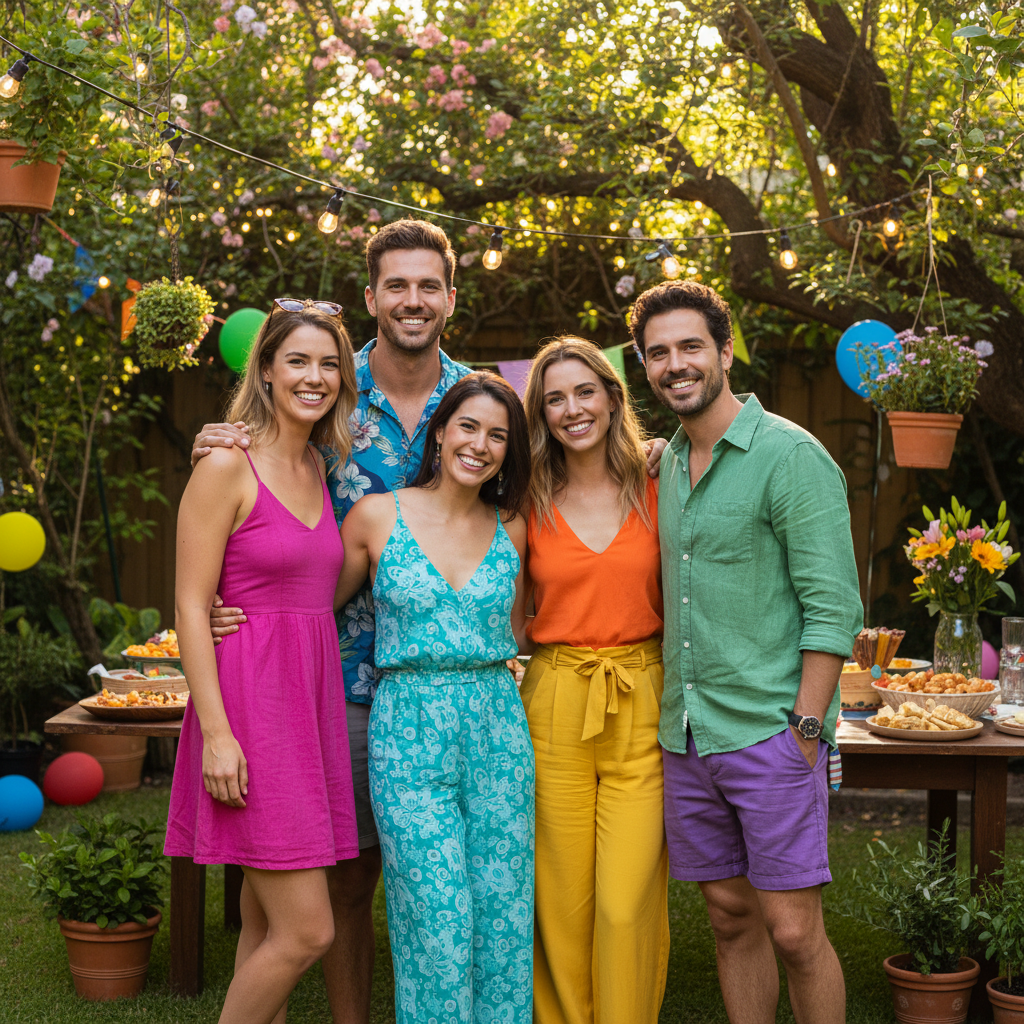
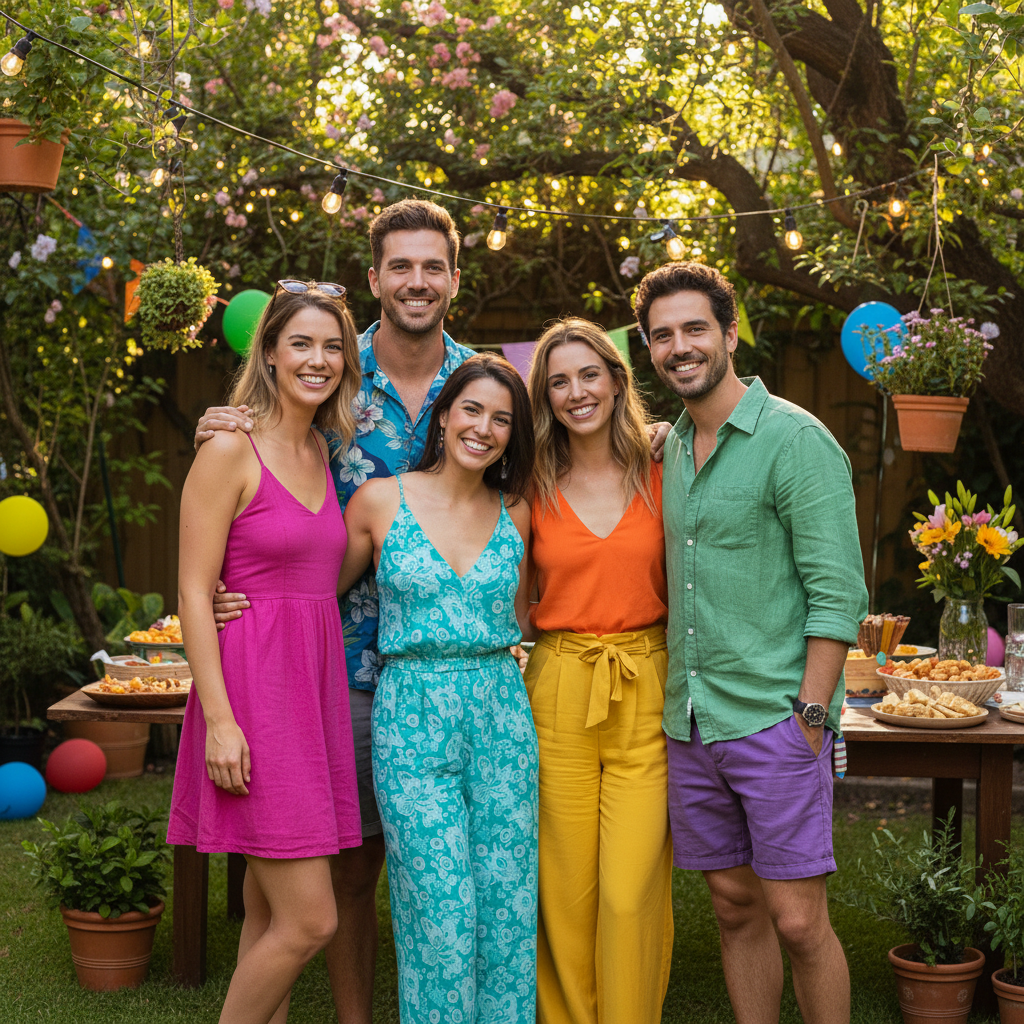
Group photo to carousel portrait
A horizontal group photo from an event needed to become a vertical carousel slide while keeping all faces visible.
extend background above the group to convert this horizontal photo to 4:5 carousel format 1080x1350, keep all people fully visible, do not crop anyone
When Things Go Wrong
Photos in carousel look inconsistent in size or style
Why: Each photo was processed with different prompts or had different source dimensions.
Use the exact same prompt for all carousel photos: resize to 1080x1350 Instagram carousel format, extend background naturally, match colors across all images
Save your prompt and reuse it for each image in the carousel for maximum consistency.
Subject gets cut off in Instagram's grid preview
Why: Instagram shows a square center crop in the profile grid - content near edges gets hidden.
resize to 4:5 carousel format, position subject in CENTER of image so it remains visible in square grid preview
The grid shows roughly a 1:1 crop from the center - important content should be there.
Extended backgrounds look different across carousel slides
Why: Each photo had a different original background that extended differently.
Tap markers on inconsistent areas, then: match the background style and color to be consistent with other carousel slides
For brand carousels, consider using the same background color across all slides.
AI changed the wrong area or something I didn't want changed
Why: The AI couldn't determine exactly which area you meant from description alone.
Tap a marker on the specific area you want to change, then regenerate with the same prompt
Markers tell the AI 'I mean THIS one specifically.' Use them when description alone is ambiguous.
Colors don't match between original and extended areas
Why: The AI didn't perfectly match the color temperature during extension.
extend background while exactly matching the color temperature, saturation, and lighting of the original photo
Being specific about color qualities helps the AI maintain consistency.
Frequently Asked Questions
What size should Instagram carousel photos be?
Instagram carousel photos should be 1080x1350 pixels (4:5 aspect ratio) for optimal display. This portrait orientation takes up maximum screen space in the feed. While Instagram accepts other sizes, 4:5 gets the most engagement and looks best.
Do I need to mark areas before resizing for carousel?
No. Just describe what you want: 'resize to 1080x1350 Instagram carousel format.' The AI understands these instructions without marking. Only use markers if you need to refine specific areas after the first result.
How do I resize multiple photos for one carousel?
Process each photo individually using the same prompt: 'resize to 1080x1350 Instagram carousel format.' Using consistent prompts ensures all slides have matching dimensions and similar treatment.
Is there a free Instagram carousel resizer without login?
Yes. EditThisPic resizes photos to Instagram carousel dimensions free without requiring an account. Upload each photo, describe the carousel sizing you need, and download. No watermarks.
Should I use square or portrait for Instagram carousels?
Portrait (4:5 ratio, 1080x1350) is recommended for carousels. It takes up 25% more screen space than square, gets more engagement, and makes your carousel feel more immersive. EditThisPic can convert square photos to portrait.
How do I make sure my carousel photos look consistent?
Use the same prompt for all photos, process them in one session, and check that backgrounds and color grading match. For product carousels, consider extending to the same solid color for all slides.
Ready to resize your carousel photos?
Free to try. No signup required. No watermarks.
Start Resizing