AI Photo For Tiktok Cover Resizer
Last updated
Turn any photo into a scroll-stopping TikTok cover that makes people tap your video.
Drop your photo here
"resize to 9:16 TikTok cover format, extend sky above and ground below naturally, keep subject centered"
Release to upload
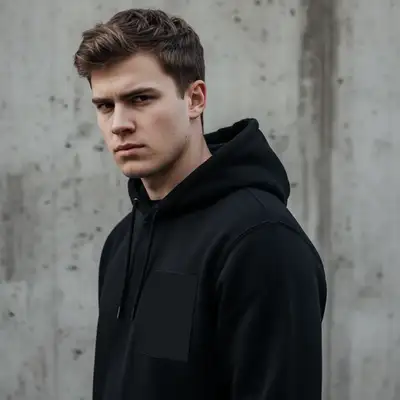
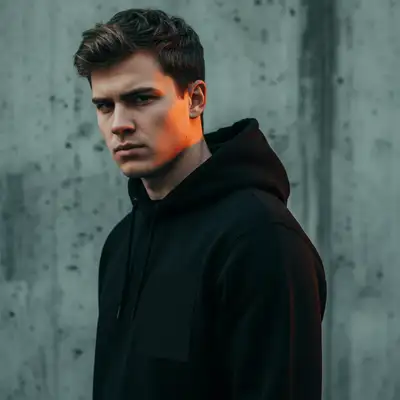
Built for TikTok Creators
TikTok video covers appear in 9:16 vertical format across your profile grid, the For You page, and search results. A great cover can double your tap-through rate. EditThisPic converts any photo into the perfect cover dimensions - extending backgrounds where needed and leaving room for text overlays. Make your TikTok profile look curated and professional.
Tools for TikTok Covers
Extend Background
Expand photos to fit TikTok's vertical format
Add Text
Add eye-catching titles to your covers
Enhance Photo
Boost colors for scroll-stopping covers
How to AI Photo For Tiktok Cover Resizer
-
Upload your cover photo
Drop any photo into EditThisPic. Use a high-quality image that represents your video content. Landscape, square, or portrait - the AI handles any starting format.
Simple resize: 20 seconds. Background extension: 30-40 seconds. -
Describe your TikTok cover needs
Type 'resize to 9:16 TikTok cover format' or 'extend background for TikTok video cover with space for text at top.' Specify which directions need extension - sky above, ground below, or sides.
Leave space in the top third for text - that's where TikTok cover titles look best and avoid the username overlay at bottom. -
Check the cover composition
Preview how your cover will look in TikTok's format. Ensure your subject is visible and centered, text areas are clear, and extended backgrounds look natural.
Copy-Paste Prompts for TikTok Covers
resize to 9:16 TikTok cover format, extend sky above and ground below naturally, keep subject centered
'Naturally' ensures extended areas blend seamlessly with the original
convert to TikTok cover dimensions with extra headroom at top for text overlay, extend background upward matching existing colors
Top third is ideal for text - it's visible in grids and avoids the username overlay
resize portrait photo to exact 1080x1920 TikTok cover dimensions, extend sides if needed to fit ratio
Portrait photos may need slight side extension to hit exact 9:16 ratio
extend background above and below to convert square photo to 9:16 TikTok cover, maintain subject position in center third
'Center third' keeps your subject visible even in small grid previews
Show 4 more prompts
resize product photo to TikTok cover format 9:16, extend clean background evenly, keep product large and centered
Product should be prominent and immediately recognizable in small previews
convert to TikTok cover with extra space at top third for tutorial title text, extend background above subject
Tutorial covers need clear text space - viewers decide to watch based on the title
resize before/after comparison photo to 9:16 TikTok cover dimensions, keep both sides equally visible
Before/after covers work great for transformation content
resize portrait to TikTok cover format, position face in upper center area with space below, extend background as needed
Faces in the upper half grab attention better in the For You feed
| Edit Type | Prompt | Time | |
|---|---|---|---|
| Landscape to cover | extend for 9:16 TikTok cover |
30s | Try This → |
| With text space | cover with headroom for title |
30s | Try This → |
| Square to cover | extend above and below for cover |
25s | Try This → |
| Portrait cleanup | resize to exact 1080x1920 |
20s | Try This → |
Real Examples
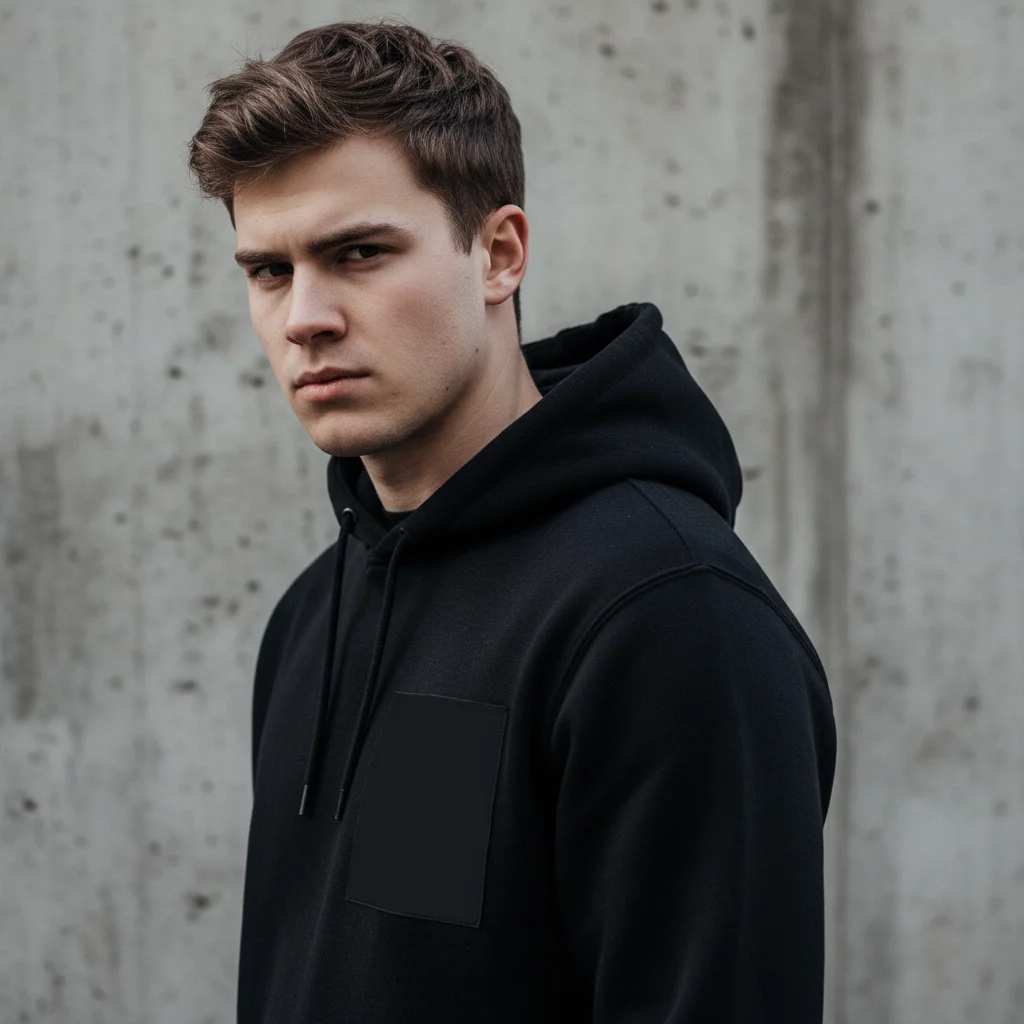
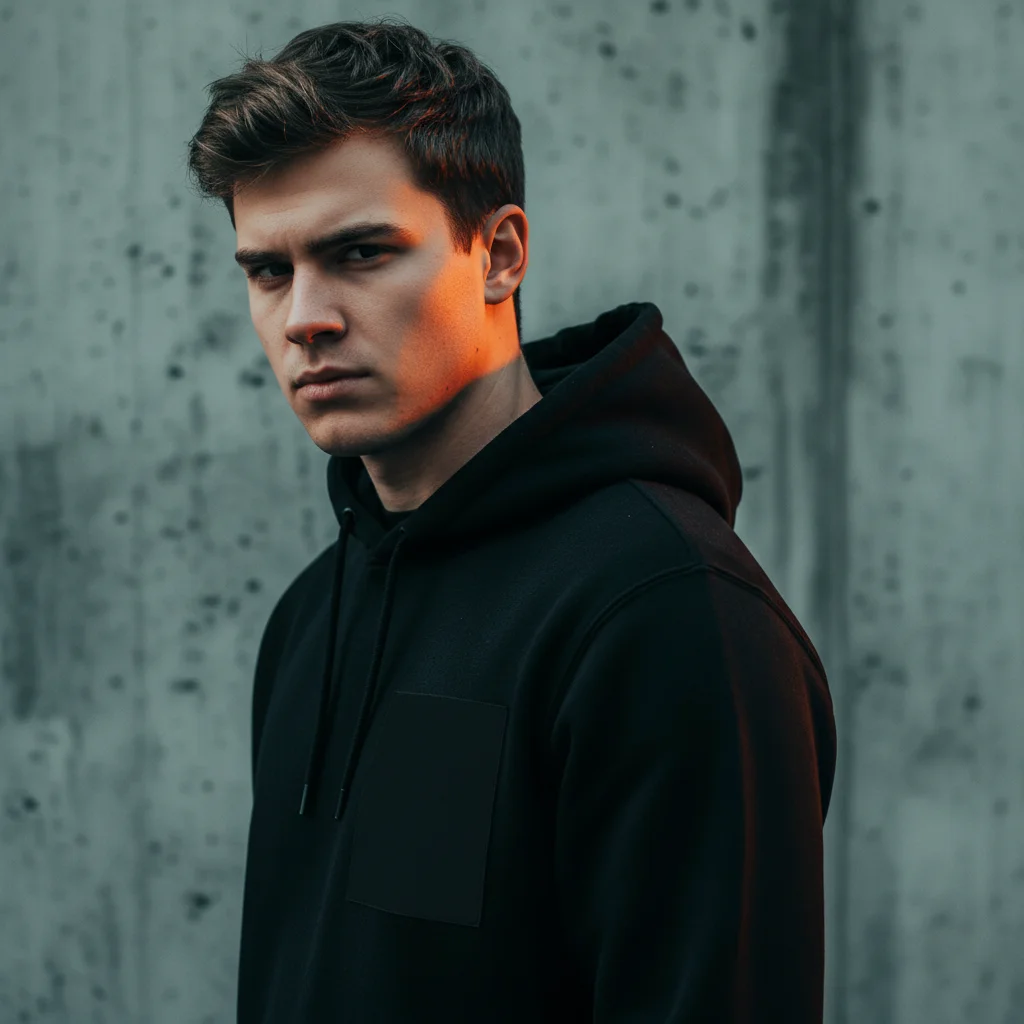
Portrait resized and color graded for TikTok cover
A portrait of a young man in a black hoodie against a concrete wall. The AI applied cinematic color grading — warm orange rim light on the face and cool teal tones on the background — and formatted the image for a TikTok cover.
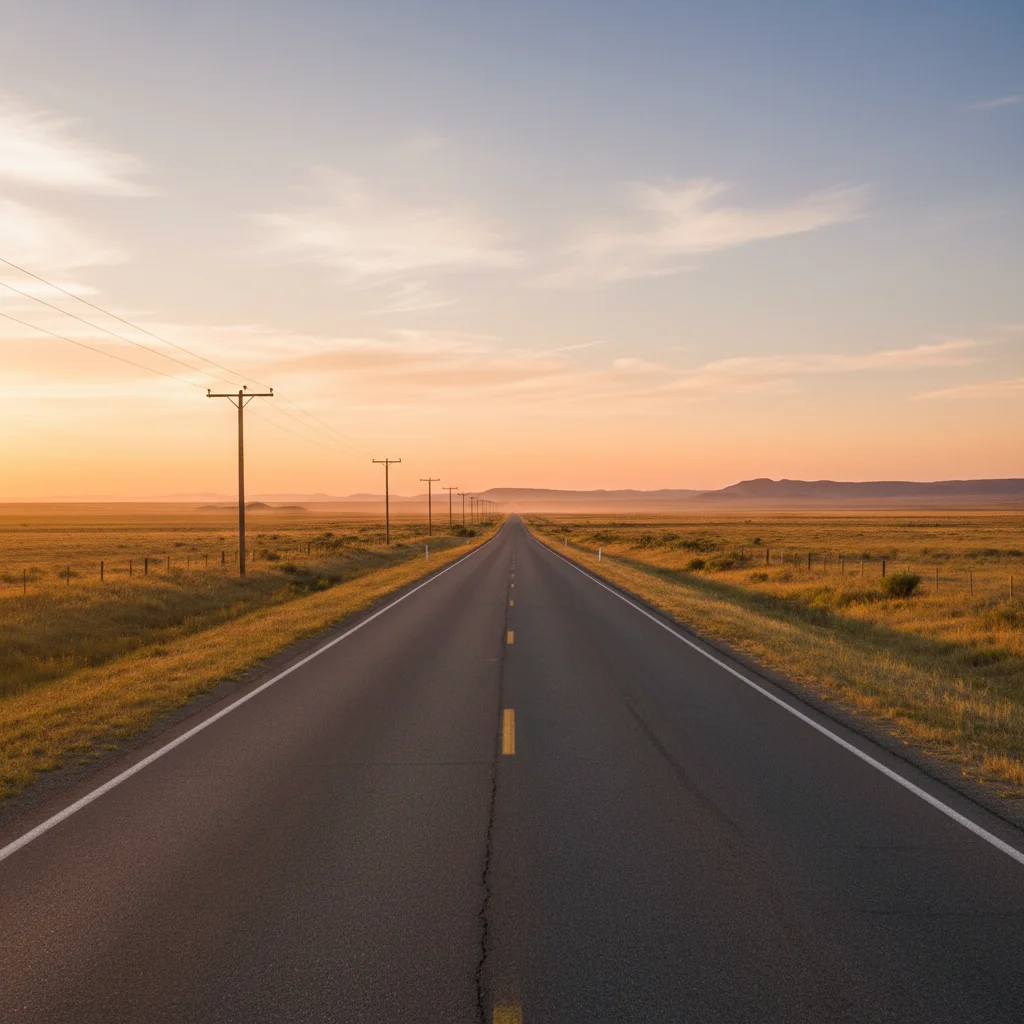
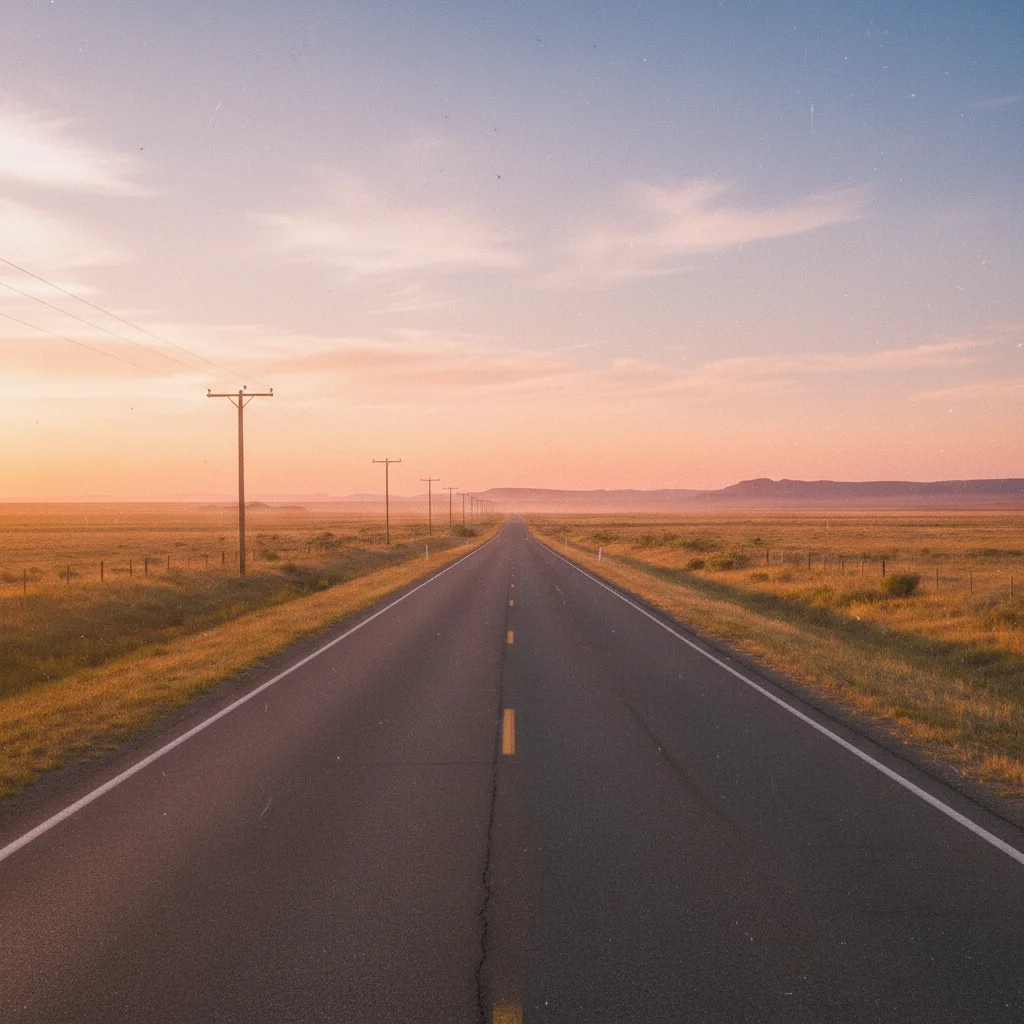
Portrait resized and color graded for TikTok cover
A portrait of a young man in a black hoodie against a concrete wall. The AI applied cinematic color grading — warm orange rim light on the face and cool teal tones on the background — and formatted the image for a TikTok cover.
When Things Go Wrong
Subject gets cut off or cropped badly
Why: The AI prioritized filling the ratio over preserving your subject position.
resize to 9:16 TikTok cover by ONLY extending background, do NOT crop or move the main subject at all
'ONLY extending background' prevents any cropping of existing content.
Not enough space for text at top
Why: The AI centered the subject instead of shifting it down.
extend background significantly above subject, position main content in lower two-thirds, leave top third clear for text overlay
Specifying 'lower two-thirds' gives precise positioning guidance.
Output dimensions aren't exactly 1080x1920
Why: The AI may have interpreted 9:16 slightly differently.
Specifying exact pixel dimensions ensures perfect TikTok compatibility.
Frequently Asked Questions
What size should a TikTok video cover be?
TikTok video covers should be 1080x1920 pixels (9:16 aspect ratio). This is the same as a full phone screen in portrait orientation. EditThisPic outputs this exact size when you specify TikTok cover format.
Do I need to mark areas before resizing?
No. Just describe what you want: 'resize to TikTok cover format' or 'extend background for 9:16.' The AI understands these instructions without marking.
How do I create a TikTok cover from a landscape photo?
Upload your landscape photo and type 'extend background above and below to convert to 9:16 TikTok cover format.' The AI will add matching sky/ground to make it vertical rather than awkwardly cropping.
Is there a free TikTok cover maker without login?
Yes. EditThisPic converts any photo to TikTok cover dimensions free without requiring an account. Upload, describe the cover you need, and download. No watermarks added.
How do I leave space for text on my TikTok cover?
Type 'extend background at top for text space' or 'position subject in lower two-thirds with room for title text at top.' The AI will create clean space for your text overlay.
Can I use the same cover for TikTok and Instagram?
Yes. TikTok covers and Instagram Stories use the same 9:16 (1080x1920) format. One EditThisPic resize works for both platforms.
Is EditThisPic's AI photo for tiktok cover resizer really free?
Yes — you get 1 free edit per week, no account needed. Plans start at $4.99/month for 15 edits.
Can I resize photos on my phone?
Yes. EditThisPic works in any mobile browser — iPhone, Android, tablet. No app download needed.
Popular use cases
Ready to create your TikTok cover?
Free to try. No signup required. No watermarks.
Create CoverTrusted by 15,000+ users