AI Photo Editor for TikTok Creators
Last updated
Make your TikTok profile and content pop with scroll-stopping photos.
Drop your photo here
"enhance this photo with vibrant colors and soft flattering lighting, blur background with aesthetic bokeh, make it look professional but trendy for TikTok profile"
Free to try · no sign-up · never used for AI training
Release to upload

Built for TikTok Creators
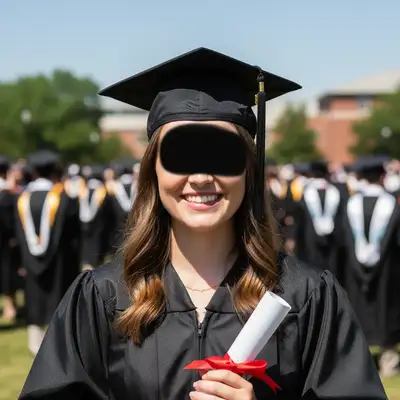
TikTok's algorithm favors content that stops the scroll. Your profile photo is the first impression when someone lands on your page. Thumbnails determine whether people watch your video. EditThisPic helps you create the polished, aesthetic look that gets followers, views, and sales.
Tools for TikTok Content
Enhance Colors
Make colors pop for that viral aesthetic
Blur Background
Focus attention on you or your product
Replace Background
Swap messy backgrounds for clean or aesthetic settings
Enhance Lighting
Get that ring light glow from any photo
Remove Background
Create cutouts for thumbnails and overlays
How to AI Photo Editor for TikTok Creators
-
Upload your photo
Drop your photo into EditThisPic. Works with selfies, product shots, screenshots, or any image you want to use on TikTok. JPG, PNG, WebP up to 7MB.
Color enhancement: 15-20 seconds. Full background replacement: 25-35 seconds. -
Describe the TikTok look you want
Type what you want: 'make colors vibrant and aesthetic for TikTok' or 'replace background with clean gradient, keep me sharp.' Be specific about the vibe - dreamy, bold, minimalist, or whatever matches your brand.
Reference trending aesthetics: 'clean girl aesthetic,' 'soft glam look,' 'bold influencer vibe' -
Review for scroll-stopping impact
Check that your photo pops at thumbnail size - that's how most people will see it. Colors should be vibrant but not oversaturated. Background should complement, not compete.
Copy-Paste Prompts for TikTok
enhance this photo with vibrant colors and soft flattering lighting, blur background with aesthetic bokeh, make it look professional but trendy for TikTok profile
Combining color enhancement with background blur creates that polished influencer look
make colors bold and eye-catching, increase contrast, add subtle glow to face, this needs to stand out in a TikTok feed
Thumbnails need to work at small sizes - bold colors and high contrast help
enhance colors and lighting to match the 'after' shot aesthetic, keep it realistic but polished, clean up any distractions
Matching aesthetics on both before and after makes transformation content more shareable
replace background with clean white, enhance product colors to look vibrant, add subtle shadow for depth, make it look like a professional product photo
TikTok Shop products with clean backgrounds and vibrant colors convert better
Show 4 more prompts
soft enhance lighting with dewy glow, subtle skin smoothing, blur background with dreamy aesthetic, keep it natural and effortless looking
The clean girl look is all about 'effortless' - don't overdo the enhancements
boost color saturation significantly, add dramatic lighting contrast, replace background with solid trendy color or gradient, make it look magazine-quality
Bold edits work great for entertainment and lifestyle content
enhance this selfie with soft golden hour lighting, gentle background blur, subtle skin enhancement while keeping natural texture, dreamy but not fake
'Natural texture' prevents that obviously filtered look that can hurt credibility
blur the background slightly, enhance product colors to pop, add warm cozy lighting, make it look like aspirational lifestyle content
Lifestyle product shots outperform sterile studio shots on TikTok
| Edit Type | Prompt | Time | |
|---|---|---|---|
| Profile photo | enhance colors, blur background aesthetic |
20s | Try This → |
| Video thumbnail | bold colors, high contrast, eye-catching |
15s | Try This → |
| TikTok Shop product | white background, vibrant product colors |
25s | Try This → |
| Before/after content | match aesthetic, clean up distractions |
25s | Try This → |
Real Examples
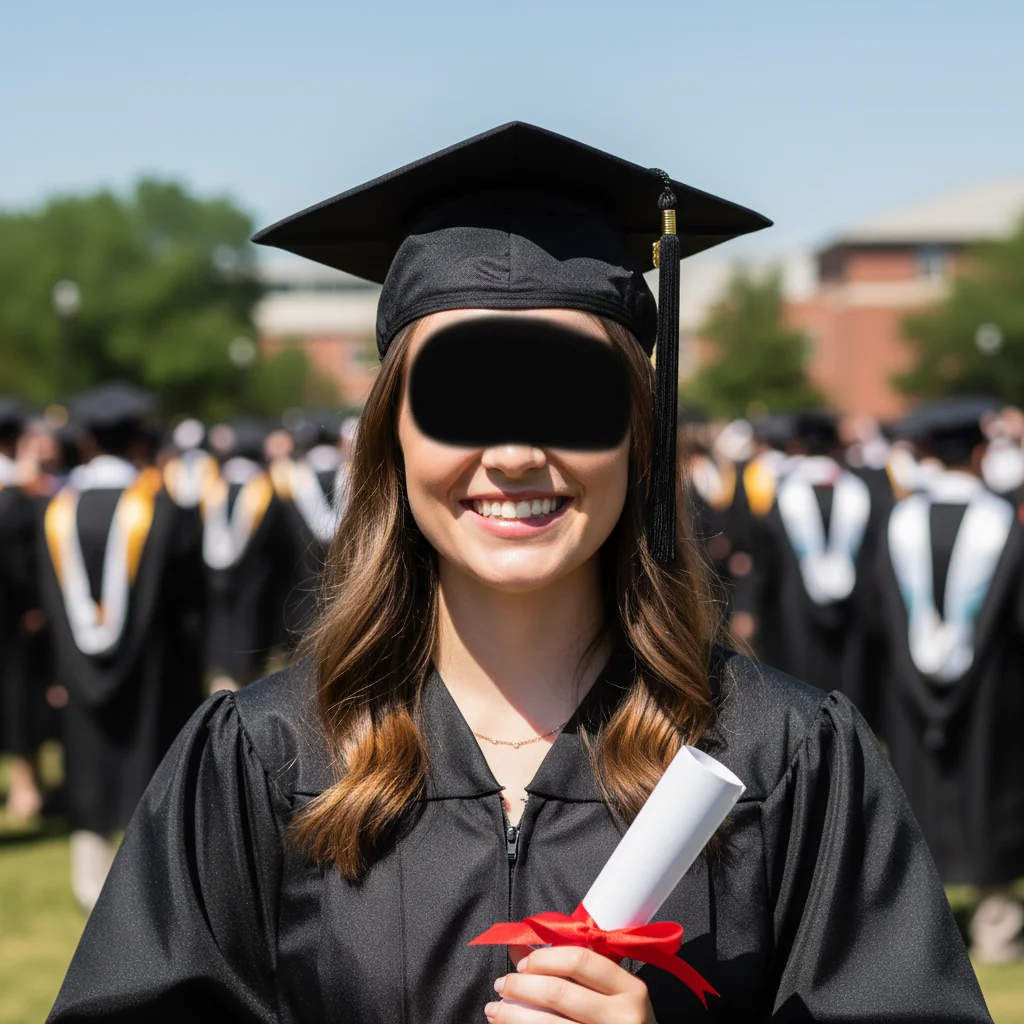
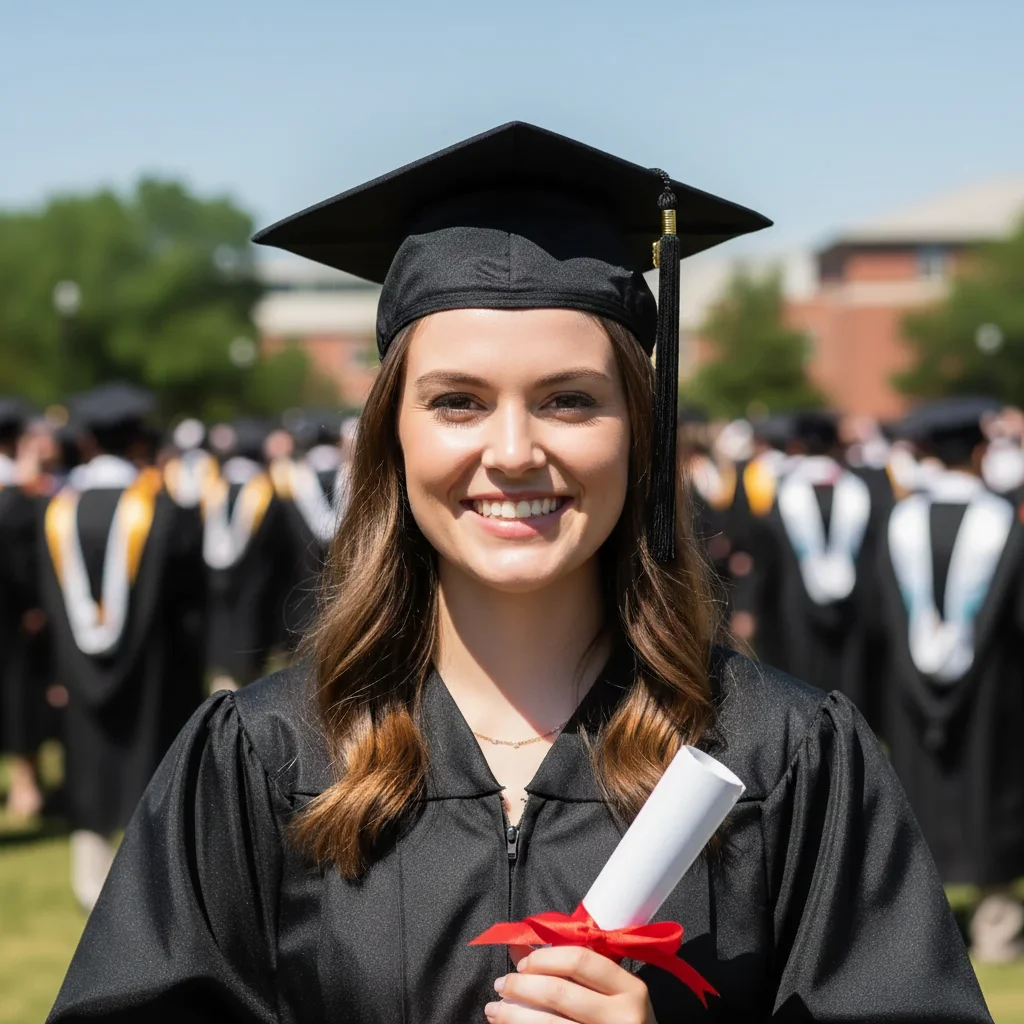
Phone selfie to profile pic
Turn a basic phone selfie into a scroll-stopping TikTok profile photo with that polished creator look.
enhance with vibrant colors and soft ring light glow, blur background with dreamy aesthetic, keep face natural but polished
Transformation reveal before photo
Your 'before' photo needs to match the aesthetic of your 'after' for that viral transformation content.
match the lighting and color grade to look cohesive with transformation content, clean up background distractions while keeping it real
TikTok Shop product photo
Turn a quick phone snap of your product into a professional-looking TikTok Shop listing photo.
replace background with clean white, enhance product colors to look premium and vibrant, add soft shadow for depth
Video thumbnail that pops
Create a thumbnail that stops the scroll and gets people to watch your video.
make colors bold and eye-catching, increase contrast dramatically, add subtle glow around face, this needs to grab attention at small size
When Things Go Wrong
Colors look oversaturated or fake
Why: Strong color enhancement on already colorful photos can push saturation too far.
'Natural and believable' helps the AI find the right balance for trending aesthetics.
Background looks obviously AI-generated
Why: Full background replacement can sometimes look artificial.
Background blur often looks more natural than full replacement, especially for profile pics.
Skin looks too smooth and plastic
Why: Skin smoothing without texture preservation removes natural detail.
'Keep natural skin texture' prevents that obviously filtered look that viewers notice.
Product colors don't match the real item
Why: Color enhancement changed the product colors too much.
For TikTok Shop, accurate colors prevent returns. Enhancement should make colors pop, not change them.
Frequently Asked Questions
How specific should my prompt be to get a good AI Photo Editor for TikTok Creators result on the first try?
One sentence is usually enough: 'enhance this photo.' If the first result is off, refine with details — color, position, lighting, or what to keep. Each pass takes 20-45 seconds and runs separately, so you can compare. Free first edit per week, no signup.
What size should my TikTok profile photo be?
TikTok displays profile photos at 200x200 pixels, but upload the highest quality you have. EditThisPic doesn't resize your image - download the edited version and TikTok will handle the cropping. Make sure your face is centered since TikTok crops to a circle.
How do I get the trending TikTok aesthetic look?
Describe the vibe you want: 'clean girl aesthetic,' 'soft glam look,' or 'bold influencer vibe.' Combine color enhancement with background blur for polished results. Start subtle - you can always regenerate with stronger edits if needed.
Can I use this for TikTok Shop product photos?
Yes! Replace messy backgrounds with clean white, enhance product colors to look vibrant, and add subtle shadows for depth. Keep product colors accurate - enhanced but true to life. This helps conversions and prevents returns.
Is there a free TikTok photo editor that doesn't need signup?
Yes, EditThisPic is free to try with no account required. Upload your photo, describe what you want, and download without watermarks. No app to install, works in any browser.
How do I make before/after content look professional?
Edit both photos with similar prompts to keep the aesthetic consistent. The 'before' doesn't need to look bad - it just needs to match the 'after' in terms of lighting and color style. Clean up distractions from both shots.
Is EditThisPic's AI photo editor for tiktok creators really free?
Yes — you get 1 free edit per week, no account needed. Credit packs start at $4.99 for 10 edits.
Can I use this on my phone?
Yes. EditThisPic works in any mobile browser — iPhone, Android, tablet. No app download needed.
Popular use cases
Ready to level up your TikTok content?
Free to try. No signup required. No watermarks.
Start Editing