AI Photo Editor for Instagram
Last updated
Turn any photo into an Instagram-worthy post without Lightroom presets or hours of editing.
Drop your photo here
"adjust colors to warm golden aesthetic, soft shadows, slightly lifted blacks, cohesive Instagram feed look"
Free to try · no sign-up · never used for AI training
Release to upload
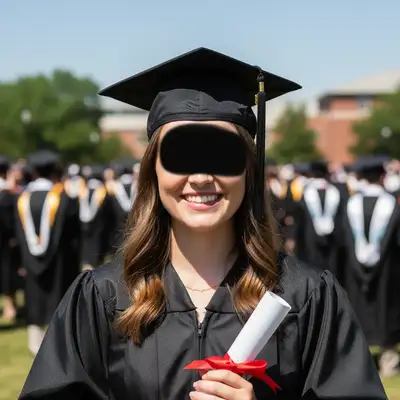

Built for Instagram Creators
Your Instagram feed is your portfolio. Whether you're growing a personal brand, selling products, or building influence, every post needs to look intentional. EditThisPic lets you achieve any aesthetic, fix any background, and retouch any portrait in seconds. No Lightroom, no Photoshop, no presets.
Tools for Instagram Content
Replace Background
Clean backgrounds for product flat lays and consistent feed aesthetic
Enhance Lighting
Fix harsh shadows and add soft, Instagram-friendly lighting
Blur Background
Portrait-style depth for OOTD posts and selfies
Enhance Face
Subtle retouching that looks natural, not filtered
Fix Color
Match your feed's color palette and correct bad lighting
How to AI Photo Editor for Instagram
-
Upload your photo
Upload a high-quality source image. Screenshots, camera photos, or existing graphics all work for creation. JPG, PNG, WebP up to 7MB.
Simple color/lighting edits: 15-20 seconds. Background replacement: 25-35 seconds. Multiple edits: may need 2-3 refinements. -
Describe the Instagram look you want
Type what you want: 'add warm golden aesthetic with soft shadows' or 'replace background with clean white for product photo.' Be specific about the vibe - warm, moody, bright and airy, minimal. The AI understands aesthetic terms Instagram creators use.
Reference specific aesthetics: 'bright and airy', 'warm and moody', 'clean minimal', 'golden hour warmth' - the AI knows these vibes. -
Review for feed consistency
Check that colors match your existing feed aesthetic. Verify skin tones look natural, not orange or gray. For product shots, ensure the background is truly clean with no shadows bleeding through. Zoom in on edges for flat lay images.
Copy-Paste Prompts for Instagram
adjust colors to warm golden aesthetic, soft shadows, slightly lifted blacks, cohesive Instagram feed look
'Lifted blacks' and 'soft shadows' create that popular Instagram look without looking over-edited
replace background with clean white marble surface, soft even lighting, professional product photography style
Marble backgrounds are versatile and work for beauty, fashion, and lifestyle products
instagram photo editing — keep it looking natural and realistic. I want to share this on social media right away
Upload the highest resolution version of your photo for the best editing results
brighten overall, add soft airy feel, reduce harsh shadows, clean whites without blowing out, Instagram lifestyle aesthetic
Great for lifestyle bloggers and wellness content - clean and aspirational
Show 4 more prompts
add moody atmosphere, deeper shadows, desaturated tones with teal and orange hints, cinematic Instagram look
Teal-orange color grading is a popular cinematic look that stands out in feeds
blur background with smooth portrait bokeh, keep outfit sharp and detailed, slightly enhance colors to pop
Background blur draws attention to the outfit and looks professional
enhance food to look appetizing, warm the highlights, add subtle steam/freshness look, clean background
Warm highlights make food look fresh and delicious - key for food bloggers
remove distracting elements in background, enhance for vertical format, add soft vignette to focus on center subject
Vignettes work well for Stories where attention needs to stay centered
| Edit Type | Prompt | Time | |
|---|---|---|---|
| Warm aesthetic | warm golden aesthetic, soft shadows |
15s | Try This → |
| Flat lay background | replace with white marble surface |
25s | Try This → |
| Portrait blur | blur background with smooth bokeh |
20s | Try This → |
| Full enhancement | enhance lighting, add warm aesthetic, subtle face polish |
30s | Try This → |
Real Examples
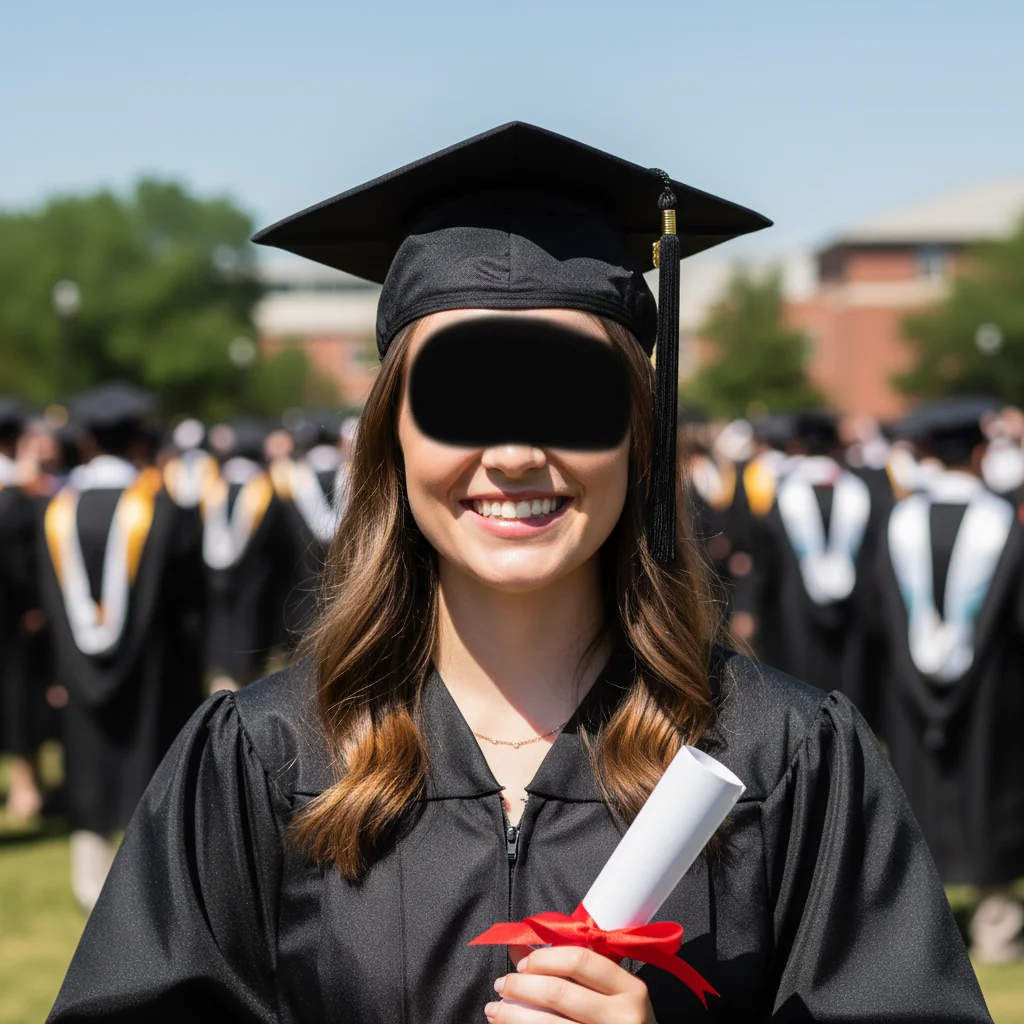

Kitchen counter to professional flat lay
You shot your product on your kitchen counter with whatever lighting was available. Now it looks like a styled product shoot.
replace the kitchen counter background with clean white marble surface, even soft lighting, professional product flat lay style
Harsh midday selfie to golden hour glow
That outdoor selfie taken at noon with unflattering shadows? Transformed into golden hour warmth.
change harsh lighting to soft golden hour warmth, reduce shadows under eyes and nose, keep natural skin texture, warm Instagram aesthetic
When Things Go Wrong
Colors don't match my existing feed aesthetic
Why: The AI interpreted your aesthetic description differently than you intended.
Describe more specifically: 'warm with peachy skin tones, slightly desaturated greens, lifted shadows' or reference a specific look
Look at your best-performing posts and describe their exact colors - warm/cool, saturated/muted, shadows lifted or deep.
Skin looks orange or unnatural after color grading
Why: Warm color grading was applied uniformly including skin tones.
Specifying 'natural skin tones' prevents the orange Instagram filter look.
Flat lay product shadows look artificial
Why: When replacing backgrounds, the original shadows may not match the new surface lighting.
replace background with white marble, add natural soft shadow beneath products matching the new surface
Mentioning 'natural soft shadow' ensures products don't look pasted on.
Frequently Asked Questions
How specific should my prompt be to get a good AI Photo Editor for Instagram result on the first try?
One sentence is usually enough: 'enhance this photo.' If the first result is off, refine with details — color, position, lighting, or what to keep. Each pass takes 20-45 seconds and runs separately, so you can compare. Free first edit per week, no signup.
How do I maintain a consistent feed aesthetic across all my photos?
Use the same prompt for all your photos. Create your signature look once - something like 'warm golden tones, lifted shadows, slightly desaturated greens' - then apply it consistently. Save your prompt somewhere and reuse it for every post.
Will my photos still look authentic, not obviously edited?
Yes, if you keep edits subtle. The goal is 'you on a good day with good lighting' - not obviously filtered. Avoid heavy skin smoothing or dramatic color shifts. Most followers can spot over-edited photos, so natural-looking enhancements perform better.
Can I edit for different Instagram formats (feed, Stories, Reels)?
Yes. The tool handles any aspect ratio. For feed posts, 1:1 square or 4:5 vertical work best. For Stories and Reels, 9:16 vertical. You can crop after editing or describe 'optimize for vertical Story format' in your prompt.
Is there a free Instagram photo editor that doesn't add watermarks?
Yes - EditThisPic is free to try with no signup required, and purchased downloads are clean. You get one free preview edit per week. For more frequent posting, credit packs are available.
How is this different from Instagram's built-in filters?
Instagram filters apply the same preset to every photo. EditThisPic understands your specific photo and applies intelligent adjustments - it can replace backgrounds, fix lighting problems, retouch portraits, and create custom aesthetics that filters can't achieve.
Is EditThisPic's AI photo editor for instagram really free?
Yes — you get 1 free edit per week, no account needed. Credit packs start at $4.99 for 10 edits.
Can I use this on my phone?
Yes. EditThisPic works in any mobile browser — iPhone, Android, tablet. No app download needed.
Popular use cases
Ready to level up your Instagram?
Free to try. No signup required. Purchased downloads are clean.
Start Editing