Free • No signup Change Pet photo background · Free

AI Pet Background Changer
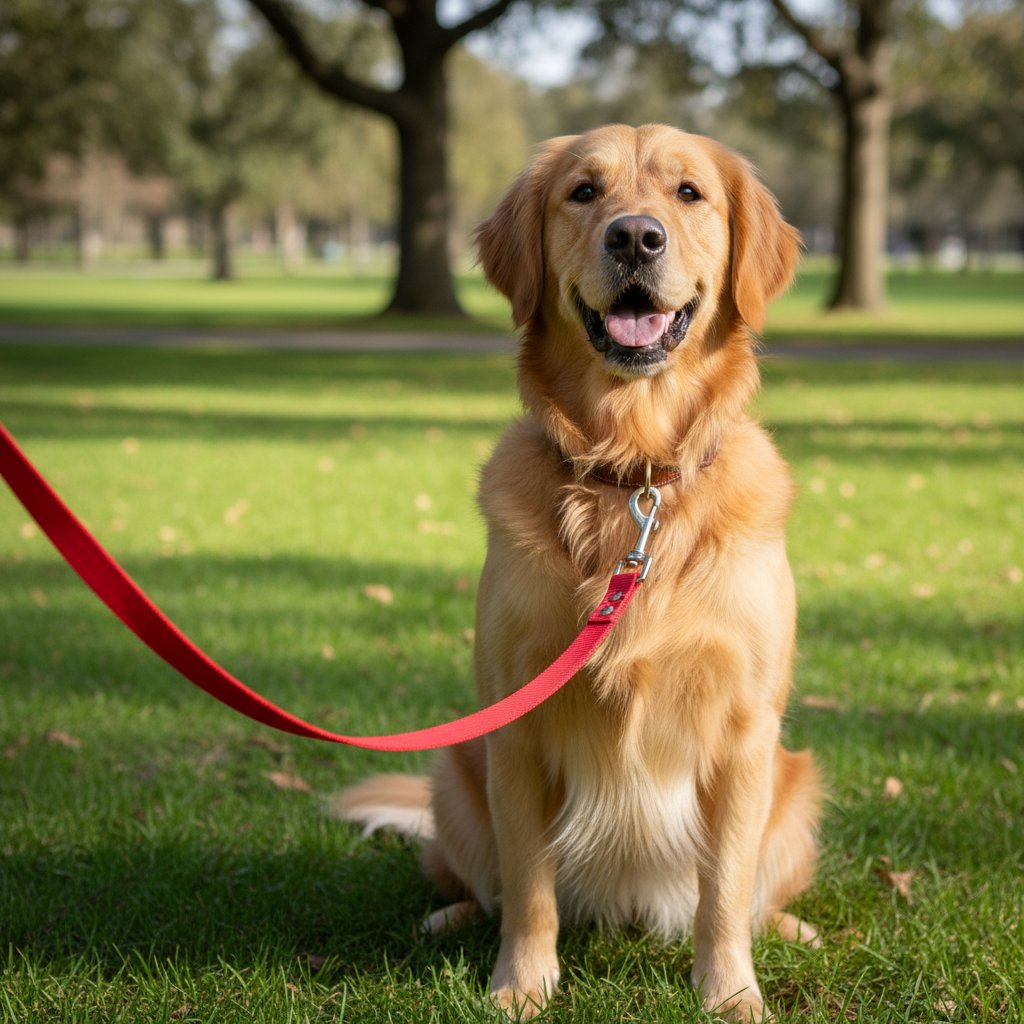
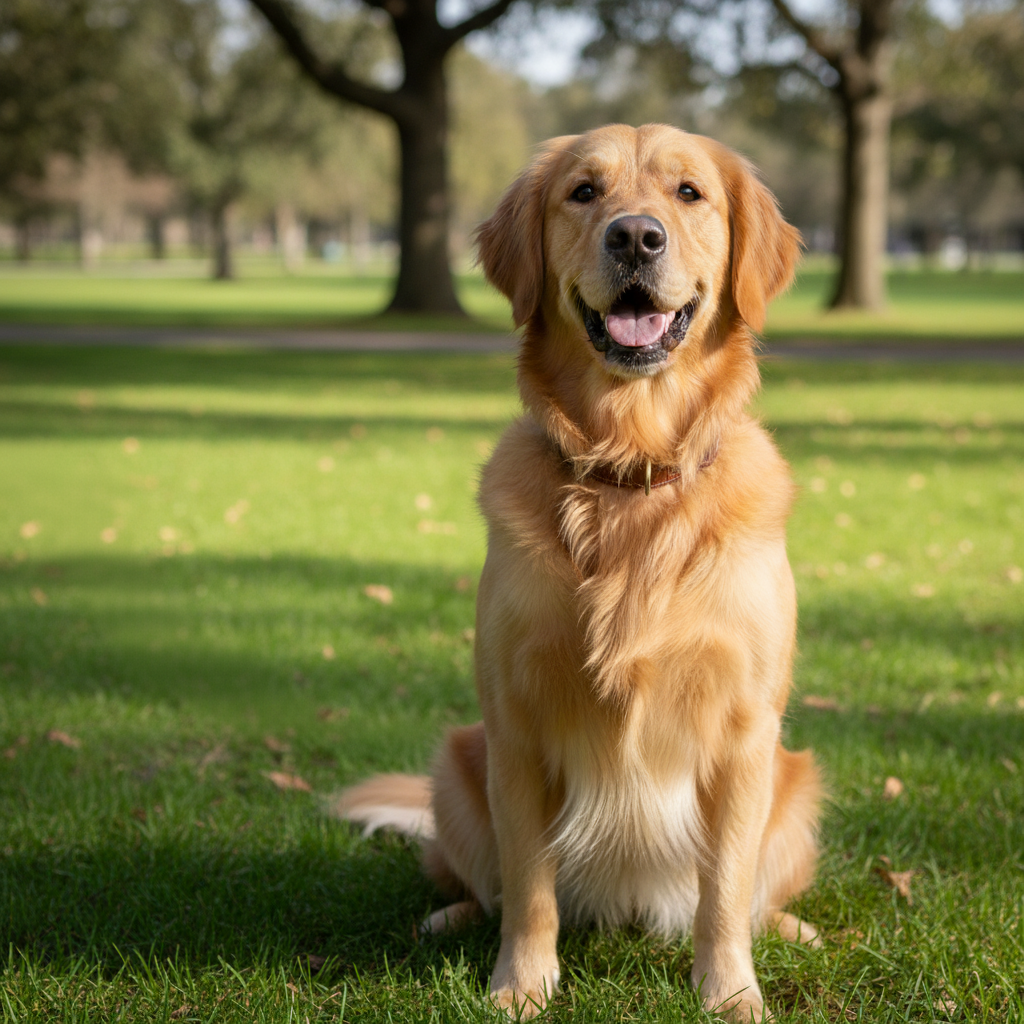
Before
Before
After
After

Free AI Pet Background Changer

Drop your photo here

or click to browse

Release to upload

Free • No signup

Advertisement
Popular use cases:
  • pet portrait background
  • remove pet photo background
  • professional pet photos
  • pet photography editing
  • change dog photo background
  • cat photo background replacement
  • pet photo backdrop
  • seasonal pet photos

Cost
Free No signup required
Time
Instant results in 15-30 seconds
Works on
Any device - browser, phone, tablet, desktop
Powered by
AI-powered photo editing
Scenario Prompt Time
Professional portraits 15-30s
Seasonal themes 15-30s
Nature scenes 15-30s
Blur effects 15-30s

How it works

  1. Upload your pet photo

    Choose any photo of your pet—indoor, outdoor, or anywhere. The AI will automatically detect your pet and separate them from the current background. Photos with clear separation between pet and background work best.

    Expect: 30-45 seconds for AI to analyze your pet and current background.
  2. Describe the new background

    Simply type what background you want—the AI handles all the masking and blending automatically. No need to mark or select anything. Be specific about the setting, time of day, weather, or style for best results.

    Tip: Include lighting details in your description like 'beach at golden hour' or 'forest with soft morning light' to get backgrounds that match your pet's lighting naturally.

    Copy one of these to get started:

    Vacation or summer-themed photos Change background to beach at sunset with orange sky
    Fall season photos Replace background with autumn forest with colorful leaves
    Professional or clean product-style photos Change background to solid white studio backdrop
    Outdoor adventure theme Replace background with mountain landscape at sunrise
    6 more prompts
    Holiday or winter cards Change background to snowy winter scene with falling snow
    Nature and spring themes Replace background with flower garden in spring
    Indoor homey atmosphere Change background to cozy living room with fireplace
    Urban outdoor setting Replace background with city park with green grass and trees
    Exotic or adventure themes Change background to tropical rainforest with vibrant plants
    Professional portrait style Replace background with bokeh lights for professional portrait look
  3. Review the result

    Check that your pet blends naturally into the new background and the lighting looks realistic. The AI automatically adjusts edges and shadows. If something needs tweaking, describe the adjustment you want.

  4. Download Your Pet Photo with New Background

    Save your transformed pet photo in full resolution with no watermark. Perfect for social media, greeting cards, or professional portraits.

Try it free

Free AI Pet Background Changer

Drop your photo here

or click to browse

Release to upload

Free • No signup

See it in action

Before
Before
->
After
After

Beach Sunset Background

Prompt: Change background to beach at sunset with orange sky
Before
Before
->
After
After

White Studio Background

Prompt: Change background to solid white studio backdrop
Before
Before
->
After
After

Autumn Forest Scene

Prompt: Replace background with autumn forest with red and orange leaves
Advertisement

If something looks off

AI changed the wrong area or something I didn't want changed

Why: The AI couldn't determine exactly which area you meant from description alone.

Try: Tap a marker on the specific area you want to change, then regenerate with the same prompt

Tip: Markers tell the AI 'I mean THIS one specifically.' Use them when description alone is ambiguous.

Parts of my pet are missing or blended into the background

Why: If your pet's fur color is very similar to the original background, the AI may have difficulty detecting the edge.

Try: Use a marker to indicate your pet's body, or try a photo with better contrast between pet and background

Tip: Photos where your pet contrasts with the background (dark pet on light background or vice versa) give the cleanest results.

The new background lighting doesn't match my pet

Why: The AI generated a background with different lighting than your original photo.

Try: Add lighting details to your prompt: 'soft diffused light', 'bright sunny day', or 'warm indoor lighting'

Tip: Match the new background's lighting to your pet's original lighting for the most realistic results.

The edges around my pet look artificial or too sharp

Why: High-contrast edges or very fluffy fur can sometimes create visible borders.

Try: Add 'with natural soft edges' or 'smoothly blended' to your background description

Tip: The AI usually handles edge blending automatically, but mentioning natural blending can improve results for furry pets.

The background is too busy or distracting

Why: Complex background descriptions can create detailed scenes that compete with your pet for attention.

Try: Simplify your background description or add 'blurred' or 'soft focus background'

Tip: For portrait-style photos, use 'bokeh' or 'out of focus' in your background description to keep attention on your pet.

Part of the original background is still visible

Why: Objects very close to or touching your pet may be preserved as part of the subject.

Try: Use a marker on any leftover background elements and describe 'remove this and replace with [new background]'

Tip: If your pet was on a bed, couch, or floor you want removed, mention it: 'remove the couch and change to beach background'.

Quick answers

Do I need to mark or select my pet first?

No! The AI automatically detects your pet and separates them from the background. Just describe the new background you want and the AI handles all the masking. Markers are only needed if you want to fine-tune a specific detail after the initial result.

Is this really free with no watermark?

Yes, completely free with no watermark on your downloaded images. No account required, no hidden fees. You get full-resolution photos ready to share anywhere.

Can I make the background blurry like professional portraits?

Absolutely! Add 'bokeh' or 'blurred background' to your description. For example: 'change background to bokeh lights' or 'forest with blurred background'. This creates that professional shallow depth-of-field look.

What if my pet is the same color as the background?

The AI uses shape and context, not just color, to detect pets. However, photos with some contrast work best. If you have issues, try adding a marker on your pet's body to help the AI identify them clearly.

Can I use photos where my pet isn't centered?

Yes! The AI finds your pet anywhere in the photo and preserves their position while changing the background. Your pet doesn't need to be centered or posed any particular way.

Will the new background match my pet's lighting?

The AI attempts to match lighting automatically, but you can improve results by describing the lighting: 'beach at golden hour' or 'studio with soft diffused light'. This helps create more natural-looking results.

Ready to transform your pet's background?

Free to try. No signup required.

Try it free