For Personal Use
Common Scenarios
- Quick blur computer screens and phone screens in photos for social media
- Personal photo collection improvement
Best Practices
- Start with a clear, well-lit photo
- Be specific in your description for best results
Last updated
Describe what you want and AI handles the rest.
AI Screen Content Blurrer
Upload photo to blur computer screens and phone screens
Free • Results in 30 seconds • No signup
Release to upload
AI Screen Content Blurrer
Upload photo to blur computer screens and phone screens
Free • Results in 30 seconds • No signup
Release to upload
Free • No signup

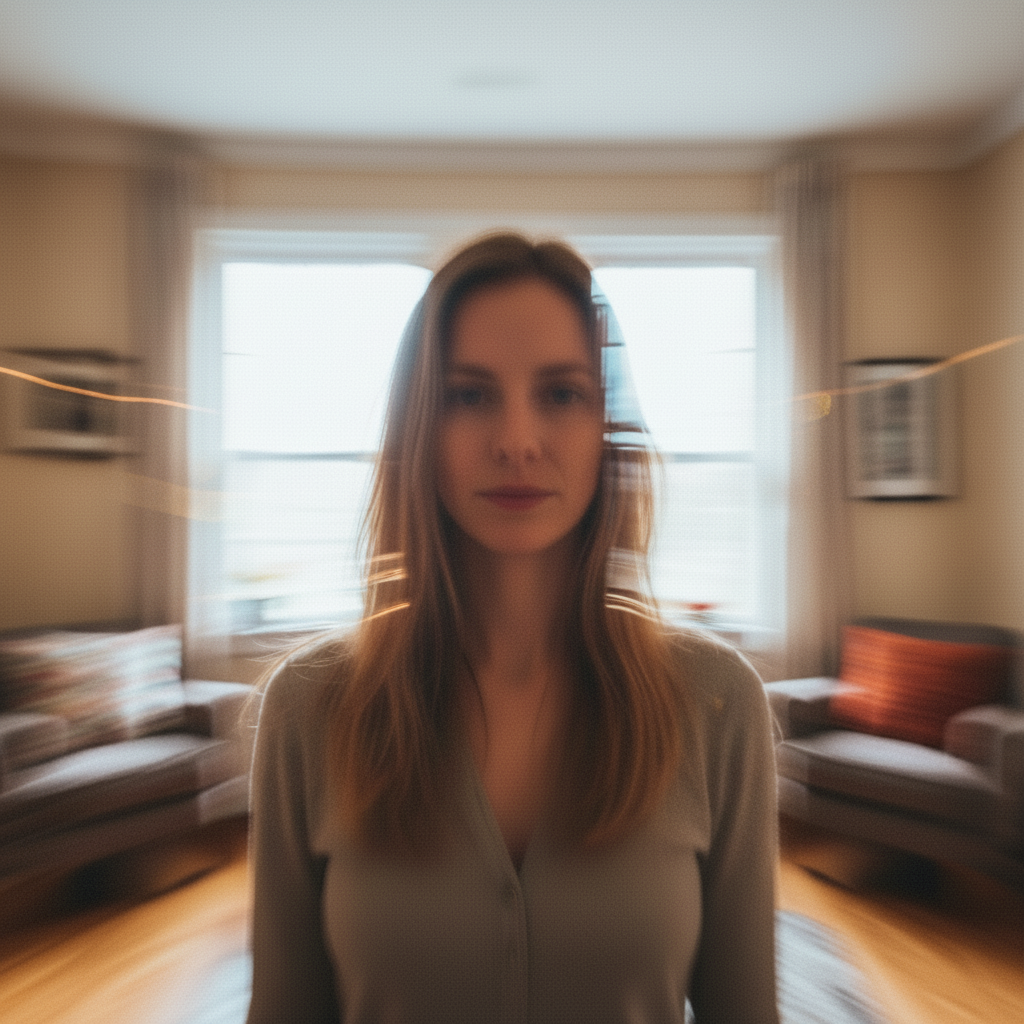
A photo edited using EditThisPic to blur computer screens and phone screens in photos.
blur computer screens and phone screens in photos — make it look natural and professional


Another example showing a different scenario for this editing task.
blur computer screens and phone screens in photos with attention to detail, matching lighting and perspective
| Tool | Free tier | Per-edit cost | AI-powered | Signup required |
|---|---|---|---|---|
| EditThisPic | 1 free edit/week | From 27¢ | Yes (Gemini) | No |
| Adobe Photoshop | 7-day trial | ~$22.99/mo subscription | Yes (Firefly) | Yes |
| Remove.bg | Low-res preview only | ~20¢/HD edit | Background only | Yes (for HD) |
| Canva | Basic tools only | $15/mo Pro for AI | Partial (Pro tier) | Yes |
Free to try. No signup required.