Free • No signup Make ID photos · Free

AI ID Photo Maker

Transform any photo into a compliant ID photo. No photo booth needed.
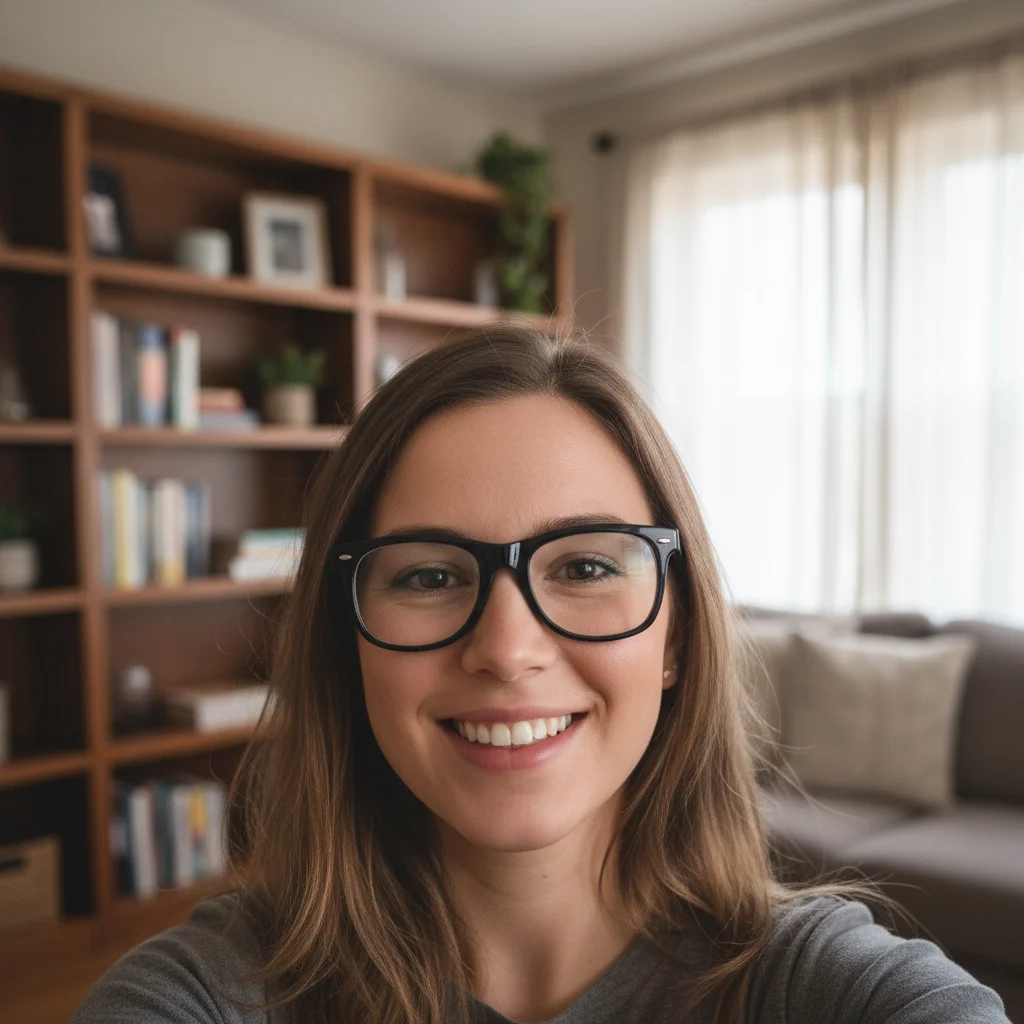
Woman's selfie in kitchen with yellow fridge behind
Before
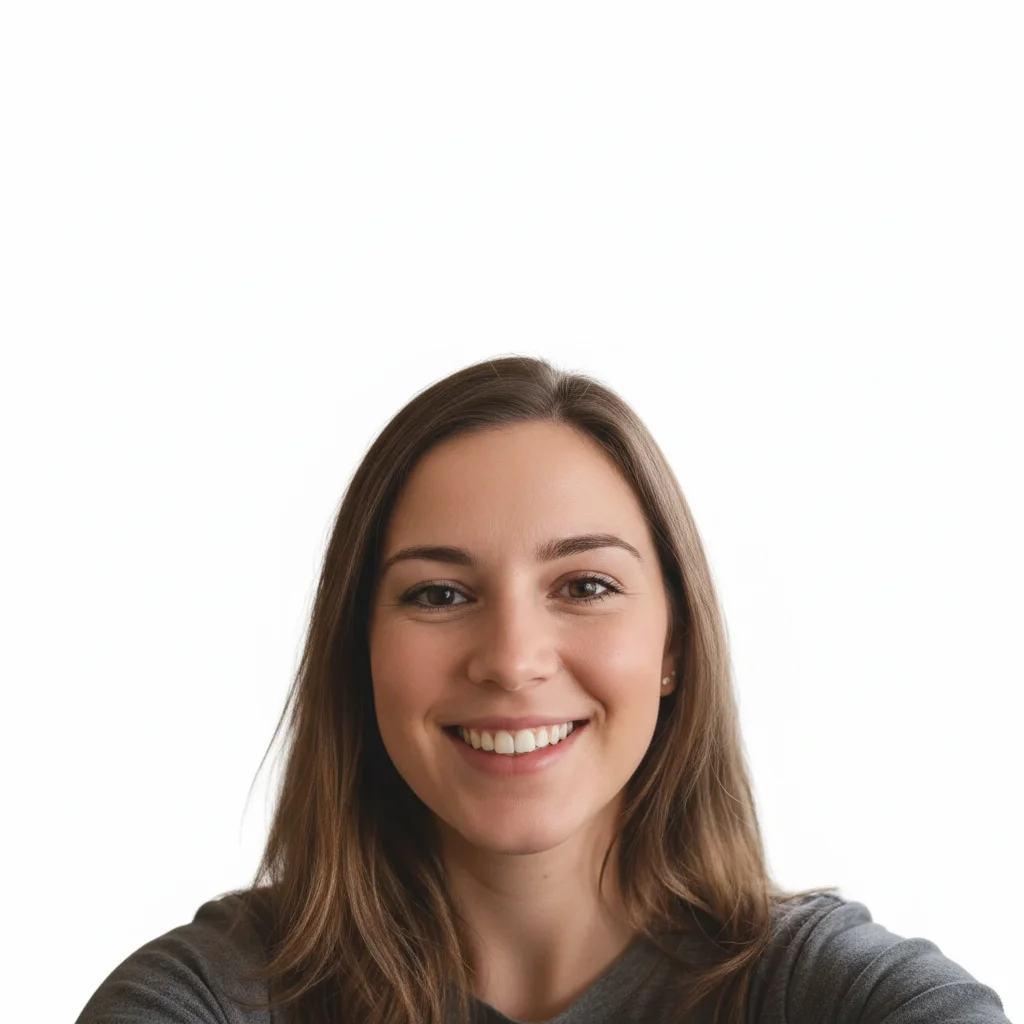
Same woman with proper passport photo formatting and white background
After

AI ID Photo Maker

Drop your photo here

or click to browse

Release to upload

Free • No signup

Advertisement
Popular use cases:
  • passport photos
  • driver's license photos
  • government ID photos
  • student ID photos
  • work permit photos
  • visa applications
  • ID card renewals
  • photo booth alternative

Cost
Free No signup required
Time
Instant results in 15-30 seconds
Works on
Any device - browser, phone, tablet, desktop
Powered by
AI-powered photo editing
Scenario Prompt Time
Simple background swap make this an ID photo with white background 30s
Full passport photo formatting create a US passport photo with proper framing and even lighting 40s
Specific country format make a European passport photo with grey background and visible ears 45s

How it works

  1. Upload your photo

    Drop your image into EditThisPic. JPG, PNG, WebP up to 7MB. Use a well-lit front-facing photo with a neutral expression. Even smartphone selfies work if the face is clearly visible and evenly lit.

    Expect: Standard ID photo conversion: 30-40 seconds. Photos needing significant background or lighting correction: 45-60 seconds.
  2. Describe the ID photo format

    Type your instruction: 'make this a passport photo with plain white background, proper head-to-frame ratio, and even lighting' or 'create a government ID photo with light blue background.' Specify the document type and any background color requirements. No marking needed—the AI knows what 'passport photo' and 'ID photo' standards mean.

    Tip: Different countries have different background requirements. US passports need white, UK needs light grey, and many Asian countries accept light blue. Specify the color explicitly.

    Copy one of these to get started:

    US passport photo make this a US passport photo with plain white background, head centered with proper spacing, even lighting, and neutral expression
    Driver's license photo create a driver's license photo with solid light blue background, front-facing, even lighting, and natural skin tones
    National ID card photo transform into a government ID photo with plain white background, shoulders visible, face occupying 70% of the frame height
    Student ID photo make this a student ID photo with clean light grey background, head and shoulders visible, even studio-style lighting
    3 more prompts
    European passport photo create a European passport photo with light grey background, neutral expression, both ears visible, head centered with 3mm spacing above
    Work permit photo make this a work permit photo with plain white background, professional appearance, front-facing with full face and shoulders visible
    Asian passport photo with blue background create a passport photo with solid light blue background, head perfectly centered, even soft lighting, neutral expression, and crisp edges
  3. Review the result

    Check that the background is solid and uniform, the face is centered with proper spacing above the head, and the lighting is even with no harsh shadows. Verify the expression is neutral and both eyes are clearly visible.

  4. Refine with markers if needed

    If edges around hair or shoulders have artifacts, or the background isn't perfectly uniform, tap markers on those spots and regenerate. Most ID photo conversions produce clean results on the first try.

    Tip: Markers are for precision refinement only. Try without them first—you usually won't need them.
Try it free

AI ID Photo Maker

Drop your photo here

or click to browse

Release to upload

Free • No signup

"Needed a passport photo at midnight before my morning appointment. Took a selfie, uploaded it here, and got a perfectly formatted passport photo in seconds. Printed it at home and it was accepted." @TravelReady_Priya

See it in action

Woman's selfie in kitchen with yellow fridge behind
Before
->
Same woman with proper passport photo formatting and white background
After

Kitchen selfie to passport photo

A casual kitchen selfie transformed into a properly formatted passport photo with white background and correct framing.

Prompt: make this a US passport photo with plain white background, head centered with proper spacing, even lighting, and neutral expression
Man in red hoodie outdoors in park
Before
->
Same man with clean driver's license photo formatting and blue background
After

Outdoor photo to driver's license photo

An outdoor casual photo converted into a clean driver's license photo with light blue background.

Prompt: create a driver's license photo with solid light blue background, front-facing, even lighting, and natural skin tones
Advertisement

If something looks off

AI changed the wrong area or something I didn't want changed

Why: The AI couldn't determine exactly which part of the photo you meant from description alone. This happens when both background and face need different adjustments.

Try: Tap a marker on the specific area you want to change, then regenerate with the same prompt

Tip: Markers tell the AI 'I mean THIS area specifically.' Use them when description alone is ambiguous.

Background isn't perfectly solid or has gradient patches

Why: Complex hair textures, wispy strands, or semitransparent edges make clean background extraction difficult.

Try: Tap markers on the areas where the background isn't uniform and regenerate: make the background perfectly solid white with clean edges around the hair

Tip: Pulling hair back or tying it up before taking the photo makes ID photo conversion much cleaner.

Face looks washed out or over-processed

Why: The AI overcorrected the lighting to create even illumination, losing natural skin tones and facial detail.

Try: make this an ID photo with even lighting but preserve natural skin tones and facial details

Tip: Adding 'preserve natural skin tones' explicitly tells the AI to keep the face looking realistic.

Head positioning or framing doesn't meet official requirements

Why: Different document types have different head-to-frame ratios, and the AI may default to generic framing.

Try: adjust the ID photo so the face occupies 70-80% of the frame height with 2-3mm space above the head, centered horizontally

Tip: Include specific measurements like '70% of frame height' to get the exact framing your document requires.

Shadows visible on face or under chin

Why: The original photo had directional lighting that created shadows, and the AI didn't fully correct them.

Try: make this an ID photo with perfectly even flat lighting, remove all shadows on the face and under the chin

Tip: Original photos taken facing a window produce the best starting point for even-lit ID photos.

Quick answers

Do I need to mark the background before describing the ID photo format I want?

No! Just describe the format: 'make this a passport photo with white background' or 'create a driver's license photo.' The AI understands what these formats require. Only use markers if you need to fix specific edges where hair meets the background after the first attempt.

How do I make a passport photo from a selfie for free?

Upload your selfie to EditThisPic and type 'make this a US passport photo with plain white background and proper framing.' The AI handles background replacement, lighting correction, and framing automatically. Download the result and print at standard photo size. Free to try, no account needed.

Is there a free AI ID photo maker that doesn't require an account?

Yes, EditThisPic creates ID photos with no login or signup required. Upload any front-facing photo, specify the document type, and get a compliant ID photo in seconds. No watermarks on the output. Works for passports, driver's licenses, and government IDs.

Will AI-generated ID photos be accepted for official documents?

The AI creates photos that follow standard ID photo formatting guidelines including solid backgrounds, proper framing, and even lighting. However, always verify your specific country's requirements before submitting. Print at the required dimensions on matte photo paper for best acceptance rates.

Ready to create your ID photo?

Free to try. No signup required.

Try it free