AI Resume Photo Maker
← Browse all creative effectsLast updated
Turn any photo into a polished resume headshot. No photographer required.
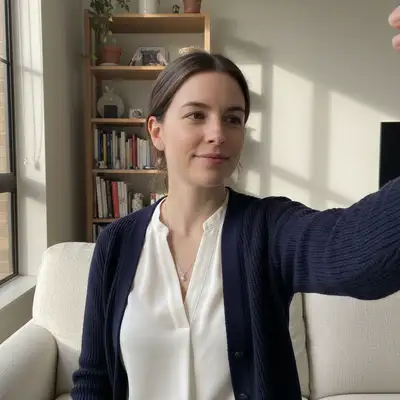
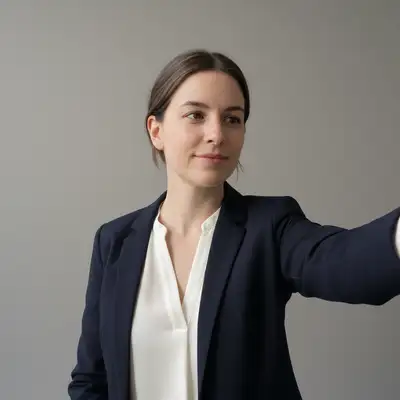
Upload photo to make resume photos
"create a corporate CV headshot with solid grey background, professional attire, studio-quality lighting with subtle shadow definition"
Free to try · no sign-up · never used for AI training
Release to upload
<30stypical edit
1 freeedit weekly
Photo on your phone?
Scan to open this editor there — free edit works on your phone too.
How it works
See it in action
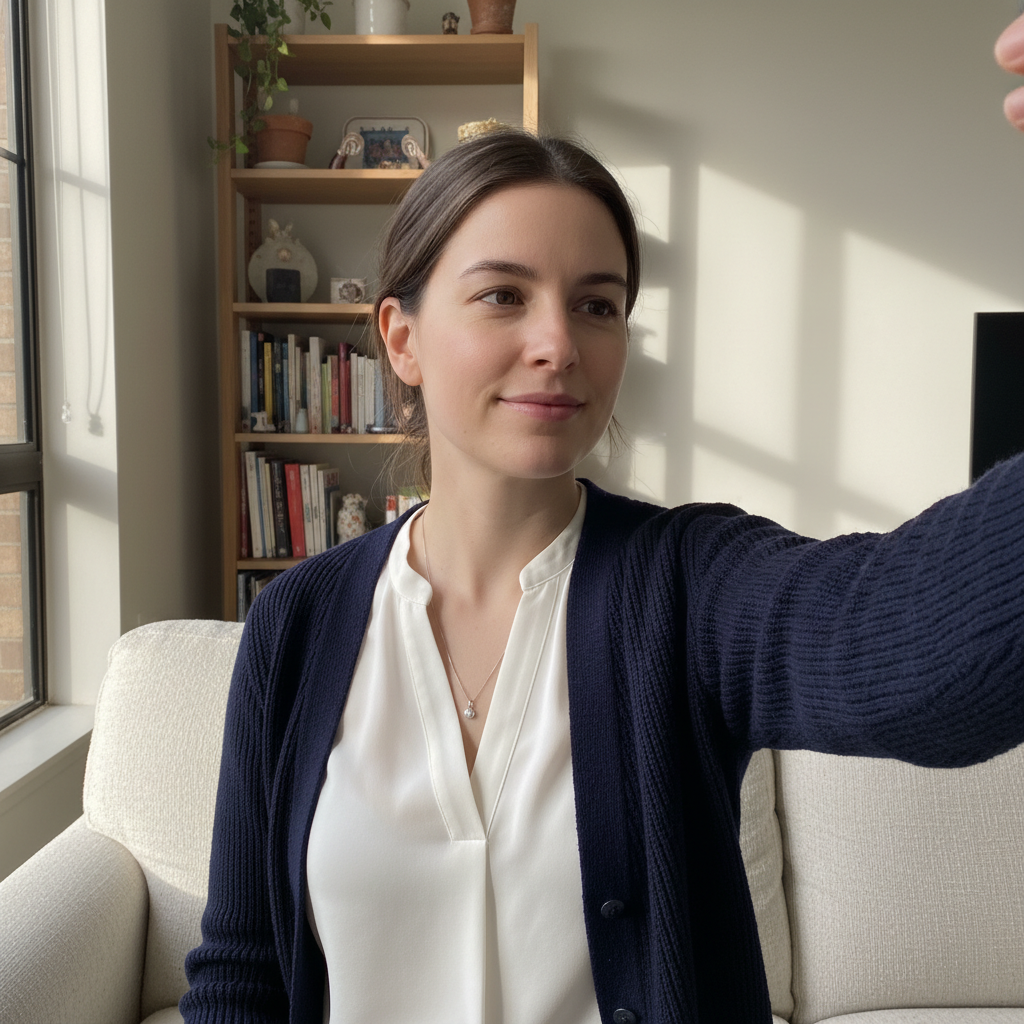
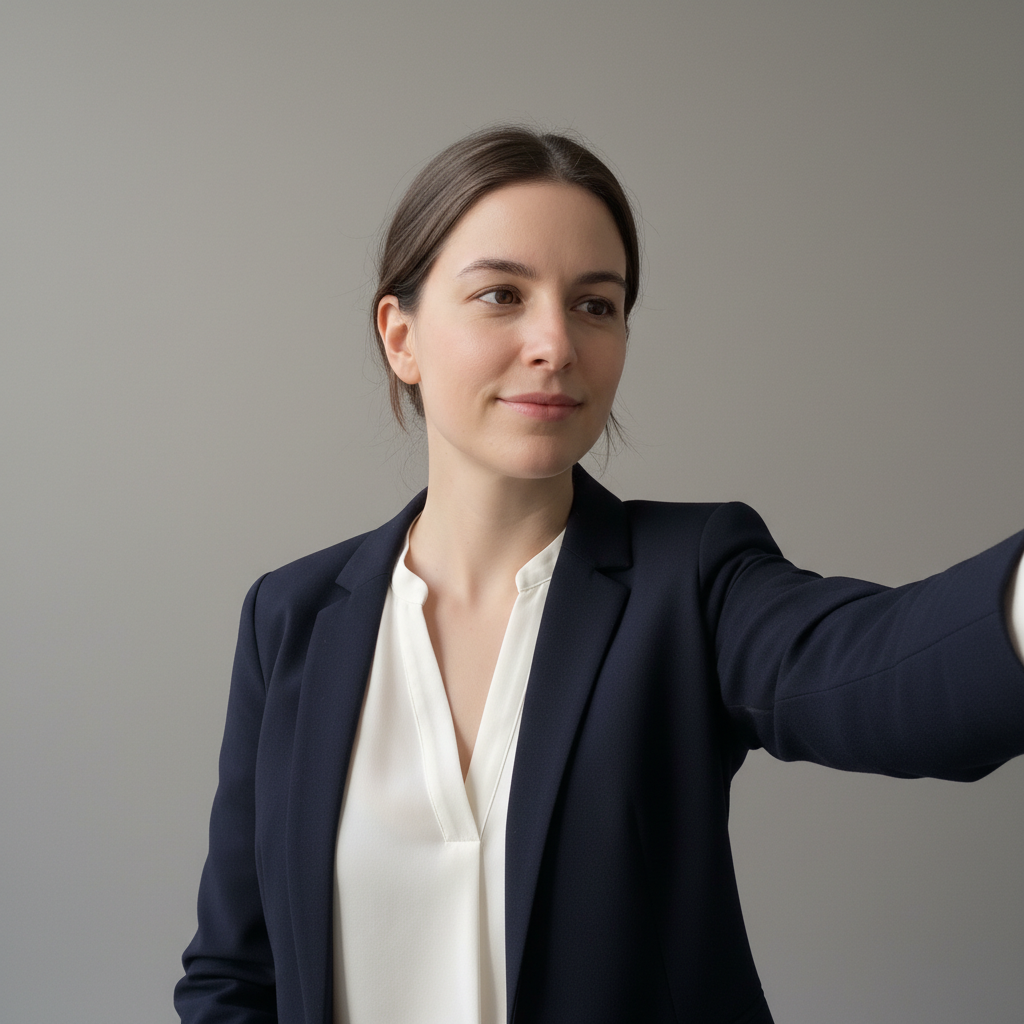
Bathroom selfie to professional resume photo
A quick bathroom selfie converted into a clean, professional resume headshot with proper background and lighting.
Prompt:
make this a professional resume photo with clean white background, head and shoulders framing, soft even lighting, and a confident approachable expression
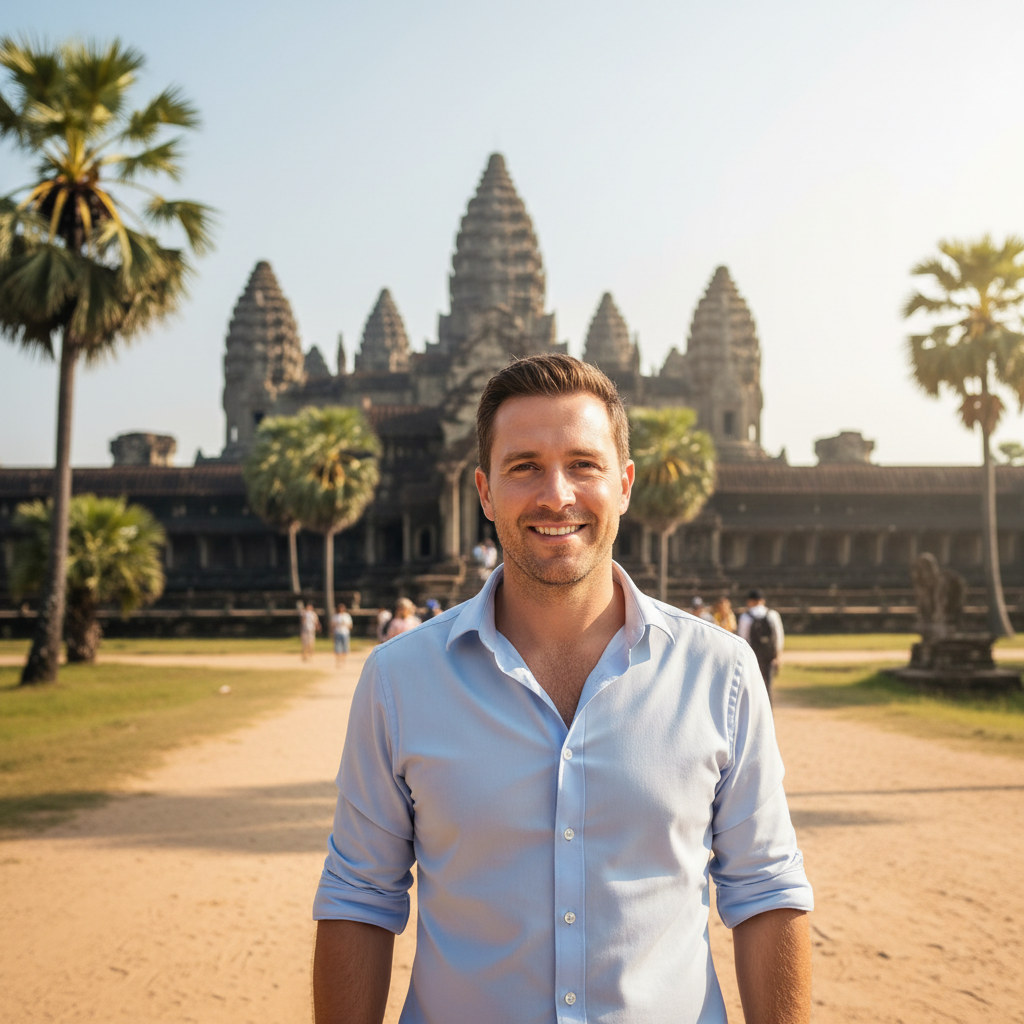
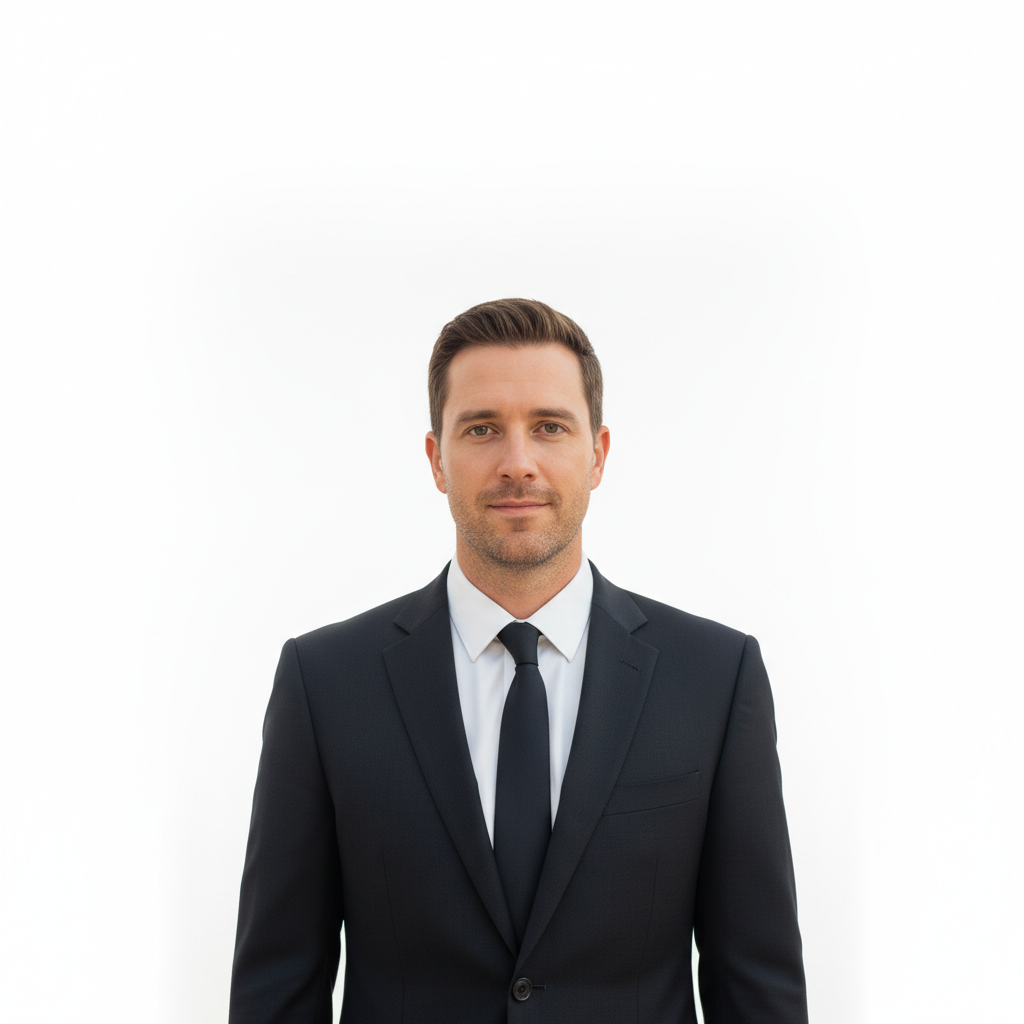
Outdoor photo to corporate CV headshot
A casual outdoor photo transformed into a polished corporate CV headshot for a finance resume.
Prompt:
create a corporate CV headshot with solid grey background, professional attire, studio-quality lighting with subtle shadow definition
Quick answers
Popular use cases
Ready to create your resume photo?
Free to try. No signup required.