AI Visa Photo Maker
← Browse all creative effectsLast updated
Get visa-compliant photos from any selfie. No photographer needed.


Upload photo to make visa photos
"create a Schengen visa photo with light grey background, 35x45mm format, face clearly visible with both ears showing, even soft lighting"
Free to try · no sign-up · never used for AI training
Release to upload
<30stypical edit
1 freeedit weekly
Photo on your phone?
Scan to open this editor there — free edit works on your phone too.
How it works
See it in action

Living room selfie to US visa photo
A casual home selfie transformed into a compliant US visa photo with proper white background and head framing.
Prompt:
make this a US visa photo with plain white background, head centered, face occupying 50-70% of frame, even lighting, and neutral expression


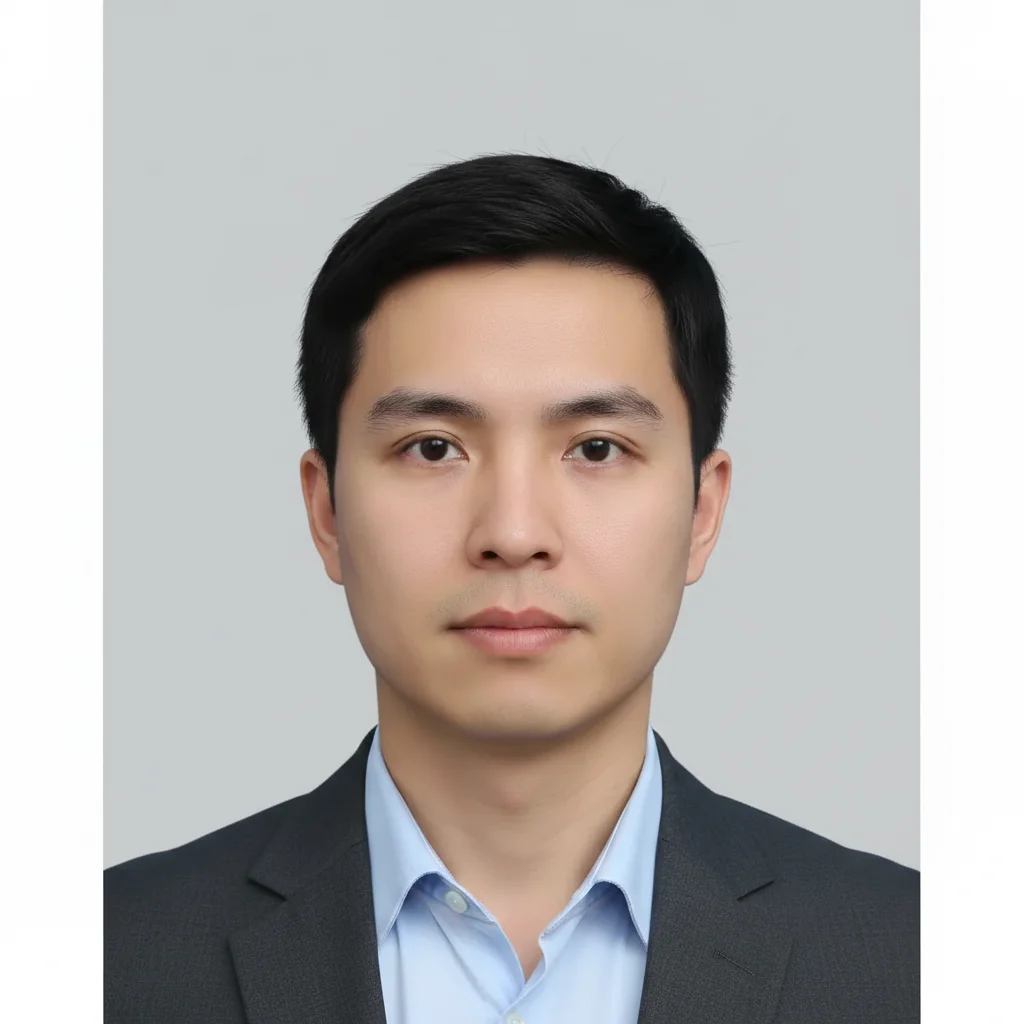
Office photo to Schengen visa photo
A photo taken in an office setting converted to a Schengen visa photo with proper grey background and dimensions.
Prompt:
create a Schengen visa photo with light grey background, 35x45mm format, face clearly visible with both ears showing, even soft lighting
Quick answers
Popular use cases
Ready to create your visa photo?
Free to try. No signup required.