AI ID Photo Maker
← Browse all creative effectsLast updated
Transform any photo into a compliant ID photo. No photo booth needed.


Upload photo to make ID photos
"create a driver's license photo with solid light blue background, front-facing, even lighting, and natural skin tones"
Free to try · no sign-up · never used for AI training
Release to upload
<30stypical edit
1 freeedit weekly
Photo on your phone?
Scan to open this editor there — free edit works on your phone too.
How it works
See it in action

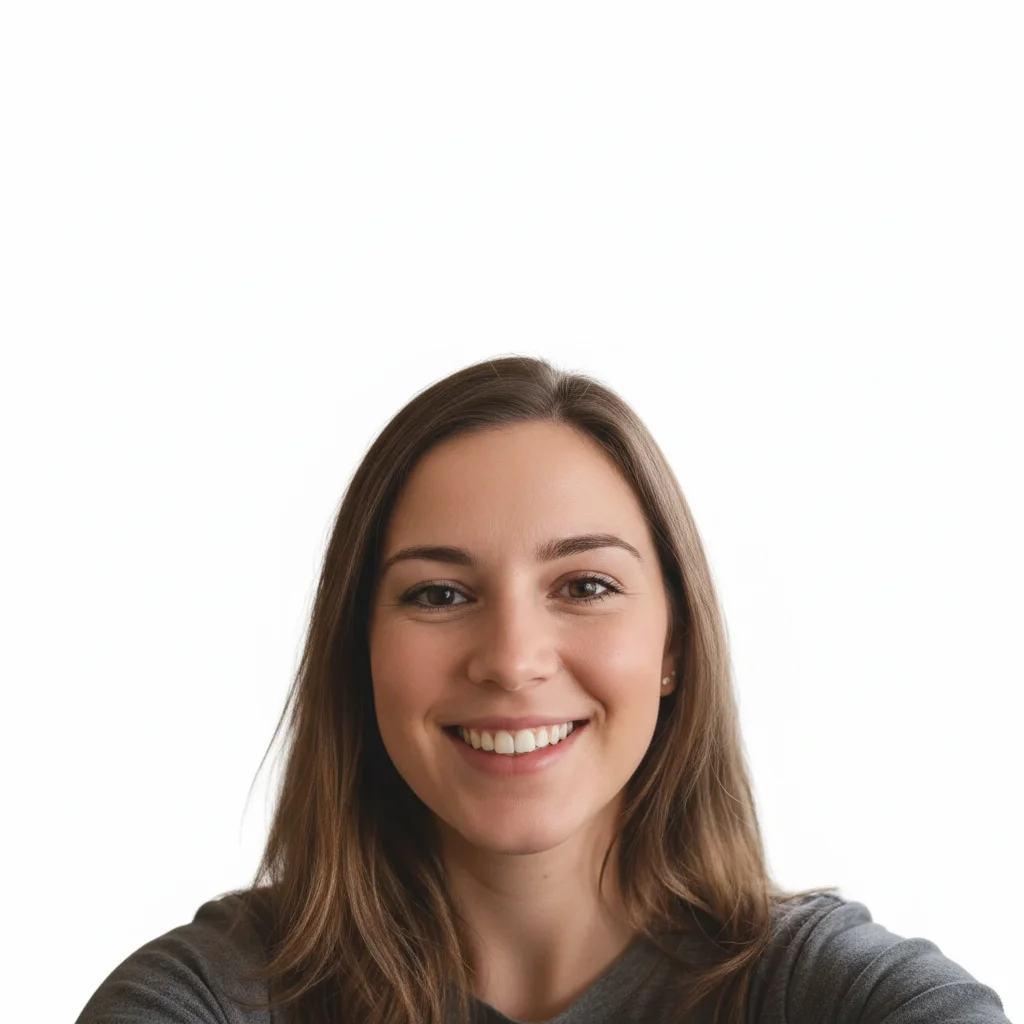
Kitchen selfie to passport photo
A casual kitchen selfie transformed into a properly formatted passport photo with white background and correct framing.
Prompt:
make this a US passport photo with plain white background, head centered with proper spacing, even lighting, and neutral expression


Outdoor photo to driver's license photo
An outdoor casual photo converted into a clean driver's license photo with light blue background.
Prompt:
create a driver's license photo with solid light blue background, front-facing, even lighting, and natural skin tones
Quick answers
Popular use cases
Ready to create your ID photo?
Free to try. No signup required.