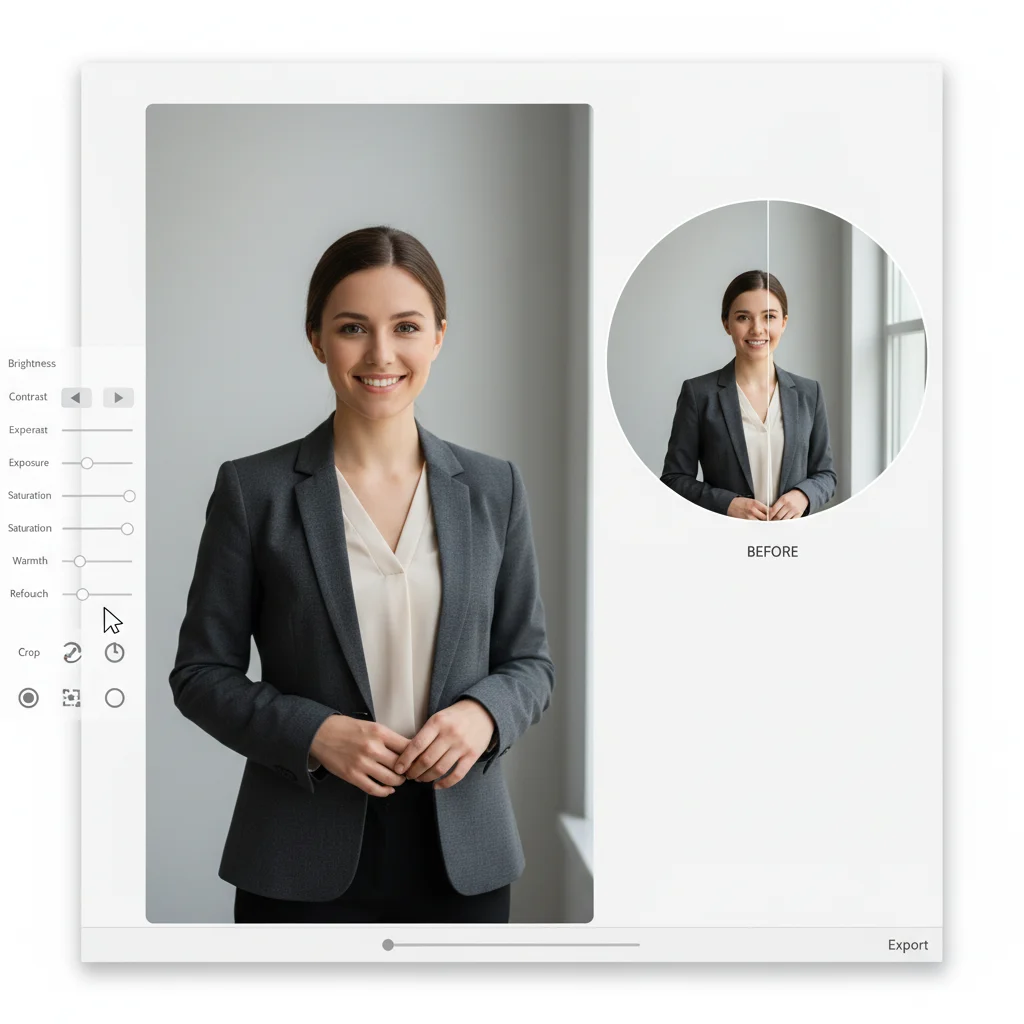
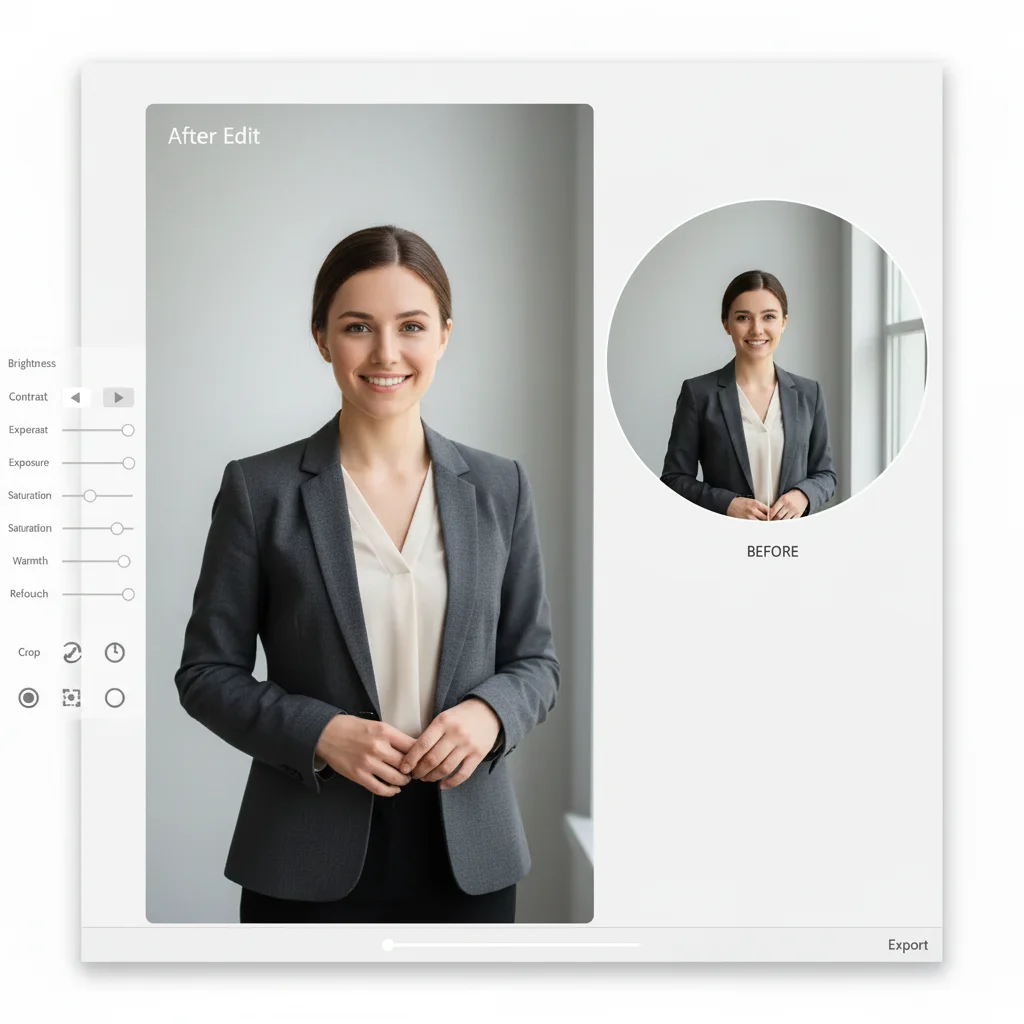
Pricing Edit Resume photo · Free

Resume Photo Editor

Last updated

Upload a casual photo or selfie. AI swaps the background to something neutral, cleans up lighting, and adjusts attire so the result looks like it belongs on a CV — no studio visit needed.
Casual selfie at home with couch and bookshelf in background Same person with plain grey background, collared shirt, and even professional lighting

Upload photo to edit resume photo

"replace the background with plain white, keep my face, expression, and clothing exactly as they are"

Free to try · no sign-up · photos are never shared

Release to upload

<30stypical edit
1 freeedit weekly
Photo on your phone? Scan to open this editor there — free edit works on your phone too.

1 free edit every week·packs from $4.99

How it works

  1. Upload your photo

    Upload a recent photo where your face and shoulders are clearly visible — a phone selfie is fine. JPG, PNG, WebP up to 7MB.

    Expect: Most edits complete in 20-45 seconds. Photos with busy backgrounds or uneven lighting may need one refinement.
  2. Describe the professional look you want

    Type what you want changed: 'plain light grey background, business-casual attire, warm natural lighting' or 'crop to head-and-shoulders and even out the lighting.' Name the background color, attire, and crop separately for the most control.

    Tip: Mention the industry — 'corporate office setting' reads differently than 'casual creative studio background.'

    Copy one of these to get started:

    Standard professional resume photo turn this into a professional resume photo: plain light grey background, business-casual attire, warm natural lighting, head-and-shoulders crop

    Just fix the background replace the background with plain white, keep my face, expression, and clothing exactly as they are
    Casual to business-casual attire change my t-shirt to a collared shirt or blouse in a neutral color, keep the face and pose unchanged
    Even out harsh lighting even out the lighting on my face, remove harsh shadows, keep the background and clothing as they are
    2 more prompts
    Crop to standard headshot framing crop this to a head-and-shoulders headshot, centered, with a small amount of space above the head
    Match photo to LinkedIn headshot give this photo the same neutral grey background and lighting style as a typical LinkedIn profile photo, keep my face and expression natural
  3. Review the result

    Check that the crop is head-and-shoulders, the background reads as neutral and uncluttered, and the lighting on your face looks even rather than harsh or shadowed. Compare before and after using the slider.

See it in action

Casual selfie at home with couch and bookshelf in background
Before
->
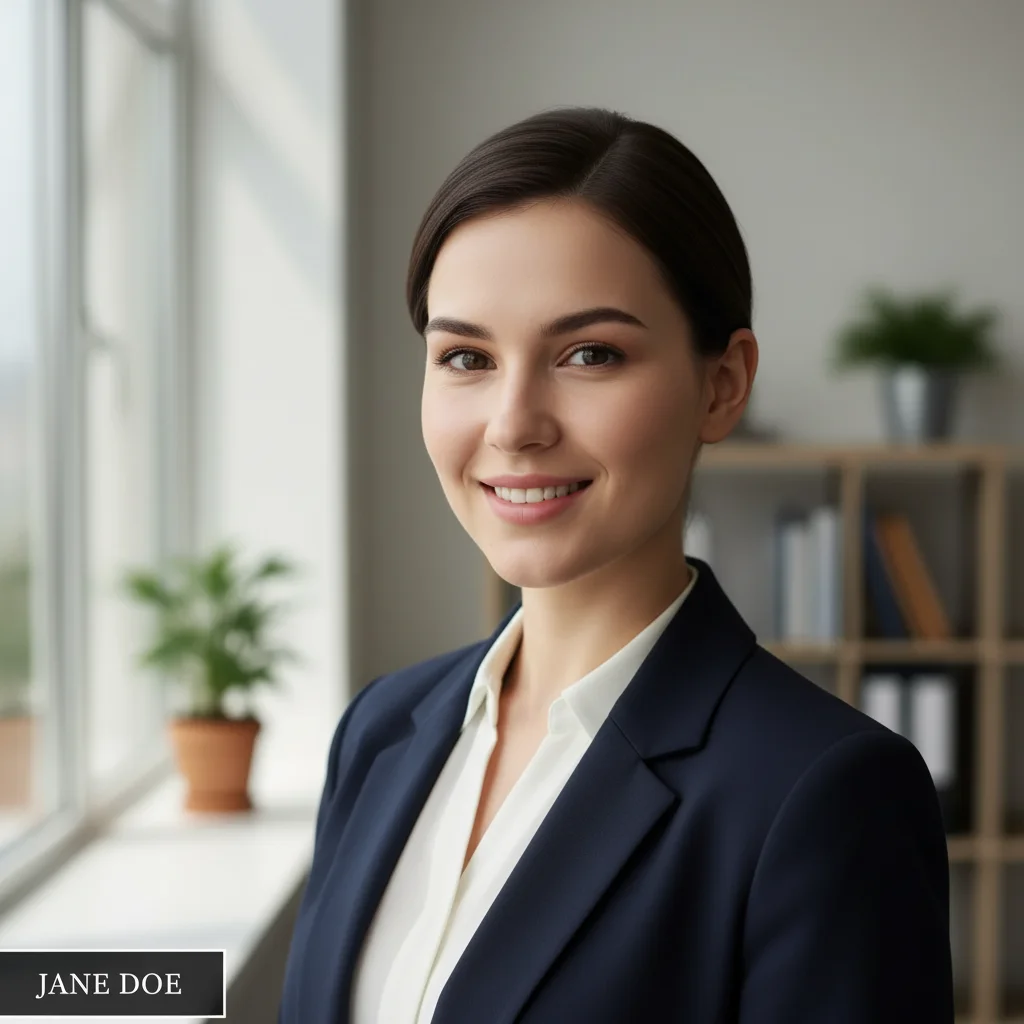
Same person with plain grey background, collared shirt, and even professional lighting
After

Casual living room selfie to resume-ready photo

A relaxed phone selfie taken at home, converted to a plain neutral background with even, professional lighting for a CV photo.

Prompt: turn this into a professional resume photo: plain light grey background, business-casual attire, warm natural lighting, head-and-shoulders crop
Outdoor vacation photo with beach background and harsh sunlight
Before
->
Same person cropped to a head-and-shoulders headshot with white background and even lighting
After

Outdoor vacation photo cropped to a clean headshot

A cropped-in outdoor photo with a busy background, reframed to a head-and-shoulders headshot with a neutral background for a job application.

Prompt: replace the background with plain white, crop to a head-and-shoulders headshot, even out the lighting on my face

Quick answers

Do I actually need a photo on my resume?

It depends on where you're applying. In the US, UK, and Canada, most hiring guidance and many employers recommend leaving photos off resumes to avoid unconscious bias in the application process — a photo is more commonly expected on a LinkedIn profile instead. In much of continental Europe, India, and parts of the Middle East and Asia, a photo on a CV is standard practice or explicitly requested. When in doubt, check the job posting or the norm in your target country before adding one.

What should a resume or CV photo look like?

A neutral or plain background, business-appropriate attire, even lighting with no harsh shadows, a head-and-shoulders crop, and a natural, approachable expression. Avoid vacation photos, group photos cropped down to just you, and anything with a busy or personal background.

Is the resume photo editor free?

Yes — one free edit per week with no signup or credit card required. For more edits, credit packs start at $4.99 for 10 edits, or subscriptions are available.

How do I make a casual selfie look professional for a resume?

Upload the selfie and describe three things separately: the background you want (plain white or light grey works for most industries), the attire adjustment if needed (collared shirt or blouse instead of a t-shirt), and the lighting fix (even, natural light with no harsh shadows). Naming each one specifically gives better results than a single vague 'make this professional' prompt.

Should my resume photo match my LinkedIn photo?

Using the same or a visually consistent photo across your resume and LinkedIn profile helps a recruiter recognize you when they cross-reference the two. You don't need an identical photo, but a similar background and lighting style keeps your professional presence consistent.

Do I need Photoshop to edit a resume photo?

No. Describe what you want in plain English — background, attire, lighting, or crop — and the AI applies it. No layers, masks, or manual retouching required.

Will there be a watermark on my edited photo?

Anything you purchase downloads completely clean — no watermarks, ever, and it's ready to attach to an application or upload to a portal. The free weekly edit is a preview-quality result so you can see the edit before you buy.

What image formats does this tool support?

JPG, PNG, WebP, and HEIC up to 7MB. The result is returned in the same format as your upload.

Can I undo the edit if I don't like the result?

Yes, you always keep your original photo. If the result isn't right, adjust your prompt and regenerate, or simply download the untouched original.

Does this work on mobile?

Yes. EditThisPic runs fully in your mobile browser — iPhone Safari or Android Chrome — with no app download needed. There's also an iOS app on the App Store.

How much does EditThisPic cost?

You get 1 free edit per week — no account needed. After that, one-time credit packs start at $4.99 for 10 edits, valid 12 months, no subscription. Power users who edit daily can pick Studio Membership, a monthly workspace at $49.99/mo for 300 edits. Purchased downloads are clean with no watermark.

Ready for a resume-ready photo?

Free to try. No signup required.

1 free edit included·Credit packs from $4.99