Free β€’ No signup Add Scar to face photo Β· Free

Add a Scar to a Face Photo

Upload a photo and describe the scar. Works for the 'I got in a fight' prank, villain cosplay, or any Halloween look.

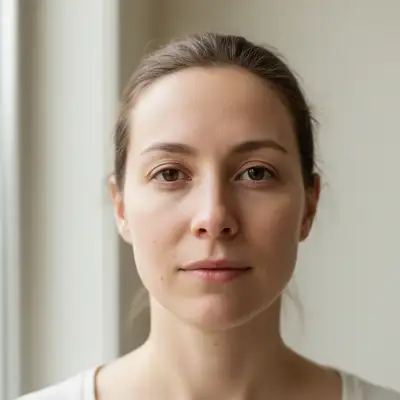
Clean portrait photo before scar is added
Before
β†’
Portrait with a fresh diagonal scar added to the cheek
After

Add Scar to Face Photo

Upload photo to add scar to face photo

Free β€’ Results in 30 seconds β€’ No signup

Release to upload

FreeNo signupNo watermark

1 free edit·then from $1.99

Popular use cases:
  • scar prank photo
  • fake fight photo
  • villain cosplay photo editor
  • Halloween scar photo
  • fake injury photo AI
  • got in a fight prank photo
  • Joker scar photo editor

Cost
Free No signup required
Time
Instant results in 15-30 seconds
Works on
Any device - browser, phone, tablet, desktop
Powered by
AI-powered photo editing
Scenario Prompt Time
Fresh fight scar Fresh diagonal scar on cheek, slight redness, a few days healed 15-30s
Villain eye scar Old healed scar across the left eyebrow and cheek, dramatic 15-30s
Joker scar Thin jagged scar at corner of mouth extending toward cheek, pale and healed 15-30s
Subtle bridge scar Thin healed scar across bridge of nose, slight skin texture change 15s

How it works

  1. Upload your photo

    Upload a clear photo showing the face β€” a selfie, portrait, or any photo where the face is reasonably visible. JPG, PNG, or WebP up to 7MB. The clearer the face, the more convincing the scar.

    Expect: Most edits complete in 15-30 seconds.
  2. Describe the scar

    Type exactly what you want: 'Add a raised diagonal scar from the left cheekbone down to the jaw' or 'Add a thin healed scar across the bridge of the nose.' Be specific about placement, length, age of the wound (fresh vs. healed), and any redness or texture.

    Tip: Fresh scars with slight redness and raised edges look the most alarming for pranks. Older, faded scars work better for cosplay and villain looks. Specify which you want.

    Copy one of these to get started:

    Fresh fight scar (prank) Add a fresh diagonal scar from the left cheekbone down toward the jaw, slightly raised skin, faint redness around the edges like it happened a few days ago
    Joker-style scar (cosplay) Add a thin jagged scar at the corner of the mouth extending toward the cheek on both sides, pale and healed, slight skin texture change
    Scar from Lion King villain look Add a dramatic diagonal scar across the left eye, pale and healed with a slight indentation, like an old sword wound across the eyebrow and upper cheek
    Bridge of nose scar (subtle prank) Add a thin healed scar across the bridge of the nose, pale and slightly raised, like an old break that never quite set right
    3 more prompts
    Rugged action hero scar Add a single thin scar from the outer edge of the left eyebrow down to the cheekbone, faded and healed, looks at least a decade old
    Halloween villain makeup look Add multiple overlapping scars across the cheek, some fresh and red, some older and faded, like a horror movie character
    Dueling scar (period cosplay) Add a clean straight scar from the cheekbone to the jaw on the right side, old and fully healed, like a formal dueling scar
  3. Send it

    Review the result β€” zoom in to check how the scar blends with the skin. Download and send it. For the 'I got in a fight' prank, a panicked caption ('you should see the other guy') sells it. For cosplay, drop it in your group chat.

Try it free ↓

Add Scar to Face Photo

Upload photo to add scar to face photo

Free β€’ Results in 30 seconds β€’ No signup

Release to upload

Free β€’ No signup

See it in action

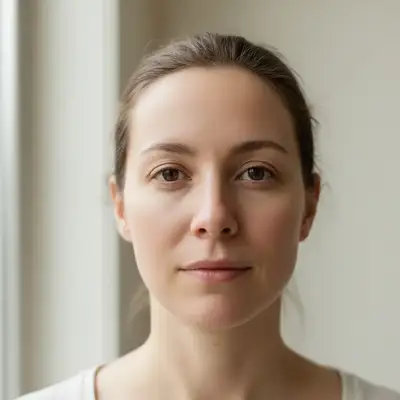
Clean portrait photo before scar is added
Before
->
Portrait with a fresh diagonal scar added to the cheek
After

The 'I got in a fight' prank

A clean portrait photo with a fresh diagonal scar added to the cheek β€” alarming enough to convince friends something happened.

Prompt: Add a fresh diagonal scar from the left cheekbone down toward the jaw, slightly raised skin with faint redness like it happened a few days ago
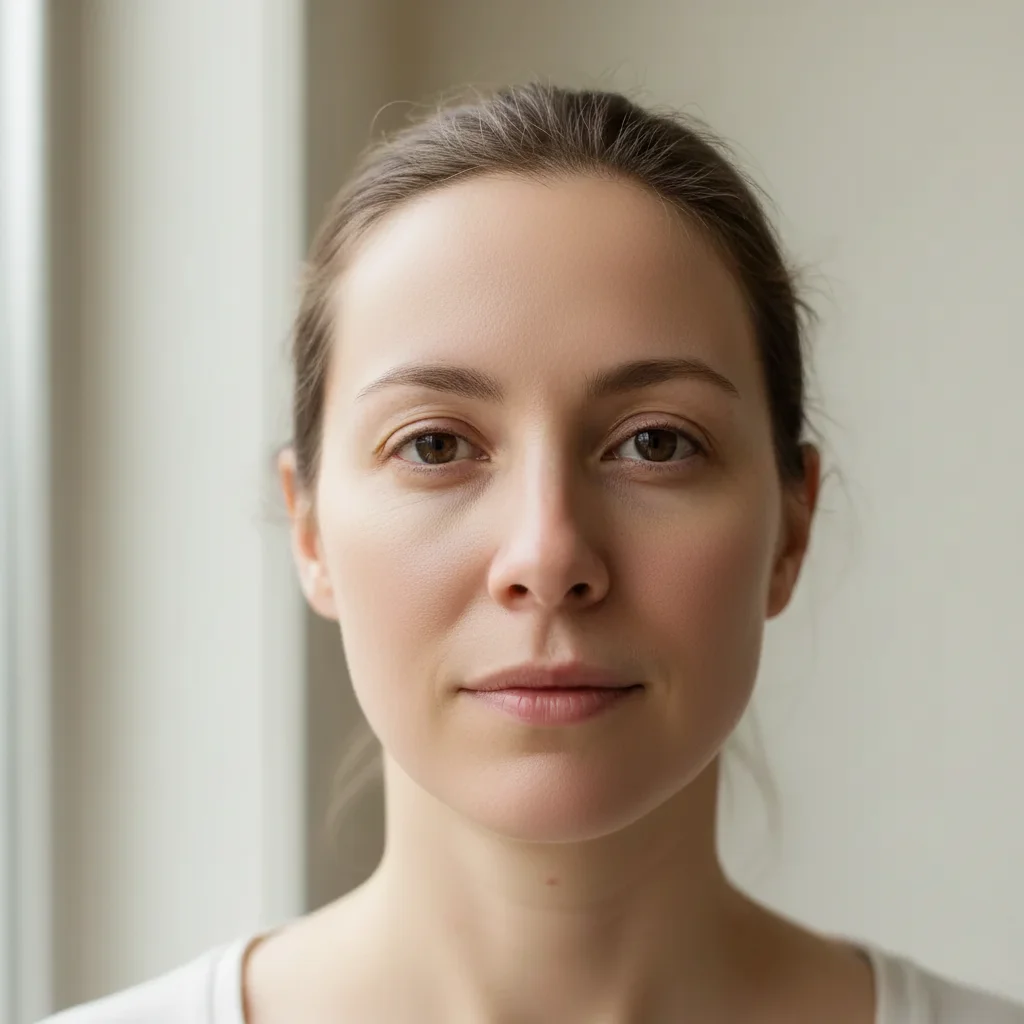
Portrait before villain scar is added
Before
->
Portrait with dramatic eye scar for villain cosplay
After

Villain cosplay scar

A photo transformed with a classic villain scar across the eye for a Lion King-inspired cosplay look.

Prompt: Add a dramatic diagonal scar across the left eye, pale and healed with a slight indentation, like an old sword wound across the eyebrow and upper cheek

If something looks off

Scar looks painted on instead of part of the skin

Why: The AI generated the scar as a flat overlay instead of integrating with skin texture.

Try: Add 'with natural skin texture, slight raised ridge, casting a faint shadow' to your prompt

Tip: Describing the 3D quality of scar tissue β€” raised edges, shadows β€” helps the AI render depth rather than a flat mark.

Scar is too subtle and hard to see

Why: The AI erred toward a realistic healed scar, which can be very faint.

Try: Add 'more prominent, still healing, visible redness and raised skin texture' to make it bolder

Tip: For prank photos you want the scar clearly visible on a phone screen β€” describe it as 'a few days old' rather than 'fully healed'.

Scar is in the wrong place on the face

Why: Facial coordinates in natural language are sometimes ambiguous.

Try: Use very specific placement: 'starting at the outer corner of the LEFT eyebrow, angling down toward the RIGHT cheekbone'

Tip: Describe the scar's path using two clear anchor points β€” a start and end landmark on the face.

The rest of the face changed or got distorted

Why: The AI sometimes edits too broadly when given a large face edit.

Try: Add 'leave the rest of the face completely unchanged, only add the scar' to your prompt

Tip: Being explicit about what should NOT change helps constrain the AI to just the scar addition.

Scar looks too extreme for a convincing prank

Why: The AI generated something that looks more like a special effects wound than a real injury.

Try: Try 'a realistic scar that has started healing, no gore, no open wound, just damaged skin tissue'

Tip: Real scars that have started to heal are more convincing than fresh open wounds β€” which look fake even in real life.

Quick answers

Do I need to mark where the scar should go before describing it?

No. Just describe the placement in text β€” 'diagonal scar from the left cheekbone to the jaw' β€” and the AI will place it correctly. Use tap-to-mark only if the face is partially obscured or you want to pinpoint a very specific spot.

Is this free?

Yes. EditThisPic gives you 1 free edit per week with no account needed. Credit packs start at $1.99 if you need more.

Will this look realistic enough to fool someone?

For a phone screen or messaging app? Yes β€” the AI renders skin texture, redness, and shadow convincingly at small sizes. If the recipient zooms in carefully they may spot it, but a casual glance passes. The 'fresh scar a few days old' version convinces most people.

Can I add a scar to any type of photo?

Clear portraits and selfies work best. The face needs to be clearly visible β€” not blurry, not at an extreme angle. Group photos work if the target face is prominent in the frame.

Does EditThisPic store my photo?

No. Uploaded photos are processed and discarded. Nothing is stored or shared.

Can I choose the type of scar β€” slash, burn, old vs. fresh?

Yes, entirely. Describe the scar type in your prompt: 'thin razor scar,' 'burn scar tissue,' 'old healed slash,' 'fresh wound just starting to scar.' The more specific you are, the more accurately the AI renders it.

How is this different from a scar filter app?

Filter apps overlay a fixed scar image that doesn't match lighting, skin tone, or face geometry. EditThisPic generates the scar directly into the skin with matching light and texture β€” which is why it looks more convincing and why the placement is flexible rather than fixed.

Will there be a watermark on the photo?

No. EditThisPic never adds a watermark.

How much does EditThisPic cost?

You get 1 free edit per week β€” no account needed. After that, credit packs start at $1.99 for 3 edits. Monthly plans start at $4.99/mo for 15 edits with unused credits rolling over. All edits are full resolution with no watermark.

Ready to add a scar to your photo?

Free to try. No signup required.

1 free edit included·Credit packs from $1.99