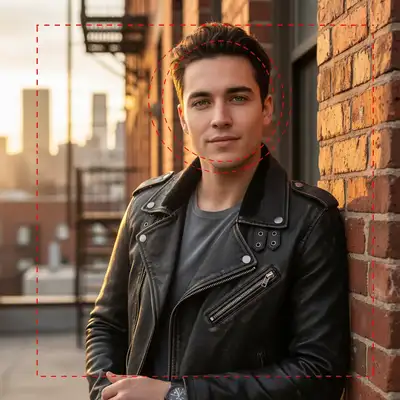
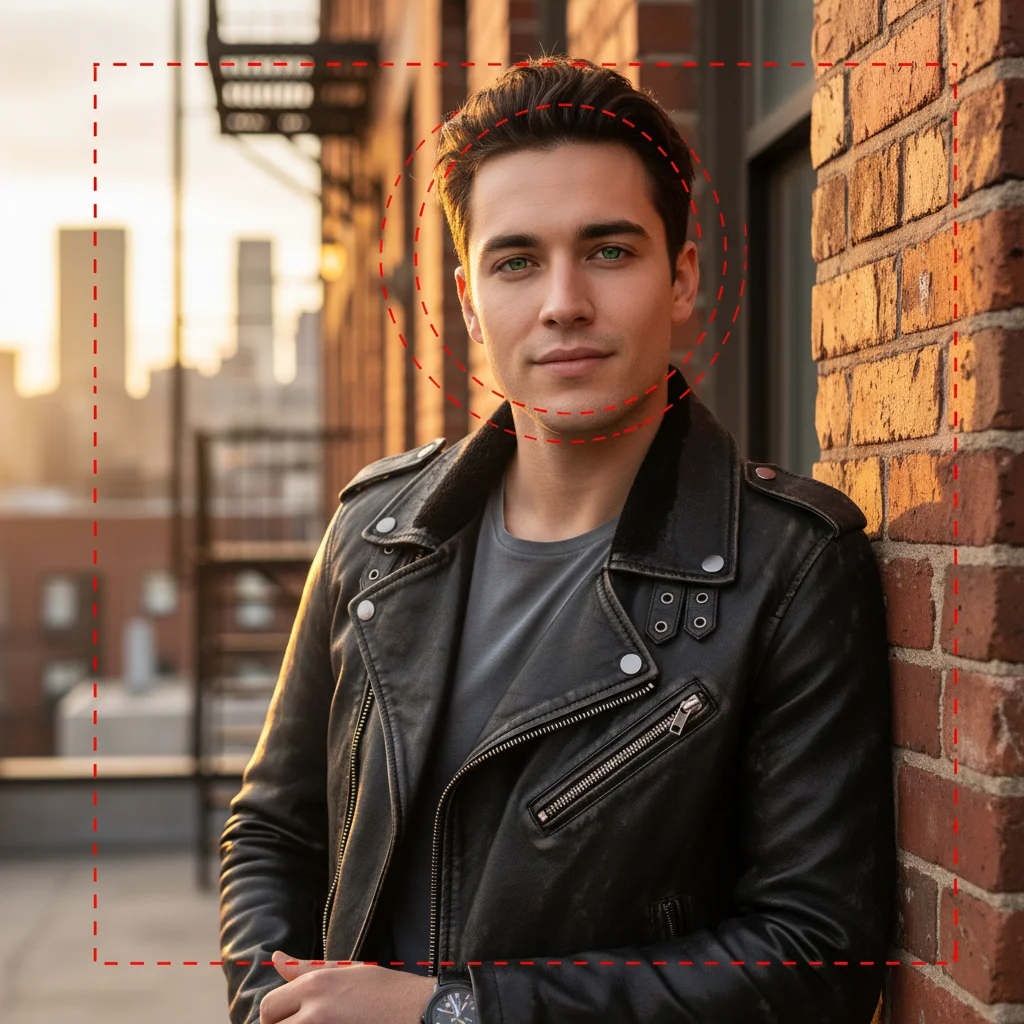
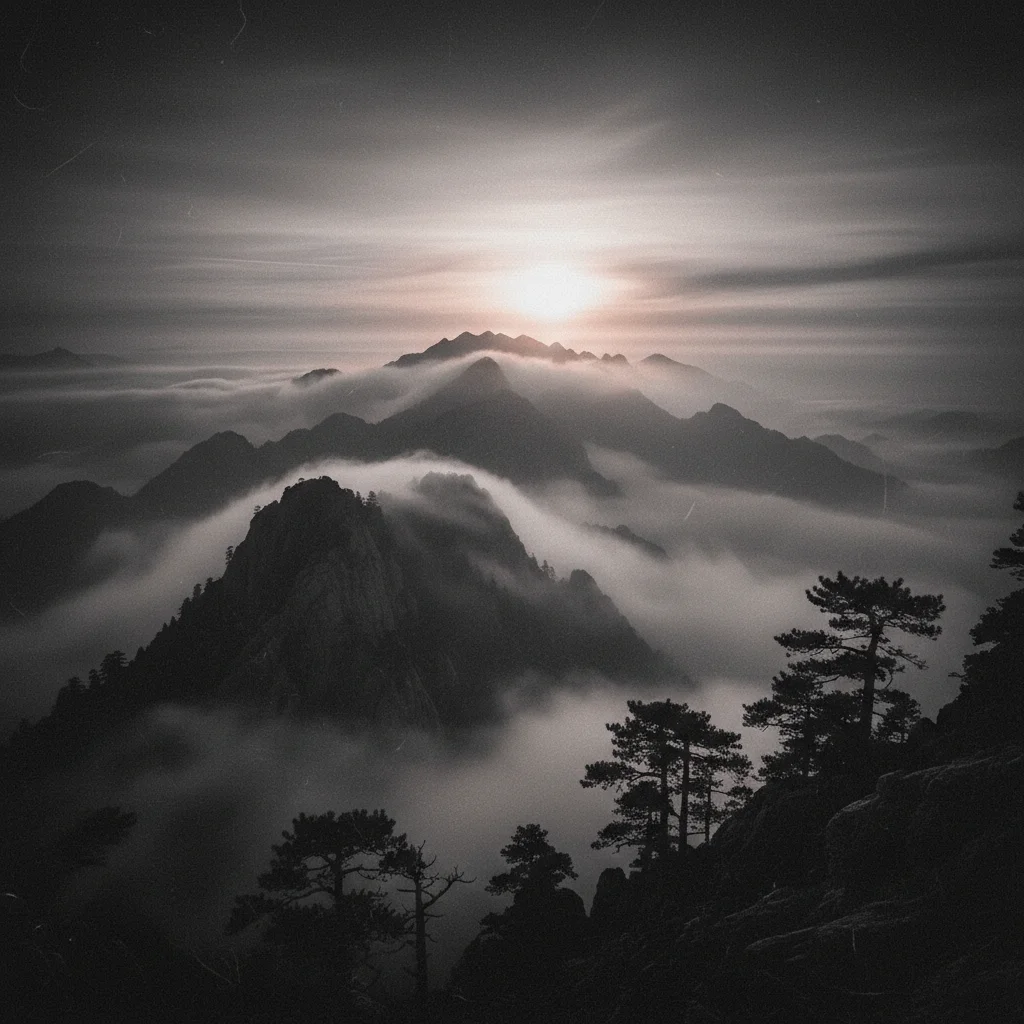
Do I need to mark areas before describing the film grain?
No! Just describe the grain you want: 'add moderate film grain like 400 ISO' or 'add fine subtle grain.' The AI applies grain uniformly to the entire image. Only use markers when you need different grain intensities in specific areas—which is very rare.
How do I add film grain to photos for free?
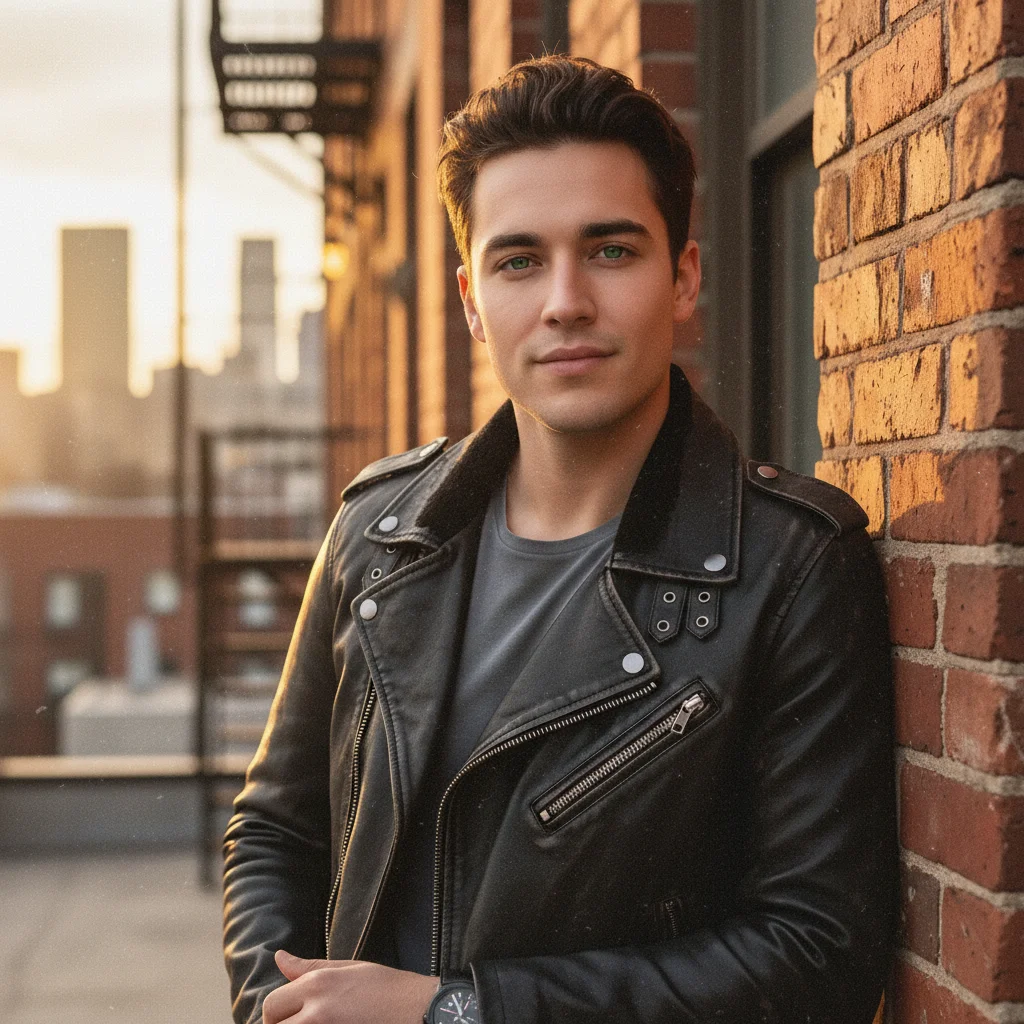
EditThisPic adds authentic film grain using AI. Upload your digital photo, describe the grain intensity ('add moderate grain like 400 ISO film stock'), and download the result. Completely free, no overlays to buy, no account required.
What grain intensity should I choose?
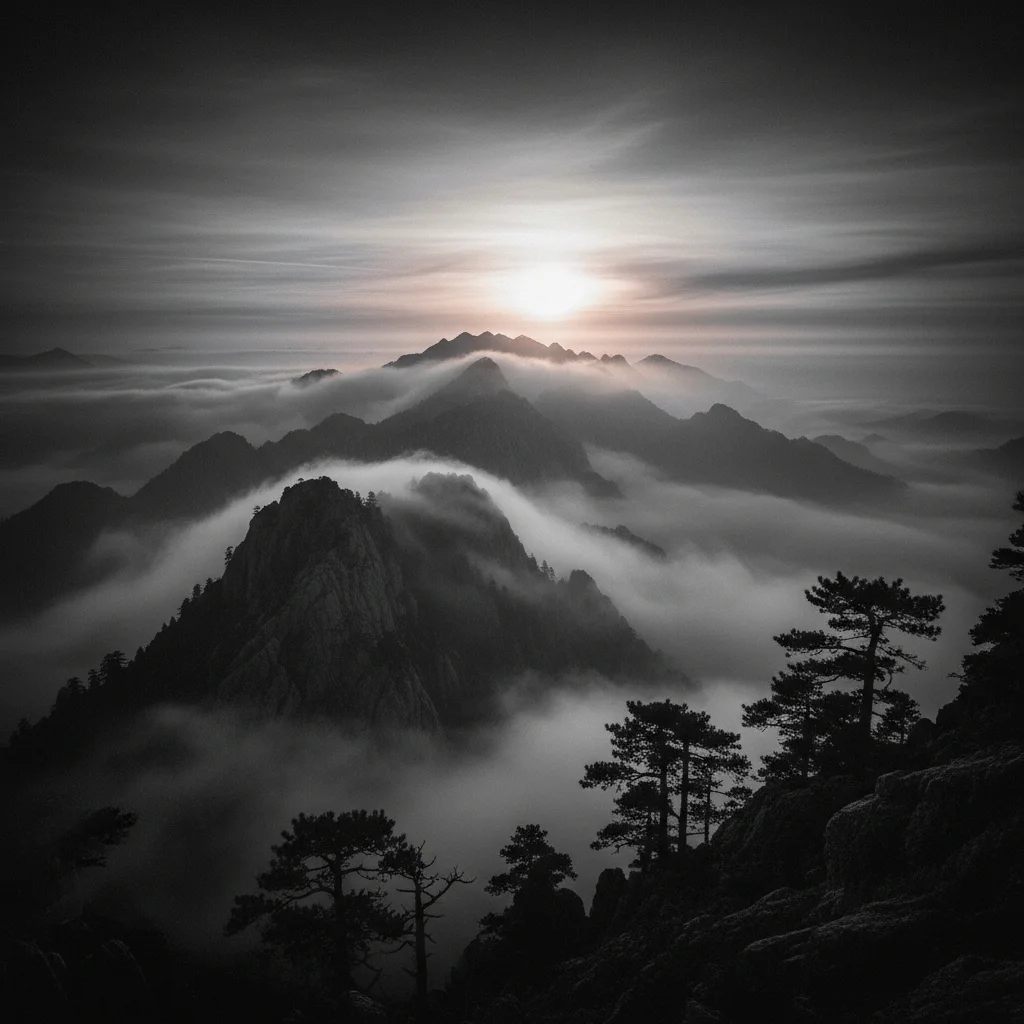
Fine grain (ISO 100-200) for subtle texture, moderate grain (ISO 400) for classic film look, heavy grain (ISO 800+) for dramatic vintage effect. Match grain to your aesthetic goals.
What's the difference between film grain and digital noise?
Film grain has organic, random structure from silver halide crystals. Digital noise is uniform, colored, and artificial. Film grain adds character and warmth; digital noise degrades image quality.
Is EditThisPic's AI film grain adder really free?
Yes — you get 1 free edit per week, no account needed. For unlimited edits, plans start at $3.99/month.
Can I add film grain on my phone?
Yes. EditThisPic works in any mobile browser — iPhone, Android, tablet. No app download needed.
What photo formats does the AI film grain adder support?
JPG, PNG, WebP, and HEIC. Upload any common photo format and EditThisPic handles the rest.
How long does it take to add film grain?
Usually 15-30 seconds. Upload your photo, describe what you want, and the AI delivers the result.