AI Old Age Filter
← Browse all creative effectsLast updated
Describe the old age look you want and AI ages your face instantly. No marking needed.
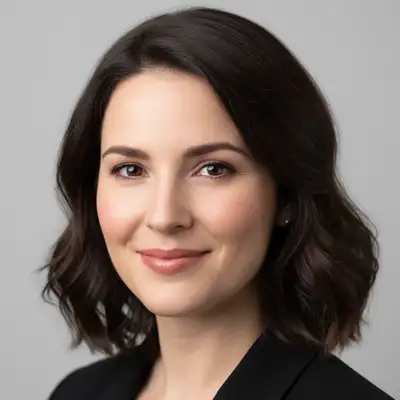
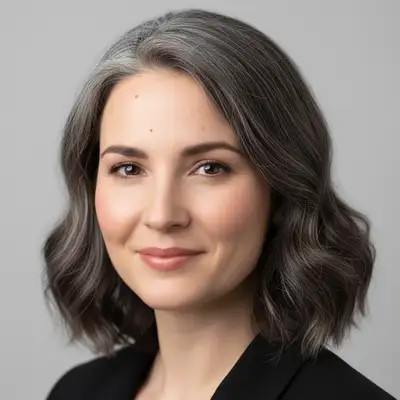
Upload photo to apply old age filter
"add subtle aging to this face - fine lines around the eyes, slight grey at the temples, and mild skin aging"
Release to upload
50,000+photos edited
<30stypical edit
1 freeedit weekly
How it works
See it in action
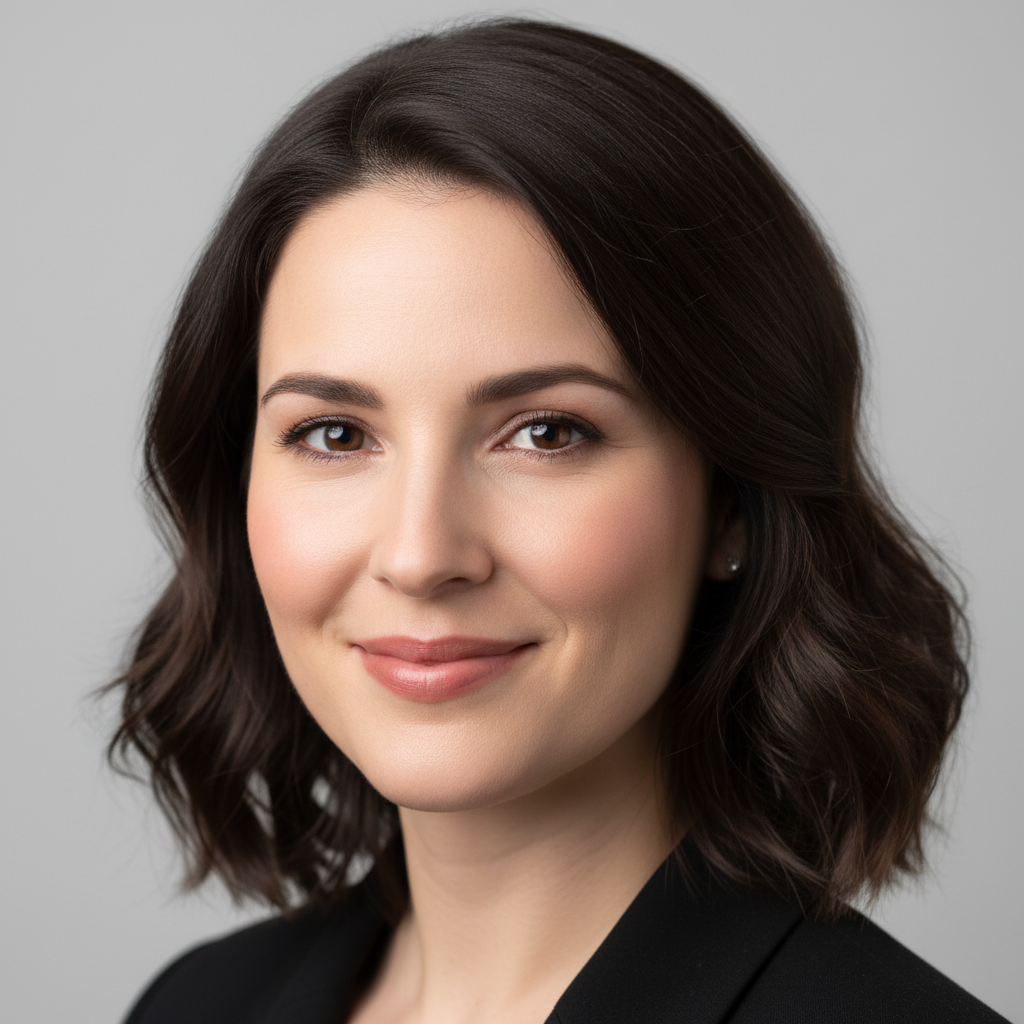
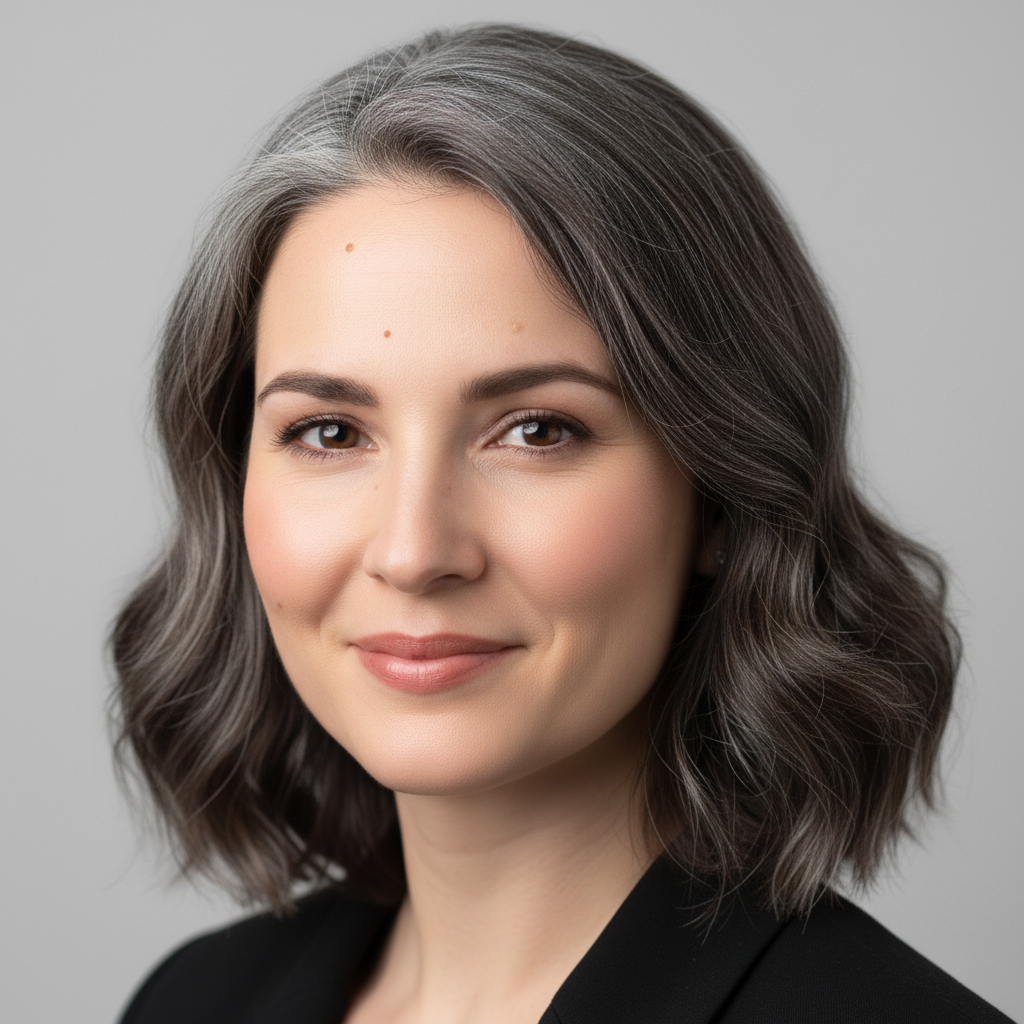
Young woman with old age filter
A 22-year-old woman's selfie transformed with a realistic old age filter showing deep wrinkles and grey hair.
Prompt:
apply an old age filter to this face with deep wrinkles, grey hair, and sagging skin, make them look 80 years old
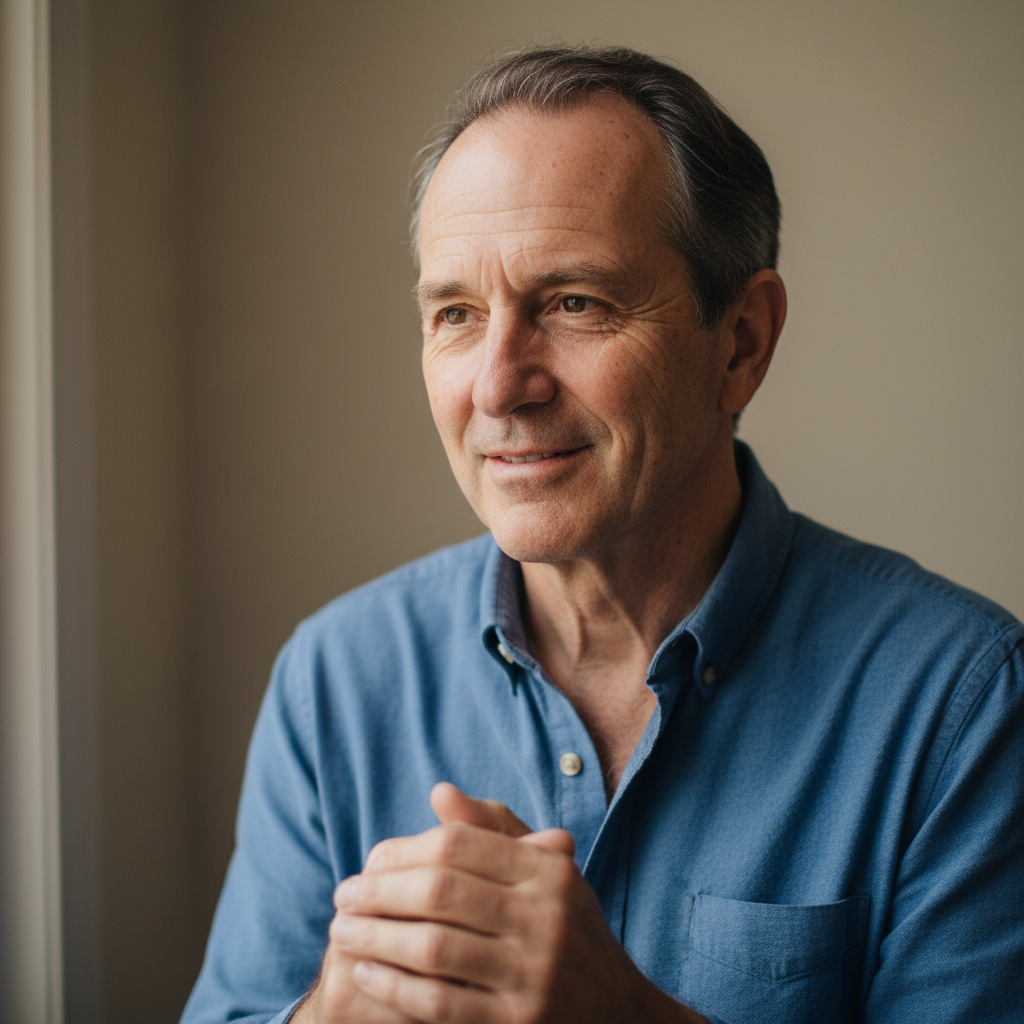
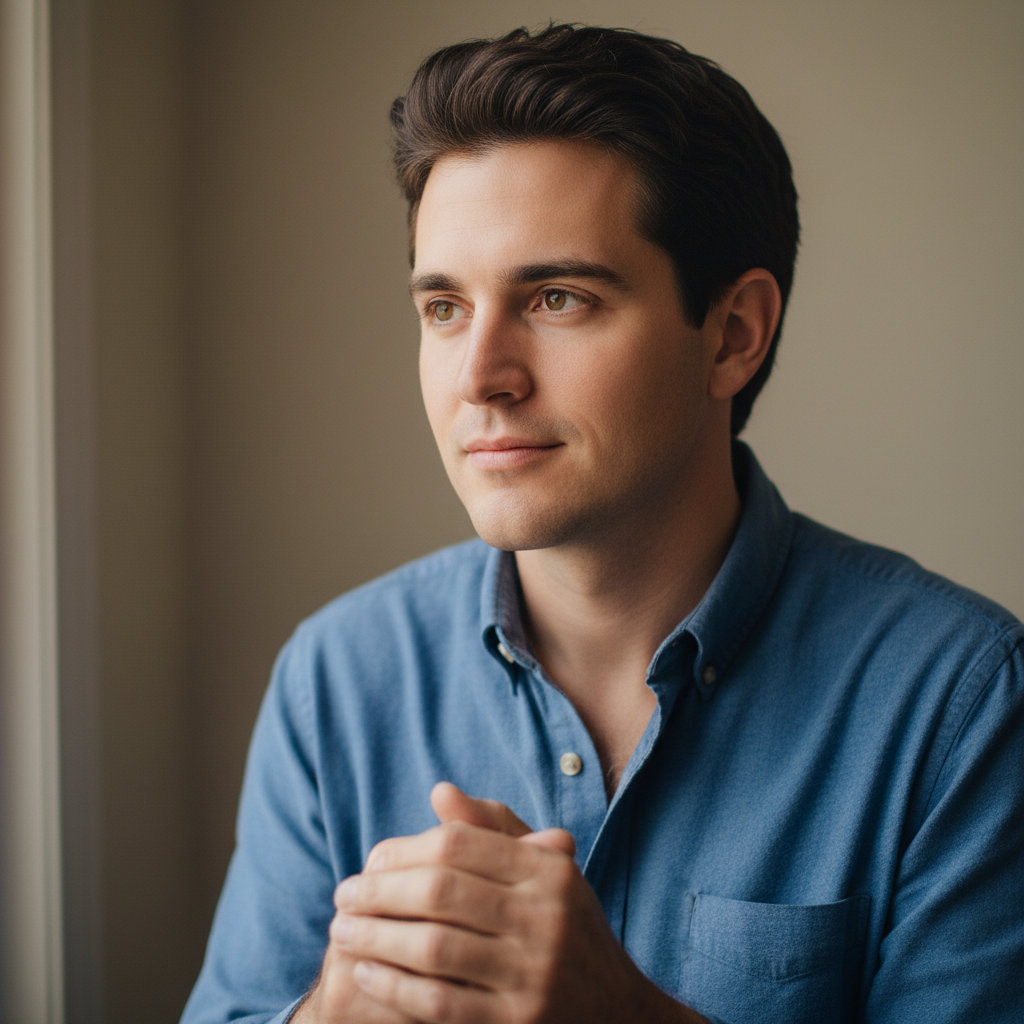
Man with distinguished elderly look
A young man's portrait transformed into a distinguished elderly gentleman with silver hair and laugh lines.
Prompt:
age this person to a distinguished elderly look with silver hair, laugh lines, and wise weathered features
Quick answers
Popular use cases
Ready to see yourself with the old age filter?
Free to try. No signup required.