Free • No signup Edit Portfolio photos · Free

AI Portfolio Photo Editor

← Browse all creative effects

Last updated

Upload a selfie or casual photo. AI creates a polished professional headshot for your industry.

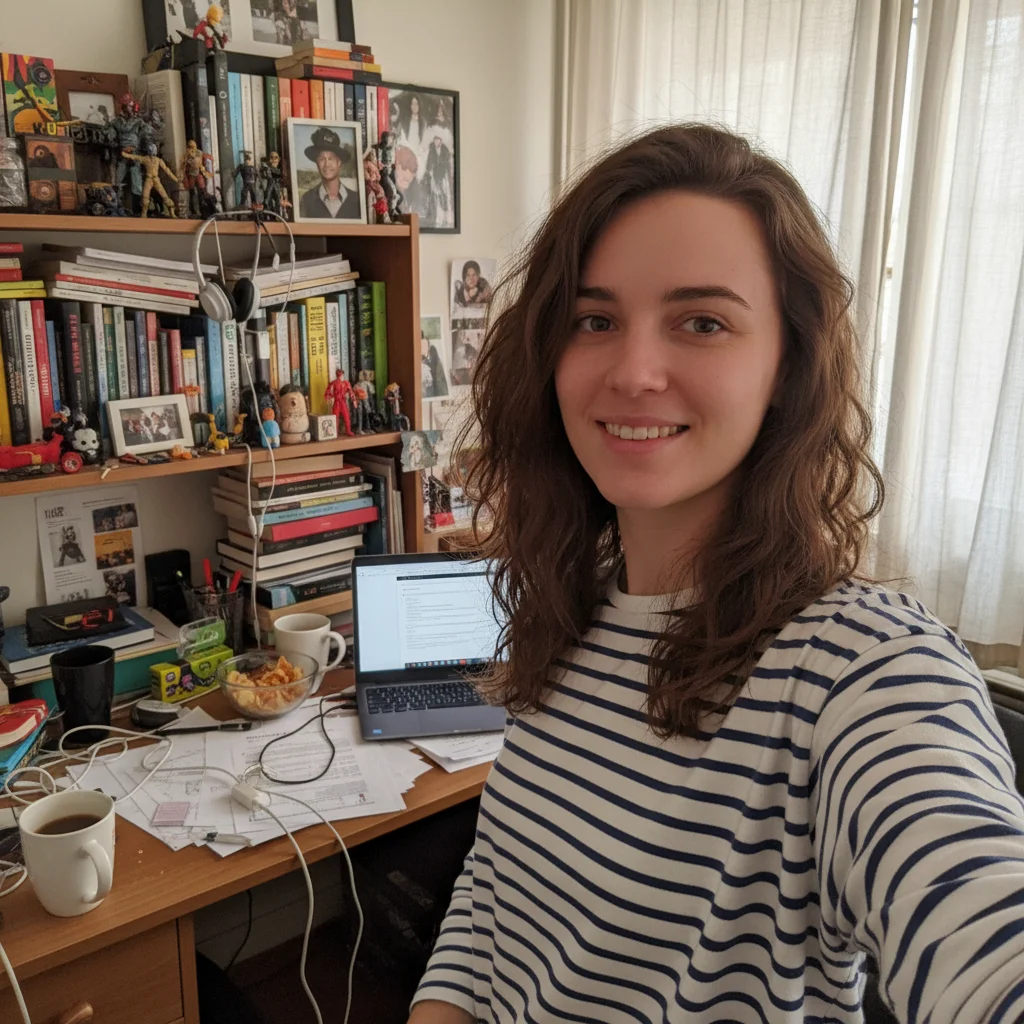
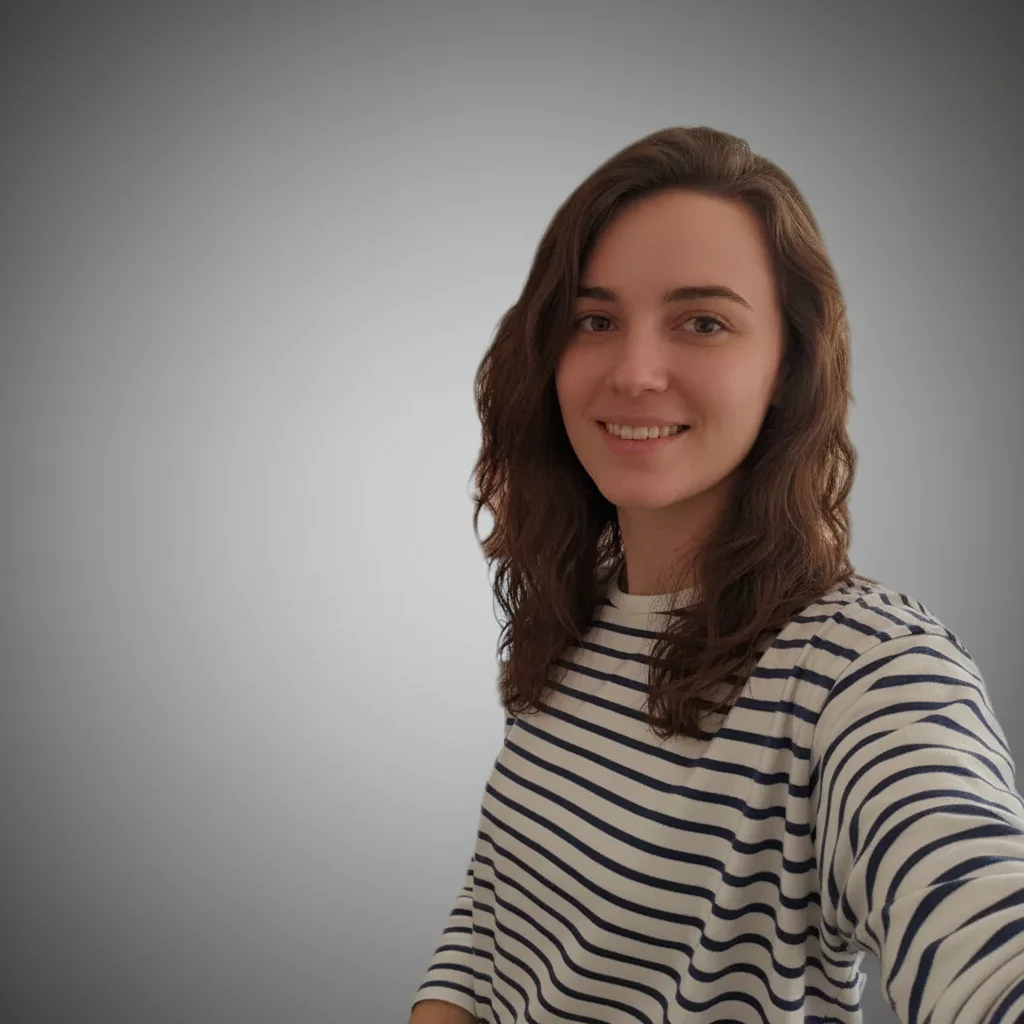
Woman in navy blazer standing on a sunny city street with traffic behind her Same woman with clean gray studio background, professional headshot

Upload photo to edit portfolio photos

"edit portfolio photos with precise attention to detail, matching lighting and perspective"

Release to upload

1 free edit·then from $4.99

How it works

  1. Upload your photo

    Drop your image into EditThisPic. JPG, PNG, WebP up to 7MB. Choose a clear photo where the area you want to edit is visible.

    Expect: Most edits complete in 20-45 seconds. Complex changes may need 1-2 refinements.
  2. Describe your edit

    Type what you want: 'edit this portfolio photo — professional lighting, enhanced detail, clean composition, polished finish.' Be specific about details for best results. The AI understands natural language — no technical skills needed.

    Tip: Mention the industry setting — 'professional office background with natural lighting' guides the scene.

    Copy one of these to get started:

    Fast edit edit portfolio photos — natural result with professional quality
    Detailed work edit portfolio photos with precise attention to detail, matching lighting and perspective
    Social media ready edit portfolio photos optimized for social media sharing
    Client or portfolio edit portfolio photos at professional portfolio quality
    2 more prompts
    Precision control edit portfolio photos — preserve surrounding details, only modify the target area
    Subtle and natural edit portfolio photos — keep the change subtle and realistic
  3. Review the result

    Check the output carefully. Look for natural blending, consistent lighting, and realistic details. Compare before and after using the slider.

See it in action

Woman in navy blazer standing on a sunny city street with traffic behind her
Before
->
Same woman with clean gray studio background, professional headshot
After

Street portrait polished for professional portfolio

A woman in a navy blazer photographed on a city street. The street background was replaced with a clean neutral gray studio backdrop — the transformation that makes a casual outdoor photo portfolio-ready.

Prompt: replace the street background with a clean neutral studio backdrop for a professional portfolio headshot
Woman in navy blazer on a city street, natural sunlight creating slight overexposure
Before
->
Same woman with more even, flattering portrait lighting retained in outdoor setting
After

Outdoor headshot lighting enhanced for portfolio

The same outdoor street portrait — navy blazer, natural sunlight — enhanced specifically for lighting quality. The street background kept, but the lighting on the subject's face improved to look more intentional and portfolio-ready.

Prompt: enhance the portrait lighting in this outdoor photo for a professional portfolio — soft, even light on the face while keeping the background

Quick answers

Is the ai portfolio photo editor tool free?

Yes, EditThisPic lets you edit portfolio photos for free with one Fast edit per week. No signup or credit card required. For more edits, affordable credit packs and subscriptions are available.

How long does it take to edit portfolio photos?

Most edits complete in 20-45 seconds. Complex changes may need one or two refinements, but the entire process typically takes under 2 minutes from upload to download.

Do I need Photoshop to edit portfolio photos?

No. EditThisPic uses AI to edit portfolio photos automatically. You just describe what you want in plain English — no technical skills, layers, or brushes required.

Will there be a watermark on my edited photo?

No, EditThisPic never adds watermarks to your photos, even on free edits. The downloaded image is clean and ready to use.

What image formats does this tool support?

EditThisPic accepts JPG, PNG, and WebP images up to 7MB. The edited result is returned in the same format as your upload.

Can I undo the edit if I don't like the result?

Yes, you always keep your original photo. If the result isn't right, you can adjust your prompt and regenerate, or simply download your untouched original.

Does the AI edit portfolio photos work on mobile?

Yes, EditThisPic works fully in your mobile browser — no app download needed. It also has an iOS app available on the App Store.

How do I get better results when I edit portfolio photos?

Be specific in your prompt. Instead of vague descriptions, mention exact colors, materials, styles, or positions.

How much does EditThisPic cost?

You get 1 free edit per week — no account needed. After that, credit packs start at $1.99 for 3 edits. Monthly plans start at $4.99/mo for 15 edits with unused credits rolling over. All edits are full resolution with no watermark.

Ready to edit your photos?

Free to try. No signup required.

1 free edit included·Credit packs from $4.99