AI Portrait Mode Simulator
Just describe what you want - the AI creates professional portrait mode blur.
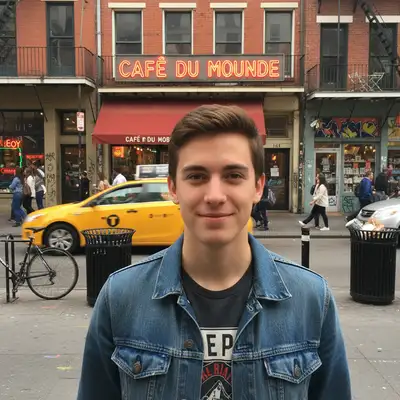
Simulate Portrait Mode from Photo
Drop your photo here
or click to browse
Release to upload
Free • No signup
Popular use cases:
- iPhone portrait mode
- DSLR depth of field
- professional headshots
- product photography
- social media portraits
- pet photography
- bokeh backgrounds
- profile pictures
- Cost
- Free No signup required
- Time
- Instant results in 15-30 seconds
- Works on
- Any device - browser, phone, tablet, desktop
- Powered by
- AI-powered photo editing
| Scenario | Prompt | Time |
|---|---|---|
| Basic portrait mode | add portrait mode blur effect with the person in sharp focus and background naturally blurred |
15s |
| Dramatic bokeh | create dramatic bokeh blur in the background like f/1.4 aperture while keeping the subject sharp |
20s |
| Subtle depth | add subtle depth of field blur to background, keep subject crisp like shot on professional camera |
15s |
| Product depth | simulate portrait mode for product photo with item in focus and surroundings softly blurred |
20s |
How it works
Try it free ↓
Simulate Portrait Mode from Photo
Drop your photo here
or click to browse
Release to upload
Free • No signup
"Made my phone photo look like it was shot on a professional camera. The blur looks so natural!" @photo_enthusiast
See it in action
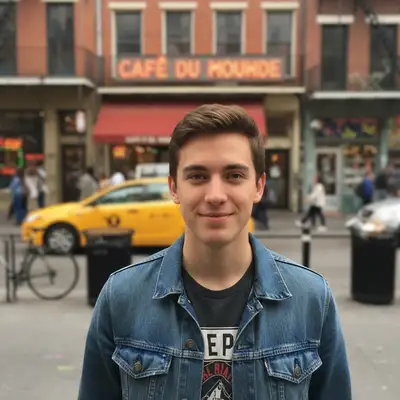
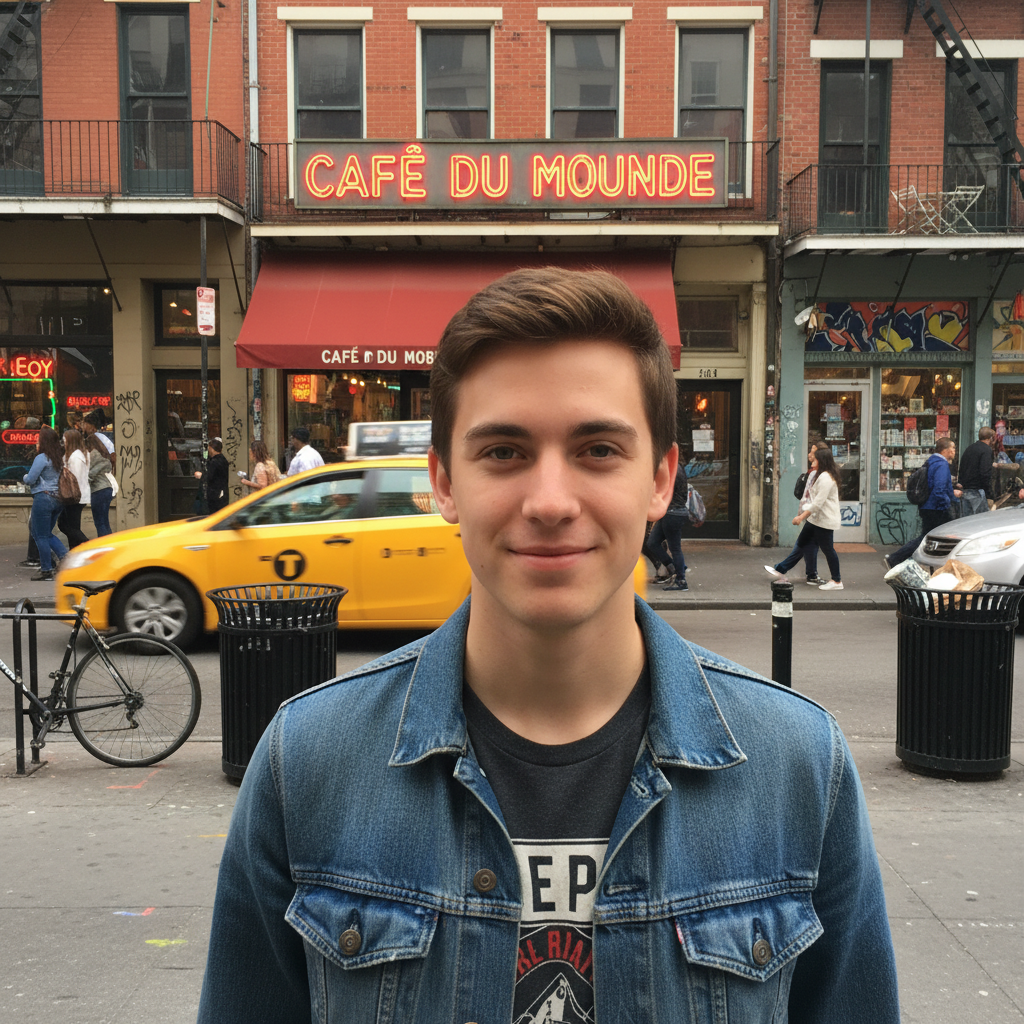
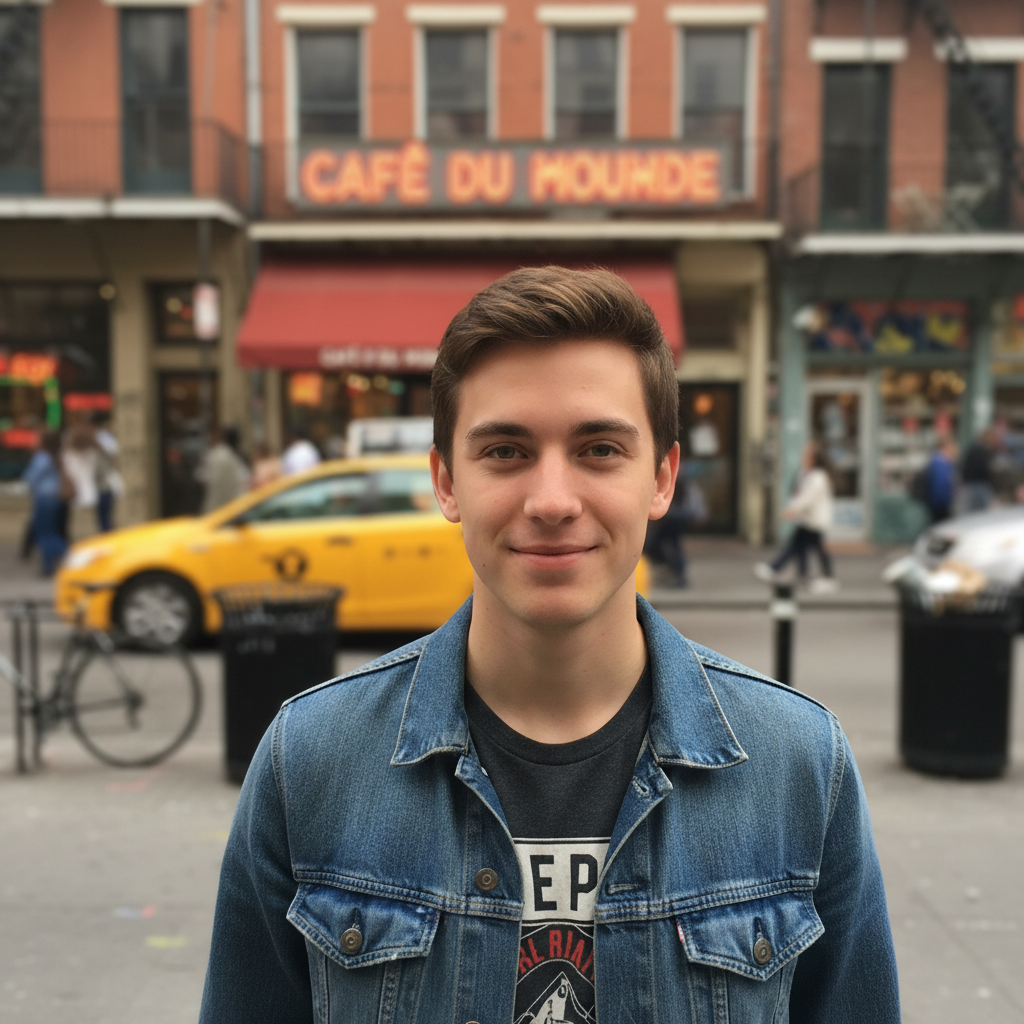
Portrait with Natural Bokeh
Transformed a regular outdoor portrait into a professional-looking shot with smooth background blur and the subject in sharp focus.
Prompt:
add portrait mode blur effect with the person in sharp focus and background naturally blurred
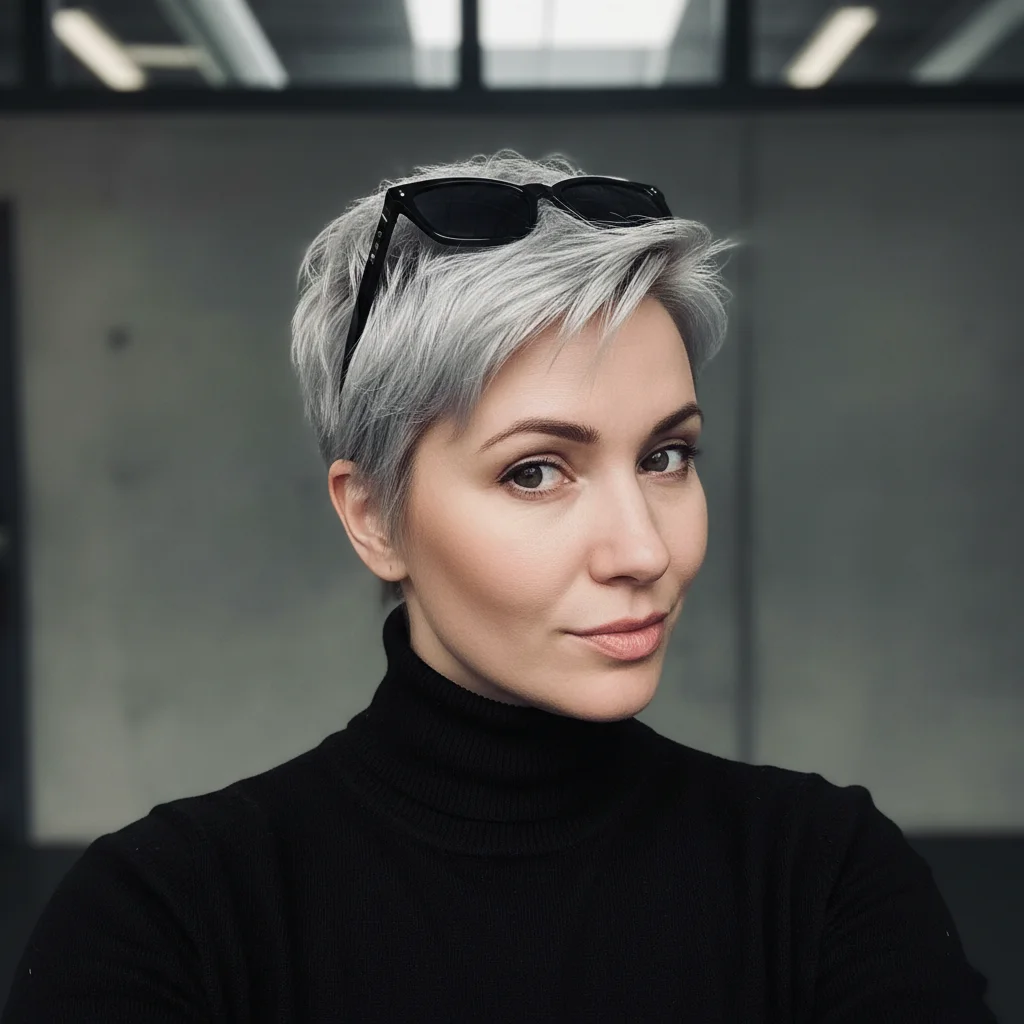
Product Photo with Depth
Added professional depth-of-field to a product shot, making the item stand out with a beautifully blurred background.
Prompt:
simulate portrait mode for product photo with item in focus and surroundings softly blurred
If something looks off
Quick answers
Ready to simulate portrait mode on your photos?
Free to try. No signup required.