Free • No signup Colorize Old photo · Free

Colorize Old Photo Online Free

← Browse all photo restoration tools

Last updated

Upload a black-and-white old photo and describe the colors you want. AI adds realistic natural color in 30-45 seconds — completely free online, no signup needed.
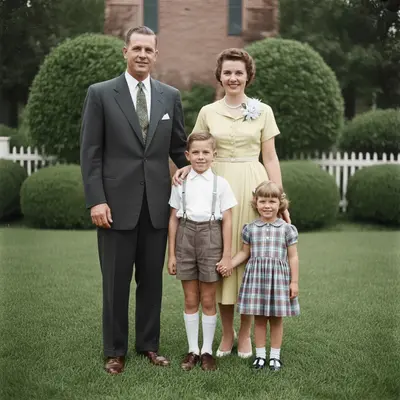
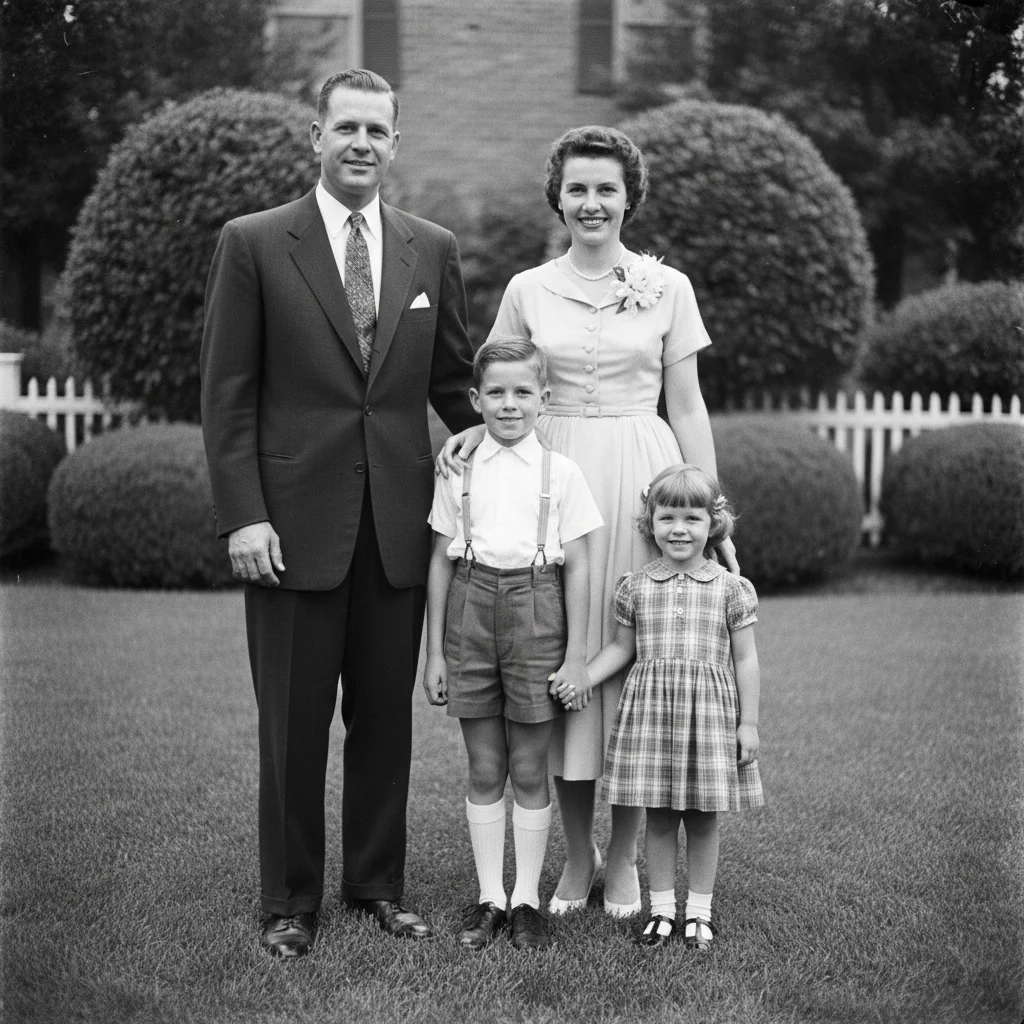
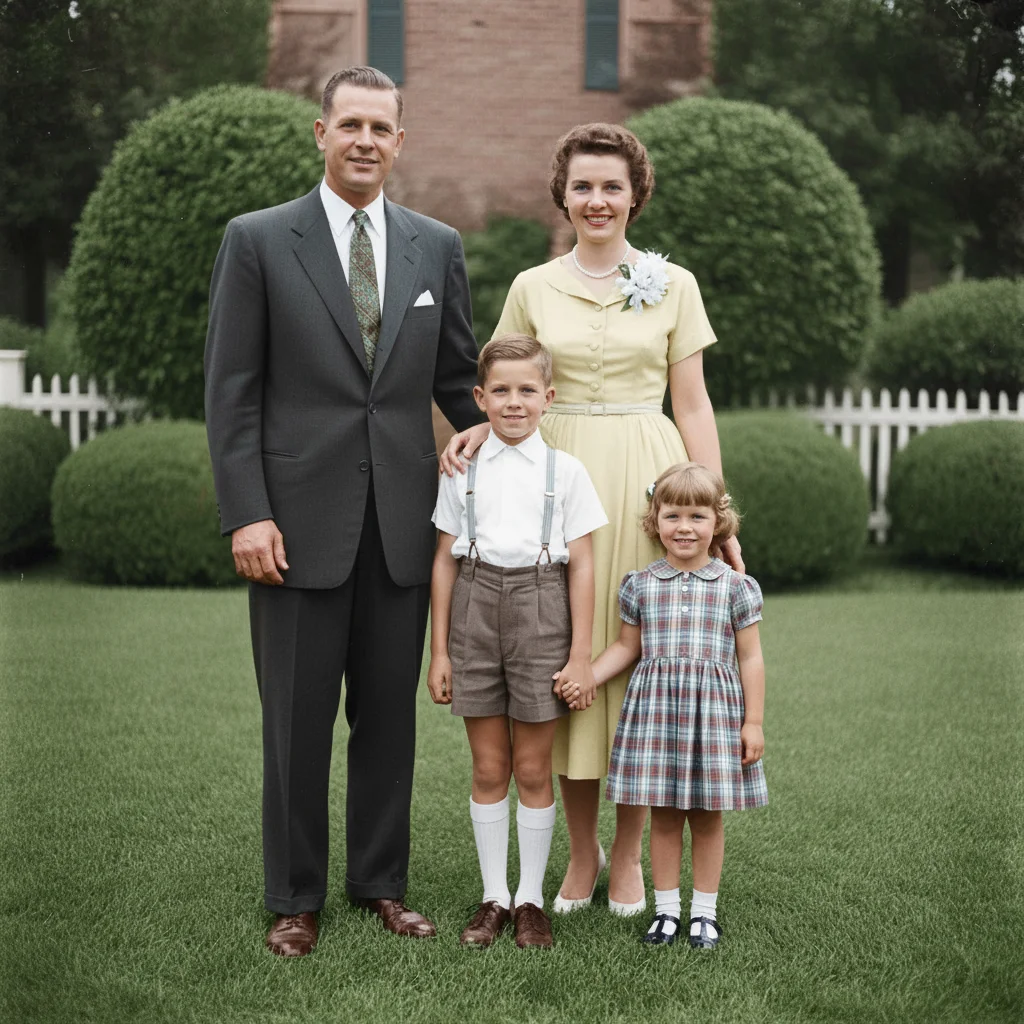
Black-and-white 1950s family portrait with four subjects on a front lawn Same portrait colorized with warm skin tones, period-accurate clothing, and green lawn

Upload photo to colorize old photo

"colorize this old photo — blue dress, brown hair, pale skin tones, green lawn background, white fence"

Release to upload

50,000+photos edited
<30stypical edit
1 freeedit weekly

1 free edit·then from $4.99

How it works

  1. Upload your black-and-white photo

    Drag and drop your old photo into EditThisPic. JPG, PNG, or WebP up to 7MB. Scan originals at 600 DPI for maximum detail — better resolution means more accurate colorization.

    Expect: Simple portraits: 25-35 seconds. Outdoor scenes and group photos: 35-50 seconds.
  2. Describe the colors you want

    Type your colorization goal: 'colorize this old photo with realistic natural colors — blue dress, brown hair, green grass background.' Specific color descriptions override the AI's automatic choices. The more detail you give, the more historically accurate the result.

    Tip: Know the era? Mention it: '1940s colors' or '1920s sepia warmth adapted to color' guides the AI toward period-accurate palettes.

    Copy one of these to get started:

    Natural realistic colorization colorize this old photo online free with realistic natural colors — skin tones, clothing, and background all looking historically plausible
    Colorize with specific colors colorize this old photo — blue dress, brown hair, pale skin tones, green lawn background, white fence
    1940s–1950s era colorization colorize this old photo with 1950s-era colors — warm skin tones, period-accurate clothing colors, Technicolor-influenced palette
    Military or historical photo colorize this old military photo with accurate uniform colors — olive drab uniform, brass buttons, natural skin tones
    2 more prompts
    Warm and nostalgic look colorize this old photo with warm, slightly faded 1960s-style color tones — nostalgic but realistic
    Wedding or formal portrait colorize this old wedding photo — white dress, natural flowers, warm skin tones, realistic room lighting
  3. Review the colorized photo

    Check that skin tones look natural, clothing colors are plausible, and background elements (grass, sky, wood) match what they'd look like in real life. Download free — no watermark.

See it in action

Black-and-white 1950s family portrait with four subjects on a front lawn
Before
->
Same portrait colorized with warm skin tones, period-accurate clothing, and green lawn
After

1950s family portrait colorized

A monochrome 1950s family portrait with four subjects — colorized with natural skin tones and era-appropriate clothing colors.

Prompt: colorize this old photo online free with 1950s colors — natural warm skin tones, period-accurate clothing, green lawn
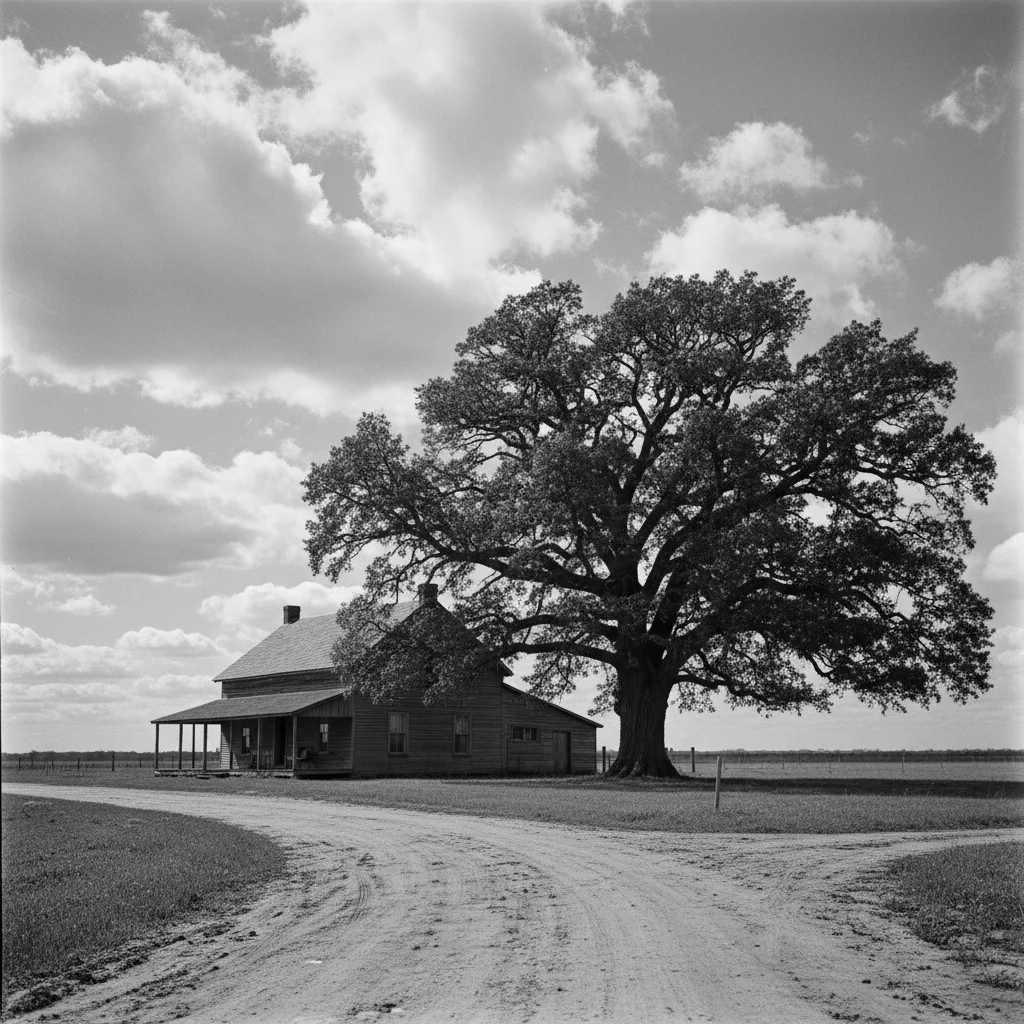
Black-and-white 1930s farmhouse with oak tree and dirt road
Before
->
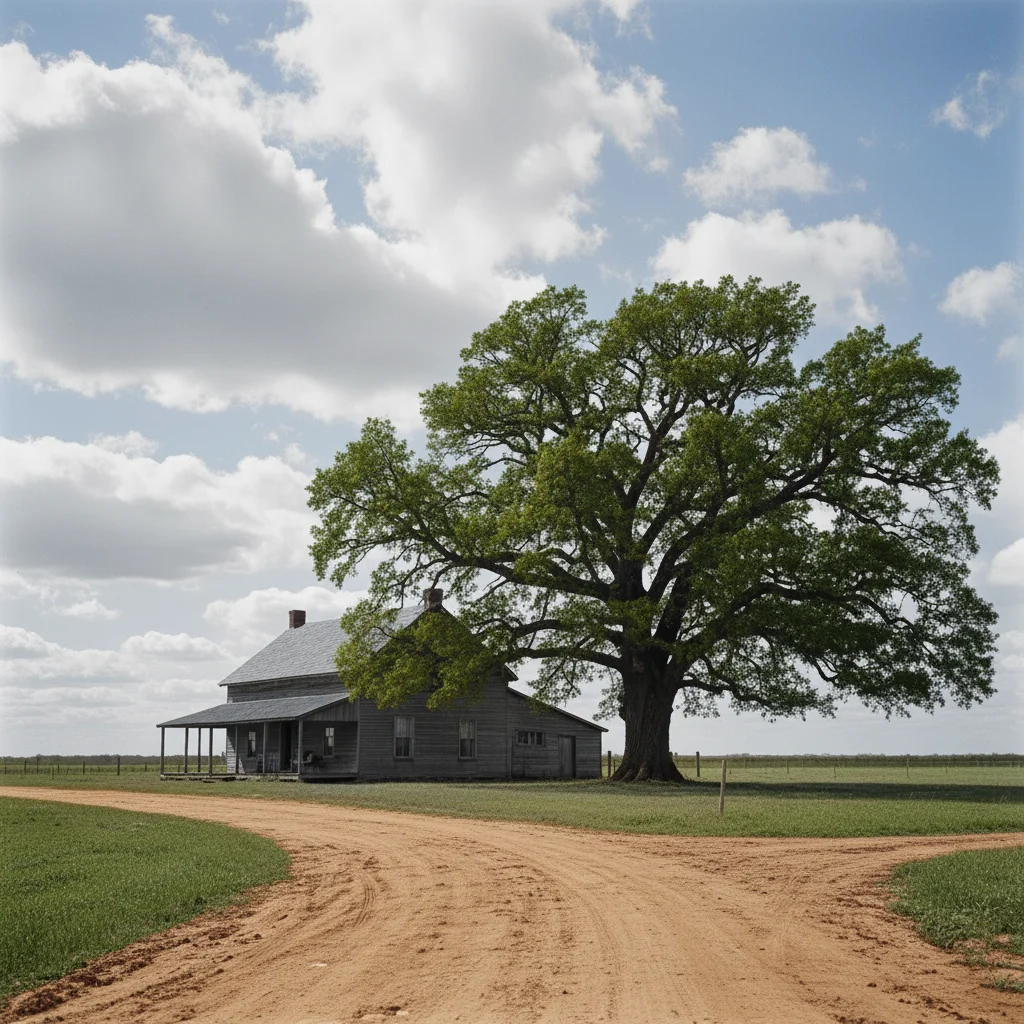
Same farmhouse scene colorized with warm earth tones, green tree, and blue sky
After

Old outdoor landscape colorized

A 1930s rural landscape photo with a farmhouse, trees, and open sky — colorized with natural earth tones.

Prompt: colorize this old photo — warm brown earth, green trees, blue sky, weathered grey farmhouse wood

Quick answers

Is photo colorization free on EditThisPic?

Yes. You get one free colorization per week with no account needed. Describe the colors you want and download the result — no watermark, no signup required.

Can I control which colors the AI uses?

Yes. Describe the colors explicitly in your prompt: 'blue dress, brown hair, green grass.' The more detail you provide, the more control you have. Without color details, the AI picks historically plausible colors automatically.

Will the colorized photo look realistic?

For portraits and common scenes, yes. The AI produces natural skin tones, sky blues, and earth tones that look genuinely period-appropriate. Very complex backgrounds or unusual clothing items may occasionally need a second refinement pass.

Does colorization work on heavily damaged black-and-white photos?

Colorization works best when the original image has clear tonal detail. If the photo is also torn or stained, use 'restore this old photo' first, then upload the restored version for colorization.

Can I specify colors for individual clothing items?

Yes. List each element: 'red tie, navy suit jacket, white shirt, black trousers.' The more specific you are, the more precisely the AI applies each color to the right element.

Will there be a watermark on the colorized photo?

No. EditThisPic never adds watermarks — not on free colorizations, not ever. Your download is clean.

Does colorization work on sepia photos too?

Yes. The AI treats sepia as a tinted monochrome and converts it to full color the same way it handles black-and-white. Mention 'convert from sepia to full color' in your prompt for best results.

Does this work on mobile?

Yes. EditThisPic runs in any mobile browser and has an iOS app. Upload directly from your camera roll or photo library.

How much does EditThisPic cost?

You get 1 free edit per week — no account needed. After that, credit packs start at $1.99 for 3 edits. Monthly plans start at $4.99/mo for 20 edits with unused credits rolling over. All edits are full resolution with no watermark.

Ready to colorize your old photos for free?

No signup required. No watermarks. Realistic AI color.

1 free edit included·Credit packs from $4.99