Free • No signup Unblur Old photo · Free

Unblur Old Photo Free

← Browse all photo restoration tools

Last updated

Upload your blurry old photo and describe what to sharpen. AI restores clarity to out-of-focus faces and details — completely free online, no signup needed.
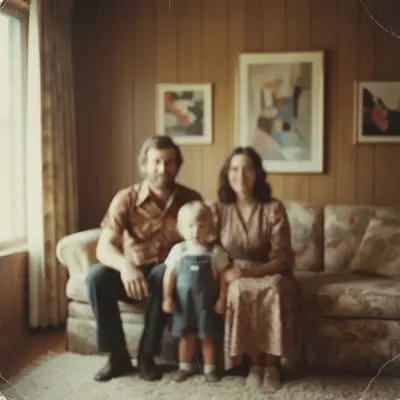
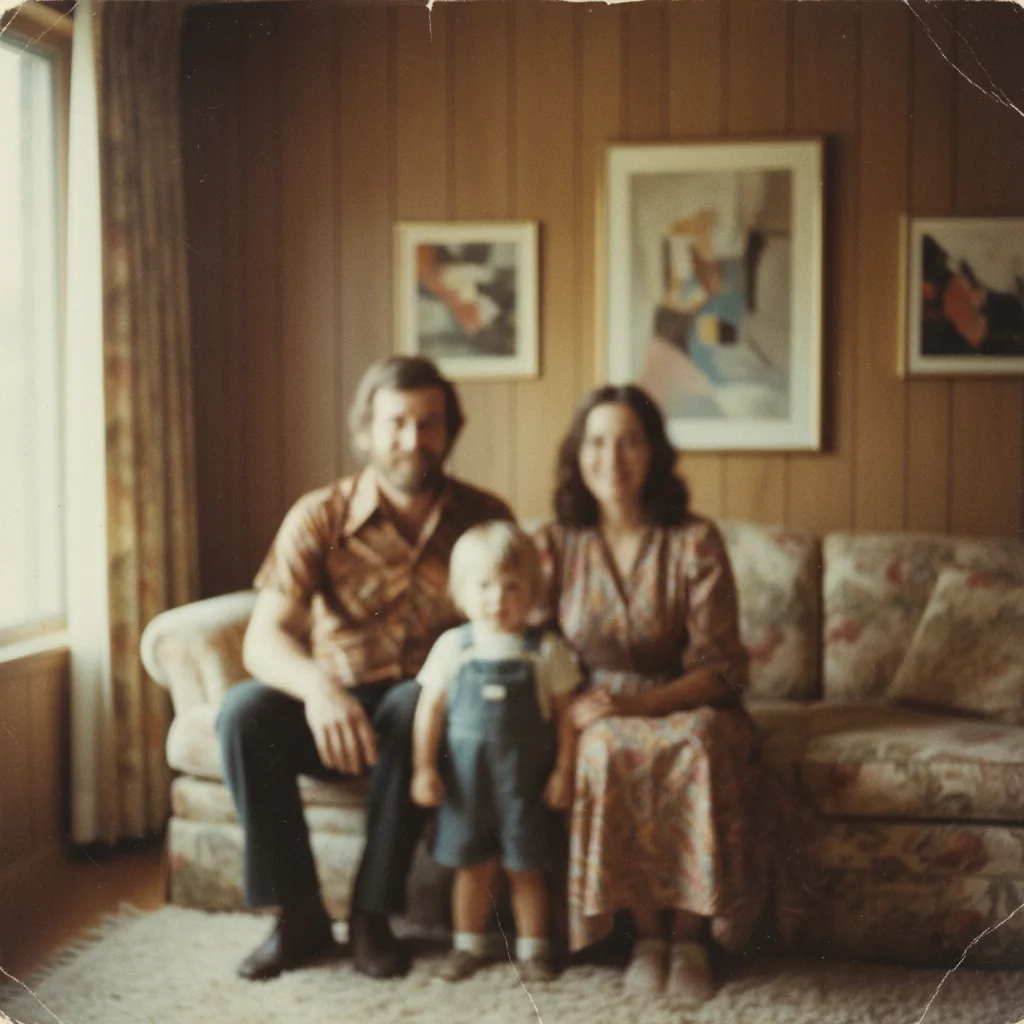
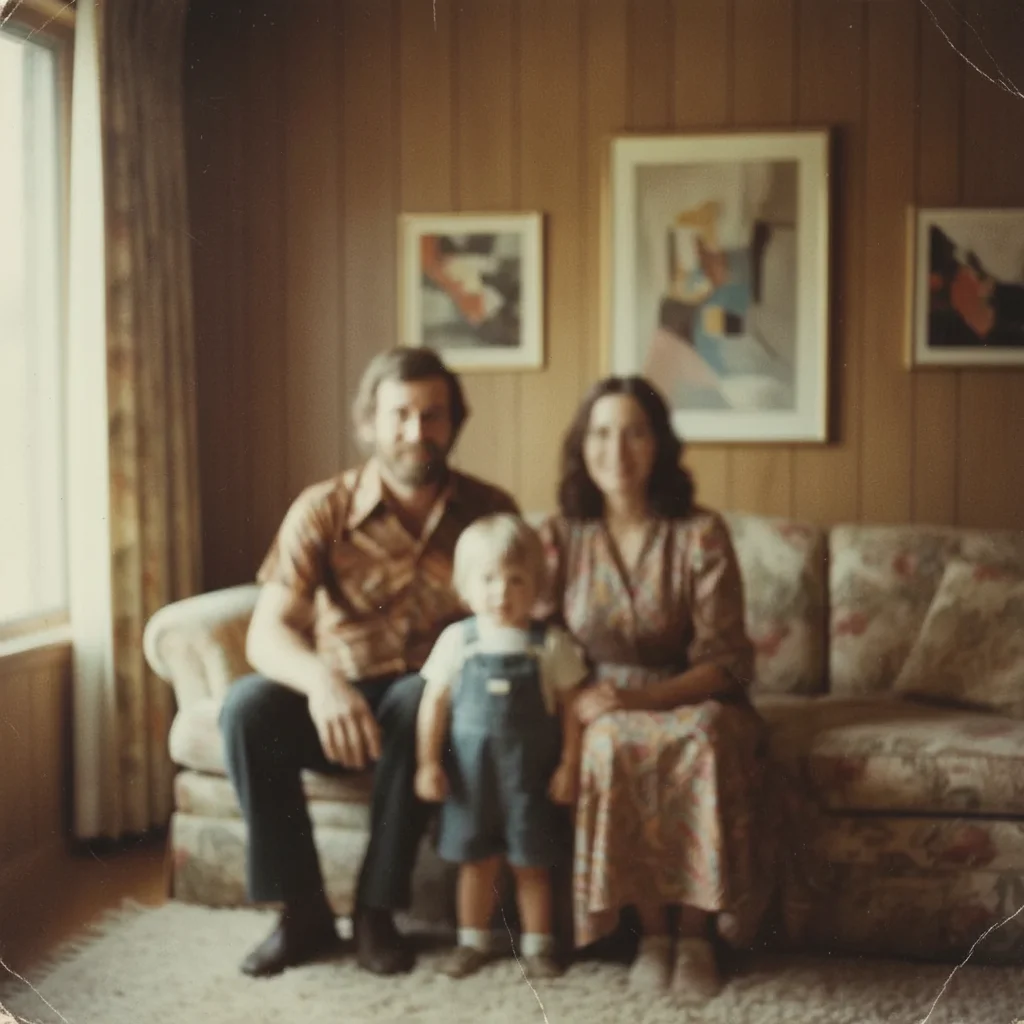
Soft blurry 1970s family portrait with unrecognizable faces from camera shake Same portrait with sharp faces, clear features, and natural period-accurate detail

Upload photo to unblur old photo

"unblur this old photo — sharpen the faces and restore the eye and feature detail without over-sharpening"

Release to upload

50,000+photos edited
<30stypical edit
1 freeedit weekly

1 free edit·then from $4.99

How it works

  1. Upload your blurry old photo

    Drag and drop your old photo into EditThisPic. JPG, PNG, or WebP up to 7MB. Scan old prints at 600 DPI or higher — more pixels give the AI more data for effective sharpening.

    Expect: Mild softness and focus blur: 20-30 seconds. Heavy motion blur or very low-resolution originals: 35-50 seconds.
  2. Describe what to sharpen

    Type your sharpening goal: 'unblur this old photo — sharpen the faces and restore detail in the eyes.' Specifying what matters most (faces vs backgrounds, eyes vs edges) focuses the AI's effort where you need it.

    Copy one of these to get started:

    General sharpening for old photo unblur this old photo free — sharpen the overall image and restore detail and clarity throughout
    Sharpen faces in old portrait unblur this old photo — sharpen the faces and restore the eye and feature detail without over-sharpening
    Motion blur from moving subject unblur this old photo — correct the motion blur and restore the natural appearance of the subject
    Out-of-focus background vs. sharp subject unblur this old photo — sharpen the faces in the foreground while keeping the background natural
    2 more prompts
    Old photo with film grain softness unblur this old photo free — restore sharpness and clarity while preserving the natural film grain character
    Group photo with multiple faces unblur this old photo — sharpen all faces in the group clearly, especially the faces in the back row
  3. Review the sharpened result

    Use the before/after slider to compare. Check that sharpened faces look natural — not over-processed or plastic. Download free — no watermark.

See it in action

Soft blurry 1970s family portrait with unrecognizable faces from camera shake
Before
->
Same portrait with sharp faces, clear features, and natural period-accurate detail
After

Soft 1970s portrait sharpened

A 1970s family portrait soft from camera shake — AI restored sharp faces and natural detail throughout.

Prompt: unblur this old photo free — sharpen the faces and restore clarity, preserve the natural 1970s photo character
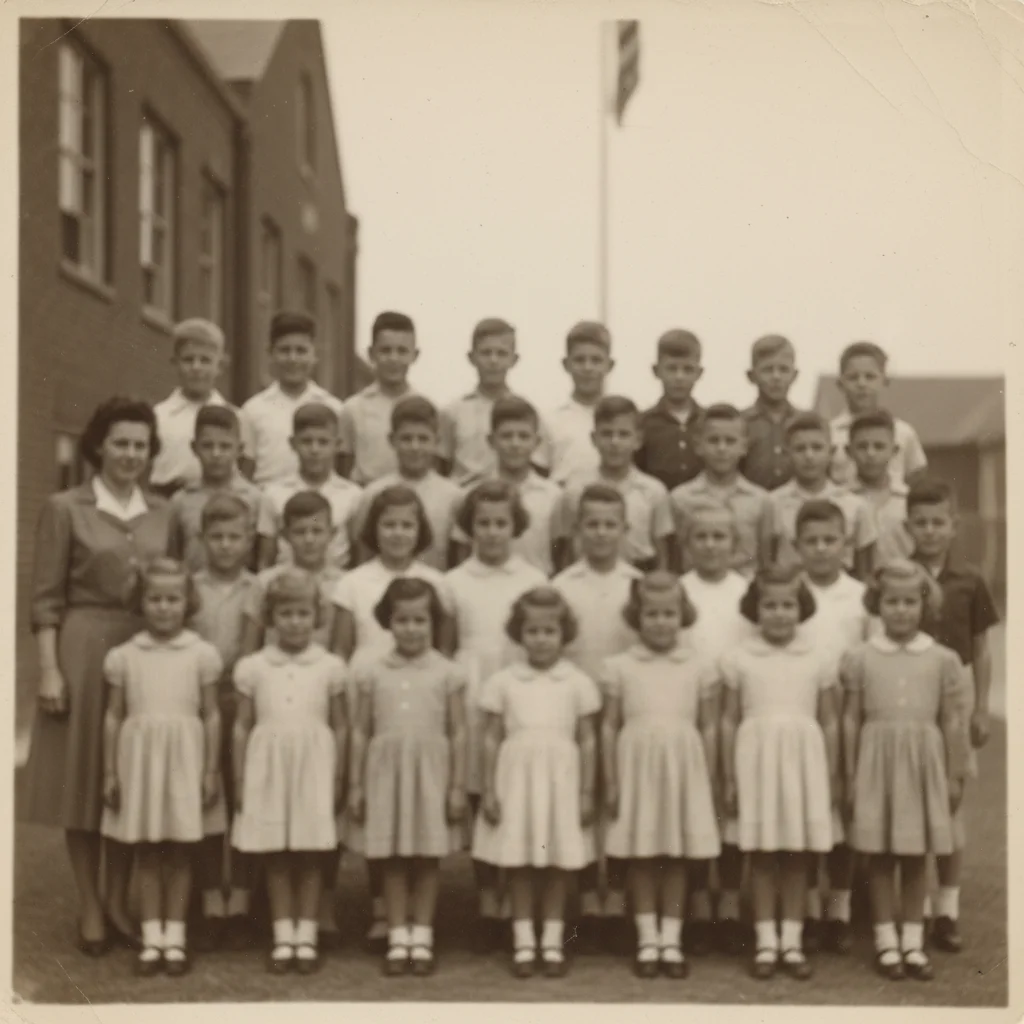
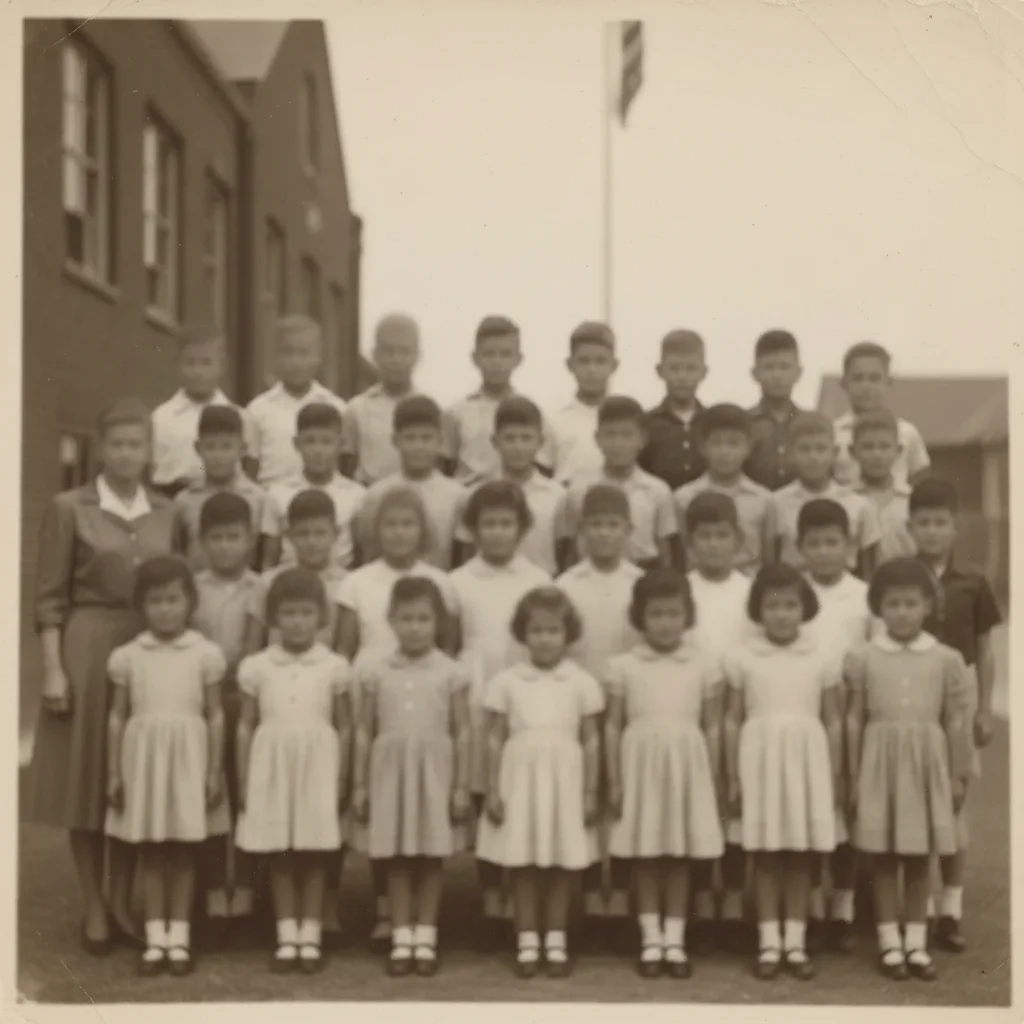
Soft 1950s school class photo with all faces out of focus and unrecognizable
Before
->
Same class photo with all faces clearly defined and individual features visible
After

Old group photo faces sharpened

A 1950s class photo with uniformly soft focus — all faces sharpened clearly.

Prompt: unblur this old photo — sharpen all the faces in the group clearly, restore eye and feature detail

Quick answers

Is this photo unblur tool free?

Yes. One free Fast edit per week — no account, no credit card, no watermark. Upload your blurry old photo, describe what to sharpen, and download the sharpened result.

What types of blur can the AI fix?

The AI handles camera shake blur, out-of-focus (lens blur), motion blur from moving subjects, and general softness from aging or low-resolution scanning. Extreme blur from very low-resolution originals may only partially recover.

Will the sharpened result look natural?

Yes, when you ask for natural sharpening. Adding 'natural' or 'photographic' to your prompt prevents the harsh edge halos that over-sharpening produces. The AI respects the original film grain texture of old prints.

Do I need to sign up to unblur a photo?

No. Just open EditThisPic, upload your photo, and type your instruction. No account, no registration, no credit card required for the weekly free edit.

What resolution should I scan the photo at?

600 DPI minimum, 1200 DPI for small prints. More original pixels give the AI more data for effective sharpening — scanning at higher resolution is the single biggest factor in unblur quality.

Will there be a watermark on the sharpened photo?

No. EditThisPic never adds watermarks — not on free edits, not ever. Your download is clean.

Does this work on mobile?

Yes. EditThisPic runs fully in any mobile browser and has an iOS app. Upload old scanned photos from your camera roll.

How much does EditThisPic cost?

You get 1 free edit per week — no account needed. After that, credit packs start at $1.99 for 3 edits. Monthly plans start at $4.99/mo for 20 edits with unused credits rolling over. All edits are full resolution with no watermark.

Ready to unblur your old photos for free?

No signup required. No watermarks. AI sharpening in seconds.

1 free edit included·Credit packs from $4.99