Free • No signup Repair Torn photo · Free

Repair Torn Photo Online Free

← Browse all photo restoration tools

Last updated

Upload your torn photo and describe where the tear is. AI seamlessly repairs tears, rips, and missing corners — completely free online, no signup needed.
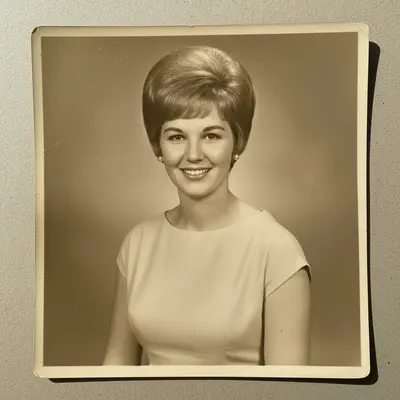
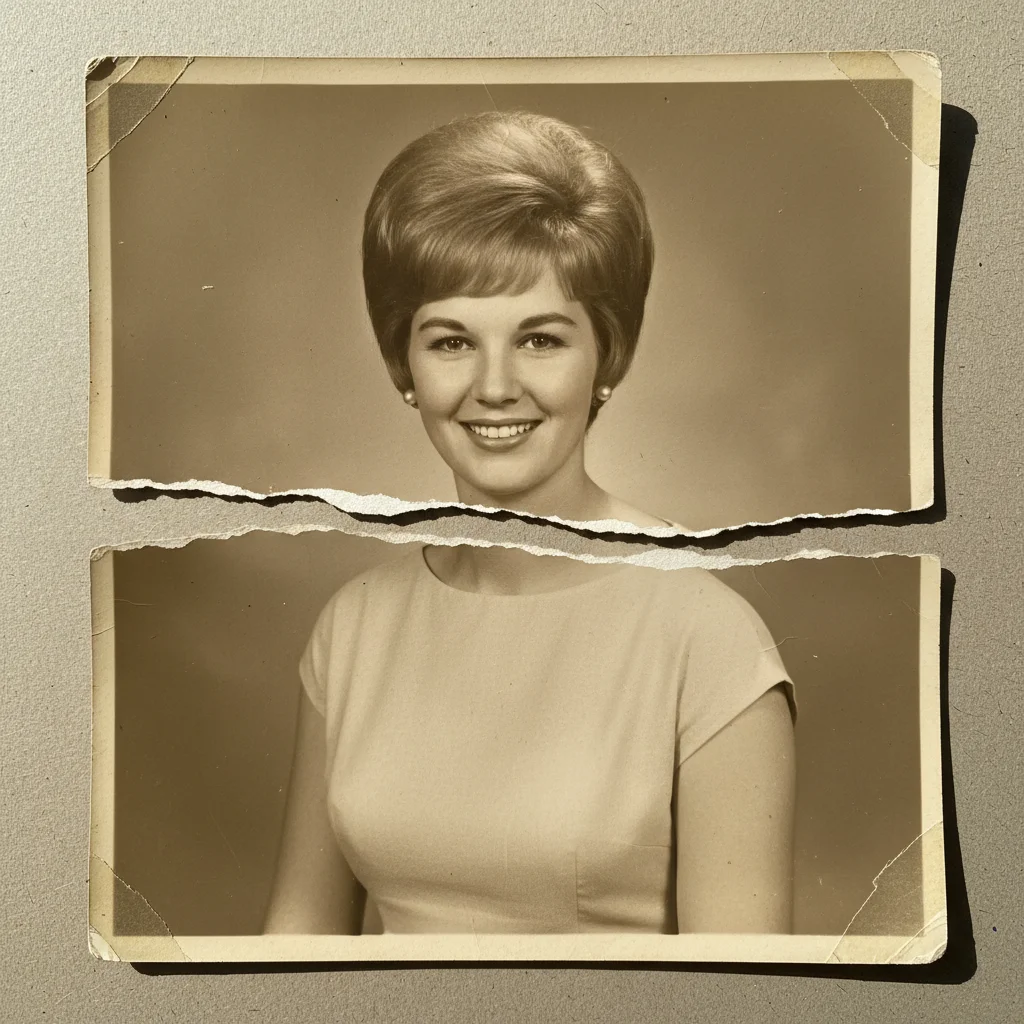
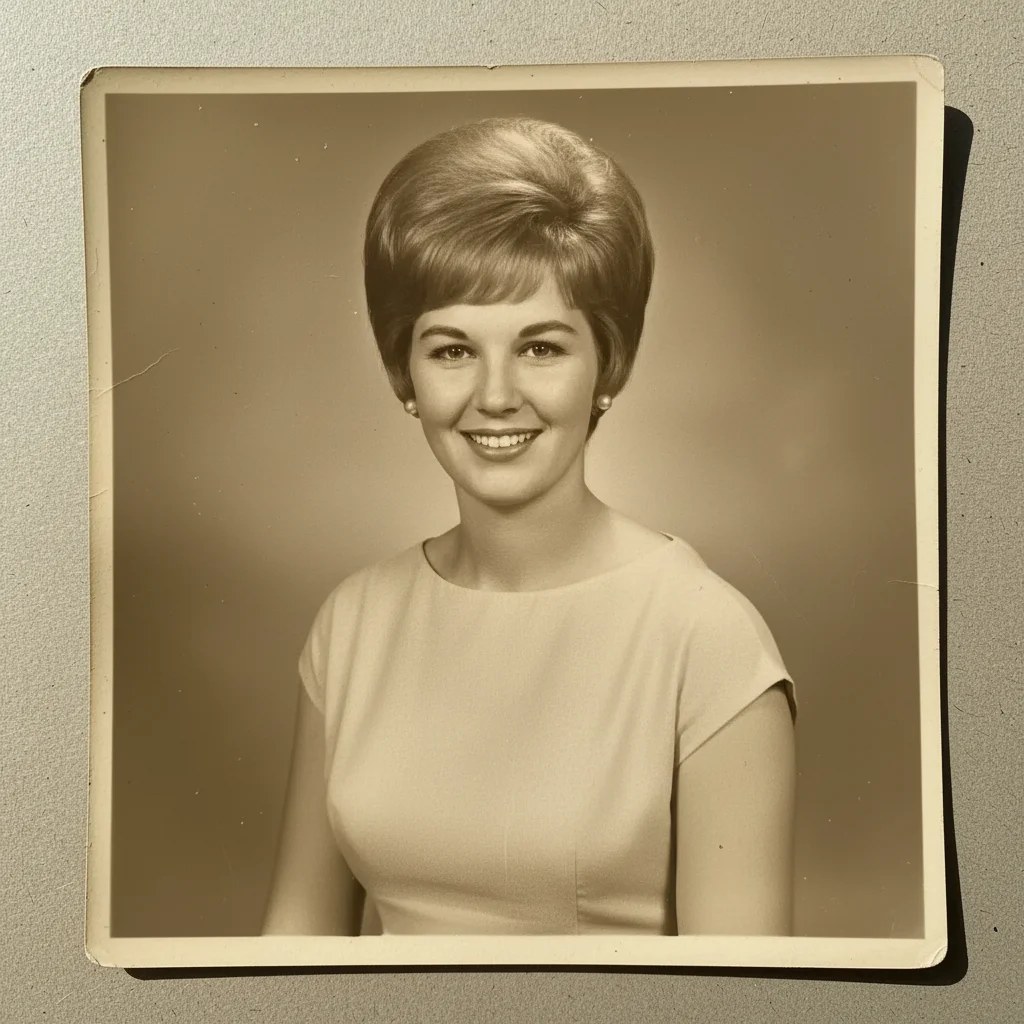
Portrait with visible horizontal tear line across the center Same portrait with tear completely repaired and no seam visible

Upload photo to repair torn photo

"repair this torn photo — fix the horizontal tear across the middle and make the repair completely invisible"

Release to upload

50,000+photos edited
<30stypical edit
1 freeedit weekly

1 free edit·then from $4.99

How it works

  1. Scan and upload your torn photo

    Piece the torn halves together flat and scan at 600 DPI or higher. Alternatively, photograph the reassembled photo under even lighting. Drop the image into EditThisPic — JPG, PNG, or WebP up to 7MB.

    Expect: Small tears and creases: 25-35 seconds. Large tears or missing sections: 40-60 seconds.
  2. Describe the tear location and type

    Type the repair instruction: 'repair this torn photo online free — seamlessly fix the horizontal tear across the middle.' Describe the tear direction, location, and whether there is a missing section. Specific descriptions give the AI a precise repair target.

    Tip: Mention tear direction and location: 'diagonal tear from upper-left to lower-right' or 'tear across the bottom third' helps the AI follow the damage line accurately.

    Copy one of these to get started:

    General tear repair repair this torn photo online free — seamlessly fix all visible tears and creases, matching the surrounding content
    Horizontal tear through center repair this torn photo — fix the horizontal tear across the middle and make the repair completely invisible
    Torn corner reconstruction repair this torn photo online free — reconstruct the missing upper-left corner to match the background naturally
    Photo torn in half repair this torn photo — seamlessly join the two halves along the central tear line and remove any visible seam
    2 more prompts
    Torn photo with creases repair this torn photo — fix the tear and all associated creasing, smooth the entire surface
    Ragged torn edge repair this torn photo — reconstruct the ragged right edge so the image extends naturally to a clean boundary
  3. Review the repaired photo

    Use the before/after slider to compare. Check that the repaired line has disappeared and that content in the torn area looks natural. Download free — no watermark.

See it in action

Portrait with visible horizontal tear line across the center
Before
->
Same portrait with tear completely repaired and no seam visible
After

Center tear repaired invisibly

A 1960s portrait torn horizontally across the middle — AI seamlessly repaired the seam, making it impossible to see the original damage.

Prompt: repair this torn photo online free — seamlessly fix the horizontal tear across the middle, make the repair completely invisible
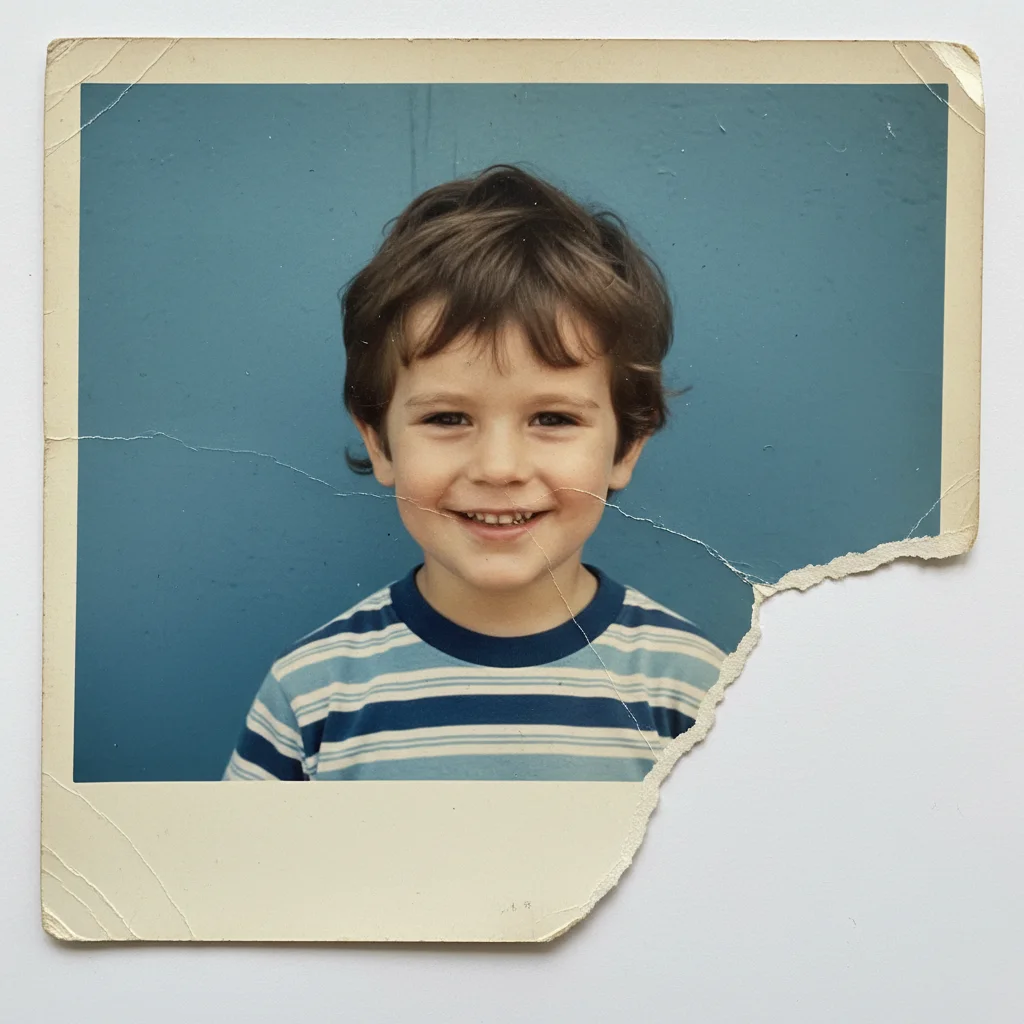
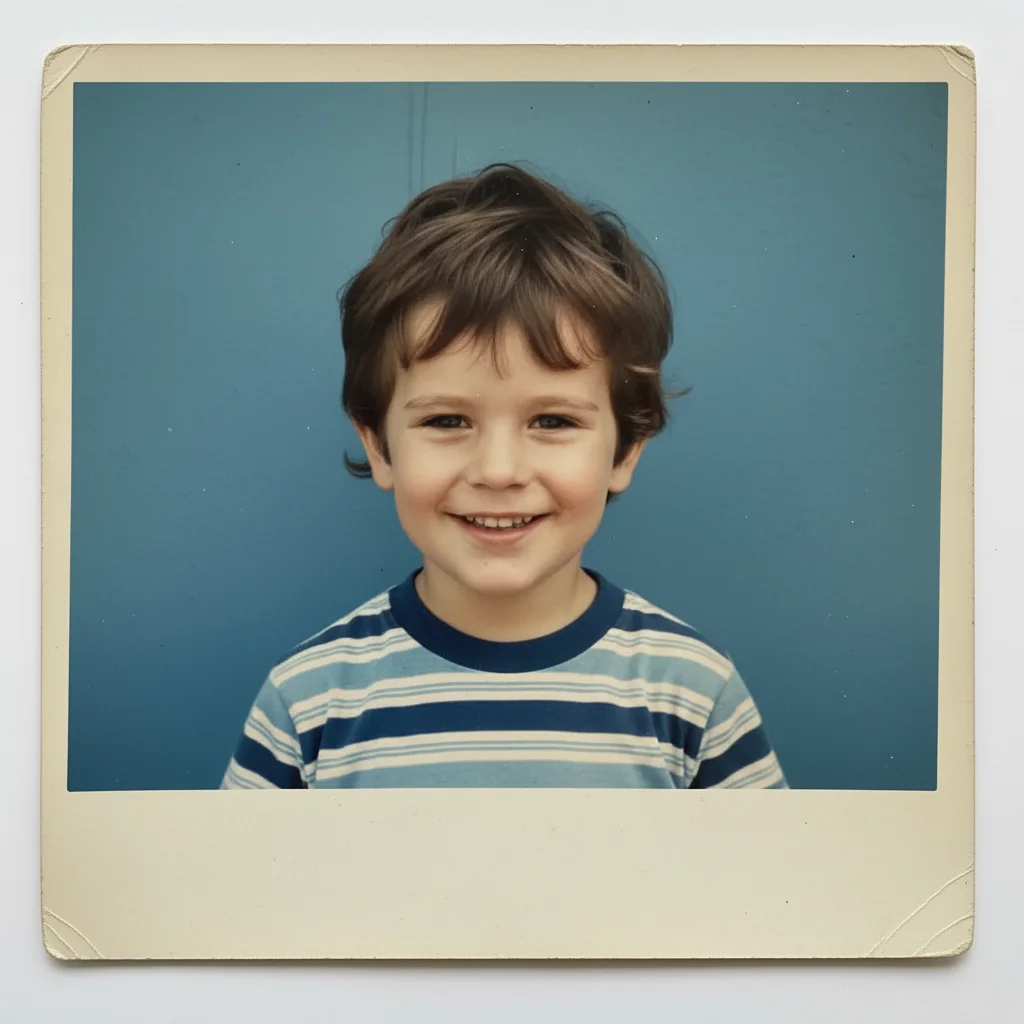
Childhood portrait with lower-right corner torn away showing white backing
Before
->
Same portrait with corner reconstructed and blue wall background filled in seamlessly
After

Missing corner reconstructed

A childhood photo with a large torn corner — AI reconstructed the missing background seamlessly.

Prompt: repair this torn photo — reconstruct the missing lower-right corner, the background is a plain blue wall

Quick answers

Is torn photo repair free on EditThisPic?

Yes. One free Fast edit per week — no signup or credit card needed. Upload your torn photo, describe the tear, and download the repaired result with no watermark.

Can the AI repair a photo that was torn in half?

Yes. Scan or photograph both pieces reassembled flat, then upload the combined scan. Type: 'repair this torn photo — seamlessly join the two halves along the central tear and remove any visible seam.' Best results come from tight, well-aligned physical reassembly before scanning.

What if a piece of the photo is completely missing?

The AI can reconstruct missing sections by generating plausible content that matches the surrounding image. Simple backgrounds (sky, walls, grass) reconstruct convincingly. Complex subjects — like a missing face — may not match the original person and may need a second refinement pass.

Should I scan or photograph the torn photo?

Scanning is strongly preferred — flat bed scanners produce uniform lighting without shadows that can confuse tear detection. If you only have a phone camera, photograph under even overhead lighting with the pieces laid flat on a contrasting surface.

What resolution should I scan at?

600 DPI minimum for standard prints. 1200 DPI for small prints like wallet photos. Higher resolution gives the AI more original detail to reconstruct from.

Will there be a watermark on the repaired photo?

No. EditThisPic never adds watermarks on repaired photos, even on the free weekly edit.

Can this repair creases as well as tears?

Yes. Use: 'repair this torn photo — fix the tear and remove all creasing and fold marks across the surface.' The AI handles both physical damage types in one pass.

Does this work on mobile?

Yes. EditThisPic works fully in your mobile browser and has an iOS app. Upload a scan from your camera roll directly.

How much does EditThisPic cost?

You get 1 free edit per week — no account needed. After that, credit packs start at $1.99 for 3 edits. Monthly plans start at $4.99/mo for 20 edits with unused credits rolling over. All edits are full resolution with no watermark.

Ready to repair your torn photo for free?

No signup required. No watermarks. Seamless AI repair.

1 free edit included·Credit packs from $4.99