Free • No signup Restore Old photo · Free

Restore Old Photo Online Free

← Browse all photo restoration tools

Last updated

Upload your damaged old photo and describe the fix. AI restores fading, tears, scratches, and stains in under a minute — completely free online.
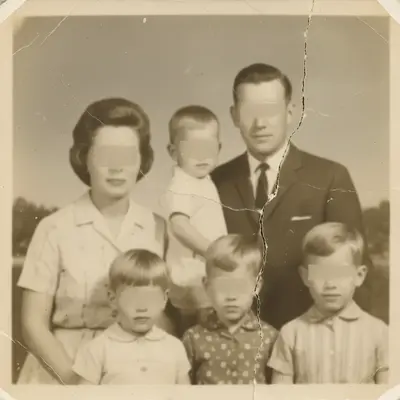
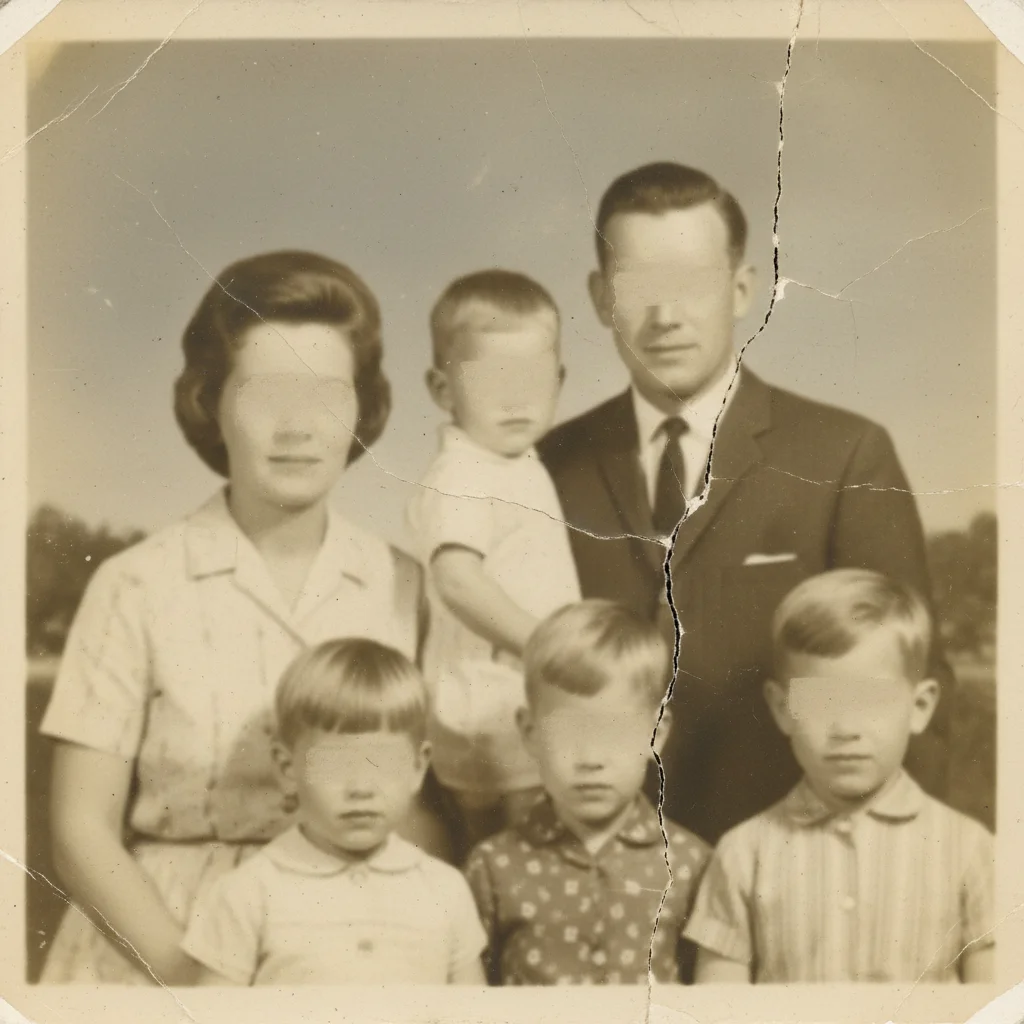
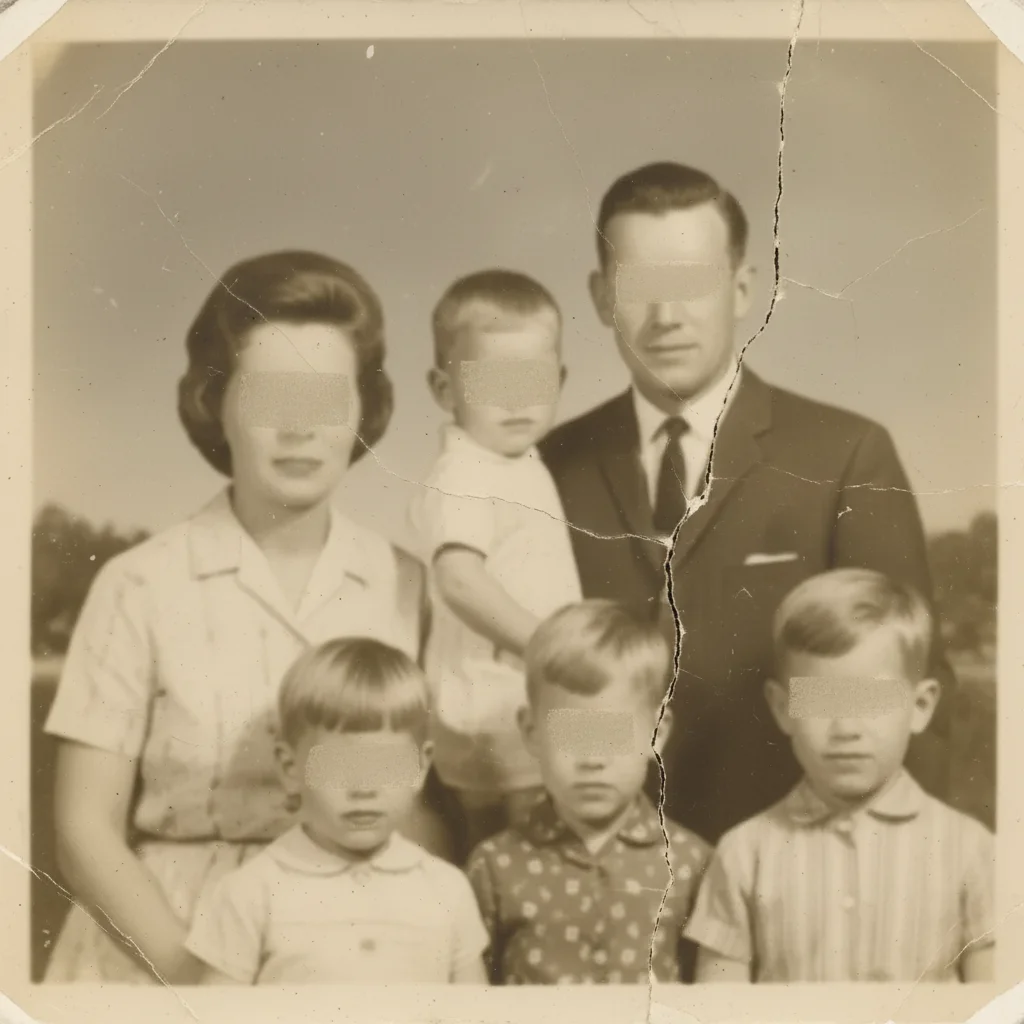
Yellowed 1960s family portrait with a vertical tear and surface cracks Same portrait with natural tones restored, tear repaired, and faces clearly visible

Upload photo to restore old photo

"restore this old photo — remove the yellowing and restore natural tones and contrast"

Release to upload

50,000+photos edited
<30stypical edit
1 freeedit weekly

1 free edit·then from $4.99

How it works

  1. Upload your old photo

    Drag and drop your old photo into EditThisPic. JPG, PNG, or WebP up to 7MB. Scan prints at the highest resolution your scanner allows — more detail means better restoration.

    Expect: Straightforward fading and discoloration: 25-35 seconds. Heavy tears, missing areas, or severe water damage: 40-60 seconds.
  2. Describe what you want restored

    Type your restoration goal: 'restore this old photo — fix fading, remove stains, sharpen faces.' Describe the specific damage type for best results. The AI understands restoration terms in plain English.

    Tip: Mention the damage type specifically: 'fix the water stain in the top-right corner' or 'remove the horizontal tear across the middle' helps the AI prioritize.

    Copy one of these to get started:

    General old photo restoration restore this old photo online free — fix fading, discoloration, and surface damage while preserving the original character
    Yellowed and faded photo restore this old photo — remove the yellowing and restore natural tones and contrast
    Photo with tears and creases restore this old photo — seamlessly repair the tears and creases while keeping the background intact
    Water-damaged photo restore this old photo — remove water stains and blotches and recover detail in the damaged areas
    2 more prompts
    Sharpen unclear faces restore this old photo — sharpen the faces and improve overall clarity without making it look modern
    Black and white restoration restore this old black-and-white photo — remove scratches and stains and restore the tonal range
  3. Review the restored photo

    Compare before and after using the slider. Check that faces look clear, colors are natural, and damaged areas blend seamlessly. Download your restored photo — no watermark.

See it in action

Yellowed 1960s family portrait with a vertical tear and surface cracks
Before
->
Same portrait with natural tones restored, tear repaired, and faces clearly visible
After

Yellowed family portrait restored

A 1960s family portrait with heavy yellowing, surface cracks, and a vertical tear across the right side — fully restored in one pass.

Prompt: restore this old photo — fix the yellowing, repair the right-side tear, and sharpen the faces
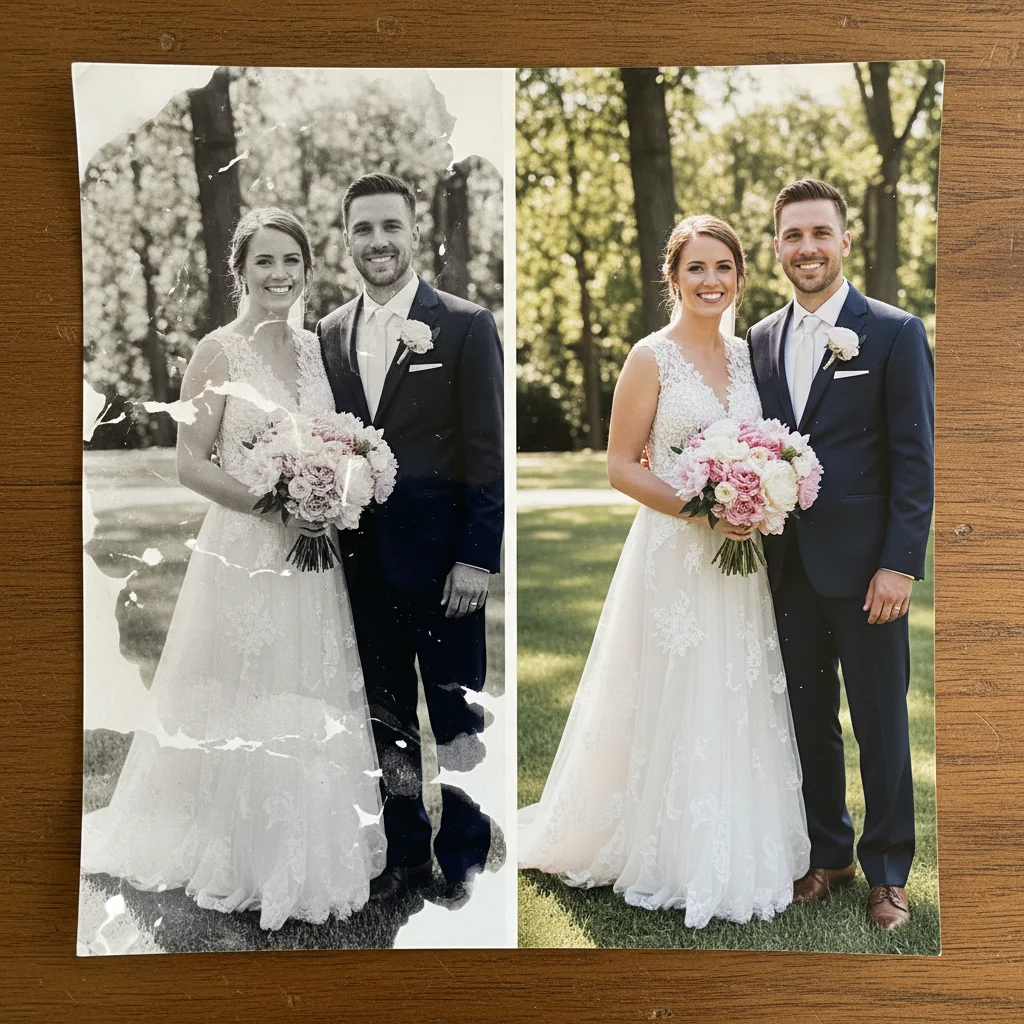
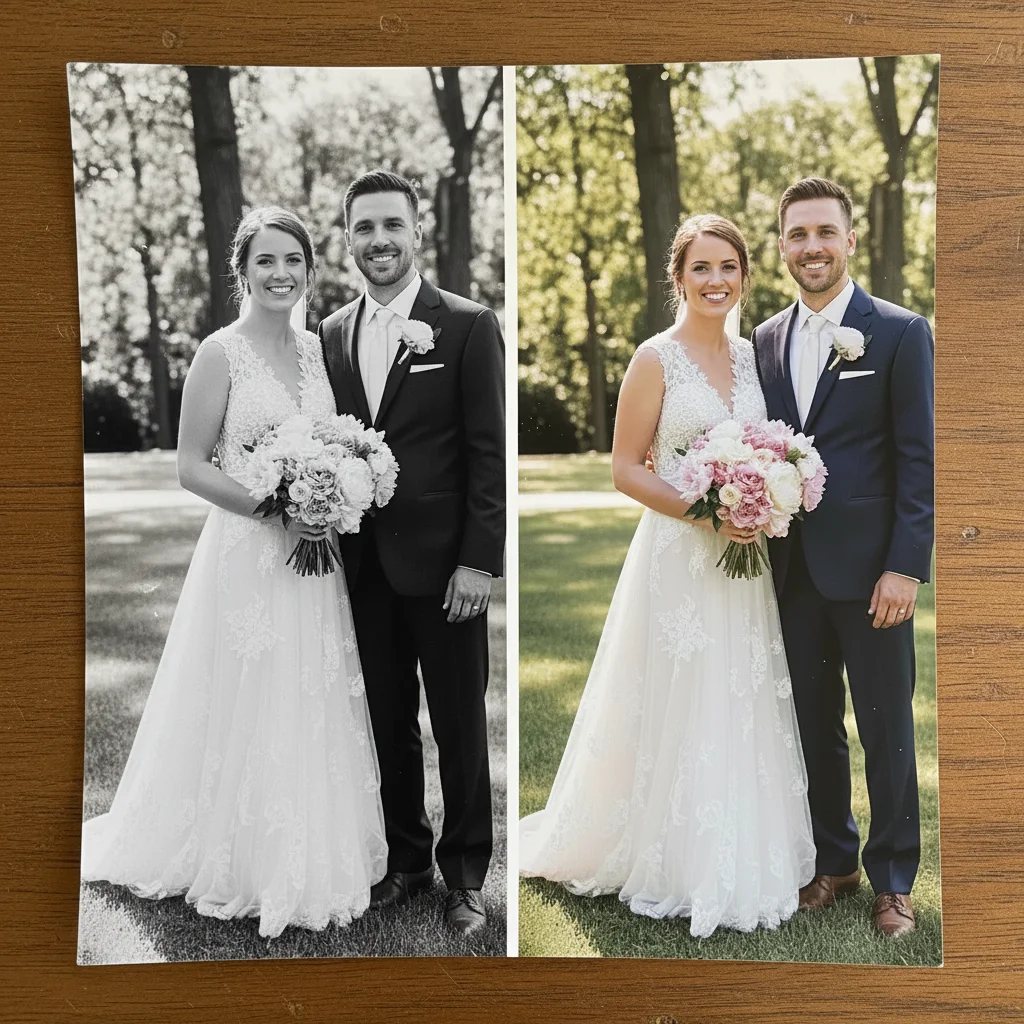
Wedding photo with large water stain blotches obscuring the left half
Before
->
Same wedding photo with water damage removed and full detail recovered
After

Water-damaged wedding photo

A flood-damaged wedding photo with large water blotches obscuring half the image — AI recovered the missing detail.

Prompt: restore this old photo online free — remove the water damage and recover the detail in the dark areas

Quick answers

Is this photo restoration tool really free?

Yes. EditThisPic lets you restore old photos online free with one free Fast edit per week — no signup or credit card required. Credit packs are available if you need more edits.

How long does it take to restore an old photo online?

Most restorations complete in 30-45 seconds. Heavily damaged photos with large missing sections may take up to 60 seconds and benefit from a second refinement pass.

What types of damage can the AI fix?

The AI handles fading, yellowing, water stains, tears, creases, scratches, foxing spots, mold damage, and surface cracks. It can also sharpen blurry faces and recover lost detail in overexposed or underexposed areas.

Do I need to sign up or create an account?

No account needed. Upload your photo, describe the restoration you want, and download the result. The weekly free edit requires no registration — just open EditThisPic and start.

Will there be a watermark on the restored photo?

Never. EditThisPic does not add watermarks to restored photos, even on free edits. Your downloaded image is clean and ready to print or share.

What resolution should I scan my old photo at?

Scan at 600 DPI minimum for standard prints, or 1200 DPI for small photos like wallet prints. More detail in the scan gives the AI more data to work with, leading to sharper restoration results.

Can I restore a black-and-white photo?

Yes. Type 'restore this old black-and-white photo — remove scratches and stains and restore the tonal range.' The AI treats black-and-white restoration differently from color, preserving monochrome tones.

Does this work on mobile?

Yes. EditThisPic runs fully in your mobile browser — no app download needed. The iOS app is also available on the App Store. Upload photos directly from your camera roll.

Can the AI restore a photo with a large missing section?

Yes, but results depend on how complex the background is. Simple backgrounds like sky or walls are reconstructed convincingly.

How much does EditThisPic cost?

You get 1 free edit per week — no account needed. After that, credit packs start at $1.99 for 3 edits. Monthly plans start at $4.99/mo for 20 edits with unused credits rolling over. All edits are full resolution with no watermark.

Ready to restore your old photos for free?

No signup required. No watermarks. Works on any device.

1 free edit included·Credit packs from $4.99