AI Photo Editor for Graduation Photos
Last updated
Your graduation is once-in-a-lifetime. Your photos shouldn't show random strangers, harsh cap shadows, or crooked tassels.
Drop your photo here
"remove the harsh shadow from my graduation cap on my face, keep natural facial features and lighting"
Free to try · no sign-up · never used for AI training
Release to upload
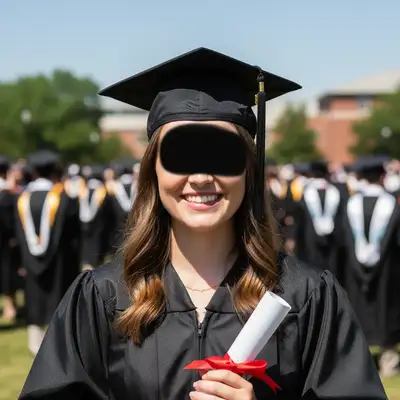
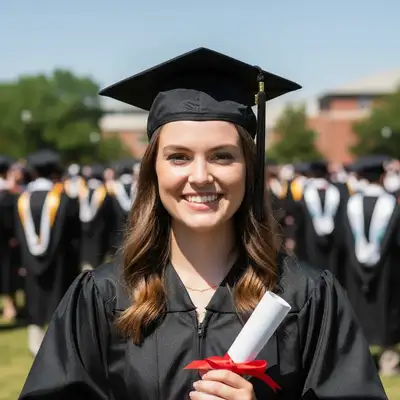
Built for Graduation Season
Graduation happens once. You can't go back and retake ceremony photos when you notice the cap shadow or the stranger photobombing your family shot. EditThisPic fixes the most common graduation photo problems in seconds, so your milestone photos look as perfect as the moment felt.
Tools for Graduation Photos
Remove Person
Remove strangers walking through ceremony or family photos
Fix Shadows
Remove harsh cap shadows from faces
Replace Background
Swap crowded ceremony venue for classic graduation backdrop
Straighten & Fix
Fix crooked caps, straighten tassels, adjust composition
Enhance Lighting
Balance harsh outdoor lighting or dim indoor ceremony
How to AI Photo Editor for Graduation Photos
-
Choose your best graduation photo
Pick the photo where you're smiling naturally and looking at the camera, even if it has problems. Don't worry about background people, cap shadows, or crooked tassels - those are exactly what we're fixing. The photo just needs you looking good.
Shadow removal: 20-25 seconds. Background person removal: 25-35 seconds. Multiple fixes: 35-45 seconds.If you have multiple shots, pick the one with the best smile and expression - technical problems are easier to fix than a bad expression. -
Describe what needs fixing
Upload your photo and describe the problem: 'remove the harsh shadow from my cap on my face' or 'remove the people walking behind us in the background' or 'straighten my graduation cap and fix the tassel.' You can fix multiple things: 'remove shadow on face, remove strangers in background, brighten overall.'
Combine multiple fixes in one prompt to save time: 'fix cap shadow on face, remove background people, enhance lighting overall' -
Review and refine
Check that faces look natural after shadow removal, that removed people didn't leave halos or artifacts, and that overall lighting looks believable. If edges need cleanup or lighting needs adjustment, mark those areas and regenerate.
Compare before/after using the slider - shadows should be gone but faces should still have natural dimensionality.
Copy-Paste Prompts for Graduation Photos
remove the harsh shadow from my graduation cap on my face, keep natural facial features and lighting
Cap shadows are the #1 graduation photo problem - this fixes them while keeping you looking natural
remove the people walking in the background behind us, extend the background naturally
Strangers walking through family photos are fixable - no need to keep that photobomb
straighten my graduation cap so it's level, fix the tassel to hang properly on the correct side
Caps shift during ceremony - fixing the angle makes photos look more polished
replace the crowded ceremony background with a clean classic graduation backdrop, burgundy curtain or columns
If the venue background is distracting, swap it for a timeless graduation setting
Show 4 more prompts
fix the person on the left - they're blinking, replace with eyes open from similar expression
When one person ruins an otherwise perfect group shot, fix just that person
reduce the harsh midday sun shadows on everyone, brighten faces naturally, balance the lighting overall
Outdoor ceremonies in full sun create harsh shadows - this softens them while keeping outdoor look
remove the white glare reflection on my diploma cover from the flash
Flash photos of diploma covers often have bright reflections - these can be removed
remove cap shadow on my face, remove strangers in background, straighten my cap, enhance the overall lighting to look professional
Combine all common fixes in one prompt to perfect your graduation photo completely
| Edit Type | Prompt | Time | |
|---|---|---|---|
| Cap shadow removal | remove harsh shadow from cap on my face |
20s | Try This → |
| Background people | remove the people walking in background |
25s | Try This → |
| Straighten cap | straighten graduation cap and fix tassel |
20s | Try This → |
| Complete fix | remove cap shadow, remove background people, enhance lighting |
35s | Try This → |
Real Examples
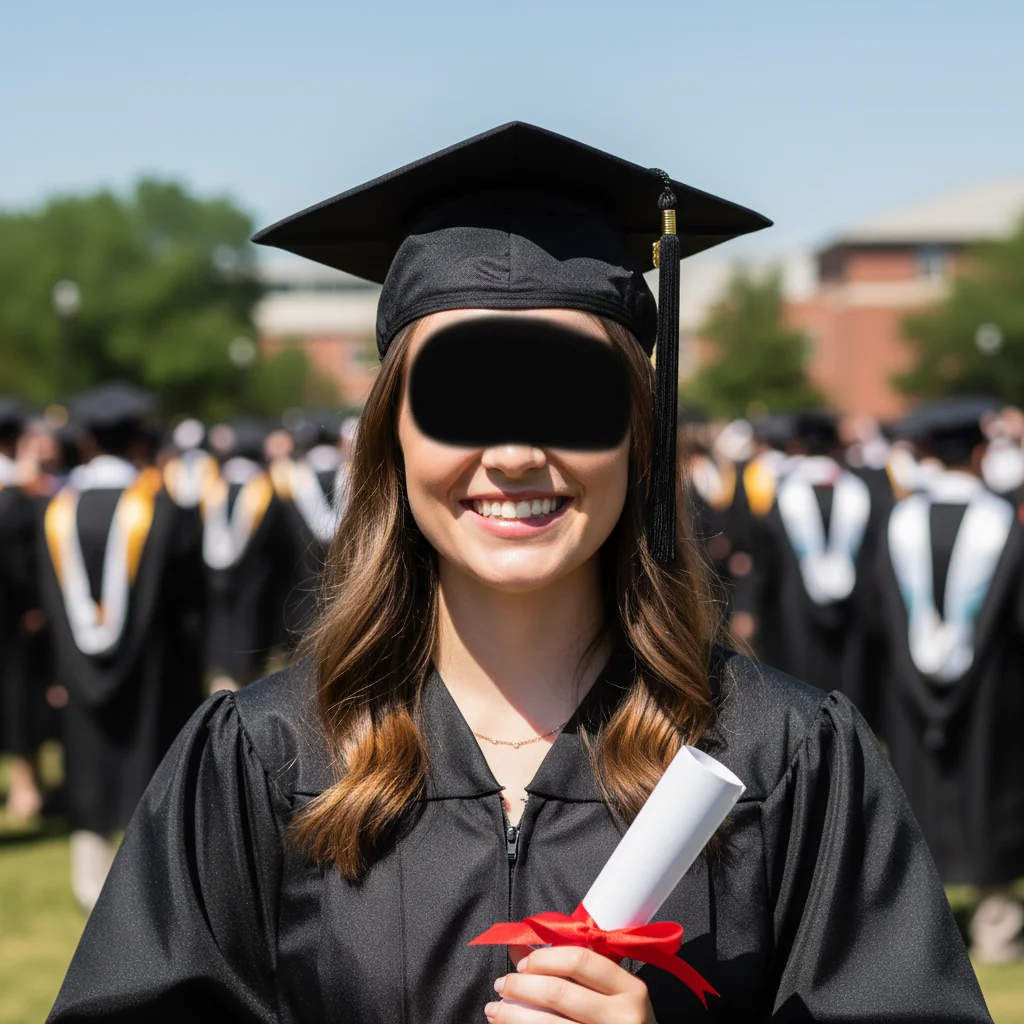
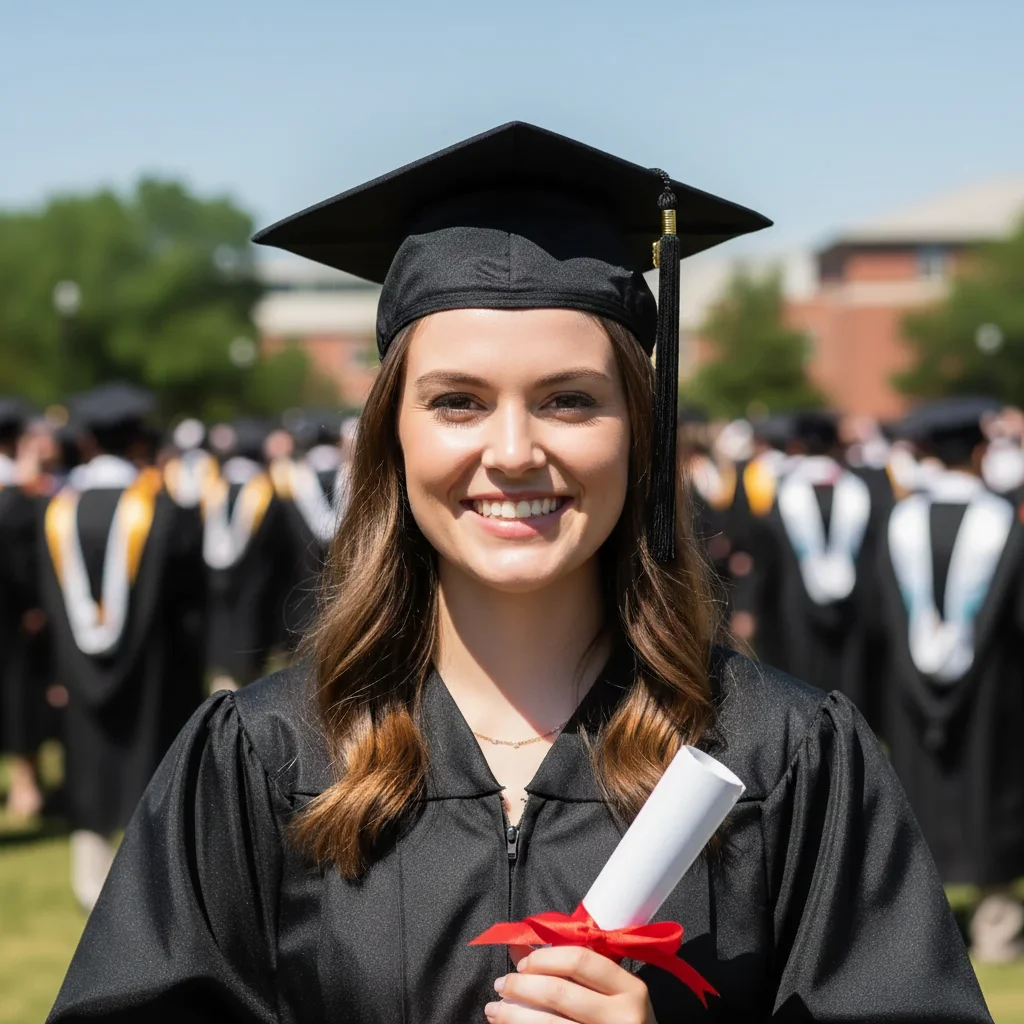
The harsh cap shadow fix
Outdoor ceremony at noon. Cap casting deep shadow across entire face. You can barely see features in original.
remove the harsh shadow from the graduation cap on my face completely, restore natural facial features and skin tone
The background photobomber removal
Perfect family photo except for three random people walking directly behind you during the shot.
remove the three people walking in the background behind us, extend the building and lawn background naturally
Crooked cap and tassel fix
Cap shifted back during ceremony. Tassel hanging on wrong side and off-center.
straighten my graduation cap so it sits properly level, move the tassel to hang correctly on the right side centered
Complete ceremony photo rescue
Harsh cap shadow, strangers in background, crooked cap, washed-out colors from bright sun. All fixed.
remove cap shadow on face, remove people in background, straighten cap, fix washed-out colors from bright sun, enhance overall to look professional
When Things Go Wrong
Face looks too bright or flat after shadow removal
Why: Removing harsh shadows can over-brighten and flatten facial features if not careful.
Faces need some shadow variation to look three-dimensional - specify 'natural facial contours' to preserve depth.
Cap looks unnaturally straightened or fake
Why: Rotating the cap digitally can create perspective mismatches with the head angle.
Small adjustments work better - don't try to turn a severely crooked cap into perfectly level.
Background replacement looks obviously fake
Why: Lighting on you doesn't match the new background lighting direction or quality.
replace background but match the lighting direction and quality to my original photo
Blur existing background is often more natural-looking than full replacement for graduation photos.
Frequently Asked Questions
Can this really fix the harsh shadow my cap made on my face?
Yes. Cap shadows are one of the most common graduation photo problems and one AI handles well. The key is specifying 'keep natural facial features' so your face doesn't look flat after shadow removal. Works best when you have some other photos of yourself that show what your face looks like without the shadow, but the AI can infer normal facial structure from the visible parts.
Will it work on group graduation photos?
Yes. You can remove background people, fix shadows on multiple faces, and enhance overall lighting. For large group photos (10+ people), keep edits simpler - overall lighting, background blur, or removing one obvious photobomber.
What if I need to fix multiple problems in one photo?
Combine them in one prompt: 'remove cap shadow on my face, remove the people walking in background, straighten my cap.' The AI can handle 3-4 fixes simultaneously. For more complex corrections (5+ issues), consider doing them in two passes - background fixes first, then face/detail fixes.
Can I fix a photo that's both shadowed AND has the wrong background?
Yes. Use: 'remove cap shadow on my face, replace crowded background with classic graduation backdrop.' The AI handles both. Be specific about the background you want - 'burgundy curtain', 'stone columns', 'outdoor campus lawn' - so it matches graduation aesthetics.
I only got one good photo and it has problems - will this work?
That's exactly what this is for. Graduation happens once - you can't retake ceremony photos. If you're smiling naturally and looking at the camera, technical problems like shadows, background people, or crooked caps are fixable. Start with the biggest problem first, then refine.
Is EditThisPic's AI photo editor for graduation photos really free?
Yes — you get 1 free edit per week, no account needed. Credit packs start at $4.99 for 10 edits.
Can I use this on my phone?
Yes. EditThisPic works in any mobile browser — iPhone, Android, tablet. No app download needed.
Popular use cases
Ready to perfect your graduation photos?
Free to try. No signup required. No watermarks.
Fix Your Graduation Photo