Free • No signup Add Film grain · Free

AI Film Grain Adder

Just describe the film grain you want and AI adds it instantly.
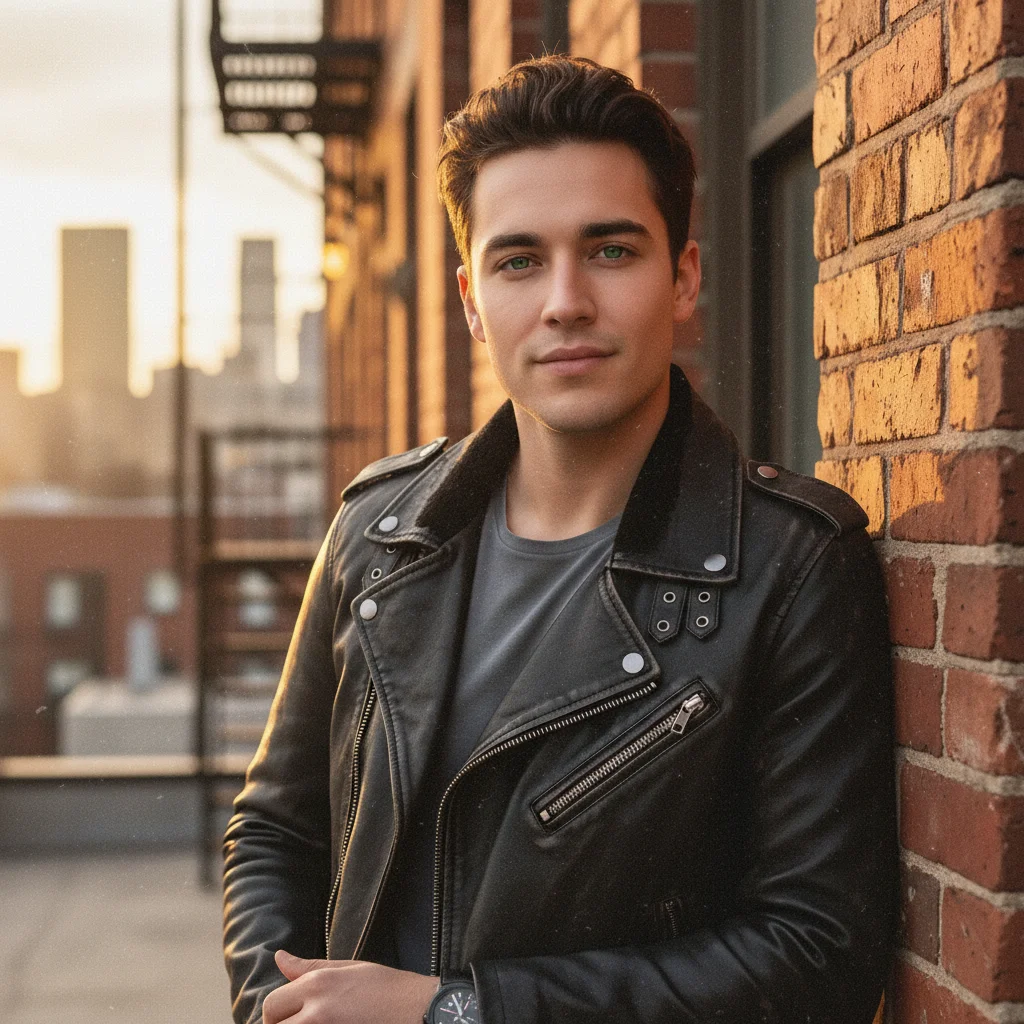
Clean digital portrait without grain
Before
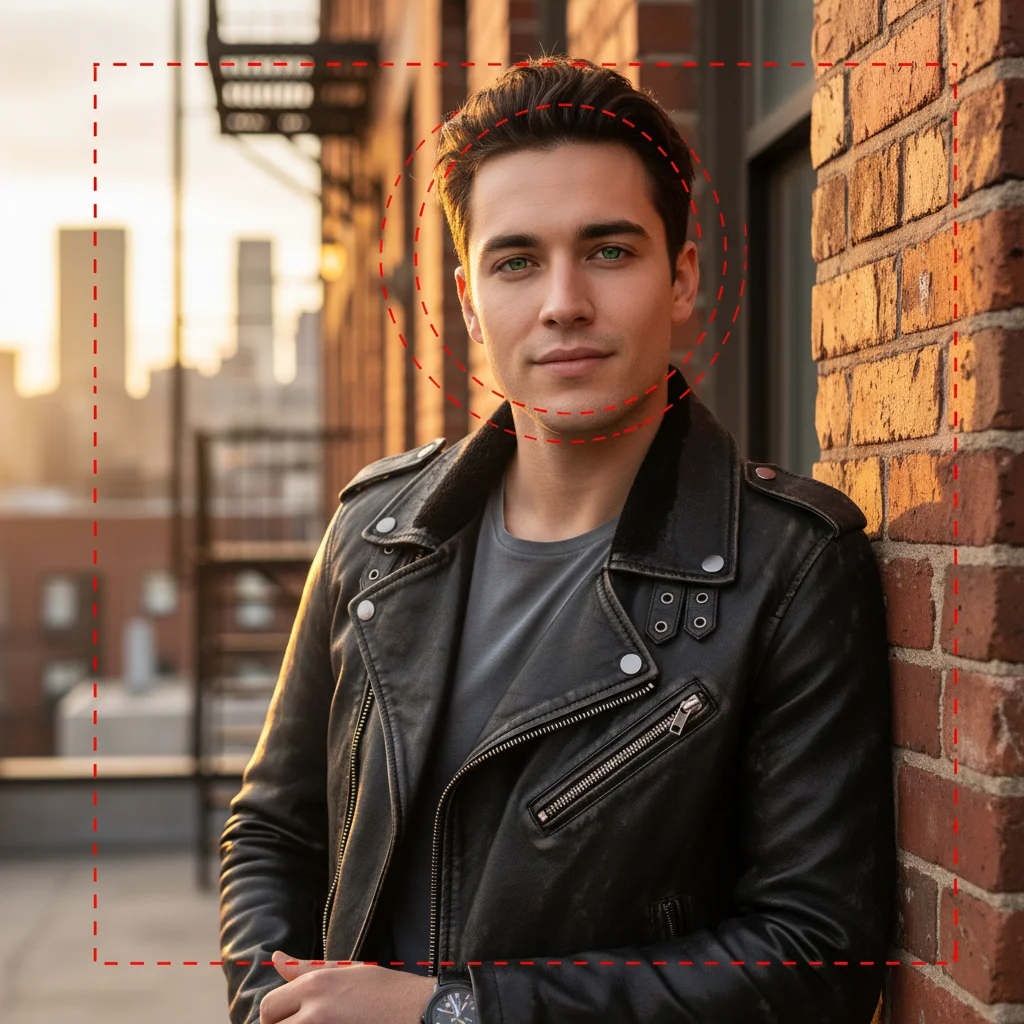
Portrait with authentic ISO 400 film grain
After

Add Film Grain to Photo

Drop your photo here

or click to browse

Release to upload

Free • No signup

Advertisement
Popular use cases:
  • digital photography
  • analog aesthetic
  • Instagram photos
  • portrait retouching
  • vintage look
  • film emulation

Cost
Free No signup required
Time
Instant results in 15-30 seconds
Works on
Any device - browser, phone, tablet, desktop
Powered by
AI-powered photo editing
Scenario Prompt Time
Fine grain (ISO 100-200) add fine subtle film grain with delicate texture barely visible 10s
Moderate grain (ISO 400) add moderate film grain like 400 ISO film stock with organic texture 15s
Heavy grain (ISO 800+) add heavy pronounced film grain with strong visible texture 15s

How it works

  1. Upload your photo

    Drop your digital image into EditThisPic. JPG, PNG, WebP up to 7MB. Any digital photo can benefit from film grain—it adds character, hides digital imperfections, and creates authentic analog aesthetic.

    Expect: Simple grain addition: 10-15 seconds. Customized grain textures: may need one adjustment.
  2. Describe the film grain

    Type your instruction: 'add moderate film grain like 400 ISO film stock' or 'add fine grain texture with organic film quality.' Be specific about grain intensity (fine, moderate, heavy) and ISO equivalent (100, 400, 800). No marking needed—the AI applies grain uniformly to the whole image.

    Tip: Lower ISO (100-200) creates subtle grain; higher ISO (800+) adds pronounced texture.

    Copy one of these to get started:

    Classic 400 ISO grain add moderate film grain like 400 ISO film stock with organic texture and natural randomness
    Fine subtle grain add fine subtle film grain like ISO 100-200 with delicate texture barely visible
    Heavy dramatic grain add heavy pronounced film grain like ISO 800-1600 with strong visible texture
    Black and white grain add black and white film grain with classic silver halide texture and monochrome grain structure
    2 more prompts
    Color chromatic grain add color film grain with chromatic grain structure showing separate RGB grain patterns
    Cinematic grain add cinematic film grain with motion picture film texture and organic randomness
  3. Generate and review

    Click Generate and watch your digital photo gain authentic film grain texture. Zoom to 100% to check grain structure and ensure it looks organic, not digital noise. The AI creates random, natural grain patterns.

  4. Refine with markers if needed

    If specific areas need more or less grain, tap markers on those spots and regenerate. This is optional—most grain additions work uniformly without markers.

    Tip: Markers are for precision refinement, not required. Try without them first.
Try it free

Add Film Grain to Photo

Drop your photo here

or click to browse

Release to upload

Free • No signup

"Added perfect film grain to my digital photos. Finally looks like real film instead of that sterile digital sharpness!" @analog_lover_james

See it in action

Clean digital portrait without grain
Before
->
Portrait with authentic ISO 400 film grain
After

Portrait with ISO 400 Grain

Added moderate film grain matching classic 400 ISO film for organic texture and analog character.

Prompt: add moderate film grain like 400 ISO film stock with organic texture and natural randomness
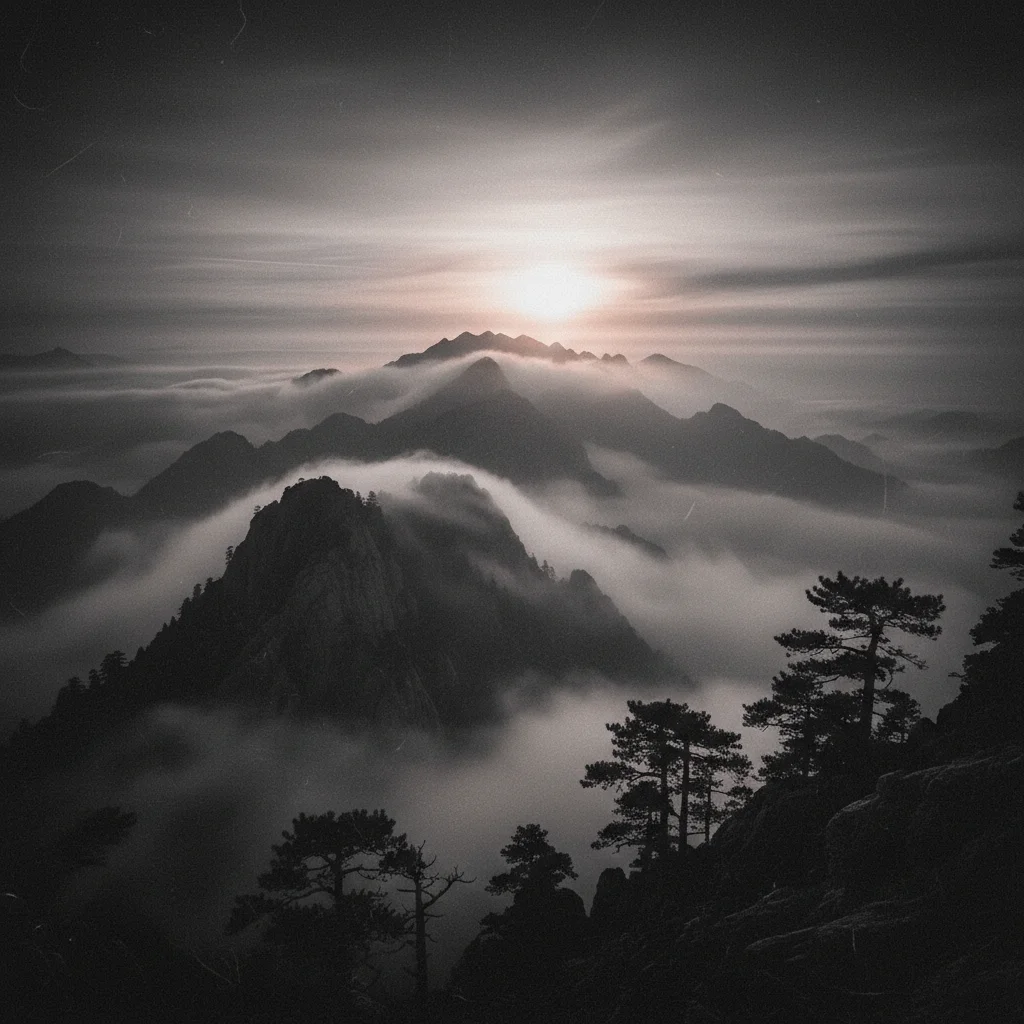
Clean digital B&W landscape
Before
->
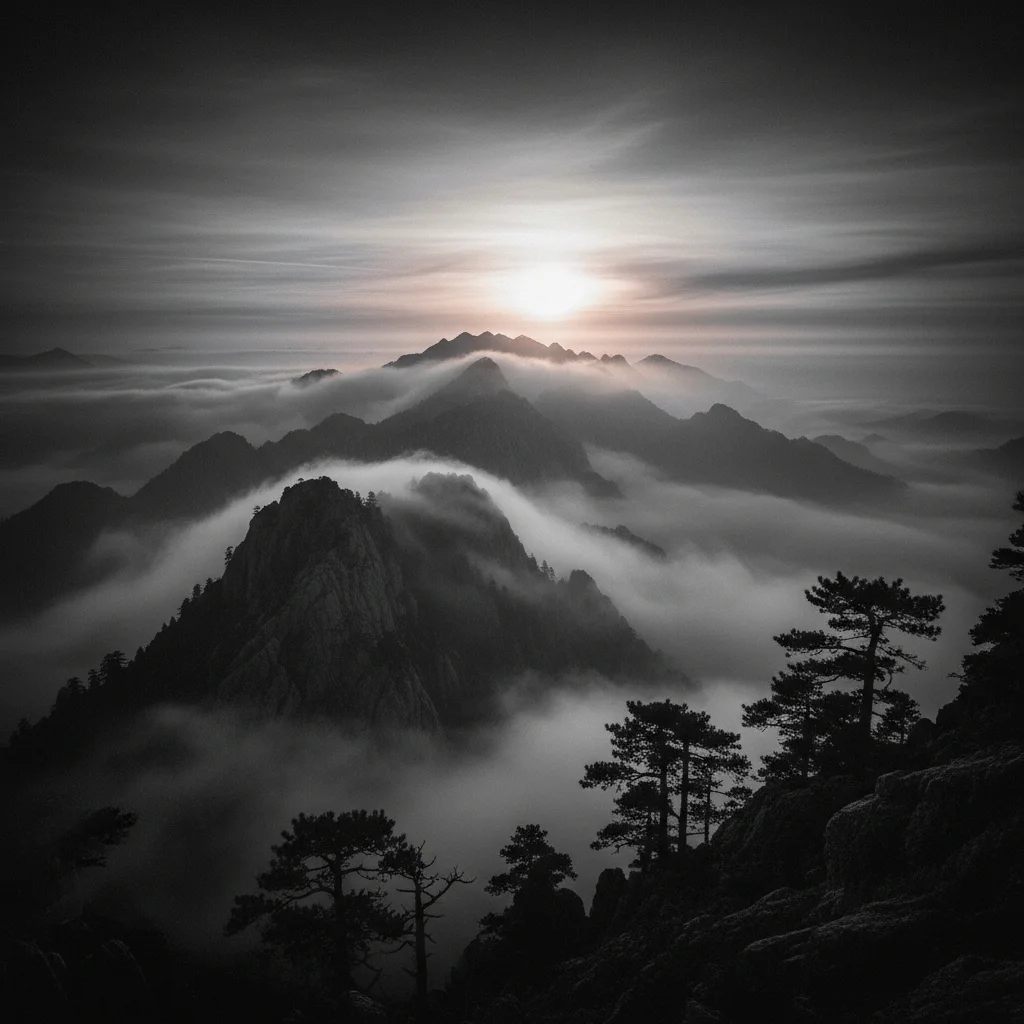
Landscape with fine film grain texture
After

Landscape with Fine Grain

Added subtle film grain for analog character while maintaining sharpness and detail.

Prompt: add fine subtle film grain like ISO 100-200 with delicate texture barely visible
Advertisement

If something looks off

AI changed wrong area or applied grain unevenly

Why: The AI couldn't determine uniform grain application from description alone.

Try: Tap markers on areas that need adjustment, then regenerate with the same prompt

Tip: Film grain should usually be uniform across the image.

Grain looks like digital noise instead of film

Why: The grain pattern appears too uniform or colored incorrectly.

Try: Specify 'organic film grain with random silver halide structure, not digital noise' for authentic look

Tip: Real film grain is organic and random; digital noise is uniform and artificial.

Grain is too strong and obscuring details

Why: The grain intensity is too high for the image resolution or subject.

Try: Request lighter grain: 'fine subtle grain', 'delicate grain texture', or 'ISO 100-200 grain level'

Tip: Start with moderate grain and increase if needed—easier to add than remove.

Grain isn't visible enough

Why: The grain is too subtle for the display size or image characteristics.

Try: Increase intensity with 'pronounced grain', 'heavy grain like ISO 800+', or 'visible grainy texture'

Tip: Zoom to 100% to properly evaluate grain texture.

Quick answers

Do I need to mark areas before describing the film grain?

No! Just describe the grain you want: 'add moderate film grain like 400 ISO' or 'add fine subtle grain.' The AI applies grain uniformly to the entire image. Only use markers when you need different grain intensities in specific areas—which is very rare.

How do I add film grain to photos for free?

EditThisPic adds authentic film grain using AI. Upload your digital photo, describe the grain intensity ('add moderate grain like 400 ISO film stock'), and download the result. Completely free, no overlays to buy, no account required.

What grain intensity should I choose?

Fine grain (ISO 100-200) for subtle texture, moderate grain (ISO 400) for classic film look, heavy grain (ISO 800+) for dramatic vintage effect. Match grain to your aesthetic goals.

What's the difference between film grain and digital noise?

Film grain has organic, random structure from silver halide crystals. Digital noise is uniform, colored, and artificial. Film grain adds character and warmth; digital noise degrades image quality.

Ready to add authentic film grain to your photos?

Free to try. No signup required.

Try it free