AI Photo Editor for Hinge Photos
Last updated
Your best photos, polished for Hinge. Remove exes. Perfect your portraits. Get more likes.
Drop your photo here
"remove the person on the left and fill in the background naturally, keep me looking exactly the same"
Release to upload
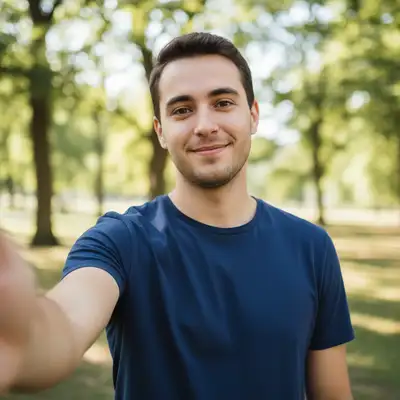
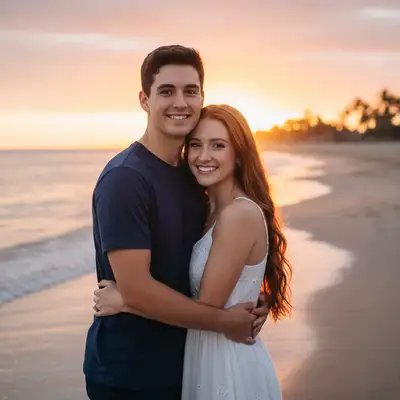
Built for Hinge Users
Hinge is designed to be deleted. That means your photos need to show the real you, but the best version. You have genuine moments captured, but they're unusable because of who's in them or how they're lit. EditThisPic lets you keep the authenticity while fixing the problems. Remove exes cleanly, enhance your natural features, crop for the perfect profile composition.
Tools Hinge Users Love
Remove Person
Remove exes from your best photos so you can finally use them on your profile
Enhance Portrait
Improve lighting and clarity on portrait photos for a more flattering look
Change Background
Swap boring or messy backgrounds for more interesting settings
How to Edit Your Hinge Photos
-
Upload your photo
Upload a clear photo showing the area you want to edit. Good lighting and sharp focus help the AI deliver better results. JPG, PNG, WebP up to 7MB.
Simple edits like portrait enhancement: 15-30 seconds. Ex-removal with detailed backgrounds: may need 2-3 refinements. -
Describe what you want
Type your instruction: 'remove the person on the left' or 'enhance the portrait with softer, warmer lighting.' Be specific about what you want. No marking needed for most edits.
For Hinge prompts, keep your background interesting. Instead of plain white, try 'change background to a bookshelf with warm lighting' for conversation starters. -
Generate and review
Tap generate and check the result carefully. Make sure removed people are completely gone and your portrait enhancement looks natural, not over-filtered. Hinge users appreciate authenticity.
-
Refine with markers if needed
If there's leftover arm or the enhancement affected the wrong area, tap markers on the problem spots and regenerate. Most edits work without markers.
Markers help when removing one specific person from a group photo. Tap them to tell the AI exactly who.
Copy-Paste Prompts for Hinge
remove the person on the left and fill in the background naturally, keep me looking exactly the same
Specify which side they're on. The AI reconstructs what was behind them.
enhance the portrait with softer, warmer lighting, reduce harsh shadows on my face, keep skin looking natural
Soft lighting is universally flattering. Avoid over-enhancement that looks fake.
blur the background slightly to create depth and make me the focus, keep the blur natural and subtle
Subtle background blur mimics professional portrait photography.
change the background to a cozy bookshelf with warm ambient lighting, keep the lighting on my face consistent
Interesting backgrounds give matches something to ask about.
Show 2 more prompts
remove the stranger in the red jacket on the right, fill with the natural scenery
Describe what they're wearing so the AI knows exactly who to remove.
clean up the clutter in the background, make it look tidy and minimal
A clean background shows you have your life together.
| Edit Type | Prompt | Time | |
|---|---|---|---|
| Remove ex | remove the person on the [left/right] and fill background naturally |
25s | Try This → |
| Enhance portrait | enhance portrait with softer lighting, keep skin natural |
15s | Try This → |
| Upgrade background | change background to a cozy coffee shop with warm lighting |
20s | Try This → |
Real Hinge Photo Transformations
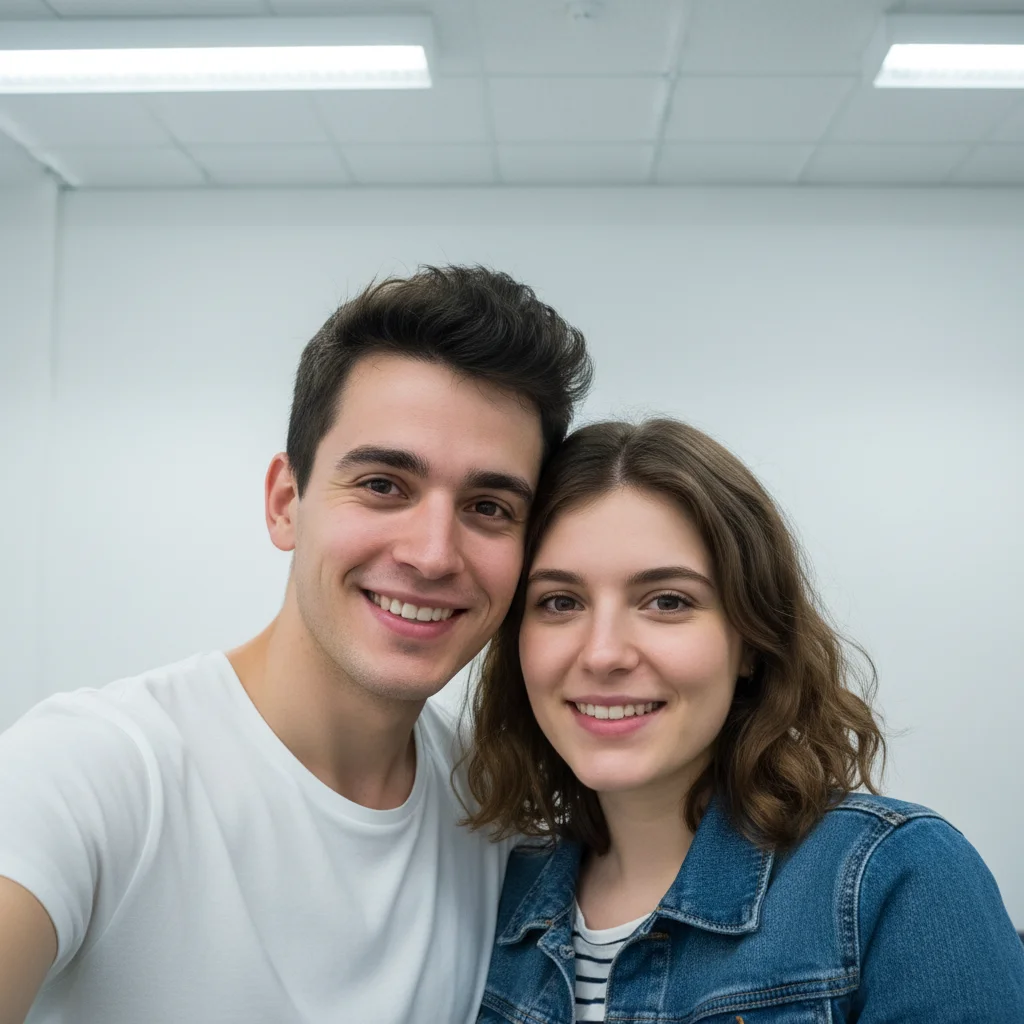
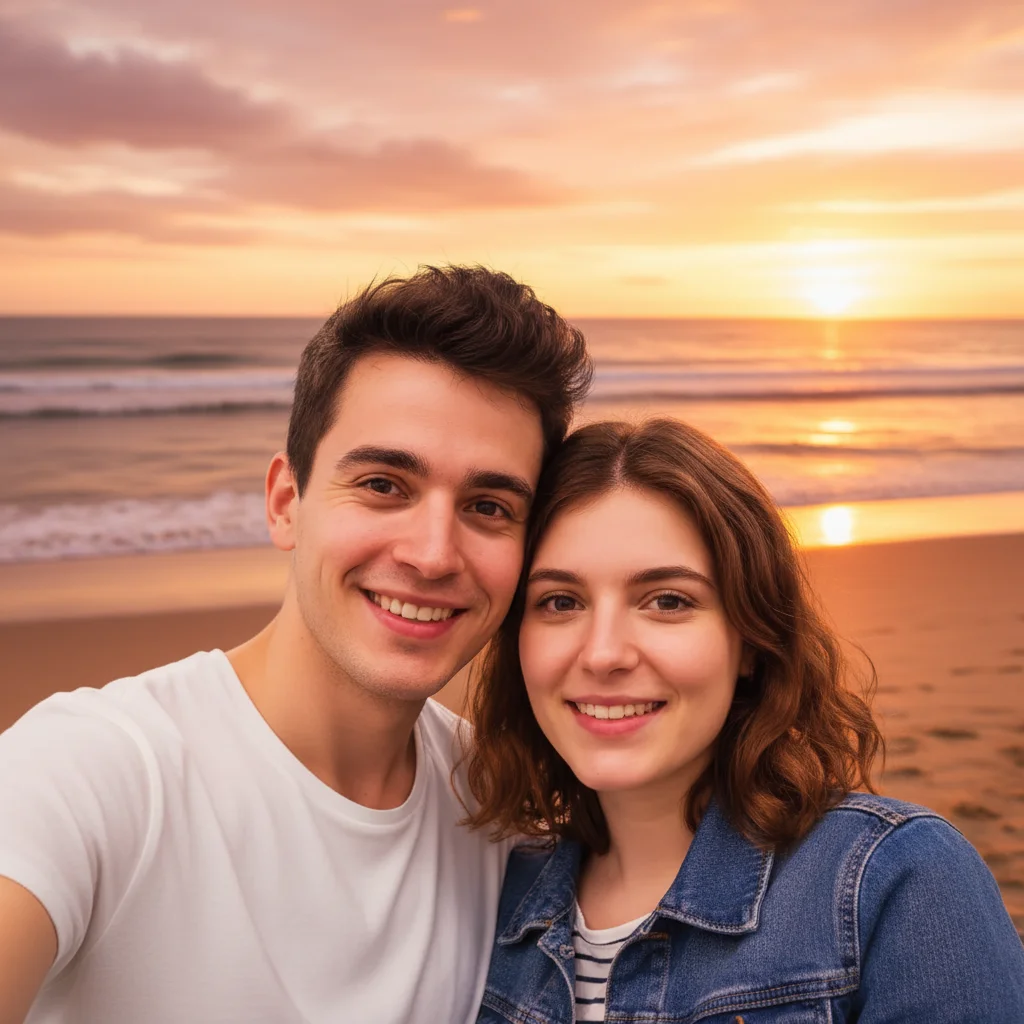
Ex removed from hiking adventure photo
Perfect mountain summit photo, but the ex was right there. One prompt removed them and restored the scenic background.
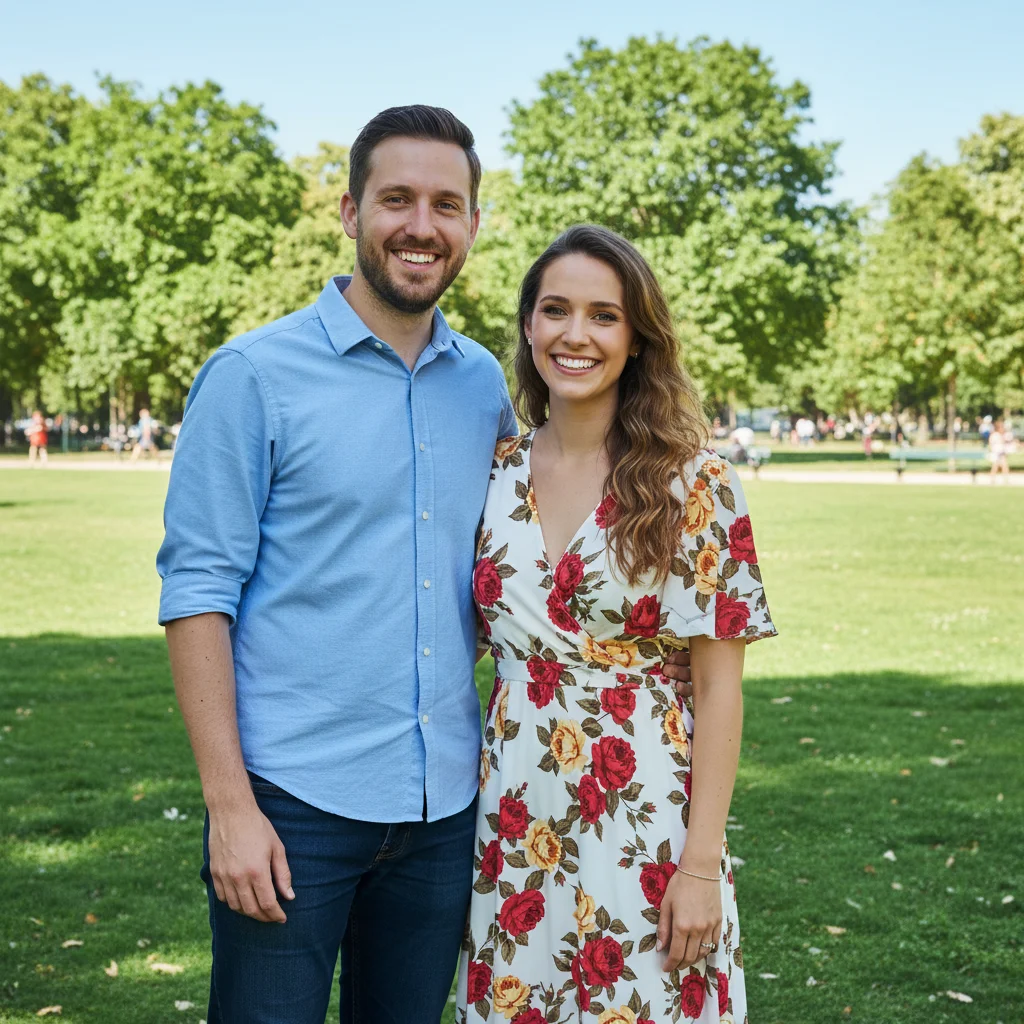
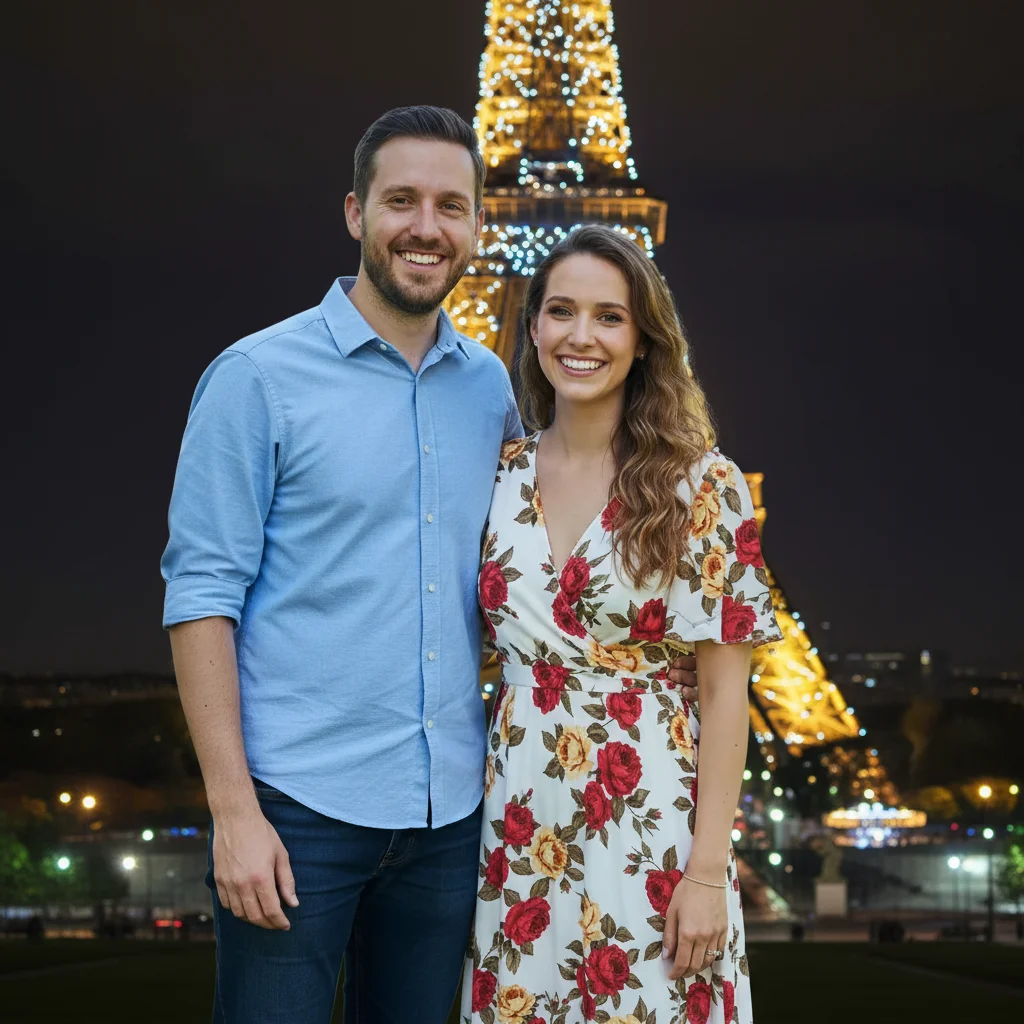
Portrait enhanced with softer lighting
Good selfie but the indoor lighting was harsh and unflattering. Enhanced to look warm and natural for the dating profile.
enhance the portrait with softer, warmer lighting, reduce harsh shadows, keep skin looking natural
When Things Go Wrong
AI changed the wrong area or removed the wrong person
Why: The AI couldn't determine exactly which area you meant from description alone. This happens with ambiguous requests.
Tap a marker on the specific area you want to change, then regenerate with the same prompt
Markers tell the AI 'I mean THIS one specifically.' Use them when description alone is ambiguous.
Portrait enhancement looks too filtered or fake
Why: The AI over-enhanced, making you look unnatural. Hinge users will notice.
enhance the portrait subtly with slightly softer lighting, keep all features completely natural
Add 'subtle' and 'natural' to your prompt. Less is more for dating profiles.
Removed person left a ghost outline or shadow
Why: The AI filled the space but missed residual shadows or edges.
remove the remaining shadow and blend the background seamlessly where the person was
A second pass specifically targeting the shadow usually cleans it up perfectly.
New background lighting doesn't match my face
Why: Your face was lit from one direction but the new background suggests different lighting.
change background to [scene] with light coming from the left to match my face lighting
Look at which side of your face is brighter and match the background light source.
Frequently Asked Questions
Do I need to mark my ex before removing them?
No! Just describe where they are: 'remove the person on the left' or 'remove the person in the green shirt.' The AI understands. Only use markers for group photos where position alone is ambiguous.
Will my photos look too edited or fake?
Not if you keep enhancements subtle. Hinge users appreciate authenticity. Remove exes completely, but go light on portrait enhancement. Avoid backgrounds that obviously don't match your lighting.
What makes a good Hinge photo to edit?
Photos where you look genuine and happy, but something is wrong with the context. Your ex is there, the lighting is bad, or the background is boring. Start with photos that capture your real personality.
Can I use this for all my Hinge photos?
You can, but mix it up. Your main photo can have an enhanced background, but include some completely unedited photos too. Authenticity matters when you actually meet someone.
Is EditThisPic's AI photo editor for hinge photos really free?
Yes — you get 1 free edit per week, no account needed. Plans start at $4.99/month for 15 edits.
What photo formats does the AI photo editor for hinge photos support?
JPG, PNG, WebP, and HEIC. Upload any common photo format and EditThisPic handles the rest.
How long does it take to hinge photos?
Usually 15-30 seconds. Upload your photo, describe what you want, and the AI delivers the result.
Do I need to create an account to hinge photos?
No. You can try your first edit without signing up. An account is only needed to save edits and manage a subscription.
Popular use cases
Ready to upgrade your Hinge photos?
Free to try. No signup required. Make every photo count.
Start EditingTrusted by 15,000+ users