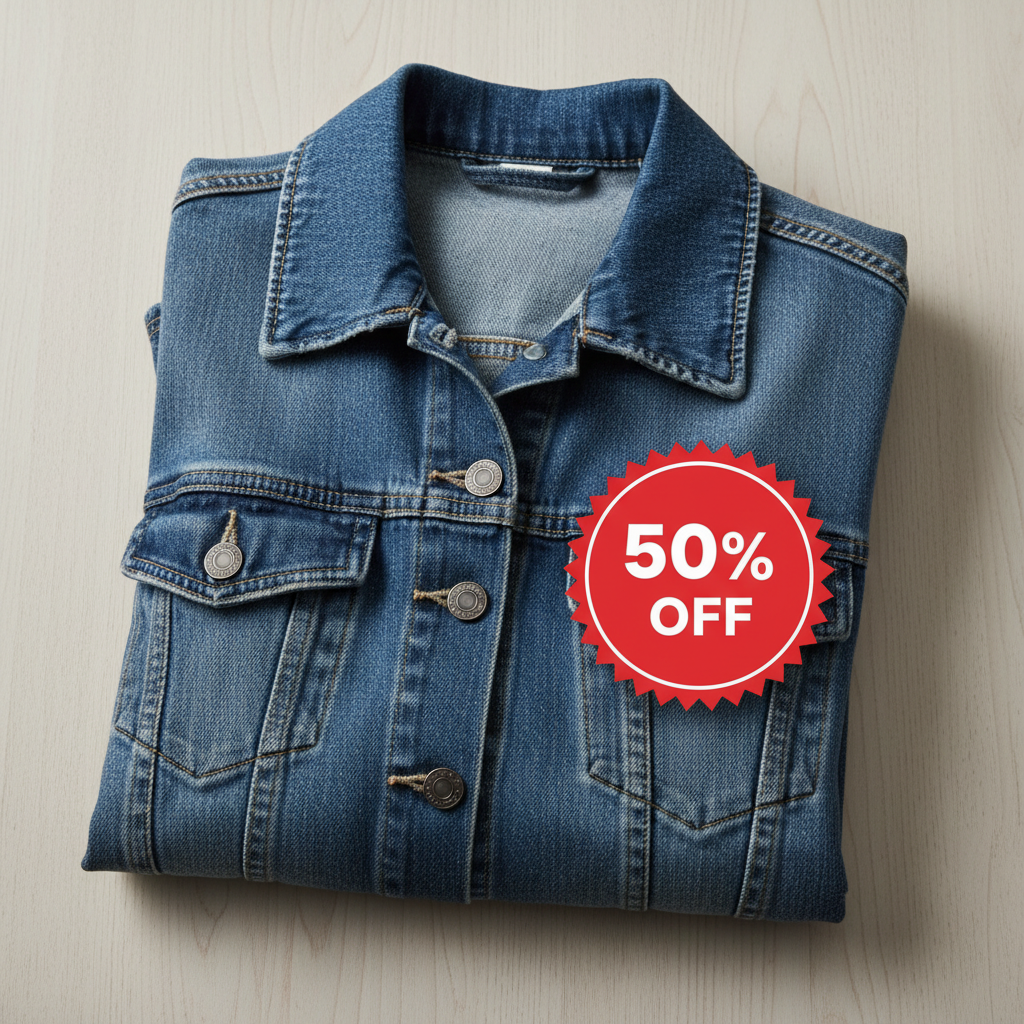
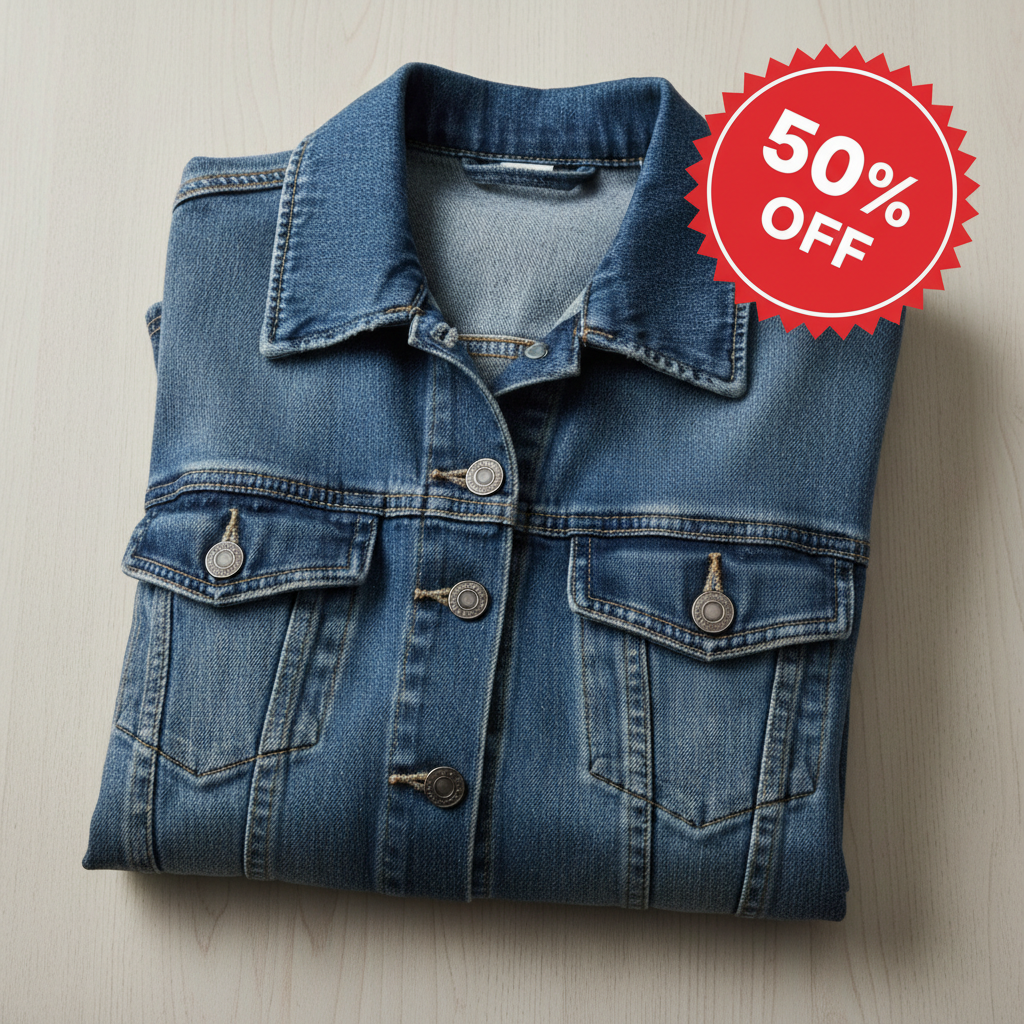
Do I need to use layers or masking to overlay photos?
No. Just describe where and how you want the overlay placed: 'put the logo in the bottom right corner' or 'place the frame around the photo.' The AI handles positioning, sizing, and transparency automatically. Markers are only needed if you want to specify an exact pixel position.
How do I overlay one photo on top of another for free?
Upload your background photo to EditThisPic, click the reference image button to add your overlay image, then describe the placement: 'overlay in the top left corner at 20% size.' The AI positions it in 20-40 seconds. No account, no login, no watermarks. Works with logos, frames, stickers, and any image.
Is there a free photo overlay tool that doesn't need an account?
Yes. EditThisPic overlays photos without requiring signup or login. Upload both images, describe where you want the overlay, and download your result. No watermarks. Works directly in your browser without installing any software.
Can I add a logo to multiple product photos?
Yes. Process each photo individually with the same prompt like 'overlay logo in bottom right at 15% width.' The AI applies consistent positioning across photos. For batch processing, just repeat the workflow for each product photo.
What file format works best for overlays?
PNG with a transparent background works best for clean overlays. However, the AI can often remove backgrounds from JPG overlays automatically. Just describe 'overlay just the logo without its background' if you need the AI to isolate the element.
Is EditThisPic's AI photos overlayer really free?
Yes — you get 1 free edit per week, no account needed. Plans start at $4.99/month for 15 edits.
Can I overlay photos on my phone?
Yes. EditThisPic works in any mobile browser — iPhone, Android, tablet. No app download needed.
What photo formats does the AI photos overlayer support?
JPG, PNG, WebP, and HEIC. Upload any common photo format and EditThisPic handles the rest.
How much does EditThisPic cost?
You get 1 free edit per week — no account needed. After that, credit packs start at $1.99 for 3 edits. Monthly plans start at $4.99/mo for 15 edits with unused credits rolling over. All edits are full resolution with no watermark.