Free • No signup Reshape Body · Free

AI Body Reshaper

Describe the body adjustments you want and AI reshapes naturally. No marking needed.
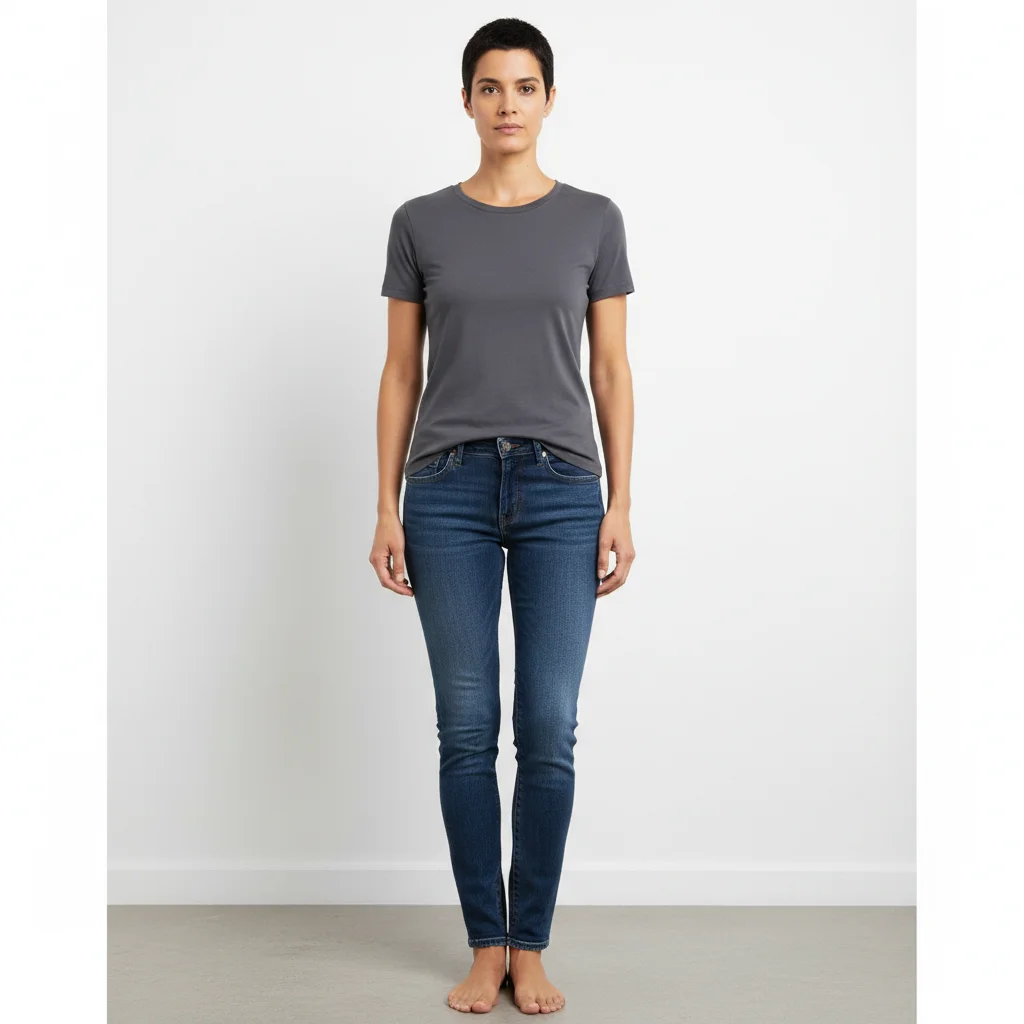
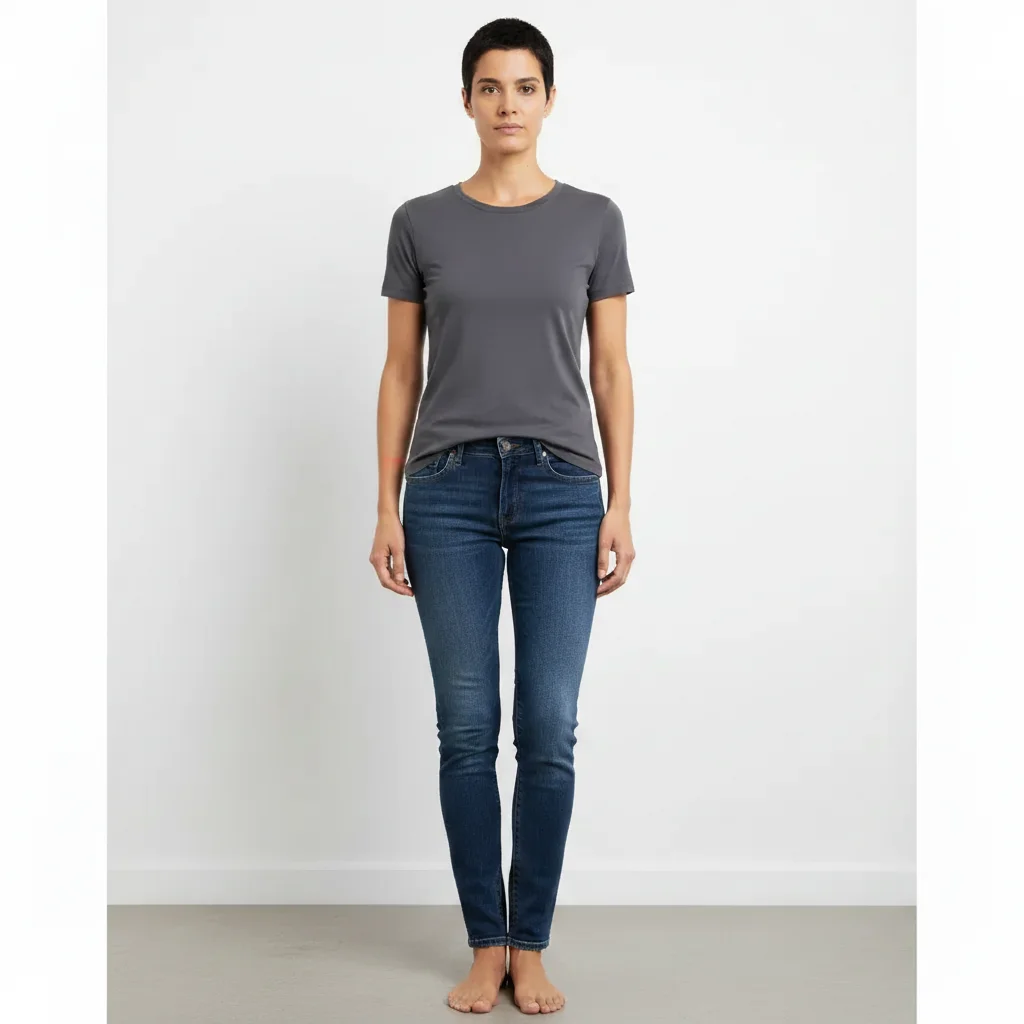
Person in fitted clothes showing natural proportions
Before
Same person with subtly slimmer waistline
After

AI Body Reshaper

Drop your photo here

or click to browse

Release to upload

Free • No signup

Advertisement
Popular use cases:
  • body proportion adjustment
  • waist slimming
  • fitness goal visualization
  • body shape editor
  • photo body editing
  • proportion correction
  • body confidence
  • figure adjustment

Cost
Free No signup required
Time
Instant results in 15-30 seconds
Works on
Any device - browser, phone, tablet, desktop
Powered by
AI-powered photo editing
Scenario Prompt Time
Subtle waist slimming slim the waist slightly, keep it natural 30s
Shoulder broadening make shoulders slightly broader and defined 35s
Overall proportion adjustment adjust body proportions to look more balanced 45s

How it works

  1. Upload your photo

    Drop your image into EditThisPic. JPG, PNG, WebP up to 7MB. Full body shots with good lighting produce the most natural reshaping results. The body area should be clearly visible.

    Expect: Subtle adjustments: 30-40 seconds. Multiple reshaping changes: 45-60 seconds and may need refinements.
  2. Describe the reshaping you want

    Type what you want: 'slim the waist slightly' or 'make the shoulders broader and more defined.' Be specific about which area and how much change. No marking needed—the AI understands body parts and proportions.

    Tip: Use words like 'slightly', 'subtly', or 'a bit' for natural-looking changes. Extreme adjustments look less realistic.

    Copy one of these to get started:

    Slim waist slim the waist slightly for a more defined waistline, keep everything else natural
    Broader shoulders make the shoulders slightly broader and more defined, maintaining natural proportions
    Overall slimming make the person look slightly slimmer overall, subtle and natural-looking change
    Enhanced curves enhance the body curves slightly, more defined waist-to-hip ratio while keeping it natural
    3 more prompts
    Longer legs appearance make the legs appear slightly longer and more proportional to the torso
    Toned arms make the arms look slightly more toned and defined, natural athletic look
    Balanced proportions adjust the body proportions to look more balanced and symmetrical overall
  3. Review the result

    Check that the reshaping looks natural and proportional. Look for consistent clothing wrinkles, natural body curves, and no warping in the background. Zoom in on edges where reshaping was applied.

  4. Refine with markers if needed

    If specific areas need more or less adjustment, tap markers on those spots and regenerate with refined instructions. Most subtle reshaping works well on the first try.

    Tip: Markers are for precision refinement only. Try without them first—you usually won't need them.
Try it free

AI Body Reshaper

Drop your photo here

or click to browse

Release to upload

Free • No signup

"I needed a reference photo for my fitness goal. Uploaded a current photo, slimmed the waist and enhanced the arms slightly. Now I have a realistic target photo on my gym wall." @FitGoals_Jordan

See it in action

Person in fitted clothes showing natural proportions
Before
->
Same person with subtly slimmer waistline
After

Subtle waist slimming for fitness reference

A full body photo with the waist slightly slimmed to create a realistic fitness goal reference.

Prompt: slim the waist slightly for a more defined waistline, keep everything else natural
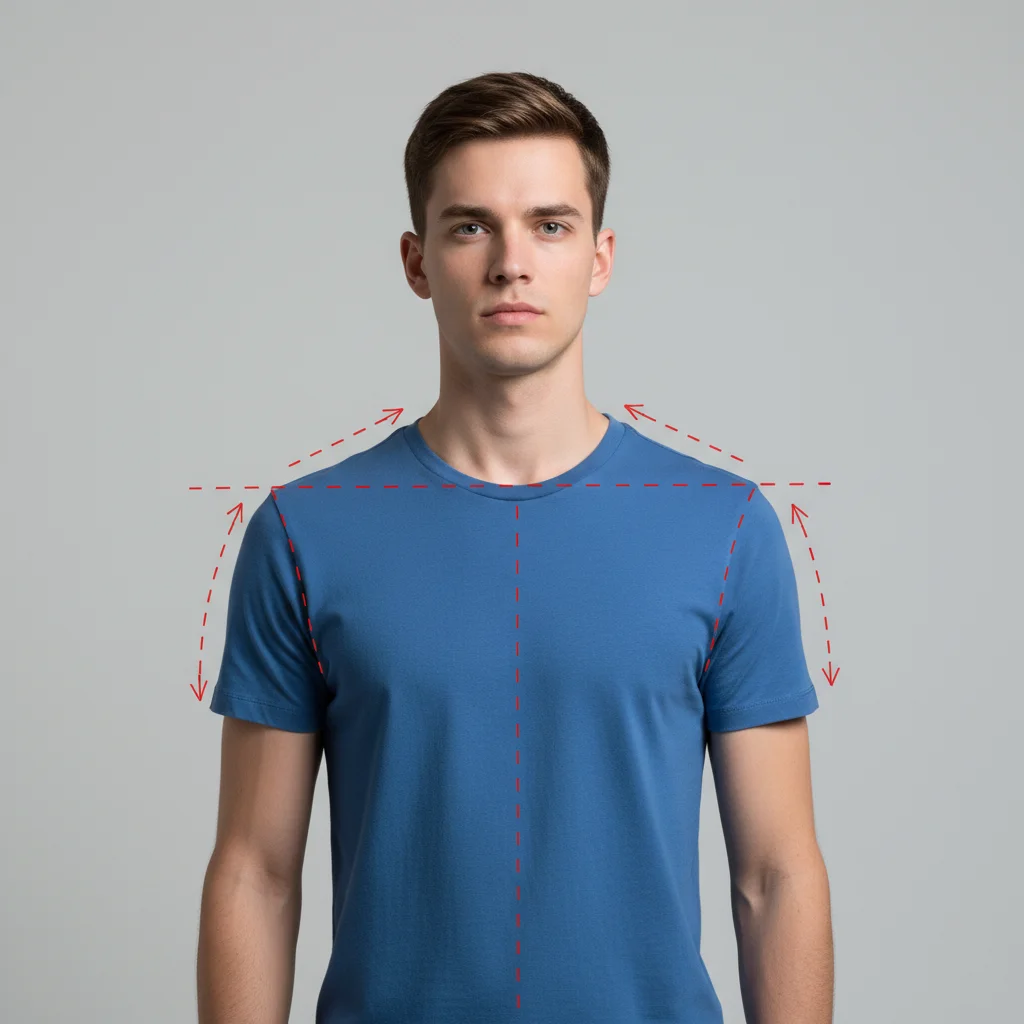
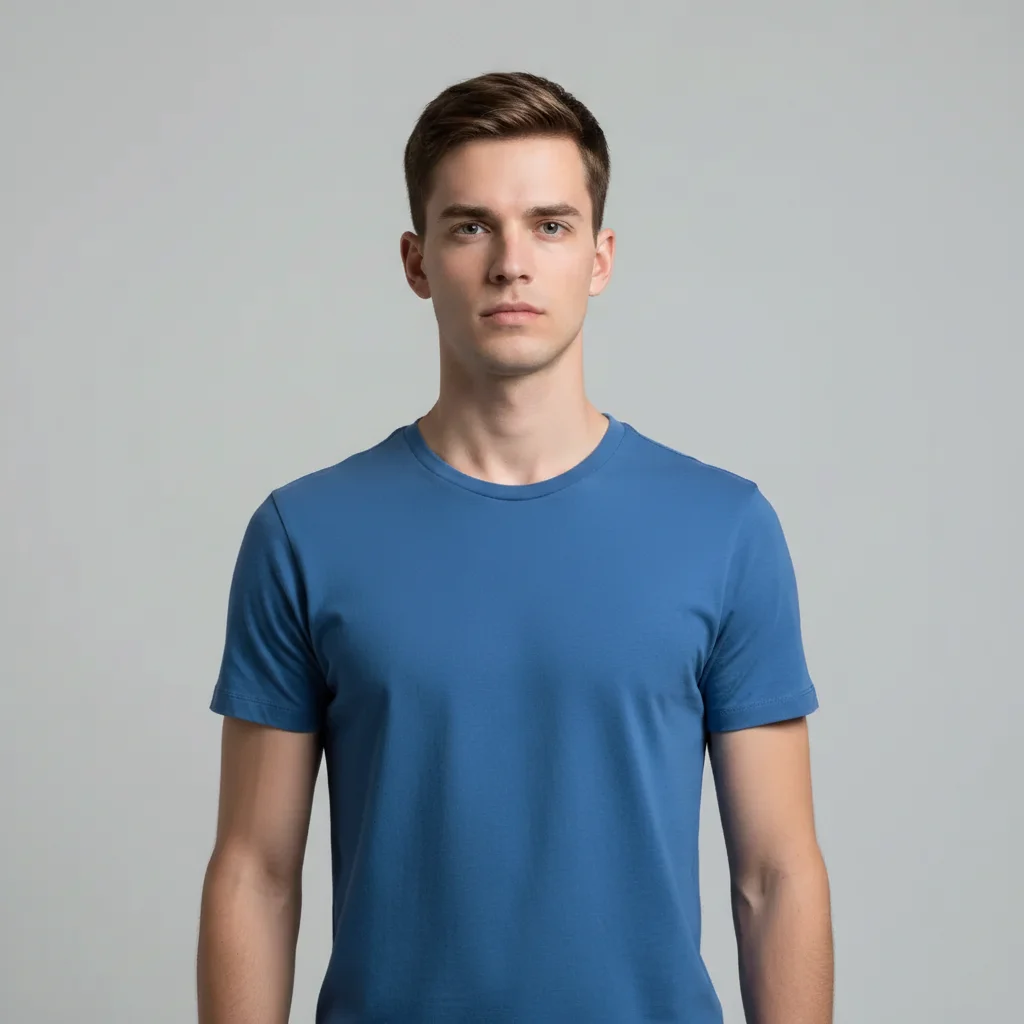
Man in blue t-shirt with natural shoulder width
Before
->
Same man with slightly broader more defined shoulders
After

Broader shoulders for confidence boost

Shoulders made slightly broader for a more balanced and confident look in a casual photo.

Prompt: make the shoulders slightly broader and more defined, maintaining natural proportions
Advertisement

If something looks off

AI changed the wrong area or something I didn't want changed

Why: The AI couldn't determine exactly which body area you meant from description alone. It may have adjusted multiple areas when you wanted just one.

Try: Tap a marker on the specific body area, then regenerate: adjust only this area, keep everything else exactly the same

Tip: Markers tell the AI 'I mean THIS area specifically.' Use them when you want to isolate one body part.

Background is warped or stretched near the body

Why: Body reshaping can distort the background pixels adjacent to the reshaped area, creating visible warping or bending of straight lines.

Try: reshape the body subtly without distorting or warping the background, keep all background lines straight

Tip: Photos with simple or uniform backgrounds (solid walls, sky) produce the least warping during reshaping.

Clothing looks unnatural after reshaping

Why: The AI reshaped the body but didn't properly adjust how the clothing fits on the new proportions.

Try: reshape the body and adjust the clothing to fit naturally on the new proportions, realistic fabric draping

Tip: 'Realistic fabric draping' tells the AI to also update how clothes hang and fold on the adjusted body.

Result looks obviously edited or fake

Why: The reshaping was too aggressive, creating proportions that don't look natural for a real human body.

Try: make only a very subtle adjustment to [area], keep it looking completely natural and unedited

Tip: Less is more with body reshaping. Start with 'slightly' or 'subtly' and increase from there if needed.

Body parts look disproportionate after change

Why: Adjusting one body area without considering the proportional relationship to adjacent areas creates an unbalanced look.

Try: adjust [area] while maintaining natural proportions with the rest of the body, everything should look balanced

Tip: 'Natural proportions' and 'balanced' tell the AI to consider the whole body, not just the target area.

Quick answers

Do I need to mark the body area before describing changes?

No! Just describe the adjustment: 'slim the waist' or 'broaden the shoulders.' The AI understands body parts and applies changes automatically. Only use markers if you want to target a very specific area and the AI is adjusting the wrong part.

How do I reshape my body in a photo for free?

Upload your photo to EditThisPic and type an instruction like 'slim the waist slightly.' The AI adjusts body proportions in 30-45 seconds while keeping the result natural-looking. Free to use, no account required, no watermarks on the result.

Is there a free AI body reshaper that doesn't require login?

Yes, EditThisPic reshapes body proportions for free with no account needed. Upload your photo, describe the adjustment, and download the result. No watermarks. Works on full body and half body shots.

Will the reshaping look obvious or fake?

Subtle changes look completely natural. The key is using modifiers like 'slightly' or 'subtly' in your prompt. The AI adjusts proportions while maintaining realistic body geometry and clothing fit. Avoid extreme changes for the most natural results.

Ready to reshape your photo?

Free to try. No signup required.

Try it free