AI Duotone Maker
Just describe your two-tone color scheme and AI creates stunning duotone art.
Apply Duotone Effect to Photos
Drop your photo here
or click to browse
Release to upload
Free • No signup
Popular use cases:
- album covers
- social media graphics
- poster design
- Spotify artwork
- Instagram posts
- concert posters
- creative portfolios
- music promotion
- Cost
- Free No signup required
- Time
- Instant results in 15-30 seconds
- Works on
- Any device - browser, phone, tablet, desktop
- Powered by
- AI-powered photo editing
| Scenario | Prompt | Time |
|---|---|---|
| Spotify teal/coral | apply duotone effect with deep teal for shadows and bright coral for highlights |
10s |
| Purple/gold | create two-tone image with rich purple in shadows and golden yellow in highlights |
10s |
| Cyberpunk neon | apply duotone with electric blue shadows and hot pink highlights for cyberpunk aesthetic |
15s |
| Vintage sepia | create duotone effect using dark brown for shadows and warm cream for highlights |
10s |
| Red/cyan contrast | apply dramatic duotone with deep cyan in shadows and vibrant red in highlights |
15s |
How it works
Try it free ↓
Apply Duotone Effect to Photos
Drop your photo here
or click to browse
Release to upload
Free • No signup
"Finally a duotone tool that actually understands what colors I want. Just described it and boom, perfect Spotify-style cover." @designstudio
See it in action
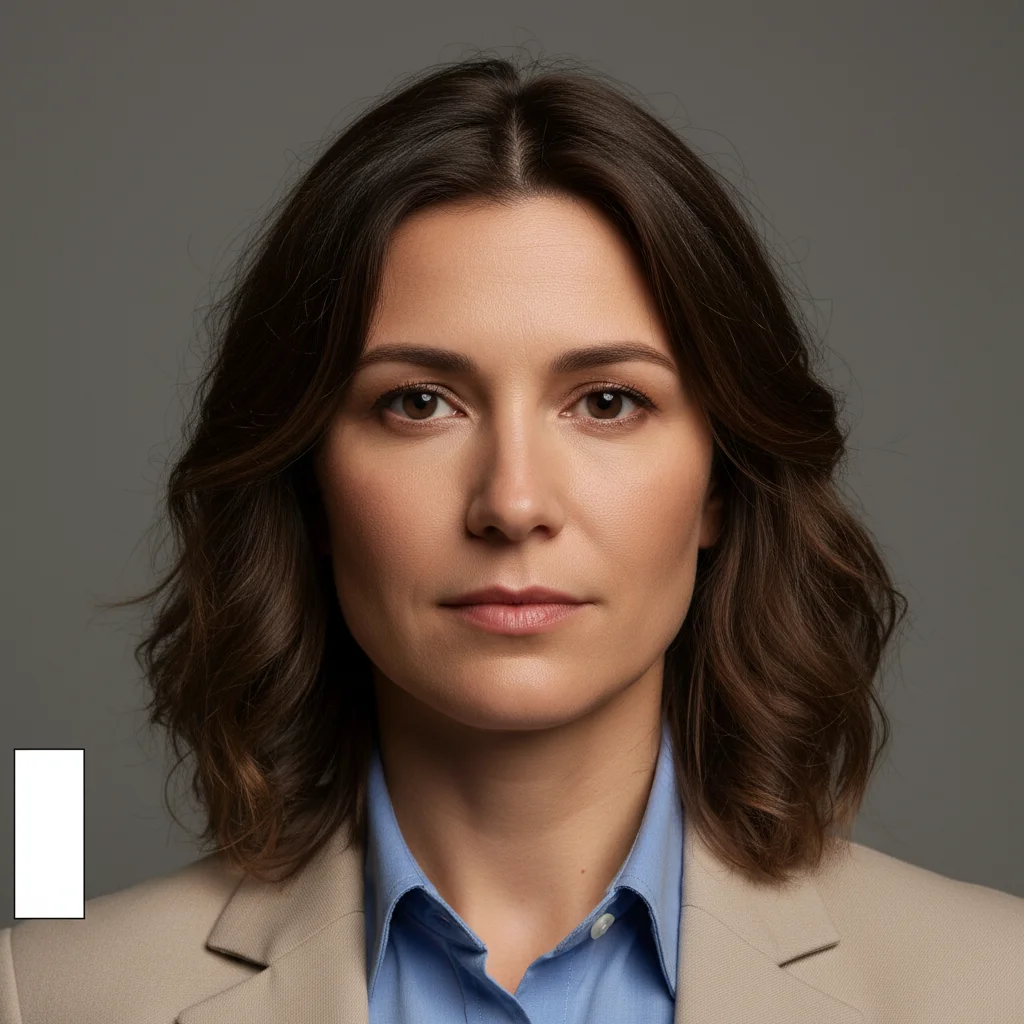
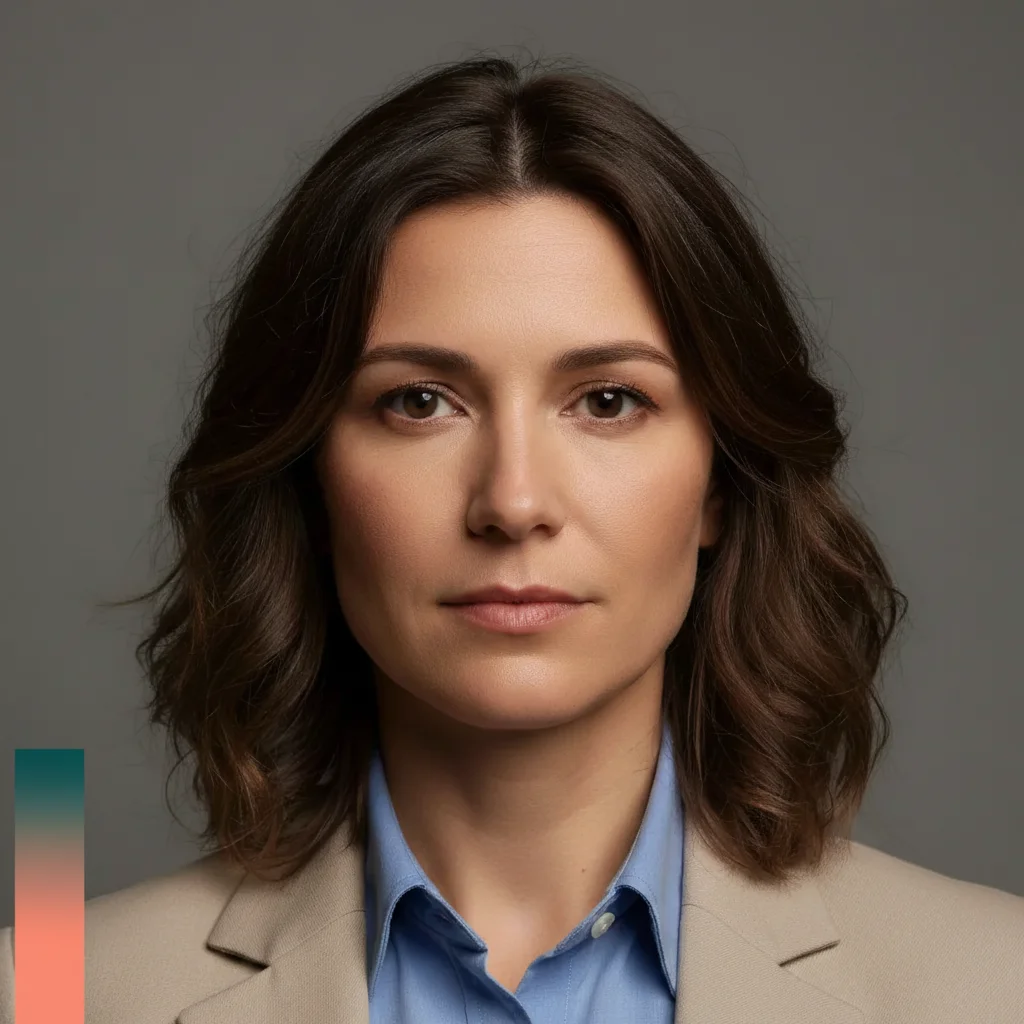
Portrait duotone transformation
Classic Spotify-style duotone applied to a portrait. Deep teal shadows with bright coral highlights create the iconic two-tone album cover aesthetic.
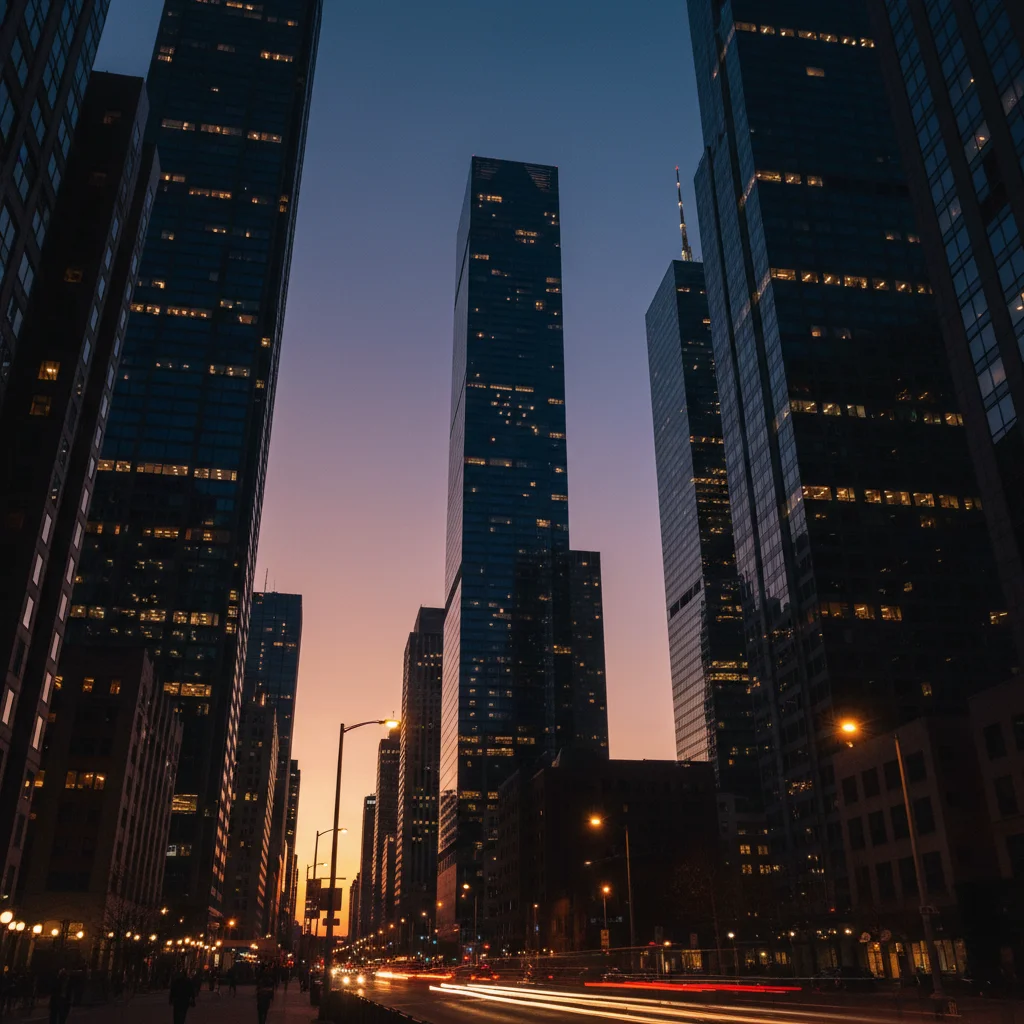
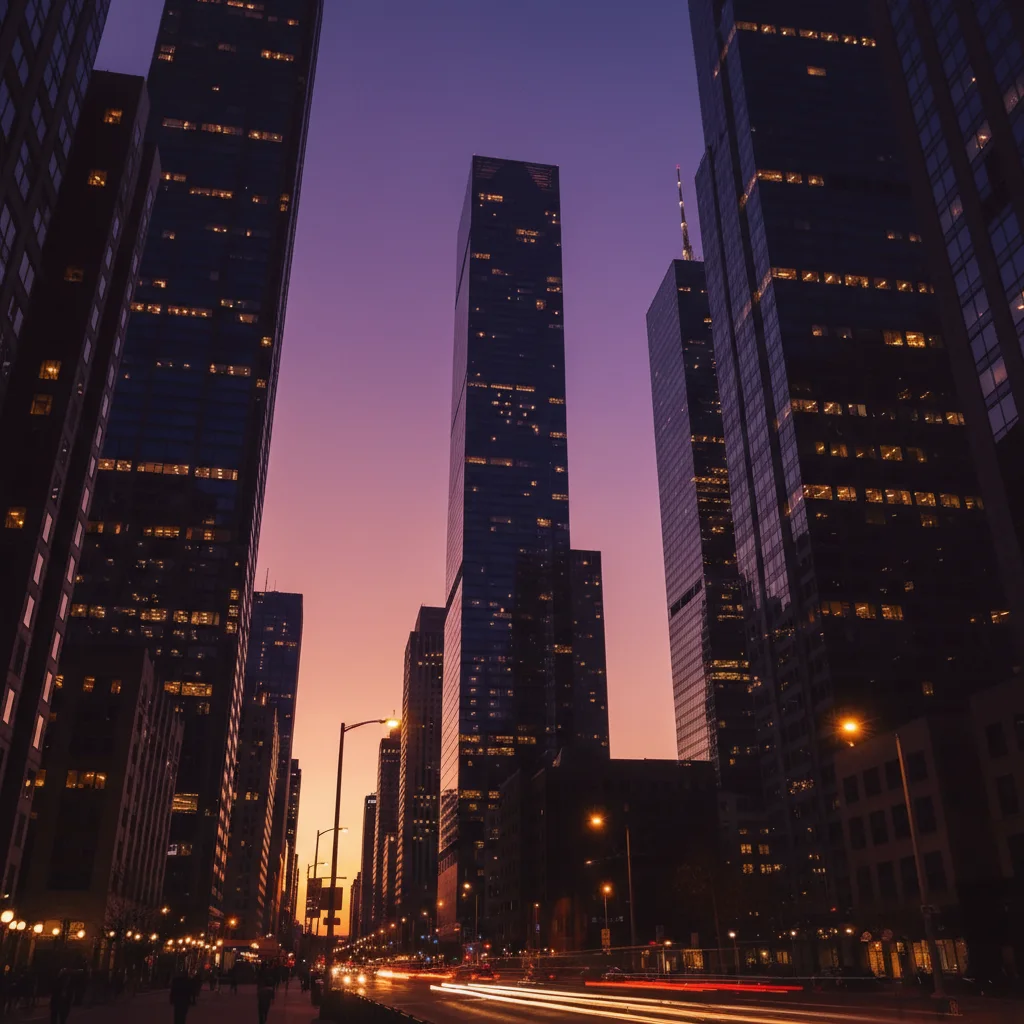
Urban landscape duotone
City skyline transformed with purple and gold duotone. Shadows became rich purple while highlights turned golden yellow, creating dramatic urban art.
Prompt:
create two-tone image with rich purple in shadows and golden yellow in highlights
If something looks off
Quick answers
Ready to create duotone art?
Free to try. No signup required.