Free • No signup Apply Impressionist filter · Free

AI Impressionist Filter

Just describe the impressionist style you want and AI transforms your photo.
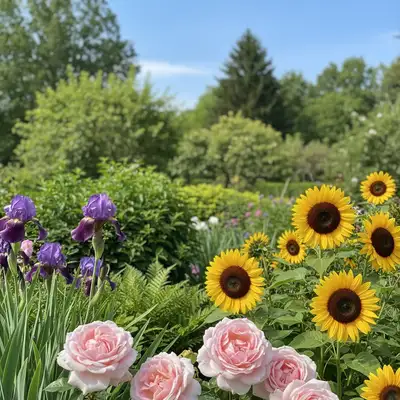
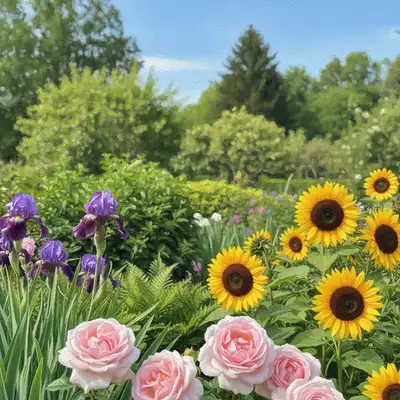
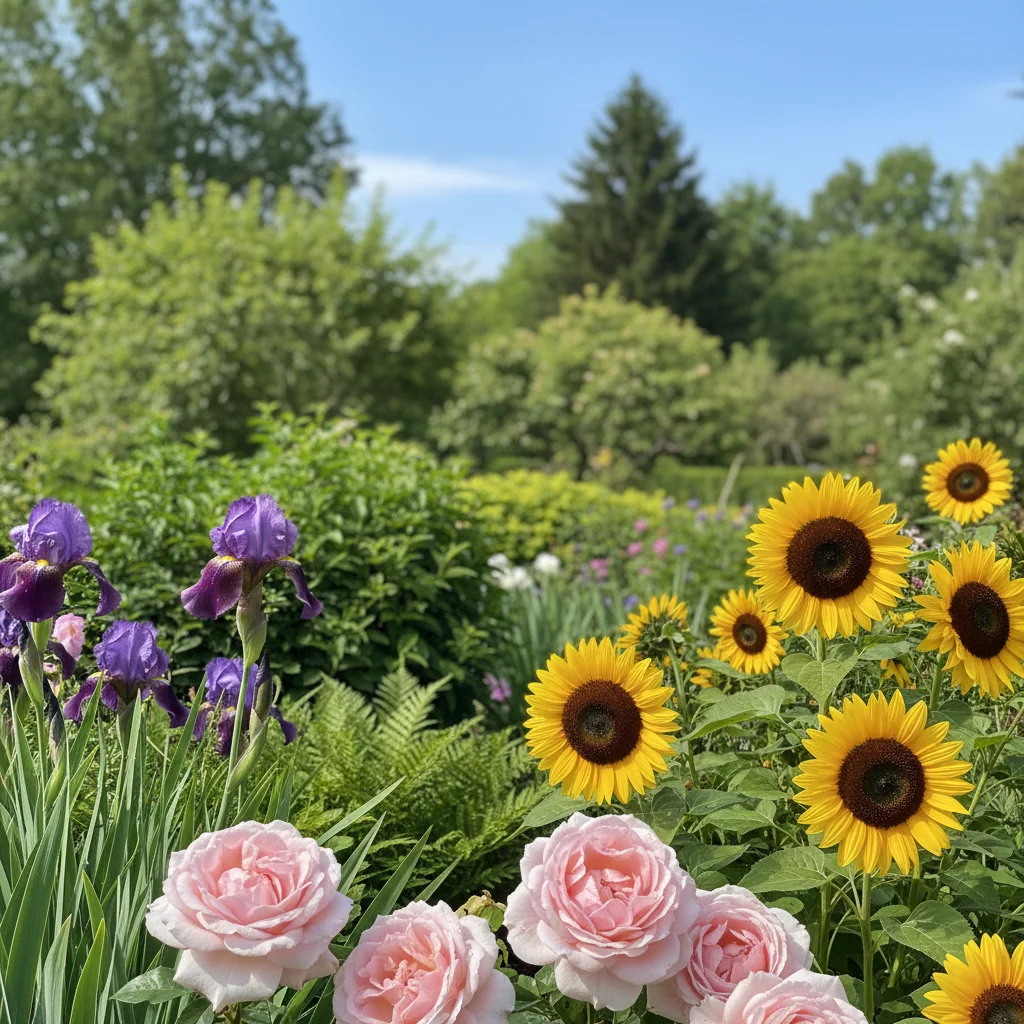
Sharp digital photo of colorful flower garden
Before
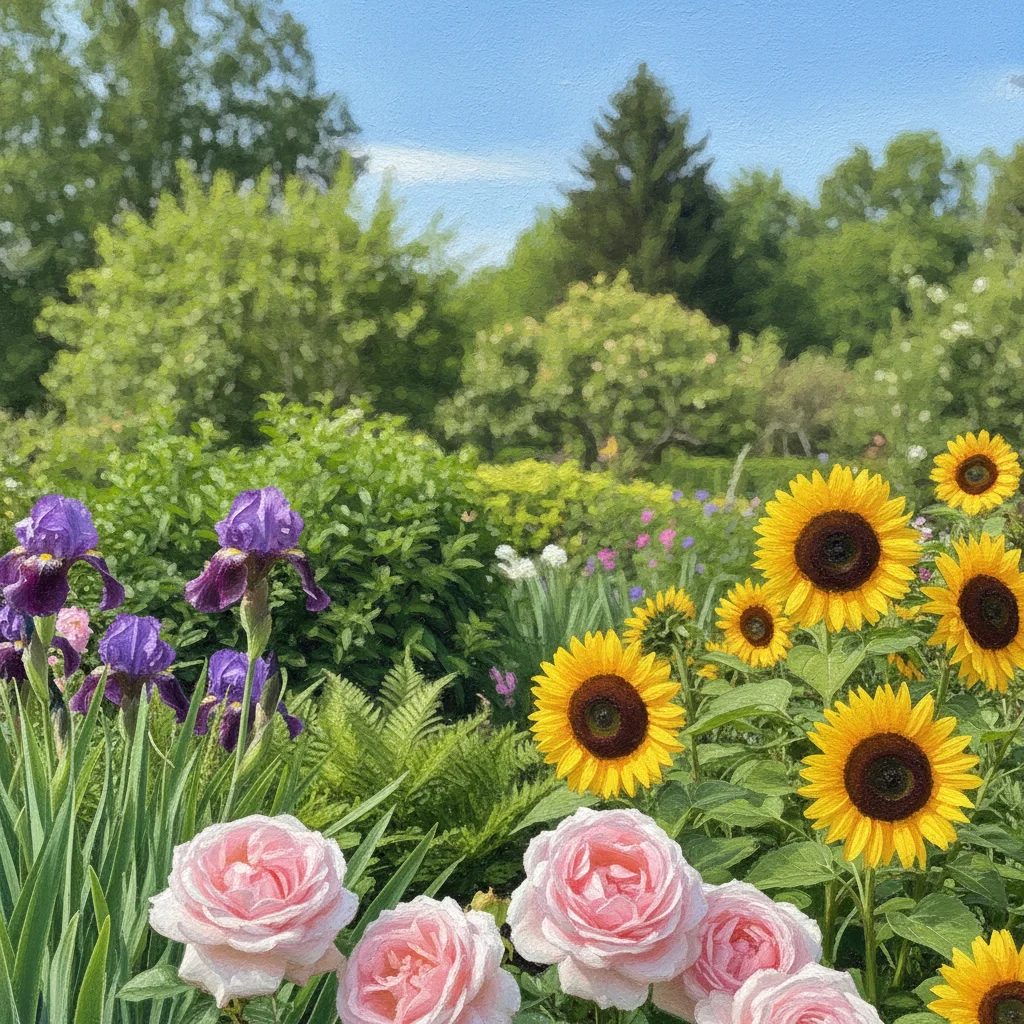
Garden transformed into impressionist painting with soft brushstrokes
After

Apply Impressionist Filter to Photo

Upload photo to apply impressionist filter

Free • Results in 30 seconds • No signup

Release to upload

FreeNo signupNo watermark
Popular use cases:
  • art prints
  • home decor
  • Instagram posts
  • custom wall art
  • digital art projects
  • photo gifts

Cost
Free No signup required
Time
Instant results in 15-30 seconds
Works on
Any device - browser, phone, tablet, desktop
Powered by
AI-powered photo editing
Scenario Prompt Time
Classic Monet style transform into impressionist painting with visible brushstrokes, soft edges, pastel colors like Monet 20s
Landscape impressionism apply impressionist filter with dappled light effects, loose brushstrokes, vibrant greens and blues 25s
Portrait impressionism convert portrait into impressionist style with soft focus, gentle brushstrokes, warm tones preserving features 20s

How it works

  1. Upload your photo

    Upload any photo for color work. Images with varied tones give the AI more to work with for impressionist filter adjustments. JPG, PNG, WebP up to 7MB.

    Expect: Simple conversions: 15-30 seconds. Complex scenes with detailed textures: may need one refinement.
  2. Describe the impressionist style

    Type your instruction: 'transform into impressionist painting with visible brushstrokes and pastel colors' or 'apply Monet-style impressionist filter with soft edges and light tones.' Be specific about brushstroke visibility, color palette, and texture. No marking needed—the AI understands the whole image should be transformed.

    Tip: Specify color mood: 'warm sunset tones' or 'cool blue-green palette' for better results.

    Copy one of these to get started:

    Classic impressionist look transform this photo into an impressionist painting with visible brushstrokes, soft edges, and pastel colors like Monet
    Landscape impressionism apply impressionist filter with dappled light effects, loose brushstrokes, and vibrant greens and blues for natural scenery
    Portrait impressionism convert portrait into impressionist style with soft focus, gentle brushstrokes, and warm skin tones preserving facial features
    Sunset impressionism transform into impressionist painting emphasizing warm sunset colors with bold orange, pink, and purple brushstrokes
    3 more prompts
    Water scenes impressionism apply impressionist filter to water scene with reflective ripples, broken color technique, and shimmering light effects
    Garden impressionism convert garden photo into impressionist style with thick brushstrokes, vibrant flower colors, and soft background blur
    Urban impressionism transform cityscape into impressionist painting with atmospheric perspective, muted building tones, and energetic brushwork
  3. Generate and review

    Click Generate and watch your photo transform into impressionist art. Zoom in to check brushstroke texture, color blending, and overall artistic effect. The AI preserves composition while adding painterly qualities.

  4. Refine with markers if needed

    If specific areas need stronger or softer brushstrokes, tap markers on those spots and regenerate. This is optional—most transformations work without markers.

    Tip: Markers are for precision refinement, not required. Try without them first.
Try it free

Apply Impressionist Filter to Photo

Upload photo to apply impressionist filter

Free • Results in 30 seconds • No signup

Release to upload

Free • No signup

"Turned my vacation photos into beautiful impressionist art. Just described what I wanted and it worked perfectly." @artlover_mike

See it in action

Sharp digital photo of colorful flower garden
Before
->
Garden transformed into impressionist painting with soft brushstrokes
After

Garden to Impressionist Masterpiece

Transformed a garden photo into authentic Monet-style impressionism with soft brushstrokes and vibrant florals.

Prompt: transform this photo into an impressionist painting with visible brushstrokes, soft edges, and vibrant flower colors like Monet's garden paintings
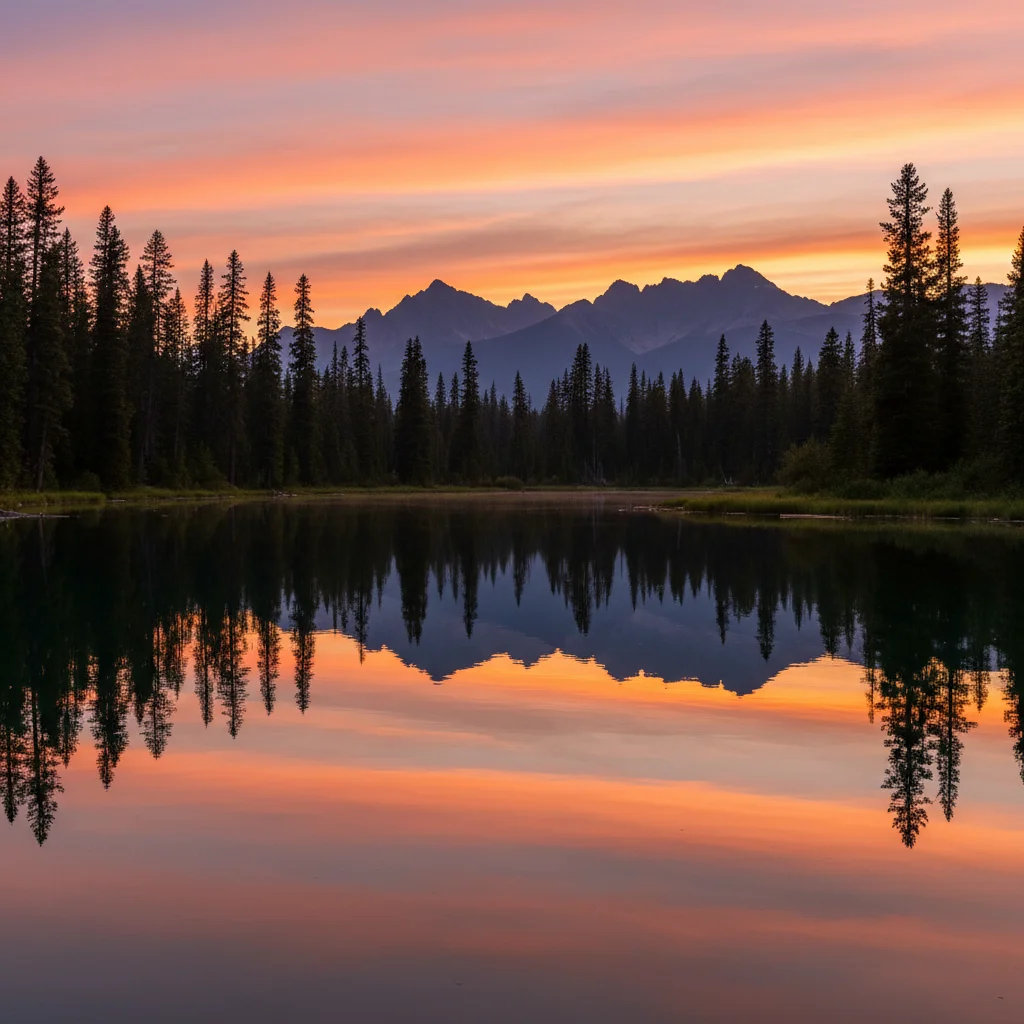
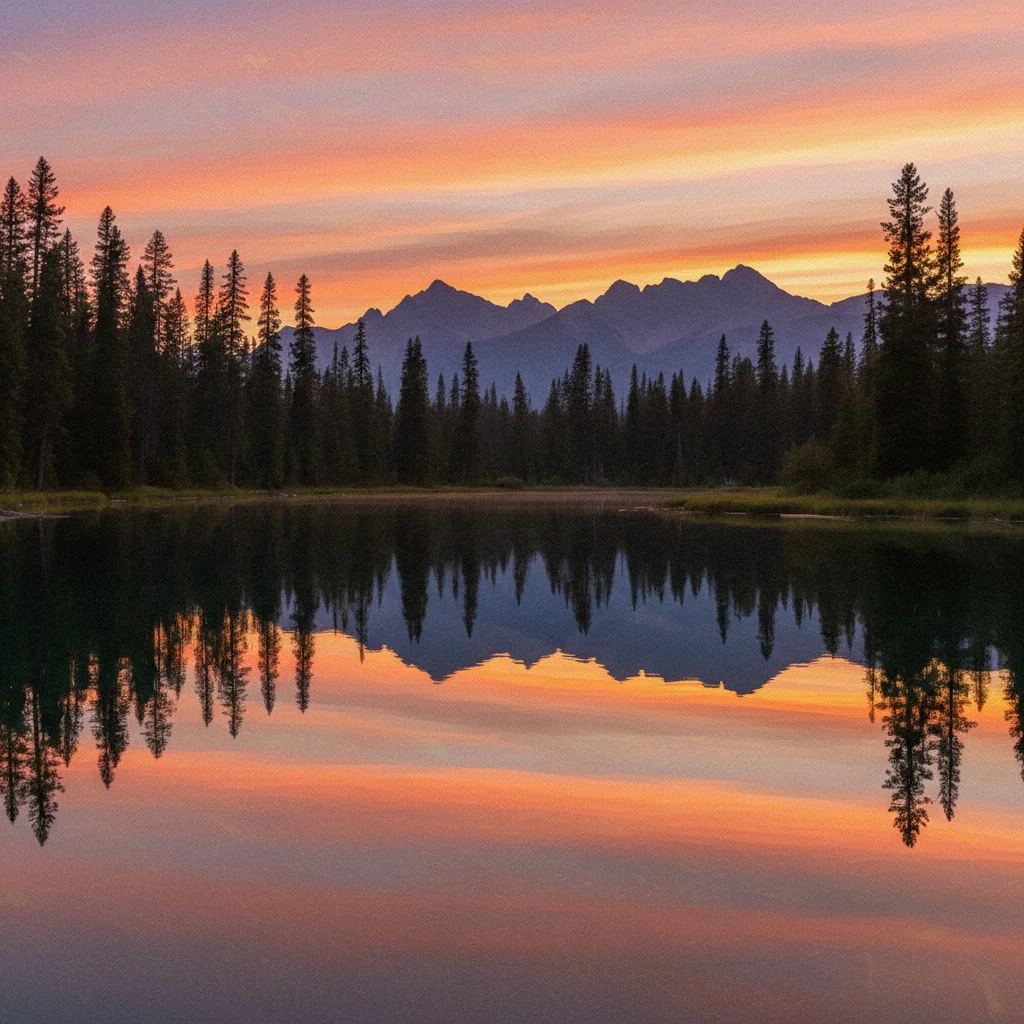
Clear sunset landscape photo with lake and mountains
Before
->
Sunset landscape transformed into impressionist painting
After

Sunset Landscape Impressionism

Applied impressionist filter to sunset landscape with warm color palette and dappled light effects.

Prompt: apply impressionist filter with warm sunset colors, visible brushstrokes, and soft atmospheric perspective

Detailed Guides by Scenario

📷

Art & Decoration

Transform your photos into impressionist filter artwork for wall prints, framed art, and home decoration.

Common Scenarios

  • Converting a favorite photo into a impressionist filter print for your living room wall
  • Creating a series of impressionist filter portraits of family members as matching wall art
  • Turning landscape or travel photos into impressionist filter art for office decoration

Best Practices

  • Start with a high-resolution photo — printed art needs sharp detail even after the style transform
  • Request a specific aspect ratio if the print will go in a particular frame
  • Try 'bold impressionist filter' vs. 'subtle impressionist filter' to control how dramatic the transformation looks
📷

Social Media & Content

Create scroll-stopping social media content by converting photos to impressionist filter — perfect for profiles, stories, and viral posts.

Common Scenarios

  • Making a unique impressionist filter profile picture that stands out in feeds
  • Creating a impressionist filter version of a trending meme or photo challenge
  • Building a themed Instagram series where every post uses impressionist filter transformation

Best Practices

  • Pair the transformation with a catchy caption that references the art style
  • For Instagram stories, add text overlays after the impressionist filter conversion for maximum engagement
  • Process several photos in the same session to maintain a consistent style across posts
📷

Gifts & Personal Keepsakes

Turn meaningful photos into impressionist filter keepsakes — custom gifts, cards, and personalized items that people actually treasure.

Common Scenarios

  • Creating a impressionist filter portrait as a birthday or anniversary gift
  • Designing impressionist filter wedding invitations or save-the-dates from engagement photos
  • Making a impressionist filter memorial portrait for a loved one

Best Practices

  • Choose photos with clear faces and good lighting — the transformation preserves detail best from quality originals
  • For gifts, print on canvas or premium paper to complement the impressionist filter aesthetic
  • Request 'warm tones' or 'cool tones' to match the recipient's home decor

If something looks off

AI changed wrong area or applied filter unevenly

Why: The AI couldn't determine which areas need stronger or softer treatment from description alone.

Try: Tap markers on areas that need adjustment, then regenerate with the same prompt

Tip: Markers tell the AI 'apply stronger brushstrokes HERE' or 'soften THIS area specifically.'

Result looks too blurry, not painterly enough

Why: The AI interpreted 'soft' as blur instead of impressionist brushwork.

Try: Change prompt to 'transform into impressionist painting with VISIBLE brushstrokes and distinct color dabs, not blurred'

Tip: Words like 'visible brushstrokes' and 'painterly texture' create authentic impressionist look versus mere blur.

Colors are too muted or washed out

Why: Impressionist style was applied too heavily, reducing color saturation.

Try: Add to prompt: 'with vibrant colors and strong color contrast maintaining original brightness'

Tip: Impressionism can be vibrant—specify 'bright' or 'vivid' to preserve color intensity.

Details are completely lost

Why: The brushstroke effect was too aggressive for the image complexity.

Try: Modify prompt: 'apply gentle impressionist filter preserving main subject details with selective brushwork on background'

Tip: For portraits or important subjects, specify which areas should remain detailed.

Doesn't look impressionist, just looks filtered

Why: Generic filter language doesn't guide the AI toward authentic impressionist techniques.

Try: Use specific terminology: 'broken color technique, dappled light, visible separate brushstrokes like Monet or Renoir'

Tip: Mentioning impressionist masters or specific techniques produces more authentic results.

Quick answers

Do I need to mark areas before describing the impressionist style?

No! Just describe the impressionist effect you want: 'transform into impressionist painting with soft brushstrokes' or 'apply Monet-style filter.' The AI understands to apply the artistic effect to the entire image. Only use markers when you need different intensities in specific areas—like stronger brushstrokes on background, softer on subject.

How do I make impressionist photos for free without Photoshop?

EditThisPic applies authentic impressionist painting effects using AI. Upload your photo, describe the style ('transform into impressionist painting with visible brushstrokes and pastel colors'), and download the result. Completely free, no software installation, no account needed.

What is the best free AI tool for impressionist painting effects?

EditThisPic specializes in artistic transformations including impressionist filters. Unlike generic photo editors, our AI understands impressionist techniques like broken color, dappled light, and visible brushstrokes. Free to use with no watermarks.

Can I control how strong the impressionist effect is?

Yes. Use terms like 'subtle impressionist filter' for gentle effects, or 'bold impressionist painting with thick visible brushstrokes' for dramatic transformations. You can also specify 'soft impressionist style on background only, preserve subject clarity.'

Does it work on all types of photos?

Impressionist filters work best on landscapes, gardens, water scenes, portraits, and cityscapes. Photos with natural light and color variation produce the most authentic impressionist results. Very dark or monochrome images may need color specification in your prompt.

Is EditThisPic's AI impressionist filter applyer really free?

Yes — you get 1 free edit per week, no account needed. For unlimited edits, plans start at $3.99/month.

Can I apply impressionist filter on my phone?

Yes. EditThisPic works in any mobile browser — iPhone, Android, tablet. No app download needed.

What photo formats does the AI impressionist filter applyer support?

JPG, PNG, WebP, and HEIC. Upload any common photo format and EditThisPic handles the rest.

Ready to transform your photos into impressionist art?

Free to try. No signup required.