Free • No signup Convert Pastel drawing · Free

AI Pastel Drawing Maker

Just describe the pastel effect you want and AI transforms your photo.
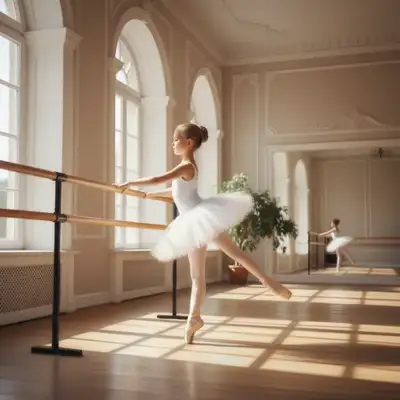
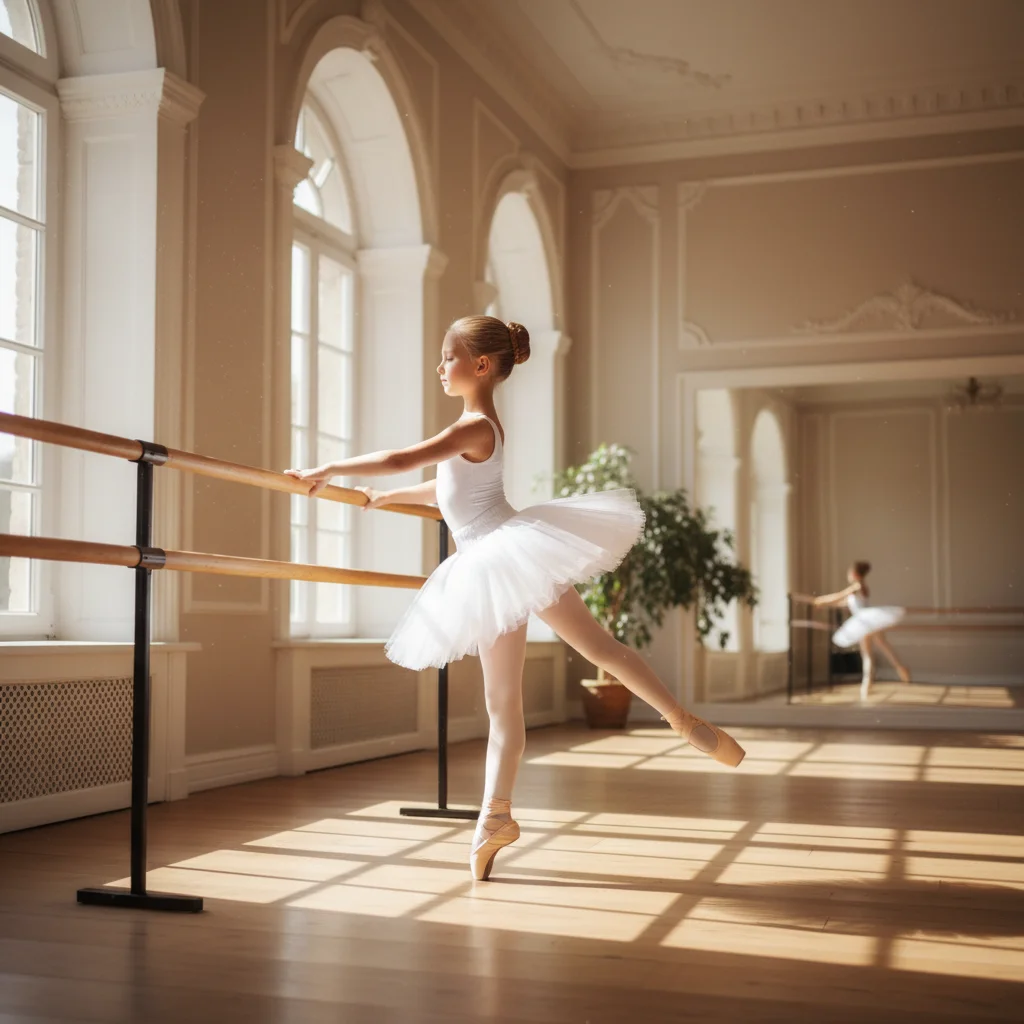
Clear photo of ballerina practicing
Before
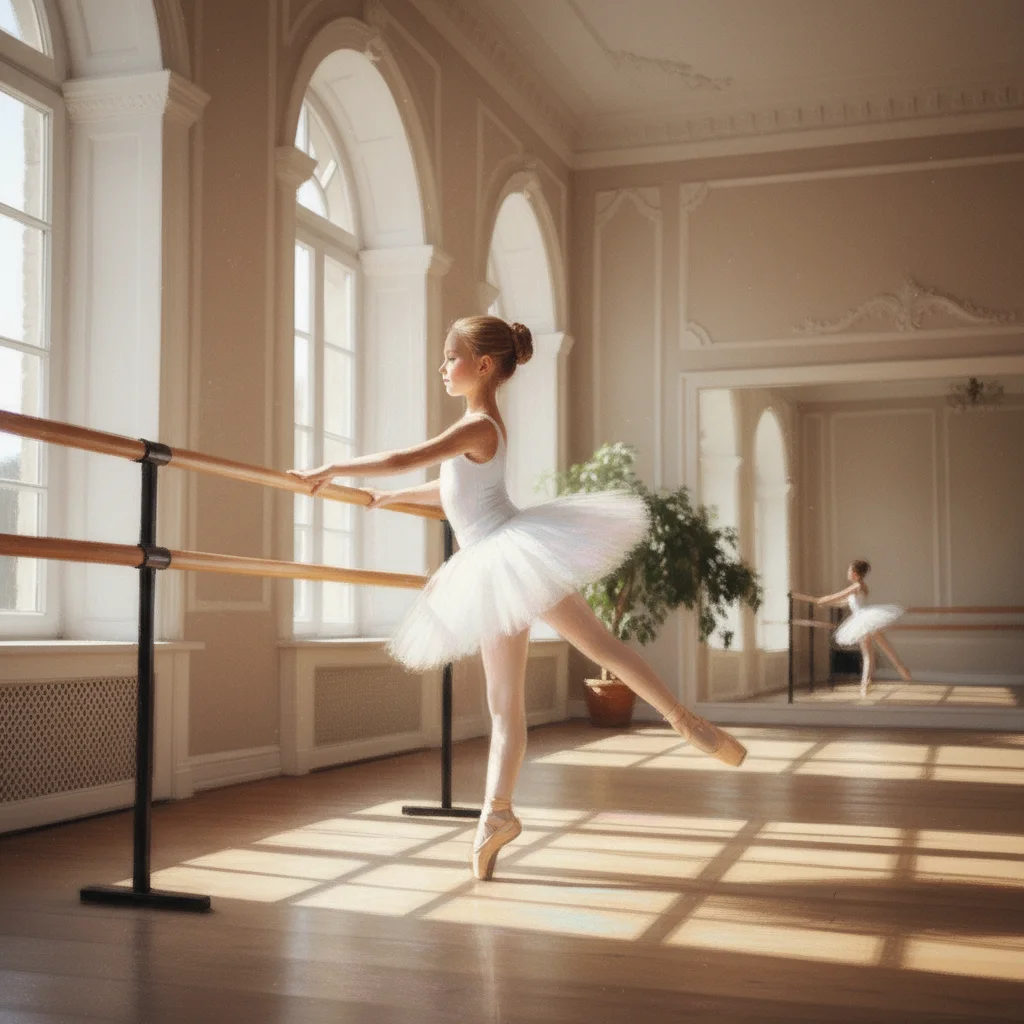
Ballet scene transformed into Degas-style pastel drawing
After

Convert Photo to Pastel Drawing

Drop your photo here

or click to browse

Release to upload

Free • No signup

Advertisement
Popular use cases:
  • portrait art
  • romantic prints
  • Instagram posts
  • wall decor
  • artistic gifts
  • wedding photos

Cost
Free No signup required
Time
Instant results in 15-30 seconds
Works on
Any device - browser, phone, tablet, desktop
Powered by
AI-powered photo editing
Scenario Prompt Time
Soft pastel convert to soft pastel drawing with gentle blending, muted colors, and smooth transitions 20s
Degas ballet style transform into Degas-style ballet pastel with movement and soft lighting 25s
Oil pastel convert to oil pastel artwork with vibrant colors and visible textured strokes 20s

How it works

  1. Upload your photo

    Drop your image into EditThisPic. JPG, PNG, WebP up to 7MB. Portraits, landscapes, and florals work beautifully—pastels excel at soft textures, gentle colors, and romantic subjects.

    Expect: Simple conversions: 15-30 seconds. Complex scenes with multiple tones: may need one refinement.
  2. Describe the pastel style

    Type your instruction: 'convert to soft pastel drawing with gentle blending and muted colors' or 'transform into oil pastel art with vibrant strokes and grainy texture.' Be specific about pastel type (soft, oil), texture (smooth, grainy), and color intensity. No marking needed—the AI understands the whole image should be converted.

    Tip: Specify 'Degas-style ballet pastel' or 'Mary Cassatt portrait' for authentic artistic styles.

    Copy one of these to get started:

    Classic soft pastel convert this photo into soft pastel drawing with gentle blending, muted colors, and smooth transitions
    Degas ballet style transform into Degas-style ballet pastel with movement, soft lighting, and delicate pink and blue tones
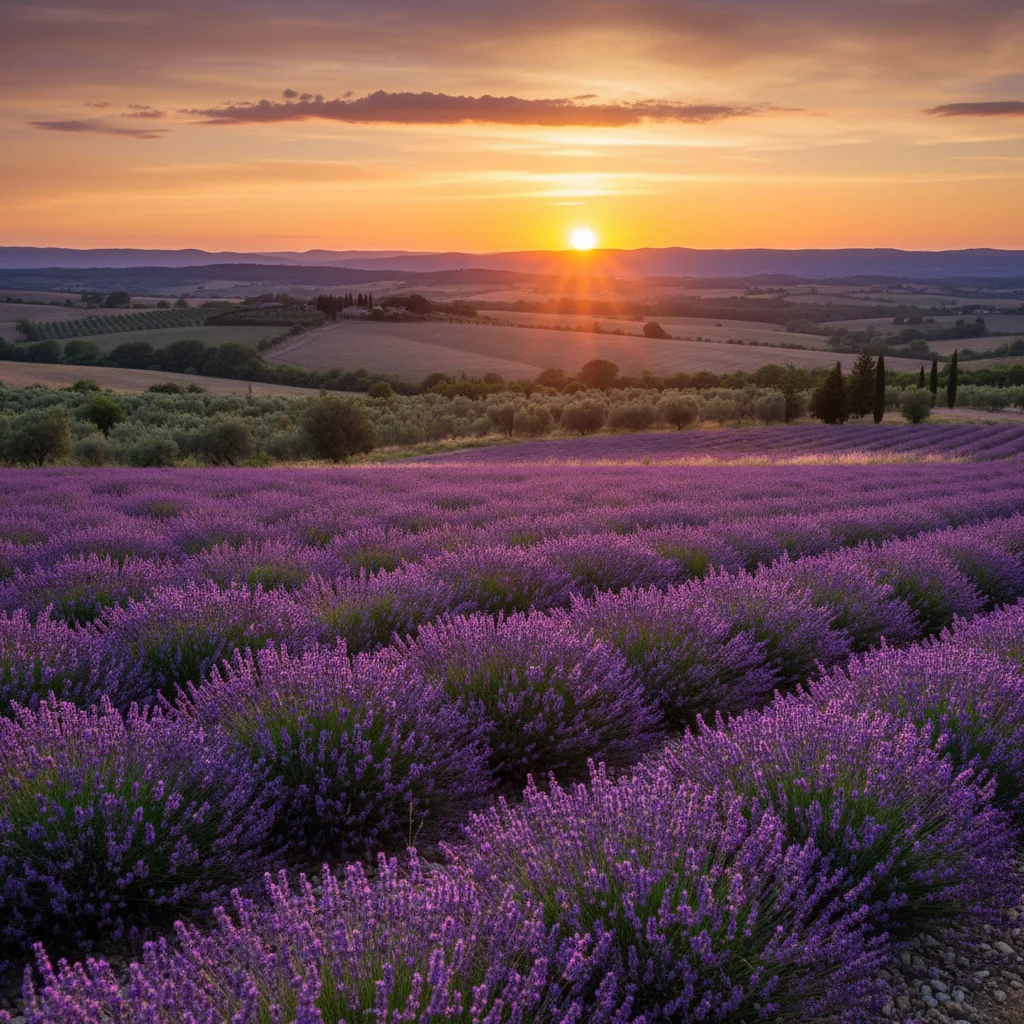
    Oil pastel art convert to oil pastel artwork with vibrant colors, visible textured strokes, and bold marks
    Portrait pastel transform portrait into tender pastel drawing with beautifully blended skin tones and soft edges
    3 more prompts
    Landscape pastel convert landscape to atmospheric pastel drawing with hazy effects, layered colors, and soft horizons
    Floral pastel transform flowers into delicate pastel drawing with subtle color gradients and gentle petal textures
    Dramatic pastel convert to dramatic pastel artwork with deep shadows, dimensional highlights, and rich color depth
  3. Generate and review

    Click Generate and watch your photo transform into pastel art. Zoom in to check blending quality, color softness, and edge treatment. The AI adds characteristic pastel texture and atmospheric qualities.

  4. Refine with markers if needed

    If specific areas need softer blending or stronger texture, tap markers on those spots and regenerate. This is optional—most conversions work without markers.

    Tip: Markers are for precision refinement, not required. Try without them first.
Try it free

Convert Photo to Pastel Drawing

Drop your photo here

or click to browse

Release to upload

Free • No signup

"Transformed my portraits into beautiful pastel art. The soft blending and gentle colors are exactly what I wanted!" @artist_emma

See it in action

Clear photo of ballerina practicing
Before
->
Ballet scene transformed into Degas-style pastel drawing
After

Ballet Dancer in Degas Style

Transformed ballet photo into Degas-inspired pastel with characteristic soft edges and gentle movement.

Prompt: transform into Degas-style ballet pastel with movement, soft lighting, and delicate pink and blue tones
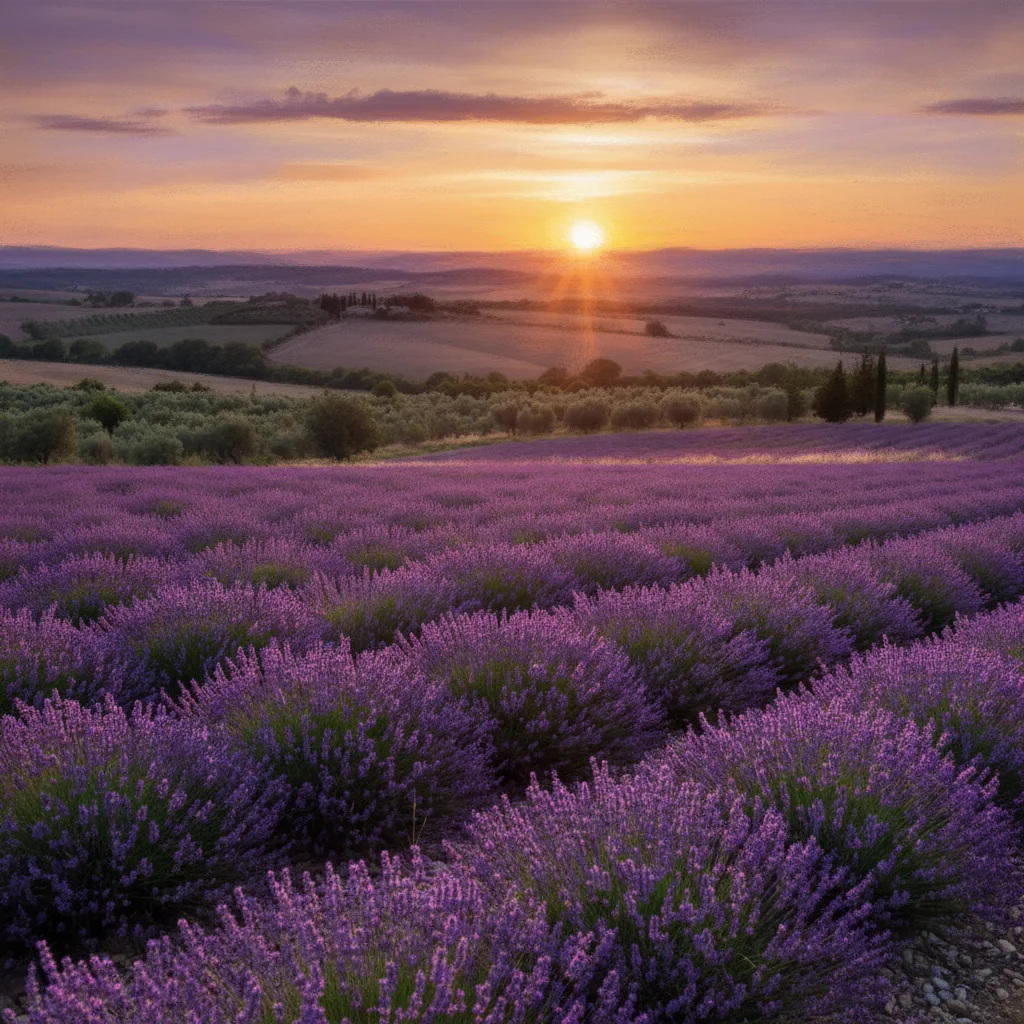
Clear photo of lavender fields at sunset
Before
->
Landscape transformed into soft atmospheric pastel
After

Lavender Fields Pastel

Created dreamy landscape pastel with soft atmospheric haze and gentle color gradients.

Prompt: convert landscape to atmospheric pastel drawing with hazy effects, layered purple and golden colors
Clear portrait photo in window light
Before
->
Portrait transformed into tender pastel drawing
After

Portrait in Tender Pastels

Converted portrait into delicate pastel with beautifully blended skin tones and characteristic soft edges.

Prompt: transform portrait into tender pastel drawing with beautifully blended skin tones and soft edges
Advertisement

If something looks off

AI changed wrong area or applied pastel unevenly

Why: The AI couldn't determine which areas need softer or stronger pastel treatment from description alone.

Try: Tap markers on areas that need adjustment, then regenerate with the same prompt

Tip: Markers tell the AI 'apply softer blending HERE' or 'stronger texture in THIS area.'

Colors are too saturated for pastel look

Why: Digital saturation remained instead of taking on pastel's characteristic soft, muted quality.

Try: Add to prompt: 'with muted pastel colors, gentle tones, soft color saturation'

Tip: Pastels have inherently softer, less saturated colors than photographs.

Blending is too smooth or too rough

Why: The texture balance wasn't appropriate for the intended pastel style.

Try: Specify 'smoothly blended soft pastels' or 'visible textured oil pastel strokes' based on desired effect

Tip: Soft pastels blend smoothly; oil pastels show more visible stroke texture.

Missing pastel texture grain

Why: The characteristic grainy texture of pastel medium wasn't emphasized.

Try: Request 'visible pastel grain texture', 'paper tooth showing through', or 'grainy pastel surface'

Tip: Real pastel shows the paper's texture—specify this for authentic appearance.

Edges are too sharp

Why: Photographic edges remained instead of pastel's soft, blended boundaries.

Try: Add 'soft edges, gentle transitions, blended boundaries characteristic of pastels' to prompt

Tip: Soft edges are a signature quality of pastel drawings.

Quick answers

Do I need to mark areas before describing the pastel style?

No! Just describe the pastel effect you want: 'convert to soft pastel drawing' or 'transform into oil pastel art.' The AI understands to apply the pastel effect to the entire image. Only use markers when you need different intensities in specific areas—like softer blending on background, more texture on subject.

How do I make pastel drawings for free without art training?

EditThisPic converts photos to authentic pastel art using AI. Upload your photo, describe the style ('convert to soft pastel with gentle blending and muted colors'), and download the result. Completely free, no art skills needed, no account required.

What's the difference between soft pastel and oil pastel?

Soft pastels create gentle, blended effects with muted colors and smooth textures. Oil pastels produce bolder, more vibrant colors with visible textured strokes. Specify your preference in the prompt for the right effect.

Can I create styles like Degas or Mary Cassatt?

Yes. Specify artists known for pastels: 'Degas-style ballet pastel', 'Mary Cassatt soft pastel portrait', or 'impressionist pastel landscape' for characteristic artistic styles.

What subjects work best for pastel drawings?

Portraits with soft lighting, romantic landscapes, florals, sunsets, and dancers work beautifully. Pastels excel at subjects requiring gentle colors, atmospheric effects, and soft transitions.

Ready to transform your photos into pastel art?

Free to try. No signup required.

Try it free