Free โ€ข No signup Add Fence ยท Free

Add Fence to Photo with AI

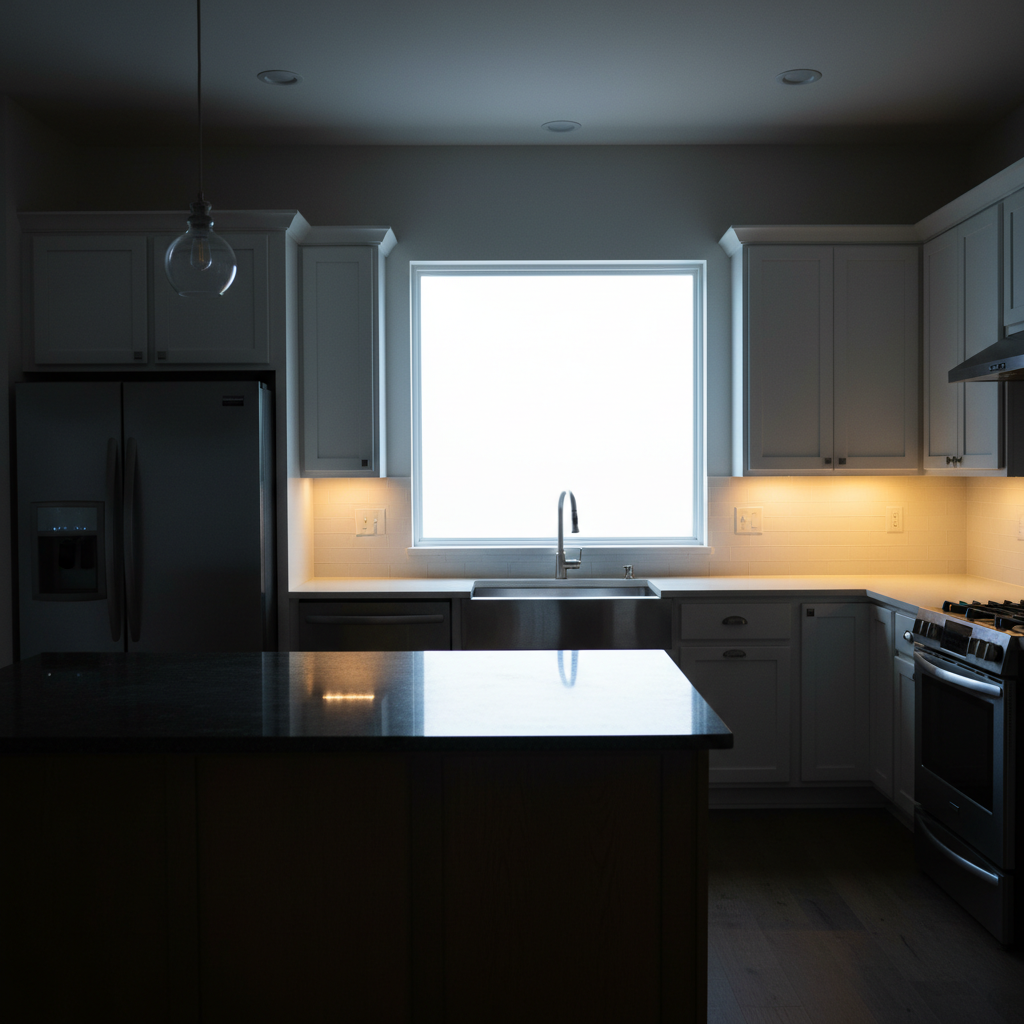
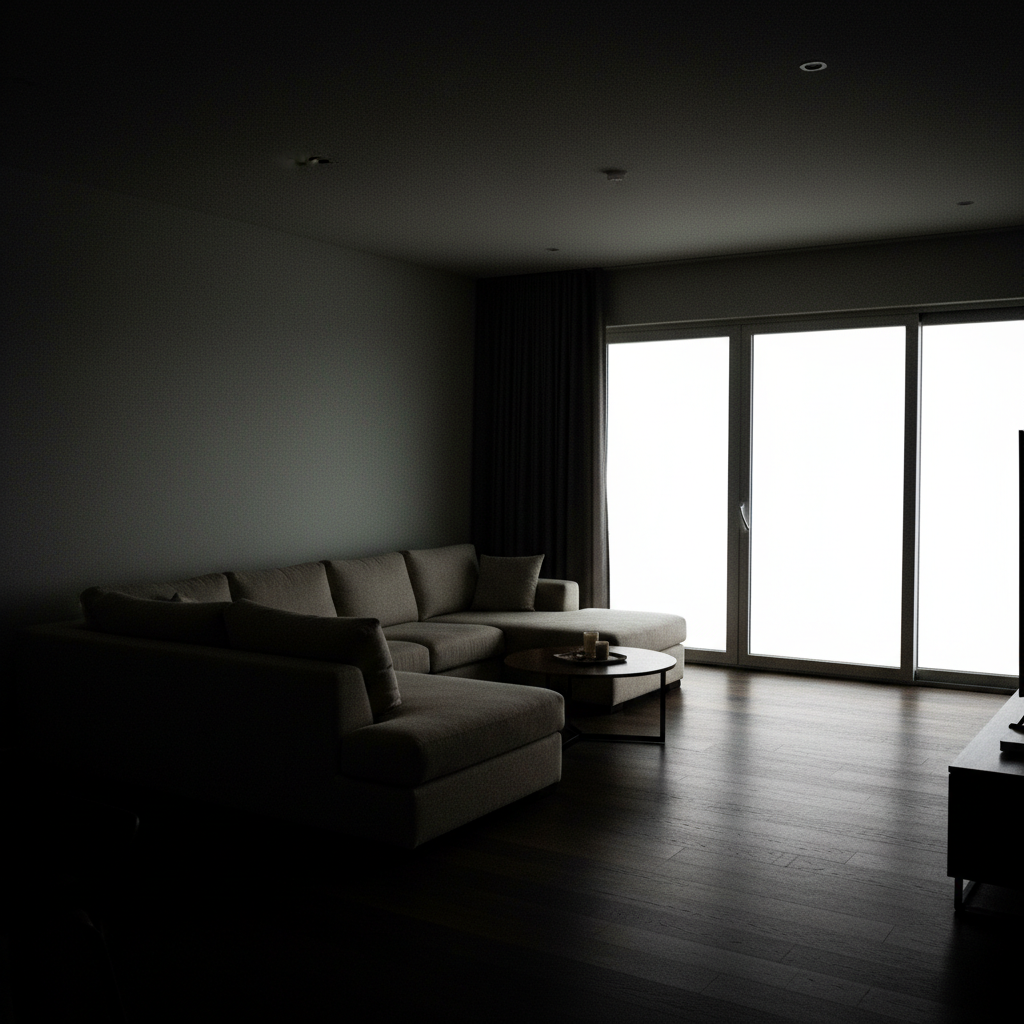
Before
Before
โ†’
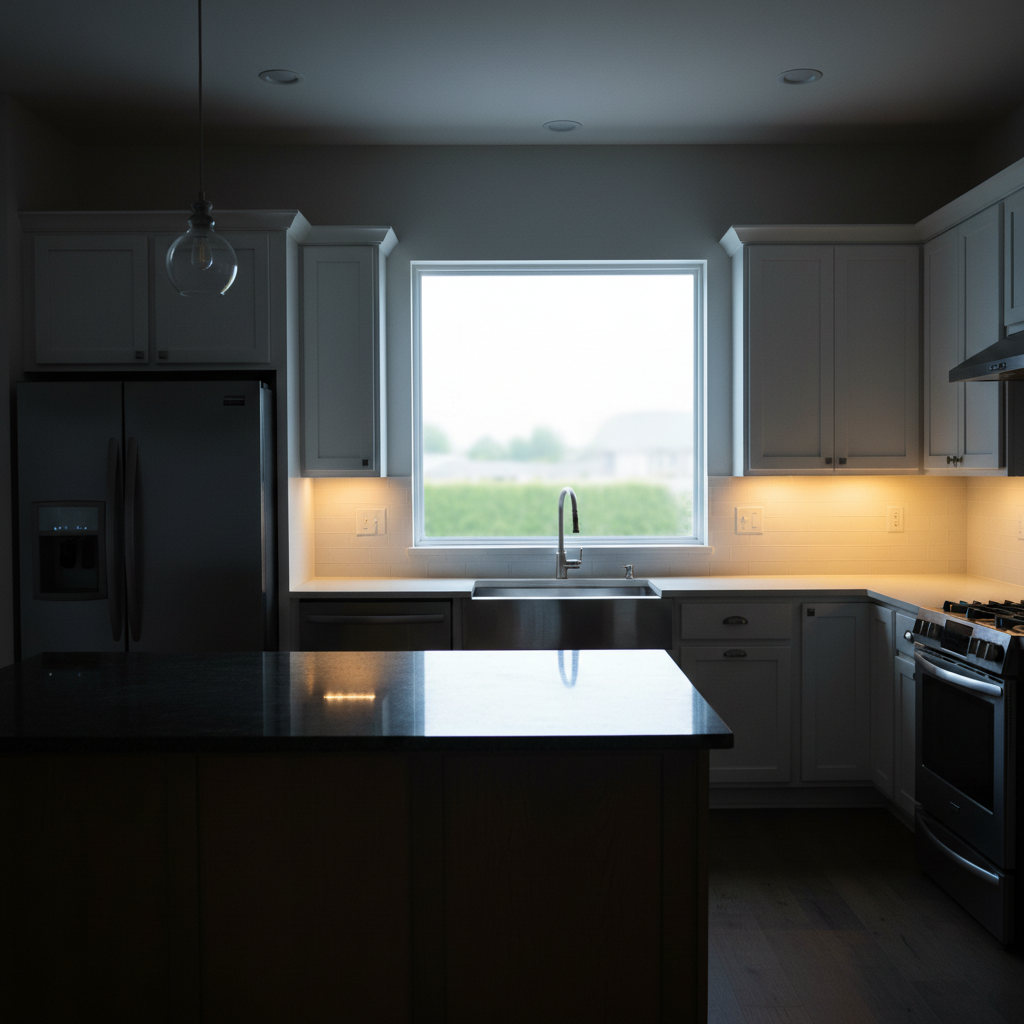
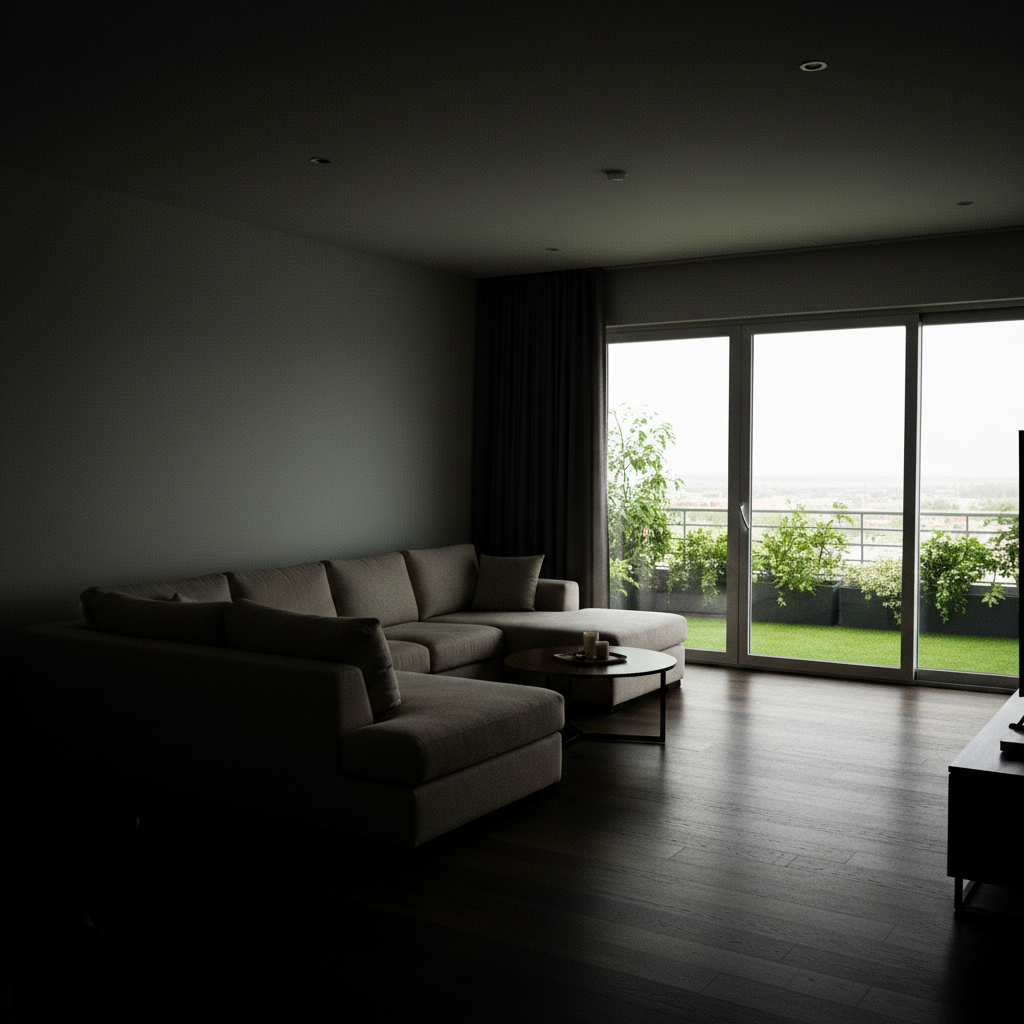
After
After

AI Fence Adder

Drop your photo here

or click to browse

Release to upload

Free โ€ข No signup

Advertisement

Cost
Free No signup required
Time
Instant results in 15-30 seconds
Works on
Any device - browser, phone, tablet, desktop
Powered by
AI-powered photo editing

How it works

  1. Upload Your Property Photo

    Upload a photo of your yard, garden, or property line where you want to add fencing. Clear photos showing the ground and boundary areas work best. The AI will add realistic fencing with proper perspective and shadows.

    Expect: Simple add: 20-30 seconds. Complex add: 30-45 seconds and may need refinements.
  2. Describe Your Fence

    Tell the AI what fence you want: type (privacy, picket, chain-link, vinyl, iron), height, color or material, and location. For example, 'add a 6-foot tall cedar privacy fence along the back property line' or 'add white picket fence across the front yard.' Be specific about placement and style.

    Copy one of these to get started:

    Add a 6-foot tall cedar privacy Add a 6-foot tall cedar privacy fence along the back property line
    Add white vinyl picket fence 4 Add white vinyl picket fence 4 feet tall across the front yard
    Add black aluminum fence 5 feet Add black aluminum fence 5 feet tall along the left side of the yard
    Add chain-link fence 6 feet tall Add chain-link fence 6 feet tall separating the backyard from the driveway
    3 more prompts
    Add horizontal wood slat privacy fence Add horizontal wood slat privacy fence 6 feet tall in natural cedar stain along the right property boundary
    Add decorative wrought iron fence 4 Add decorative wrought iron fence 4 feet tall with spear tops around the front garden bed
    Add white vinyl privacy fence 6 Add white vinyl privacy fence 6 feet tall with lattice top section along the back and side yard
  3. Review Fence Placement

    Check that the fence follows the line you intended and looks realistic in your photo. The AI adds proper shadows, perspective, and integration with existing landscaping. Refine your description if you need to adjust height, position, or style.

  4. Download Your Visualization

    Save your fence visualization in high resolution for planning, contractor estimates, or HOA approval. No watermark. Compare different fence styles by generating multiple versions with different descriptions.

Try it free โ†“

AI Fence Adder

Drop your photo here

or click to browse

Release to upload

Free โ€ข No signup

See it in action

Before
Before
->
After
After

Prompt:
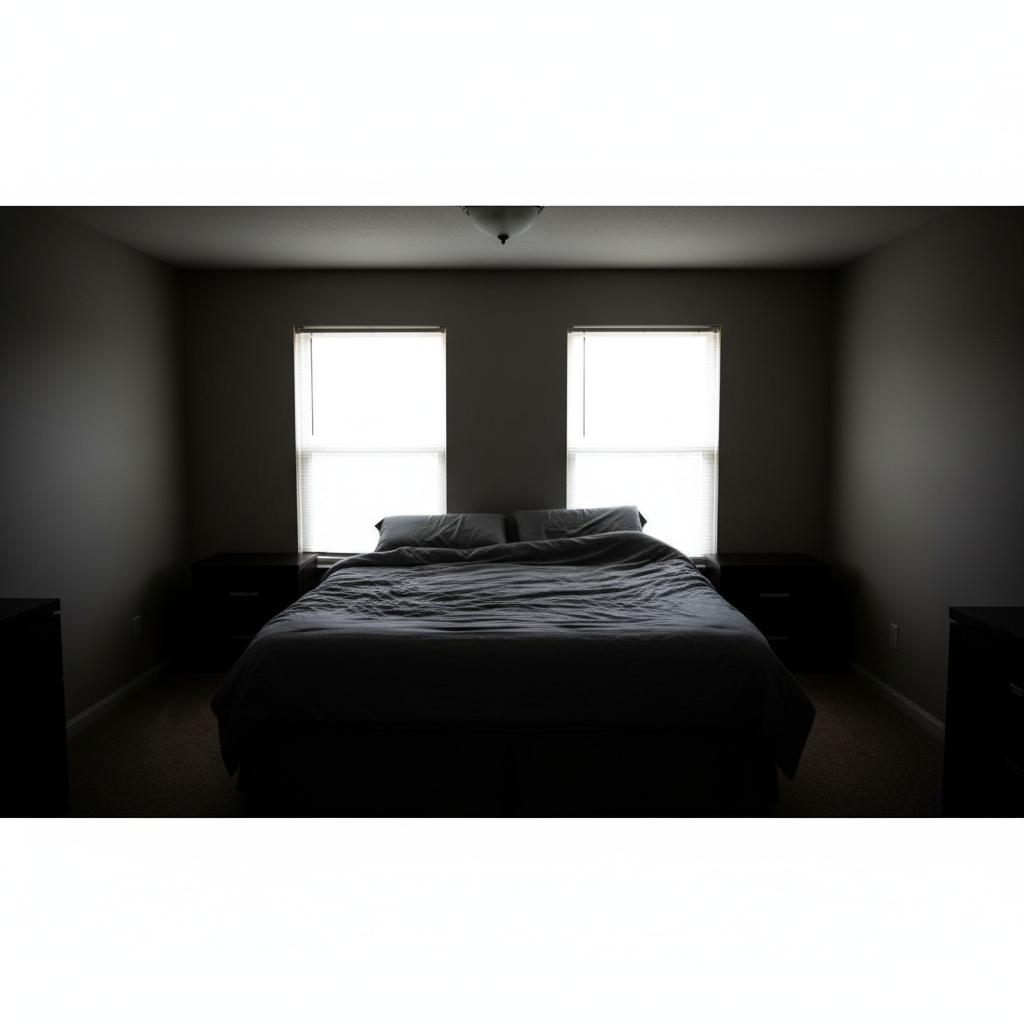
Before
Before
->
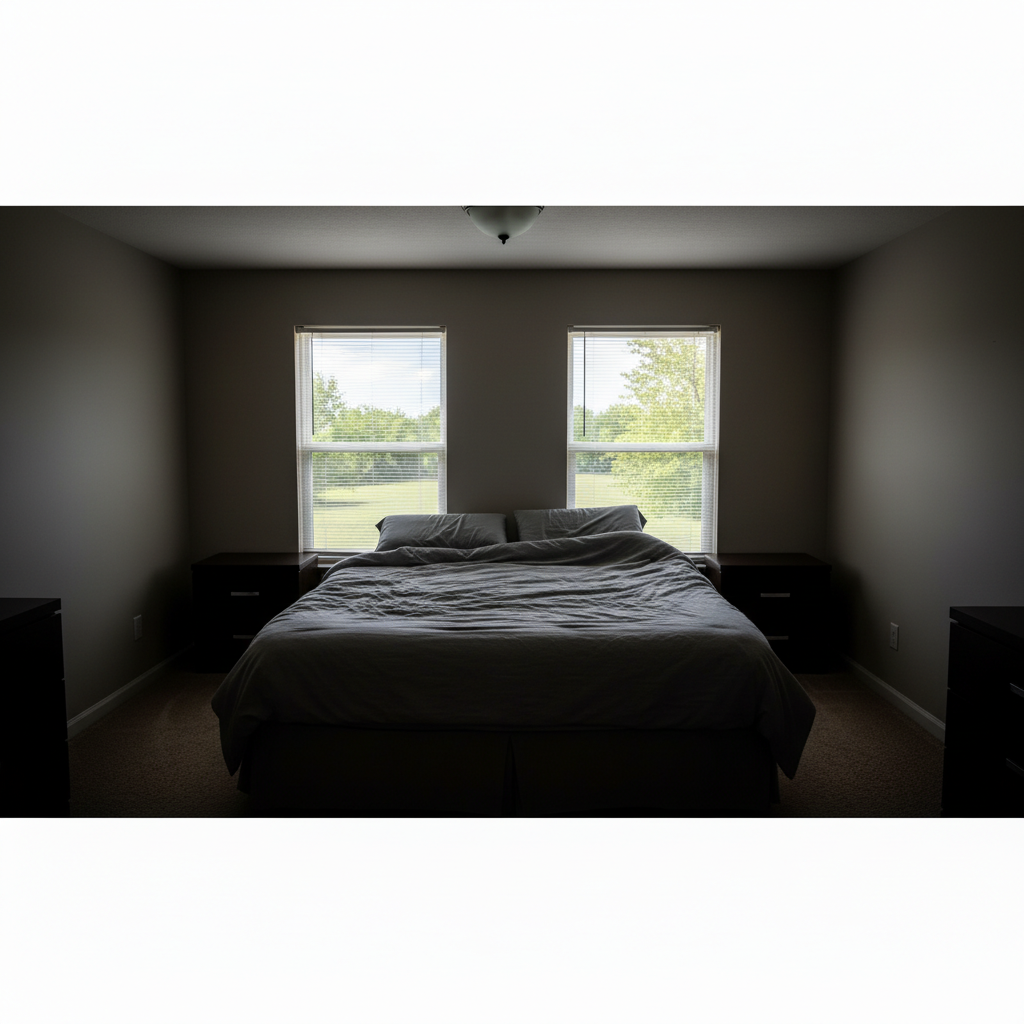
After
After

Prompt:
Before
Before
->
After
After

Prompt:
Advertisement

If something looks off

AI changed the wrong area or something I didn't want changed

Why: The AI couldn't determine exactly which area you meant from description alone.

Try: Tap a marker on the specific area you want to change, then regenerate with the same prompt

Tip: Markers tell the AI 'I mean THIS one specifically.' Use them when description alone is ambiguous.

Quick answers

Do I need to mark where the fence should go?

No, you never mark or outline anything. Just describe the fence location using landmarks in your photo. For example, 'add a fence along the back edge of the lawn' or 'add a fence on the left side between my yard and the neighbor's driveway.' The AI understands spatial descriptions and places the fence accordingly.

What fence types can I visualize?

You can add privacy fences (board-on-board, stockade, horizontal slat), picket fences (spaced or solid), chain-link (with or without privacy slats), vinyl fences, aluminum or wrought iron decorative fences, split-rail fences, and modern horizontal plank fences. Specify style, height, material, and color for accurate results.

How do I specify fence height accurately?

State the height in feet: '4-foot fence' for shorter front yard fences, '6-foot fence' for standard privacy fencing, or '8-foot fence' for tall privacy. You can reference nearby objects: 'fence as tall as the garage door' or 'fence reaching the bottom of the windows.' Standard residential heights are 4, 6, or 8 feet.

Can I add gates in the fence?

Yes, include gates in your description: 'add a 6-foot cedar privacy fence along the back with a double gate on the right side' or 'add white picket fence across front yard with gate aligned to the walkway.' Specify gate location, width, and whether it's single or double.

Will this work for HOA or contractor quotes?

The visualizations are great for planning and communicating your vision to contractors or HOA boards. However, actual fence installation requires professional measurement of property lines, checking local setback requirements, and calling 811 before digging. Use these visuals as a starting point for contractor consultations.
Ready to start editing?

Free to try. No signup required.

Try it free โ†’