Free • No signup Add Cherry blossoms · Free

AI Cherry Blossom Adder

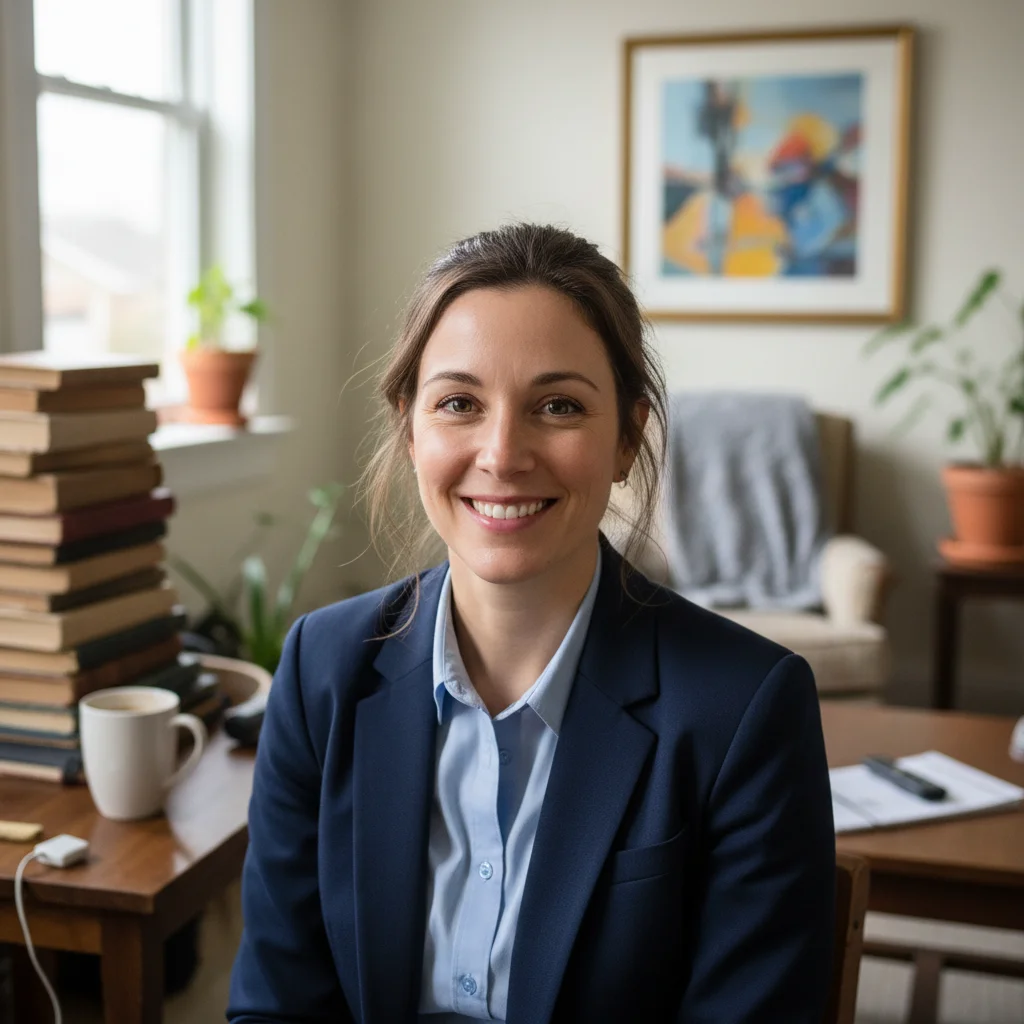
Before
Before
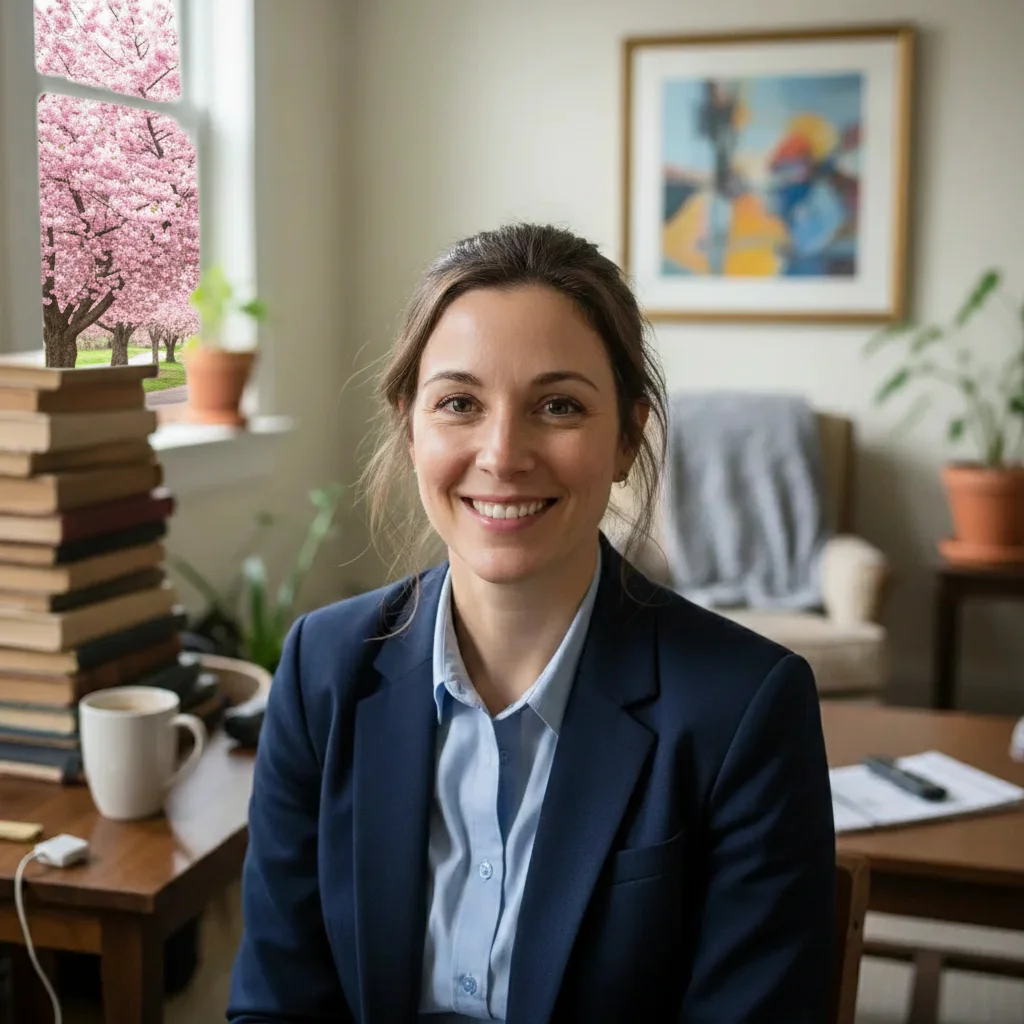
After
After

Free AI Cherry Blossom Adder

Drop your photo here

or click to browse

Release to upload

Free • No signup

Advertisement
Popular use cases:
  • cherry blossom effect
  • add sakura
  • spring aesthetic
  • Japanese cherry blossoms
  • flower effect
  • spring photo editing
  • travel photo enhancement
  • seasonal flowers
  • pink blossom effect
  • nature photography

Cost
Free No signup required
Time
Instant results in 15-30 seconds
Works on
Any device - browser, phone, tablet, desktop
Powered by
AI-powered photo editing
Scenario Prompt Time
15-30s
15-30s
15-30s
15-30s
15-30s

How it works

  1. Upload your photo

    Choose a photo where you want to add cherry blossoms. Works best with outdoor scenes that have trees, parks, streets with branches, or gardens. Portrait photos with backgrounds work too. Any photo that could benefit from spring cherry blossom aesthetics is suitable.

    Expect: Simple cherry blossom addition: 25-35 seconds. Complex scenes with multiple trees and foreground petals: 35-45 seconds and may need refinements.
  2. Describe your cherry blossoms

    Type where and how you want cherry blossoms added to your photo. Be specific about location like 'cherry blossoms on tree branches', coverage like 'full bloom' or 'light scattering of blossoms', and any additional details like 'pink petals falling' or 'branches with white cherry blossoms'. The AI understands descriptions like 'add pink cherry blossoms to trees' or 'cherry blossom petals floating in foreground' or 'tree covered in white cherry blossoms'. No need to mark—just describe.

    Tip: Combine tree blossoms with falling petals for more dramatic spring scenes: 'cherry blossoms on branches with petals gently falling'.

    Copy one of these to get started:

    Classic Japanese sakura spring scene Add pink cherry blossoms to the trees, full bloom with dense flower clusters
    Romantic floating petal effect Cherry blossom petals falling gently through the air in the foreground
    Elegant white blossom variation Tree branches covered with white cherry blossoms against blue sky
    Complete cherry blossom scene with depth Pink cherry blossoms on branches with some petals falling and scattered on ground
    5 more prompts
    Bokeh-style blossom frame for portraits Light pink cherry blossoms in soft focus in foreground framing the photo
    Dreamy cherry blossom path aesthetic Dense canopy of pink cherry blossoms overhead creating a floral tunnel
    Early spring realistic blossom detail Delicate pink cherry blossoms on thin branches with buds and leaves beginning to show
    Japanese garden or river scene enhancement Cherry blossoms on tree with petals gently floating on water surface in foreground
    Bold, saturated Instagram-style spring aesthetic Bright pink cherry blossoms in full bloom covering entire tree canopy, vibrant spring colors
  3. Review the cherry blossoms

    Check that the blossoms look realistic, the placement matches your vision, the color is natural, and the density feels right. Make sure blossoms follow tree branch structures naturally and falling petals look believable. If adjustments are needed, refine your description and regenerate.

  4. Download Your Cherry Blossom Photo

    Save your spring-enhanced photo with beautiful cherry blossoms in high resolution. Perfect for social media, travel blogs, seasonal marketing, or creating Japanese-inspired aesthetics.

Try it free

Free AI Cherry Blossom Adder

Drop your photo here

or click to browse

Release to upload

Free • No signup

See it in action

Before
Before
->
After
After

Prompt: Add pink cherry blossoms to the trees lining the path, full bloom with dense flower clusters creating a canopy
Before
Before
->
After
After

Prompt: Light pink cherry blossoms in soft focus in foreground framing the photo, with blossoms on tree branches in background
Before
Before
->
After
After

Prompt: Pink cherry blossoms on street trees with petals falling gently through the air and scattered on the sidewalk
Advertisement

If something looks off

AI changed the wrong area or something I didn't want changed

Why: The AI couldn't determine exactly which area you meant from description alone.

Try: Tap a marker on the specific area you want to change, then regenerate with the same prompt

Tip: Markers tell the AI 'I mean THIS one specifically.' Use them when description alone is ambiguous.

Cherry blossoms don't look natural on the trees

Why: AI may add blossoms without following tree branch structure

Try: Be more specific: 'cherry blossoms growing naturally along tree branches following branch structure'

Tip: Photos with clearly visible branches work better. If your trees are far away or blurry, blossom placement may look generic.

Too many or too few cherry blossoms

Why: Density wasn't specified clearly in the prompt

Try: Control density explicitly: 'sparse cherry blossoms', 'moderate blossom coverage', 'full dense bloom', or 'heavily covered in blossoms'

Tip: Reference bloom stage: 'early bloom' (light coverage), 'peak bloom' (full coverage), 'late bloom' (some petals falling).

Blossom color looks wrong—too pink, too white, or unnatural

Why: Generic 'cherry blossom' gets default pink, which may not match your vision

Try: Specify exact color: 'pale pink cherry blossoms', 'bright pink sakura', 'white cherry blossoms', or 'light blush pink'

Tip: Different cherry varieties have different colors: Yoshino (pale pink to white), Kwanzan (deep pink), Shirotae (pure white).

Falling petals look fake or poorly positioned

Why: Petal physics and motion are complex for AI to render naturally

Try: Simplify: 'a few cherry blossom petals falling gently' works better than 'swirling storm of petals'. Add 'natural gentle motion'

Tip: Fewer, well-placed falling petals look better than attempting massive petal showers. Start subtle, then add more if needed.

Cherry blossoms added to wrong trees or objects

Why: Without clear guidance, AI may add blossoms to all tree-like structures

Try: Be specific about which trees: 'add cherry blossoms only to the large tree on the left' or use markers to indicate exact trees

Tip: If your photo has multiple trees and you want blossoms on only some, markers are the most reliable way to specify.

Quick answers

Do I need to mark the trees or areas?

No! Just describe where you want cherry blossoms—on trees, branches, foreground, etc.—and the AI automatically detects appropriate locations and adds realistic blossoms. You only need markers if you want blossoms on specific trees in a complex scene, or if you want to be very precise about placement.

Can I add cherry blossoms to photos without trees?

Yes, but results depend on the scene. You can add 'cherry blossom petals falling in foreground' or 'branches with cherry blossoms entering from the edge of the frame' to any photo. However, adding full blooming trees where none exist is challenging and may look less realistic—the AI works best enhancing existing trees and branches.

What's the difference between pink and white cherry blossoms?

Pink cherry blossoms (like Kwanzan variety) are the classic Japanese sakura look with vibrant to pale pink petals. White cherry blossoms (like Yoshino or Shirotae) are more subtle and elegant with pure or slightly creamy white petals. Both are realistic—just specify which color you prefer in your prompt.

Can I add falling cherry blossom petals?

Yes! Describe 'cherry blossom petals falling gently through the air' or 'petals floating down in foreground'. For best results, combine with tree blossoms: 'pink cherry blossoms on branches with some petals falling'. You can also add petals on the ground: 'petals scattered on the ground and grass'.

How do I create a Japanese sakura aesthetic?

Use descriptive language: 'pink cherry blossoms in full bloom creating dense canopy', 'soft pink sakura on branches', 'cherry blossom petals gently falling'. Combine with complementary elements if they exist in your photo: blossoms near temples, gardens, water, or traditional architecture. Mention 'Japanese sakura style' if you want that specific look.

Can I control how dense or sparse the blossoms are?

Yes! Use density descriptors in your prompt. Sparse: 'light scattering of cherry blossoms', 'a few blossoms on branches'. Moderate: 'moderate cherry blossom coverage', 'nice amount of blossoms'. Dense: 'full bloom', 'heavily covered in cherry blossoms', 'dense clusters of blossoms'. The AI responds to these cues.

Ready to add cherry blossoms?

Free to try. No signup required.

Try it free