Free • No signup Change Hairstyle · Free

AI Hairstyle Changer

Describe the hairstyle you want and AI transforms it instantly. No marking needed.
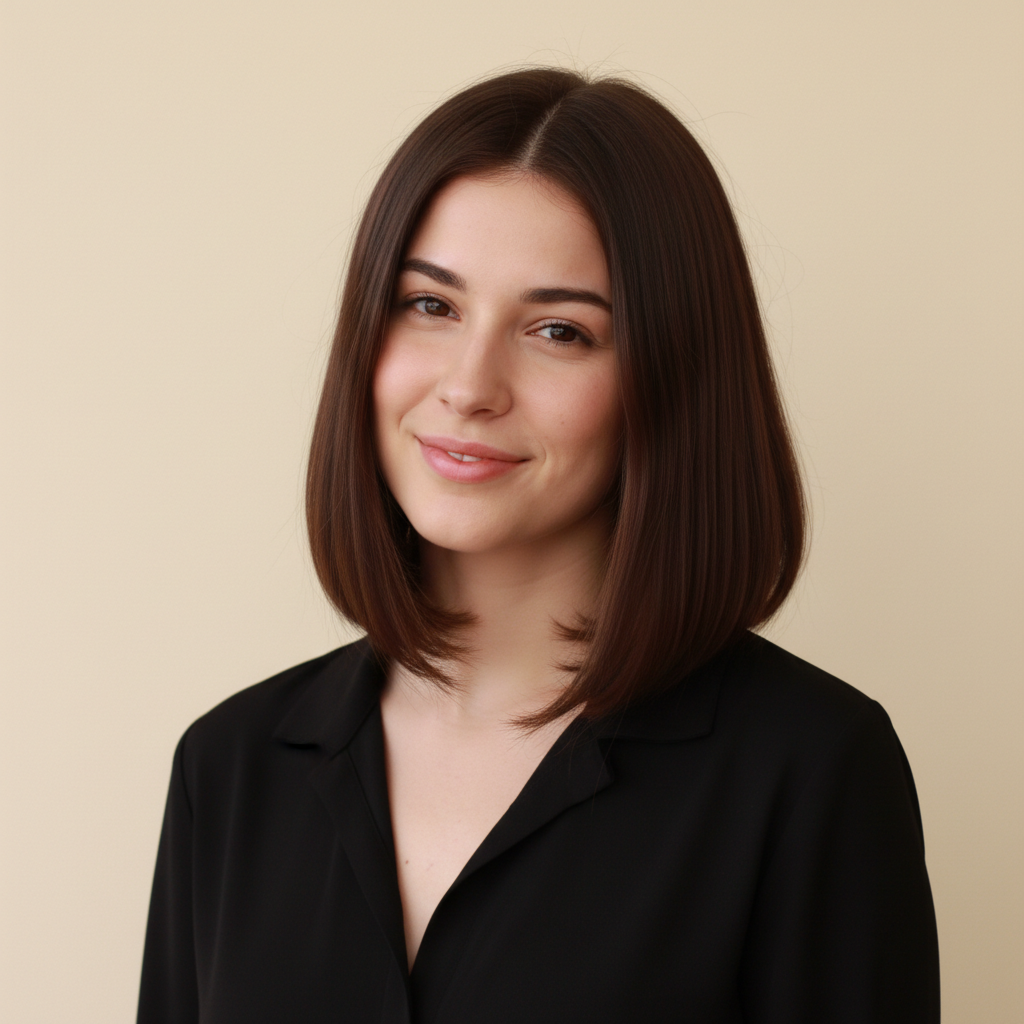
Woman with long straight dark hair past shoulders
Before
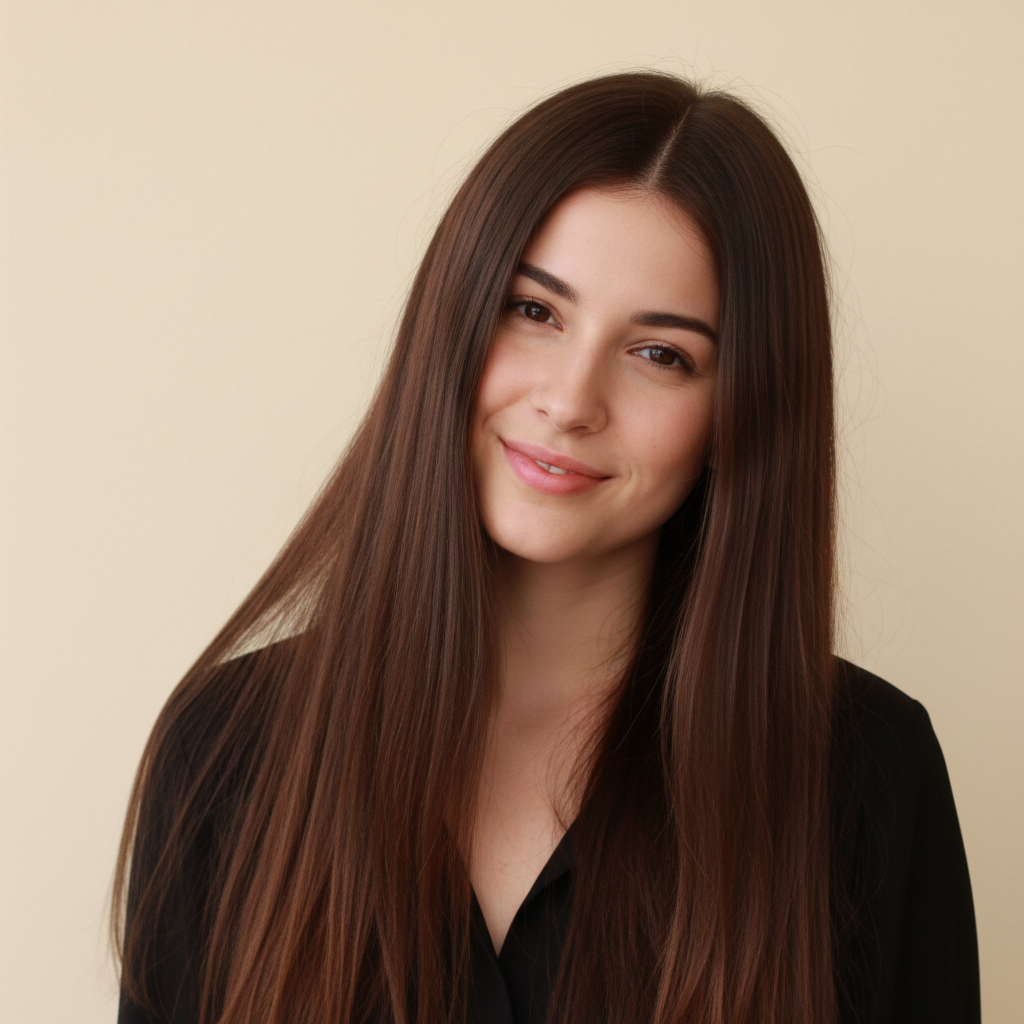
Same woman with a chin-length bob with inward curls
After

AI Hairstyle Changer

Drop your photo here

or click to browse

Release to upload

Free • No signup

Advertisement
Popular use cases:
  • salon preview
  • hairstyle try on
  • virtual haircut
  • hair makeover simulation
  • before salon appointment
  • hair length preview
  • hairstyle visualization
  • hair transformation

Cost
Free No signup required
Time
Instant results in 15-30 seconds
Works on
Any device - browser, phone, tablet, desktop
Powered by
AI-powered photo editing
Scenario Prompt Time
Simple trim or restyle change to a shoulder-length layered cut 30s
Dramatic length change change the hairstyle to a short pixie cut 40s
Complex style (braids, updos) put the hair in an elegant high bun 50s

How it works

  1. Upload your photo

    Drop your image into EditThisPic. JPG, PNG, WebP up to 7MB. Front-facing photos with hair clearly visible work best. Good lighting on hair helps the AI understand your current style.

    Expect: Simple style changes: 30-40 seconds. Dramatic transformations like long to short: 45-60 seconds and may need refinements.
  2. Describe the new hairstyle

    Type what you want: 'change to a short layered bob' or 'give this person long flowing curls with volume.' Be specific about length, texture, and style. No marking needed—the AI knows what 'hair' and 'hairstyle' mean.

    Tip: Include details like 'layered', 'side-parted', 'bangs', or 'slicked back' to get a precise style match.

    Copy one of these to get started:

    Classic bob cut change the hairstyle to a chin-length bob with a slight inward curl at the ends
    Long flowing curls give this person long wavy curls past the shoulders with natural volume and bounce
    Pixie cut change the hairstyle to a short textured pixie cut with side-swept bangs
    Sleek straight look make the hair sleek and straight, falling to mid-back with a center part
    3 more prompts
    Braided style change the hairstyle to a single thick braid draped over one shoulder
    Updo bun put the hair in an elegant high bun with a few loose strands framing the face
    Curtain bangs add curtain bangs to this hairstyle, parted in the middle and feathered at the sides
  3. Review the transformation

    Check that the new hairstyle looks natural around the face. Look for realistic hair flow, proper volume, and natural-looking hairline. Zoom in on ears, forehead, and neckline areas.

  4. Refine with markers if needed

    If specific areas like the hairline, bangs, or layers need adjustment, tap markers on those spots and regenerate. Most hairstyle changes work perfectly on the first try.

    Tip: Markers are for precision refinement only. Try without them first—you usually won't need them.
Try it free

AI Hairstyle Changer

Drop your photo here

or click to browse

Release to upload

Free • No signup

"Was considering chopping my long hair into a bob. Uploaded a selfie and tried three different short styles before booking the appointment. Saved me from a bad decision." @HairDecisions_Sam

See it in action

Woman with long straight dark hair past shoulders
Before
->
Same woman with a chin-length bob with inward curls
After

Long hair to chin-length bob

Long straight hair transformed into a polished chin-length bob to preview a big chop before visiting the salon.
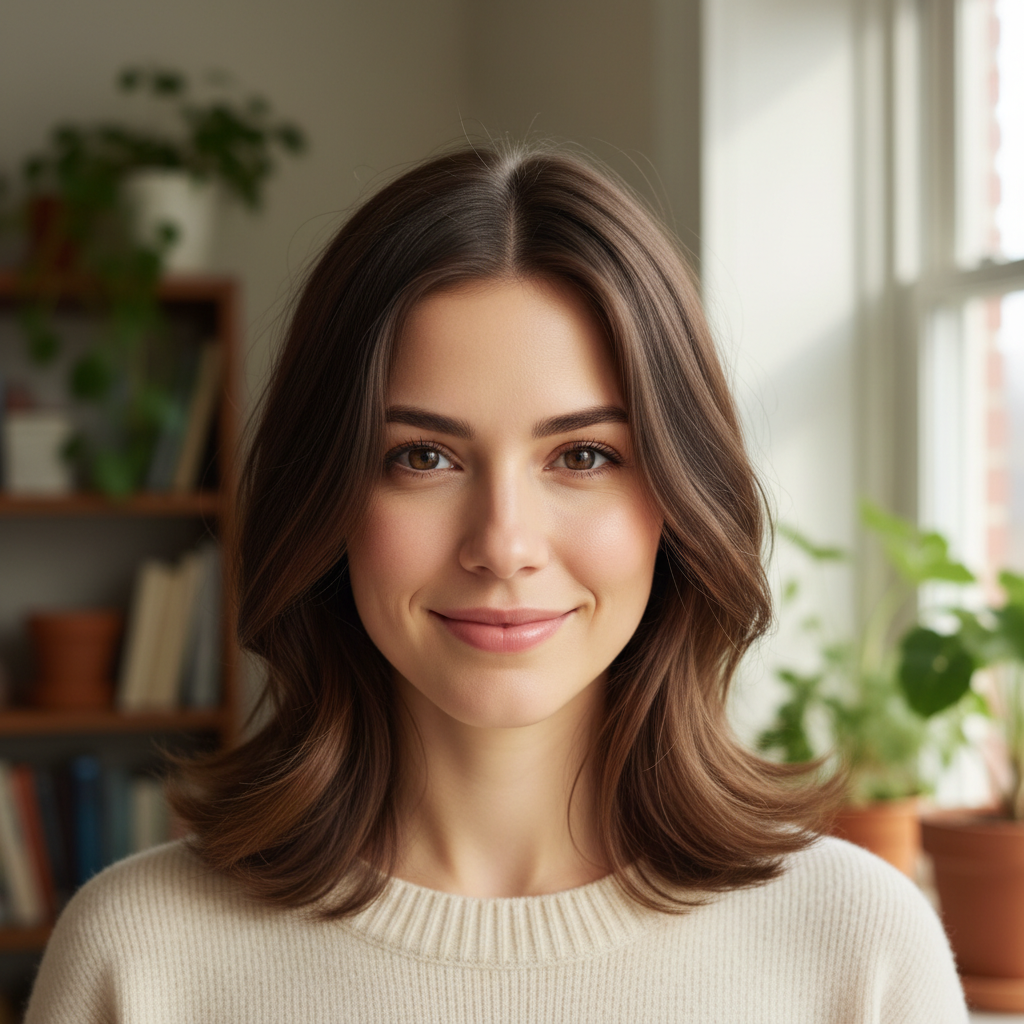
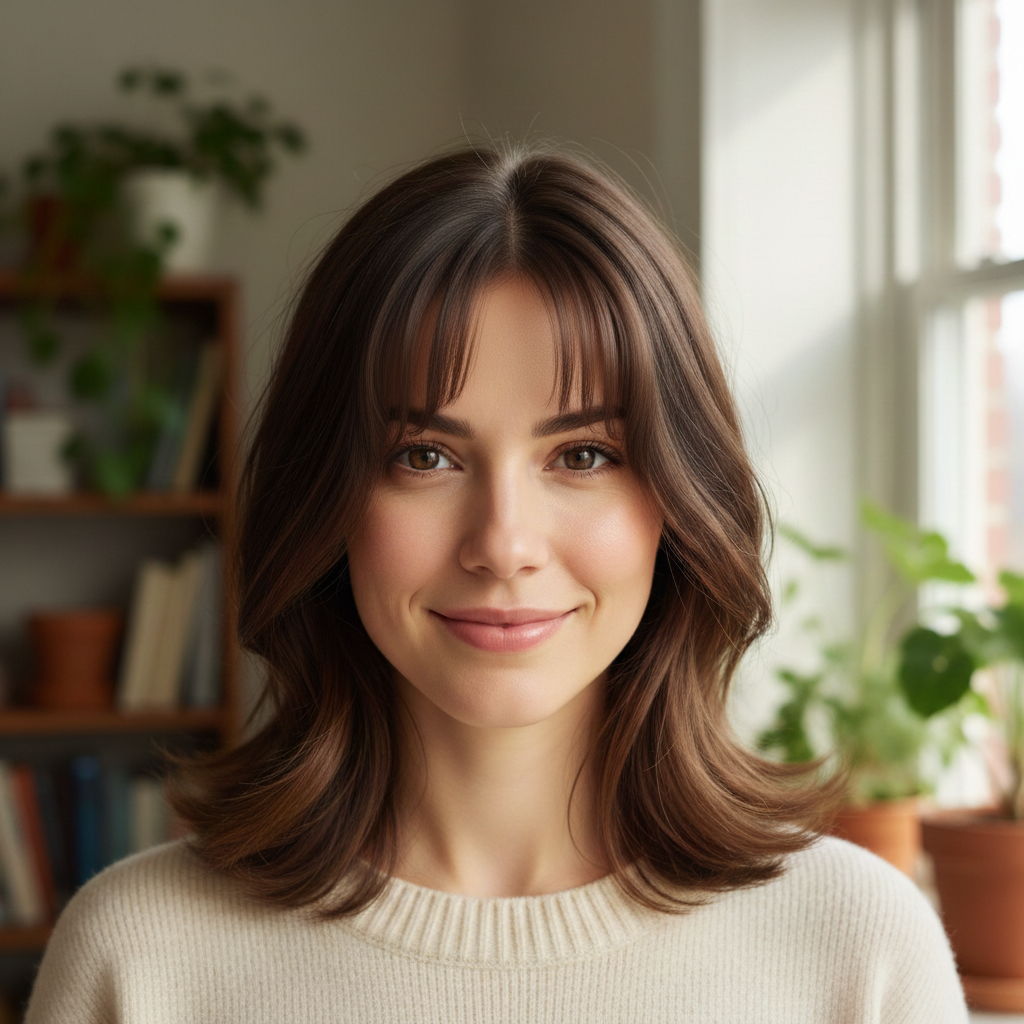
Prompt: change the hairstyle to a chin-length bob with a slight inward curl at the ends
Woman with short cropped dark hair above ears
Before
->
Same woman with long wavy curls past shoulders
After

Short hair to long flowing curls

A short hairstyle transformed to long wavy curls to visualize growing out hair.

Prompt: give this person long wavy curls past the shoulders with natural volume and bounce
Advertisement

If something looks off

AI changed the wrong area or something I didn't want changed

Why: The AI couldn't determine exactly which area you meant from description alone. This can happen when describing partial changes like 'just change the bangs.'

Try: Tap a marker on the hair area you want to change, then regenerate with the same prompt

Tip: Markers tell the AI 'I mean THIS area specifically.' Use them when description alone is ambiguous.

New hairstyle doesn't match the face shape naturally

Why: The AI generated hair that doesn't follow the natural contours of the face, creating an unnatural or floating appearance.

Try: change the hairstyle to [your description], ensure the hair frames the face naturally and follows head shape

Tip: Adding 'frames the face naturally' tells the AI to match hair to the specific face shape in the photo.

Hairline looks unrealistic or shifted

Why: Dramatic style changes can cause the AI to reposition the hairline, especially when going from long to very short styles.

Try: Tap markers on the hairline area and regenerate: keep the natural hairline position while changing the style

Tip: The hairline is the most critical edge—marker refinement here makes the result look natural.

Hair texture doesn't look right for the style

Why: The AI may not match the expected texture for the style, like generating smooth hair when you wanted textured layers.

Try: change to [style] with [specific texture: textured layers, smooth silk, tight curls, messy waves]

Tip: Always specify texture alongside style. 'Textured pixie' produces very different results from just 'pixie cut.'

Result looks like a wig placed on top

Why: The transition between the new hairstyle and the forehead or neck area isn't blending properly, creating an artificial look.

Try: change the hairstyle to [your description], blend naturally into the hairline and around the ears

Tip: Mentioning 'blend into hairline' and 'around the ears' targets the two areas where wig-like artifacts appear.

Quick answers

Do I need to mark my hair before describing the style I want?

No! Just describe the hairstyle: 'change to a bob' or 'give me long curls.' The AI understands what 'hair' and 'hairstyle' mean and targets them automatically. Only use markers if you want to change a specific section, like just the bangs, and the AI isn't interpreting it correctly.

How do I try a new hairstyle on my photo for free?

Upload your photo to EditThisPic and type a style instruction like 'change to a short pixie cut.' The AI transforms the hairstyle in 30-45 seconds while keeping your face intact. Free to use, no account required, no watermarks on the result.

Is there a free AI hairstyle changer that doesn't require login?

Yes, EditThisPic changes hairstyles for free with no account needed. Upload your photo, describe the style you want, and download the result. No watermarks. Works for bobs, pixie cuts, curls, braids, updos, and more.

What's the best AI tool for trying hairstyles before a salon visit?

EditThisPic lets you preview any hairstyle on your own photo in seconds. Unlike apps with preset hairstyle templates, you describe exactly what you want in plain language. Try ten different styles in five minutes to find the perfect look before committing at the salon.

Ready to try a new hairstyle?

Free to try. No signup required.

Try it free