Free • No signup Edit Height · Free

AI Height Editor

Describe the height adjustment you want and AI makes it look natural. No marking needed.
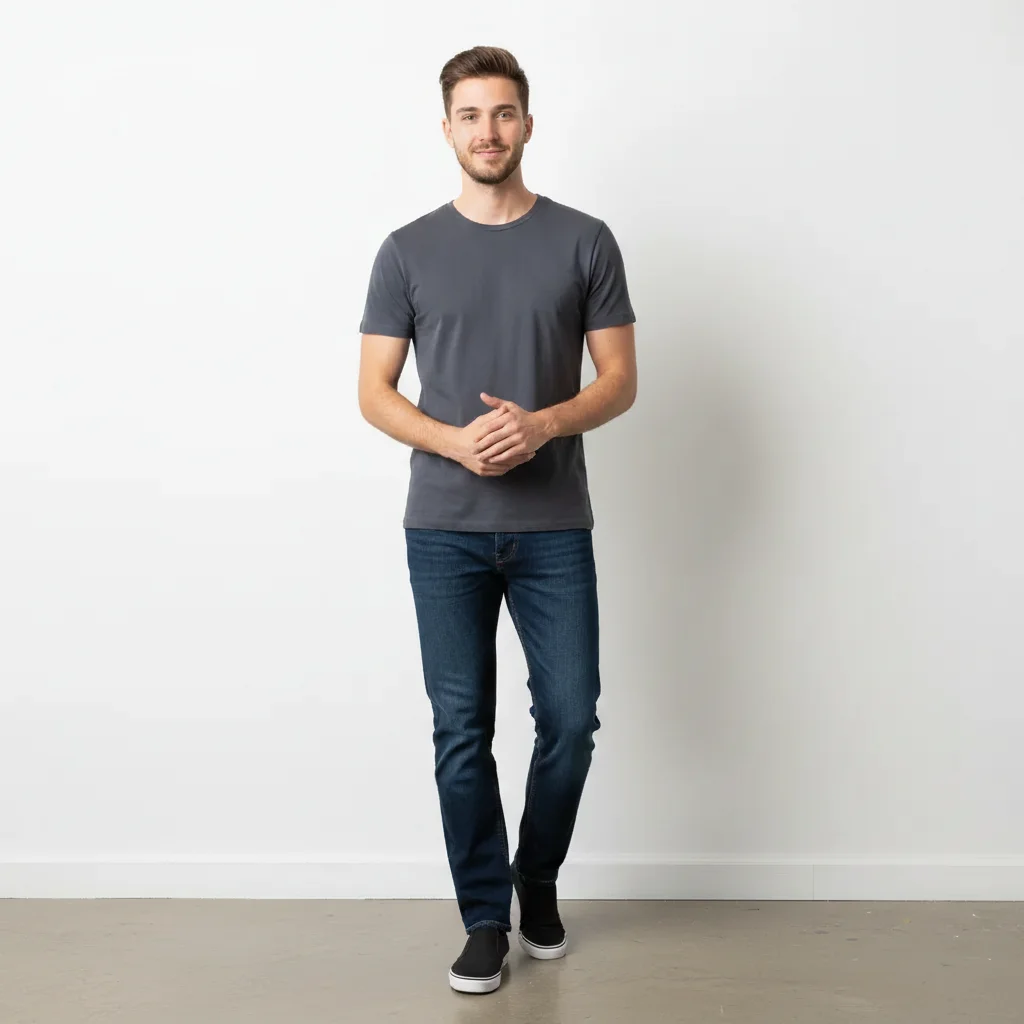
Man standing at natural height against white wall
Before
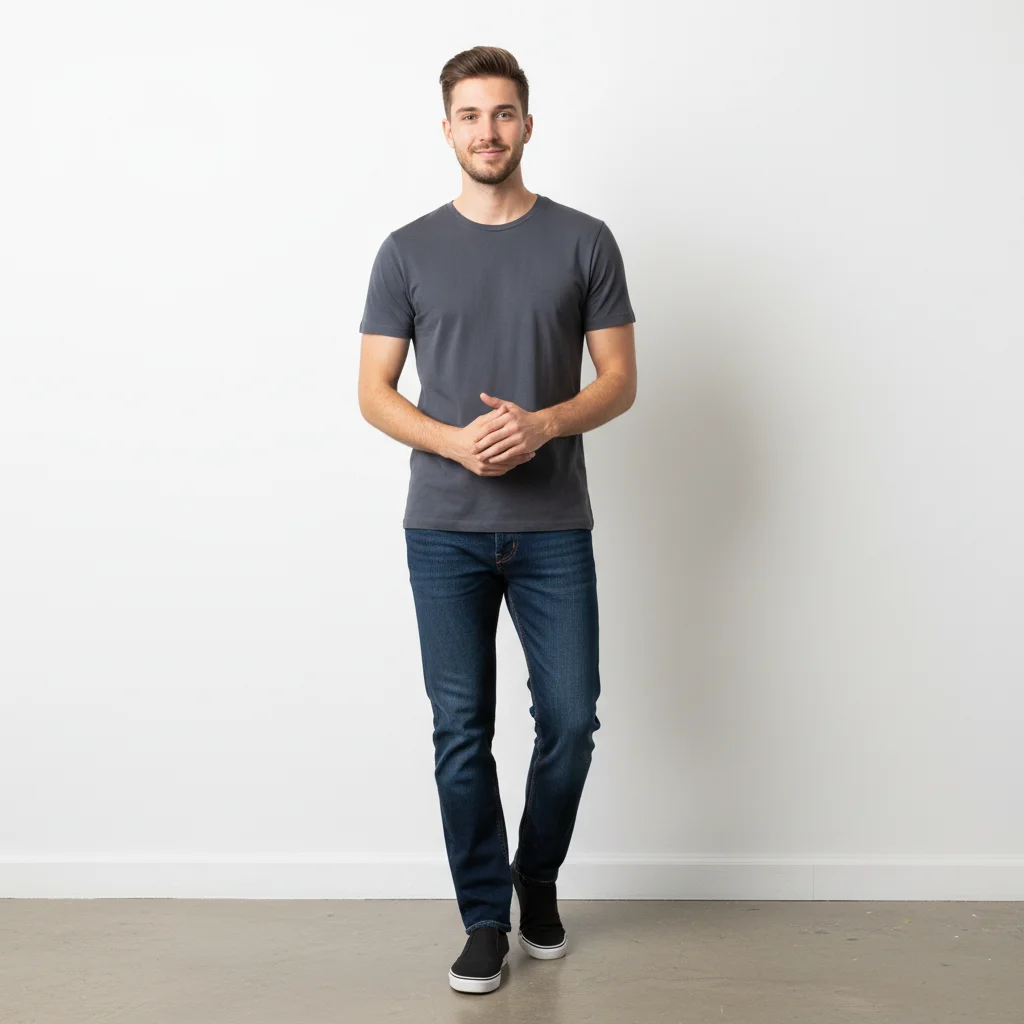
Same man appearing slightly taller with naturally extended legs
After

AI Height Editor

Drop your photo here

or click to browse

Release to upload

Free • No signup

Advertisement
Popular use cases:
  • height adjustment
  • look taller in photos
  • dating profile photo
  • height increase photo
  • leg lengthening
  • proportion correction
  • fashion photography
  • body proportion editor

Cost
Free No signup required
Time
Instant results in 15-30 seconds
Works on
Any device - browser, phone, tablet, desktop
Powered by
AI-powered photo editing
Scenario Prompt Time
Subtle height boost make this person look slightly taller 30s
Longer legs specifically extend the legs slightly for a taller look 35s
Group photo height match make this person closer in height to others 45s

How it works

  1. Upload your photo

    Drop your image into EditThisPic. JPG, PNG, WebP up to 7MB. Full body photos where the entire person from head to feet is visible work best for height adjustments.

    Expect: Subtle height change: 30-40 seconds. Larger adjustments or group photos: 45-60 seconds and may need refinements.
  2. Describe the height change

    Type what you want: 'make this person look taller with longer legs' or 'increase height slightly by extending the torso proportionally.' Be specific about which area to adjust. No marking needed—the AI understands body proportions.

    Tip: Specify where the height comes from: 'longer legs', 'longer torso', or 'overall proportional increase' for natural results.

    Copy one of these to get started:

    Taller with longer legs make this person look taller by extending the legs slightly, keep proportions natural
    Overall taller appearance increase this person's apparent height slightly, proportional adjustment across the whole body
    Taller torso make the torso slightly longer for a taller more proportional look
    Match height in group photo make this person slightly taller to appear closer in height to the other people in the photo
    3 more prompts
    Slightly shorter appearance make this person look slightly shorter, reduce the leg length naturally
    Elongated silhouette create a slightly more elongated and slender body silhouette, fashion-model proportions
    Subtle height boost add just a subtle height increase, barely noticeable but making the person look a bit taller
  3. Review the adjustment

    Check that the height change looks proportional and natural. Look for balanced limb ratios, natural joint positions, and no stretching artifacts. Compare against other objects in the frame for perspective consistency.

  4. Refine with markers if needed

    If the proportions feel off in specific areas like the torso or legs, tap markers on those spots and regenerate with more specific instructions. Most subtle height changes work on the first try.

    Tip: Markers are for precision refinement only. Try without them first—you usually won't need them.
Try it free

AI Height Editor

Drop your photo here

or click to browse

Release to upload

Free • No signup

"Dating profile photos are brutal when you're on the shorter side. Made myself look a couple inches taller in my full body photo and it's completely undetectable. Game changer." @ProfileBoost_Chris

See it in action

Man standing at natural height against white wall
Before
->
Same man appearing slightly taller with naturally extended legs
After

Subtle height increase for dating profile

A full body photo with legs extended slightly for a natural-looking taller appearance.

Prompt: make this person look taller by extending the legs slightly, keep proportions natural
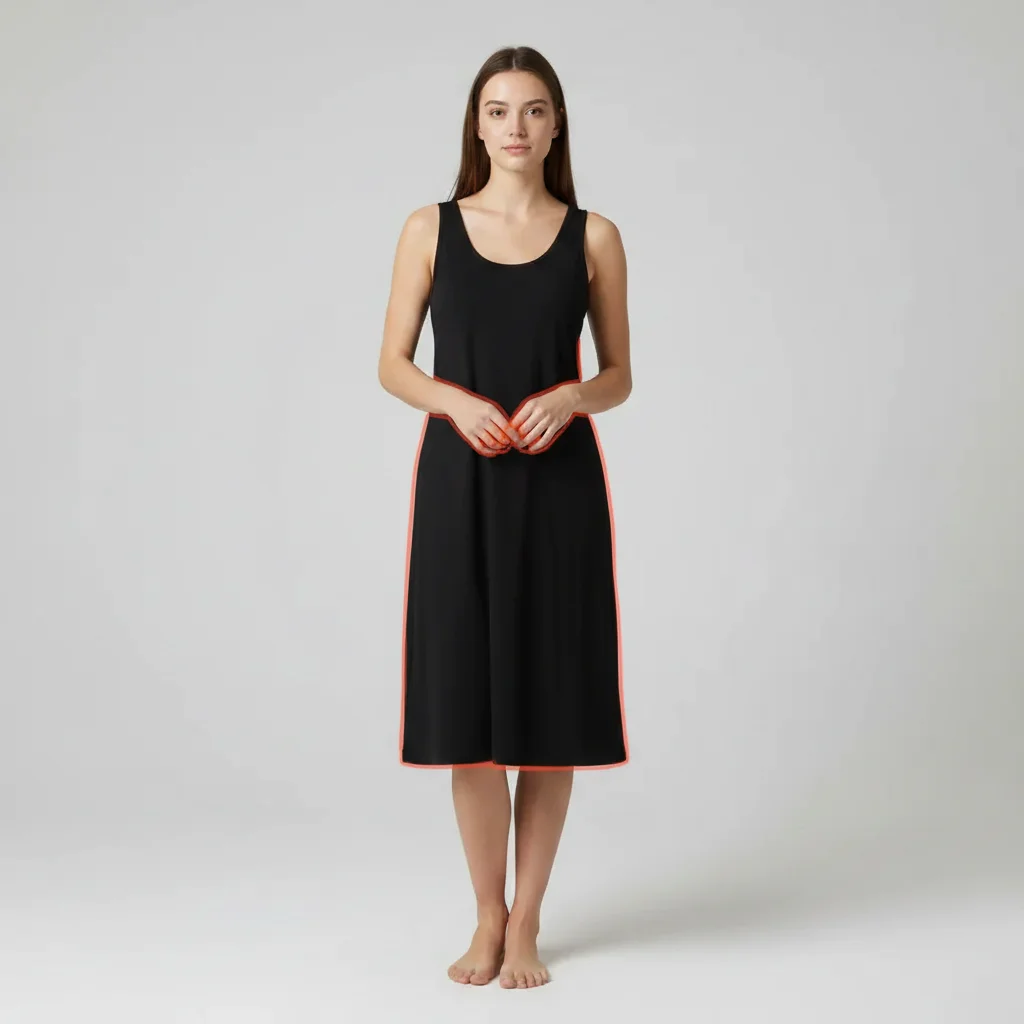
Woman in black dress at natural proportions
Before
->
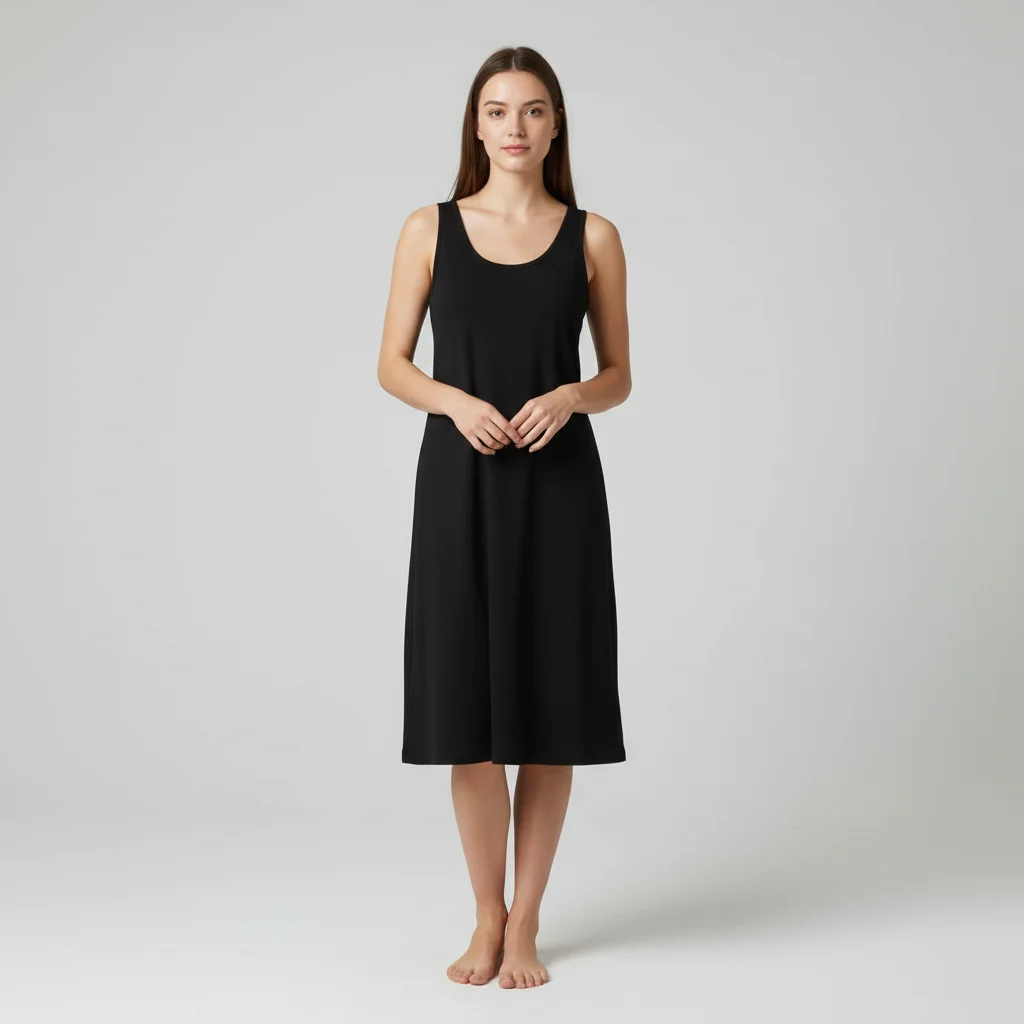
Same woman with slightly elongated fashion-model proportions
After

Elongated fashion silhouette

A casual photo transformed to have more fashion-forward elongated proportions.

Prompt: create a slightly more elongated and slender body silhouette, fashion-model proportions
Advertisement

If something looks off

AI changed the wrong area or something I didn't want changed

Why: The AI couldn't determine exactly which area to adjust from description alone. It may have stretched the torso when you wanted longer legs.

Try: Tap a marker on the specific area to adjust, then regenerate: add height here only

Tip: Markers tell the AI 'I mean THIS area specifically.' Use them to target legs or torso individually.

Person looks stretched rather than naturally taller

Why: The AI simply stretched pixels vertically instead of intelligently adjusting body proportions.

Try: make the person proportionally taller, not stretched—natural body proportions with correct limb ratios

Tip: 'Proportionally taller' and 'correct limb ratios' tell the AI to maintain human anatomy rather than just scaling.

Background is distorted near the adjusted body

Why: Height changes can warp nearby background elements, especially straight lines like walls, doors, or furniture.

Try: adjust height while keeping all background elements undistorted, straight lines should stay straight

Tip: Simple, uniform backgrounds minimize distortion. Photos against plain walls work best.

Proportions look wrong after height change

Why: Adding height to only one area created an imbalanced look where limbs or torso are disproportionate.

Try: increase height with balanced proportions—legs, torso, and arms should all scale correctly together

Tip: 'Scale correctly together' tells the AI to distribute the height increase across the body naturally.

Other people in the photo are also affected

Why: In group photos, the AI may adjust the height of everyone rather than just the target person.

Try: Tap a marker on just the one person to make taller, then regenerate: only adjust this person's height

Tip: In group photos, always use a marker to specify which person should change.

Quick answers

Do I need to mark my body before describing the height change?

No! Just describe the change: 'make this person taller' or 'extend the legs slightly.' The AI understands body proportions and adjusts automatically. Only use markers in group photos to specify which person to adjust, or to target specific areas like just the legs.

How do I make myself look taller in a photo for free?

Upload your photo to EditThisPic and type 'make this person look taller.' The AI adjusts height proportions in 30-45 seconds while keeping the result natural. Free to use, no account required, no watermarks on the result.

Is there a free height editor for photos that doesn't require login?

Yes, EditThisPic edits height in photos for free with no account needed. Upload your photo, describe the adjustment, and download the result. No watermarks. Works on full body shots and group photos.

Will the height change be noticeable to others?

Subtle adjustments are virtually undetectable. The key is using words like 'slightly' or 'subtly' in your prompt. The AI adjusts proportions naturally rather than simply stretching pixels. Avoid extreme changes for the most convincing results.

Ready to adjust your height in photos?

Free to try. No signup required.

Try it free