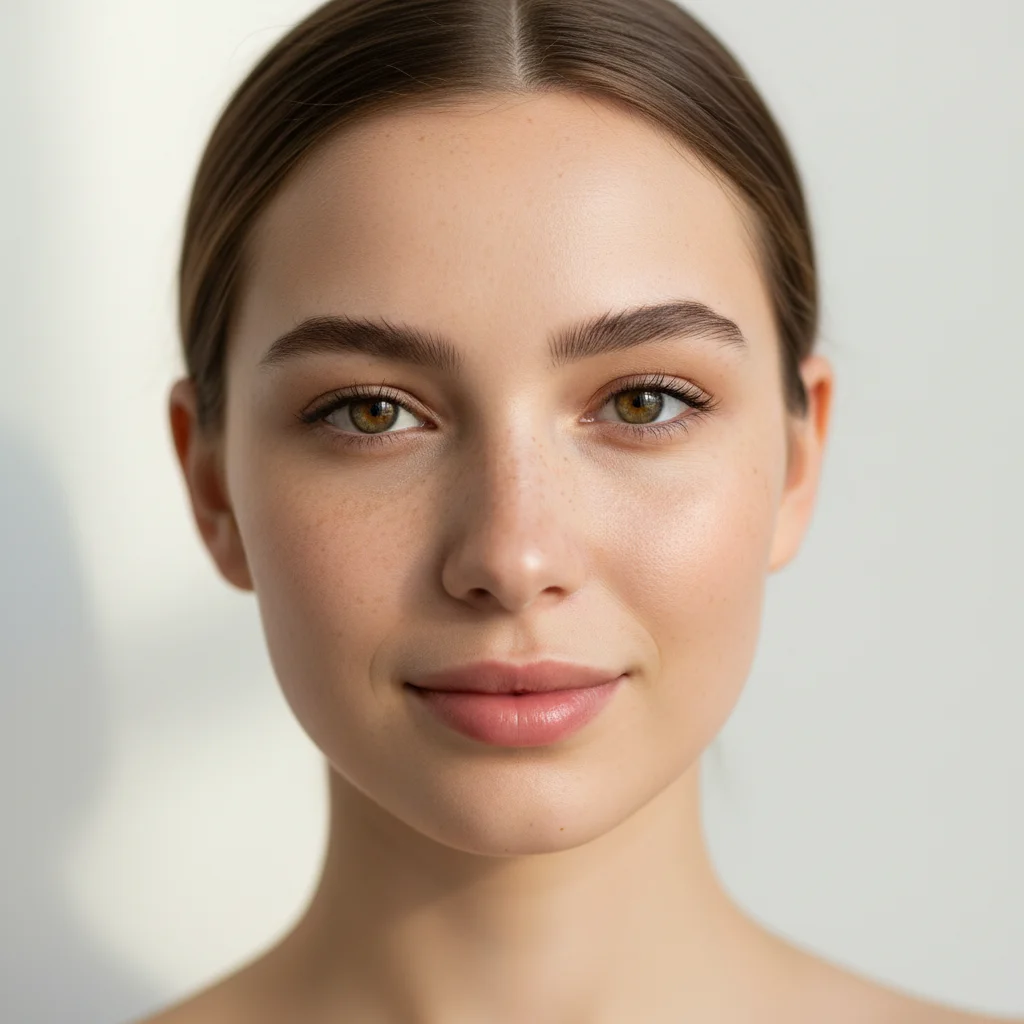
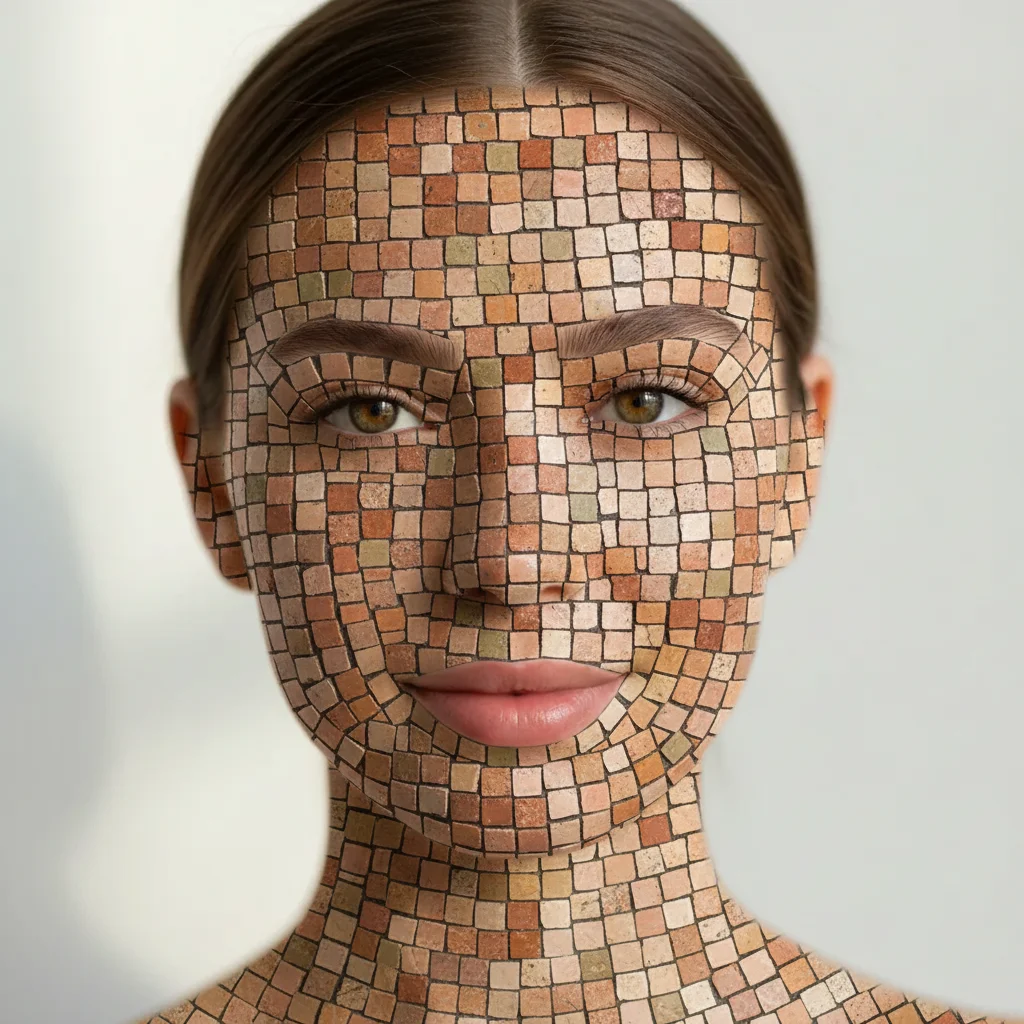
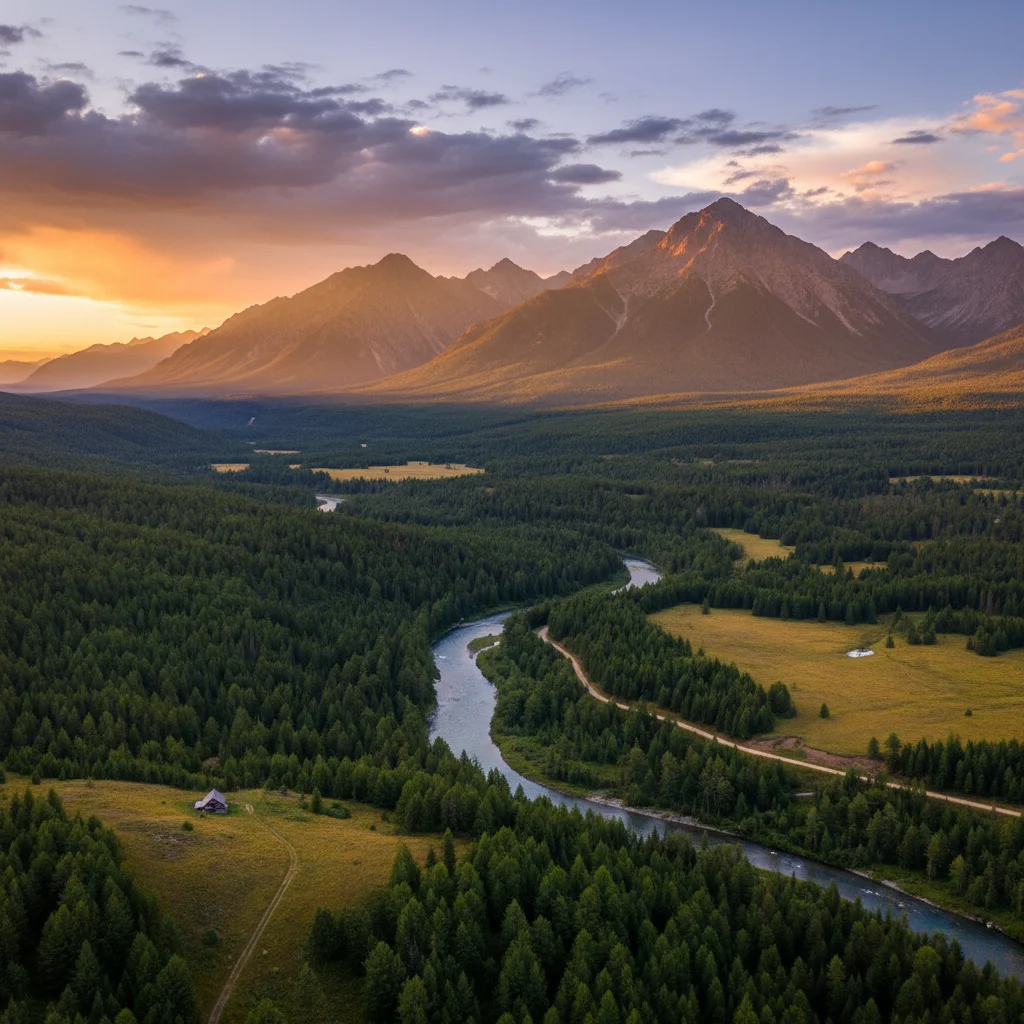
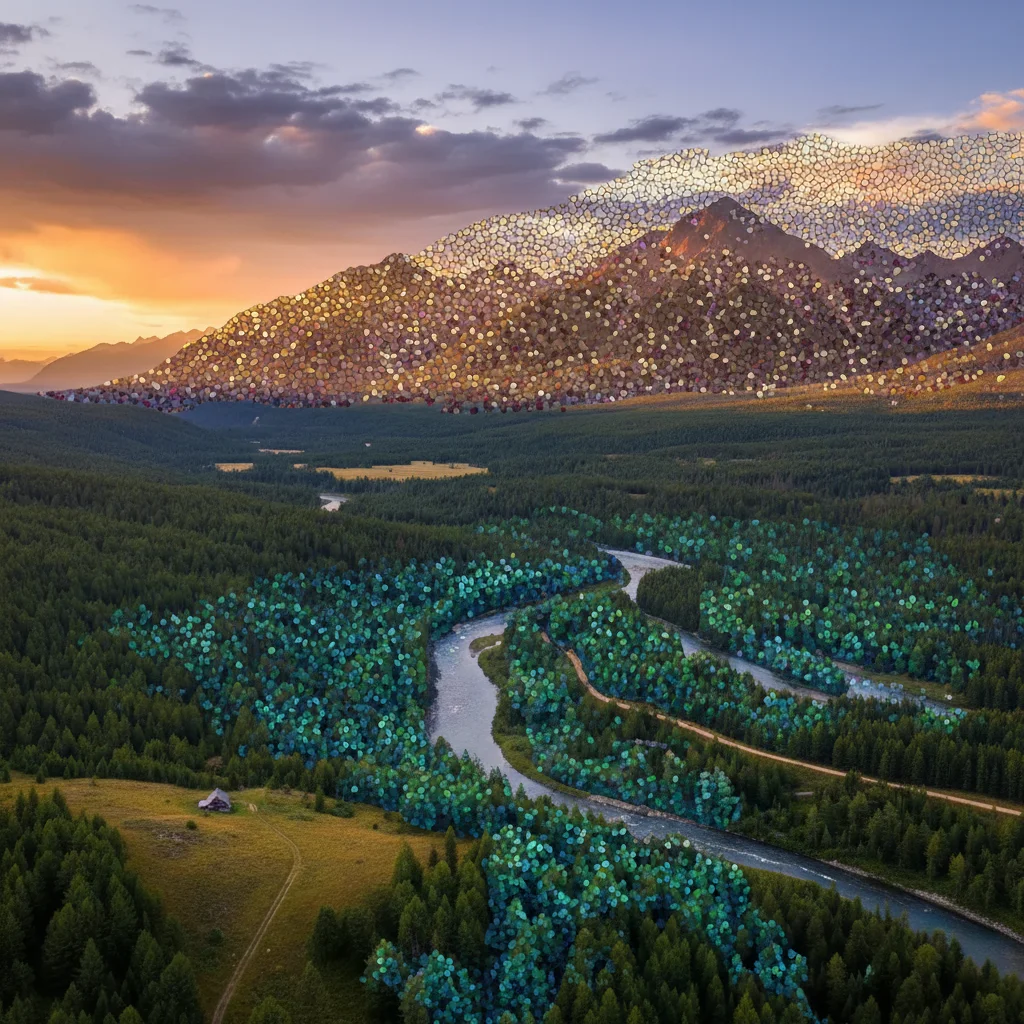
Do I need to mark areas before converting to mosaic?
No! Just describe what you want: 'convert to mosaic tile art' or 'transform into Roman mosaic.' The AI converts your entire image. Only use markers if you want different tile sizes or styles on specific areas—like fine detail on the face and larger tiles on the background.
How do I make it look like real handmade mosaic, not digital?
Include authentic mosaic characteristics: 'visible grout lines,' 'irregular tile shapes,' or 'varied tile sizes.' Specify material like 'stone tesserae' or 'glass tiles' for realistic texture. Real mosaics have imperfect tiles and visible grout—avoid 'smooth' or 'uniform' if you want handmade authenticity.
Is there a free mosaic maker that doesn't require login?
Yes. EditThisPic converts photos to mosaic tile art with AI, completely free with no account needed. Just upload, describe your desired mosaic style, and download your tessellated artwork with no watermark.
What's the difference between Roman, Byzantine, and modern mosaic styles?
Roman mosaics use small uniform stone tiles in naturalistic designs. Byzantine mosaics feature gold and jewel-toned glass tiles in religious iconography. Modern pixel mosaics use perfectly uniform square tiles like digital pixels. Specify your preferred style in the prompt for accurate historical or contemporary results.
Can I control the tile size in the mosaic?
Yes. Request 'tiny micro tiles' for fine detail, 'small tiles' for classical mosaic, or 'large tiles' for bold contemporary style. You can also specify: 'convert to mosaic with 5mm tiles' for precise sizing. Smaller tiles preserve more photo detail; larger tiles create abstract tessellation.
Is EditThisPic's AI mosaic converter really free?
Yes — you get 1 free edit per week, no account needed. For unlimited edits, plans start at $3.99/month.
Can I convert mosaic on my phone?
Yes. EditThisPic works in any mobile browser — iPhone, Android, tablet. No app download needed.
What photo formats does the AI mosaic converter support?
JPG, PNG, WebP, and HEIC. Upload any common photo format and EditThisPic handles the rest.