Free • No signup Change Pet fur color · Free

AI Pet Fur Color Changer
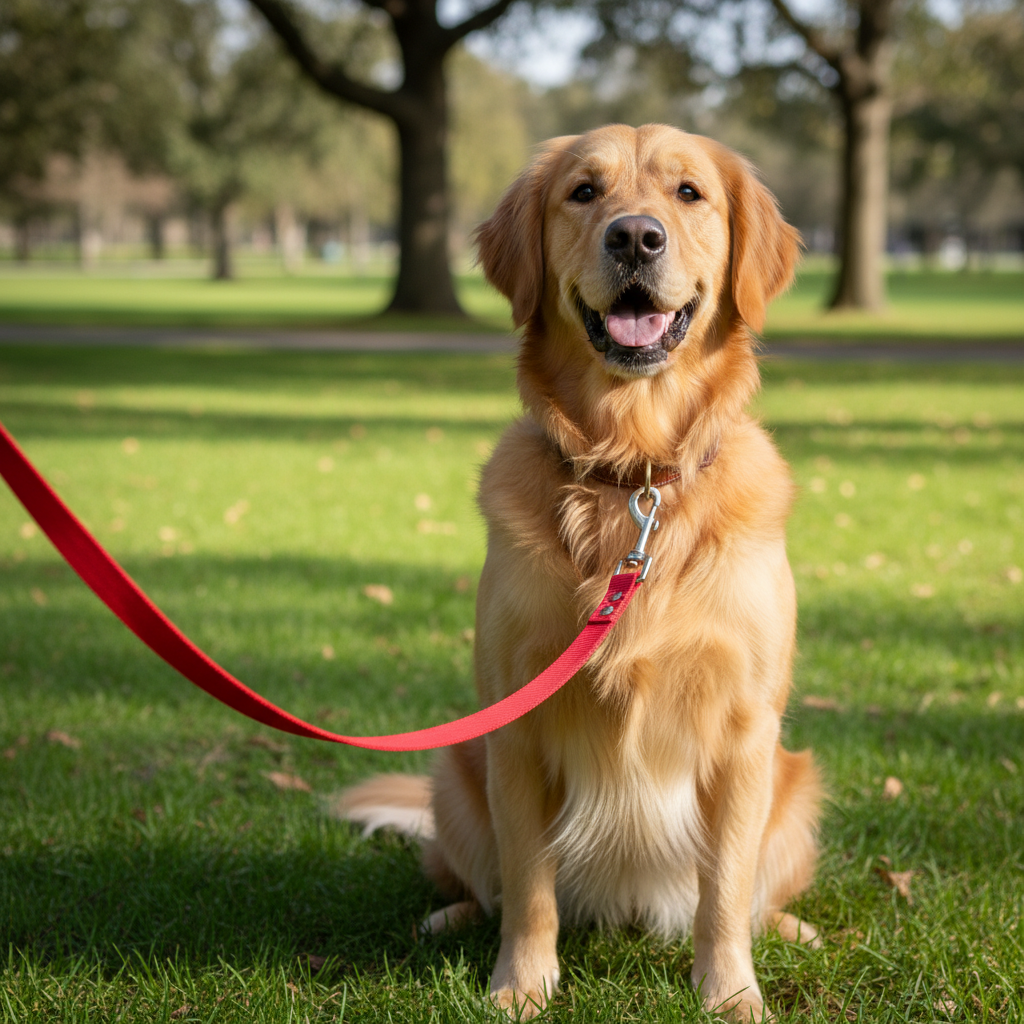
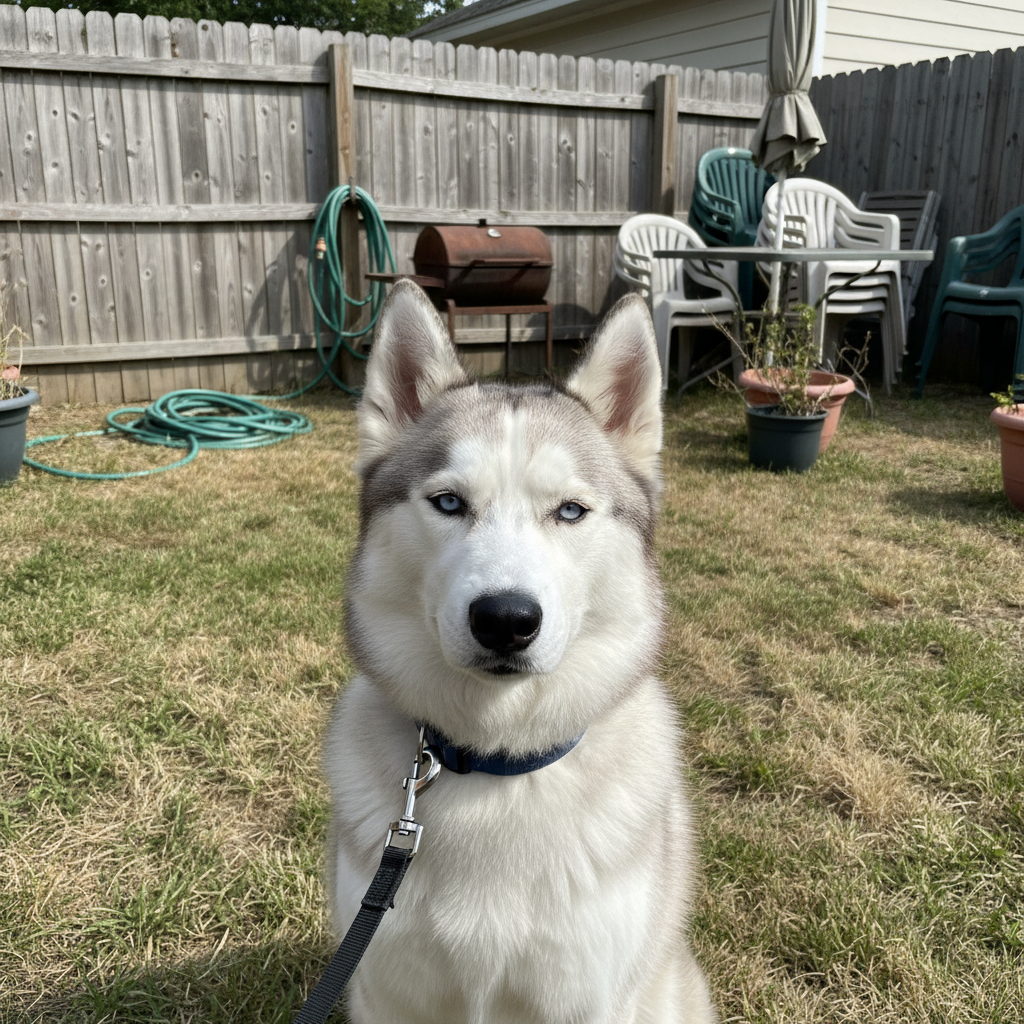
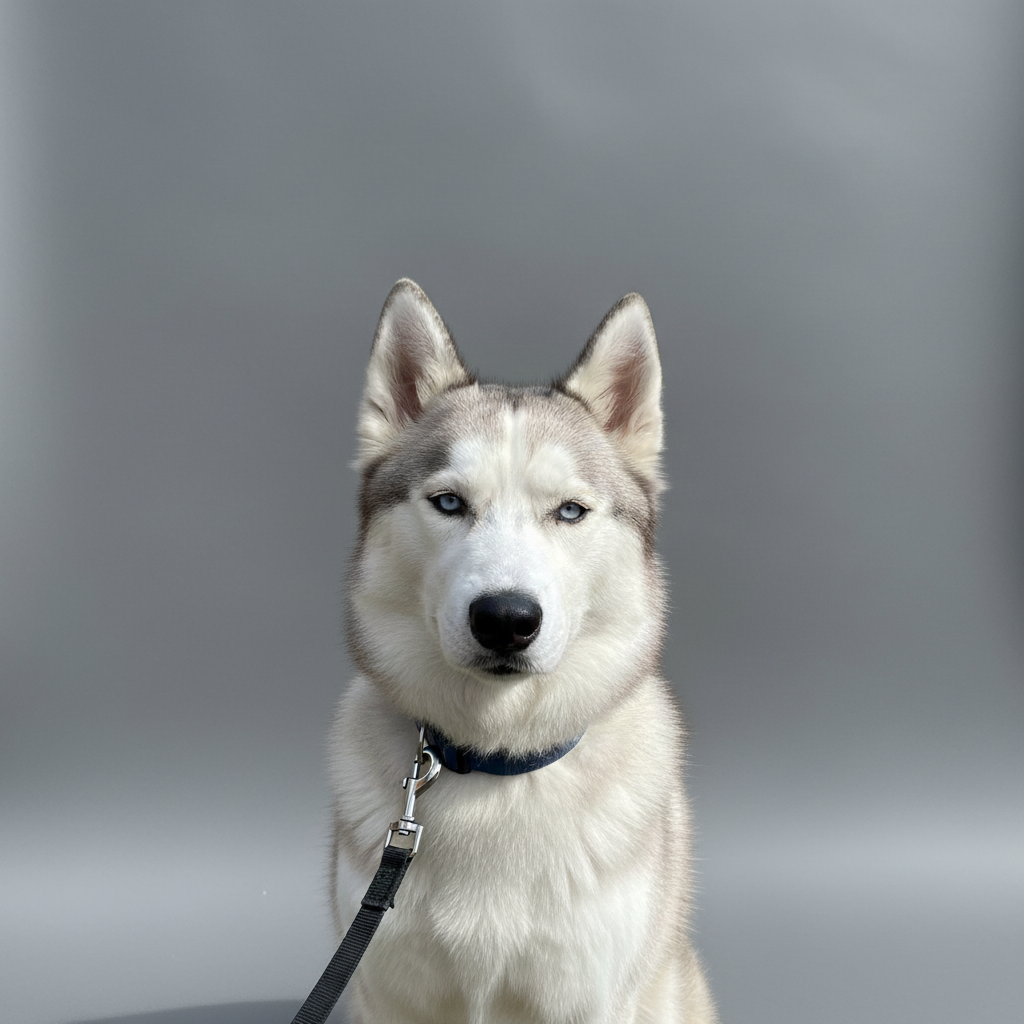
Before
Before
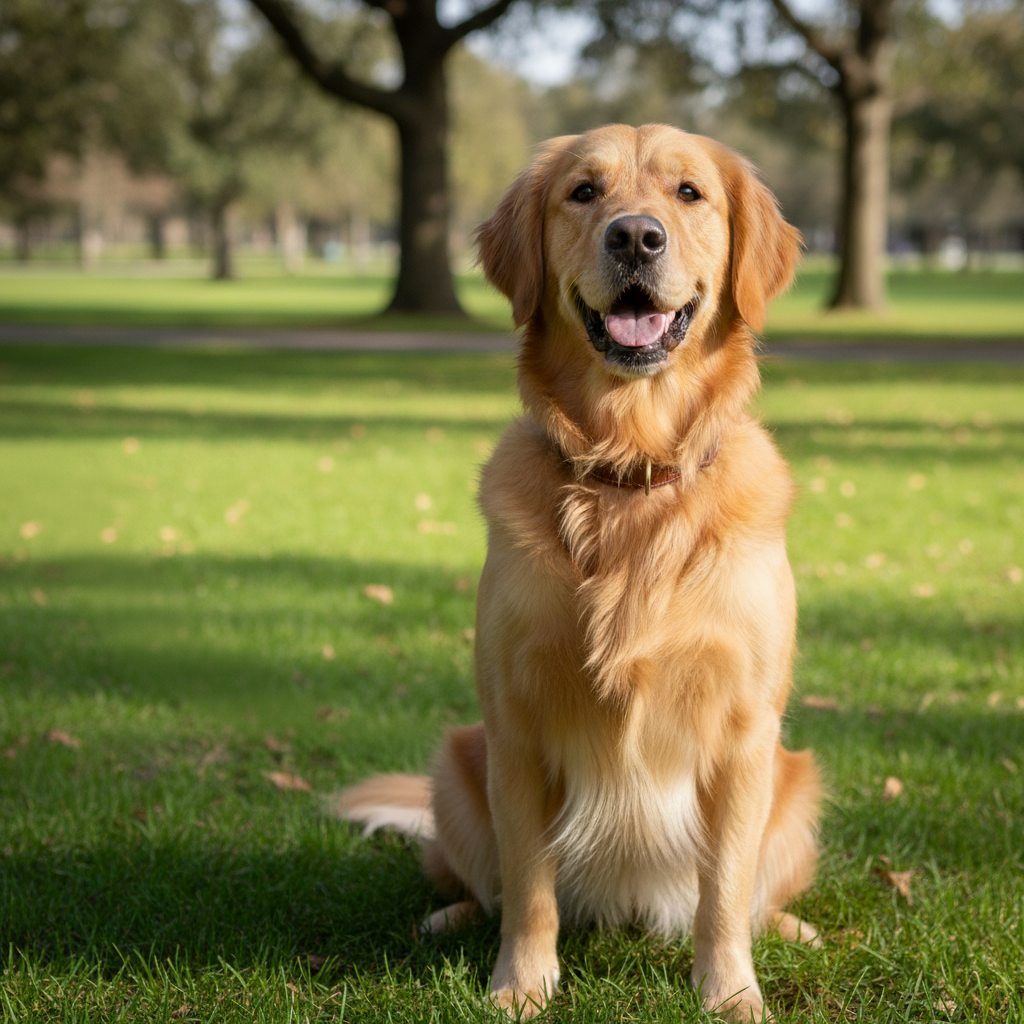
After
After

Free AI Pet Fur Color Changer

Drop your photo here

or click to browse

Release to upload

Free • No signup

Advertisement

Cost
Free No signup required
Time
Instant results in 15-30 seconds
Works on
Any device - browser, phone, tablet, desktop
Powered by
AI-powered photo editing

How it works

  1. Upload Your Pet Photo

    Choose the photo of your dog, cat, or other pet whose fur color you want to change. Works with any pet coat color or pattern.

    Expect: Simple change: 20-30 seconds. Complex change: 30-45 seconds and may need refinements.
  2. Describe the New Fur Color

    Tell the AI what color you want the fur to be. Specify whether to change entire coat or specific areas. The AI preserves fur texture and patterns while changing colors naturally.

    Copy one of these to get started:

    change Change the dog's brown fur to bright white fur while keeping the same texture and natural shading throughout the coat
    change Transform the cat's orange tabby fur to gray tabby fur maintaining all the striped markings and patterns in the new gray color
    change Change the dog's black fur to golden retriever blonde fur color while preserving the fluffy texture and natural highlights
    change Transform the cat's all-white fur to calico coloring with patches of orange and black creating a natural tricolor pattern
    3 more prompts
    change Change just the dog's body fur from tan to chocolate brown while keeping the white chest and paws unchanged
    change Transform the cat from solid gray to silver-tipped fur where each hair appears darker at the base and silver at the tips creating a shimmering effect
    change Change the dog's brindle pattern from brown and black stripes to blue merle coloring with mottled gray, black, and silver patches maintaining the pattern complexity
  3. Review the Color Change

    Check that the new fur color looks natural and realistic. Verify that fur texture, markings, and shading are preserved while the color has transformed as requested.

  4. Download Your Transformed Pet Photo

    Save your pet photo with new fur color in high resolution with no watermark. The realistic color change maintains natural pet appearance.

Try it free

Free AI Pet Fur Color Changer

Drop your photo here

or click to browse

Release to upload

Free • No signup

See it in action

Before
Before
->
After
After

Full Coat Color Change

Change the golden retriever's yellow fur to pure white fluffy coat while maintaining the same long fur texture, natural shading, and highlights throughout
Prompt:
Before
Before
->
After
After

Pattern Color Transformation

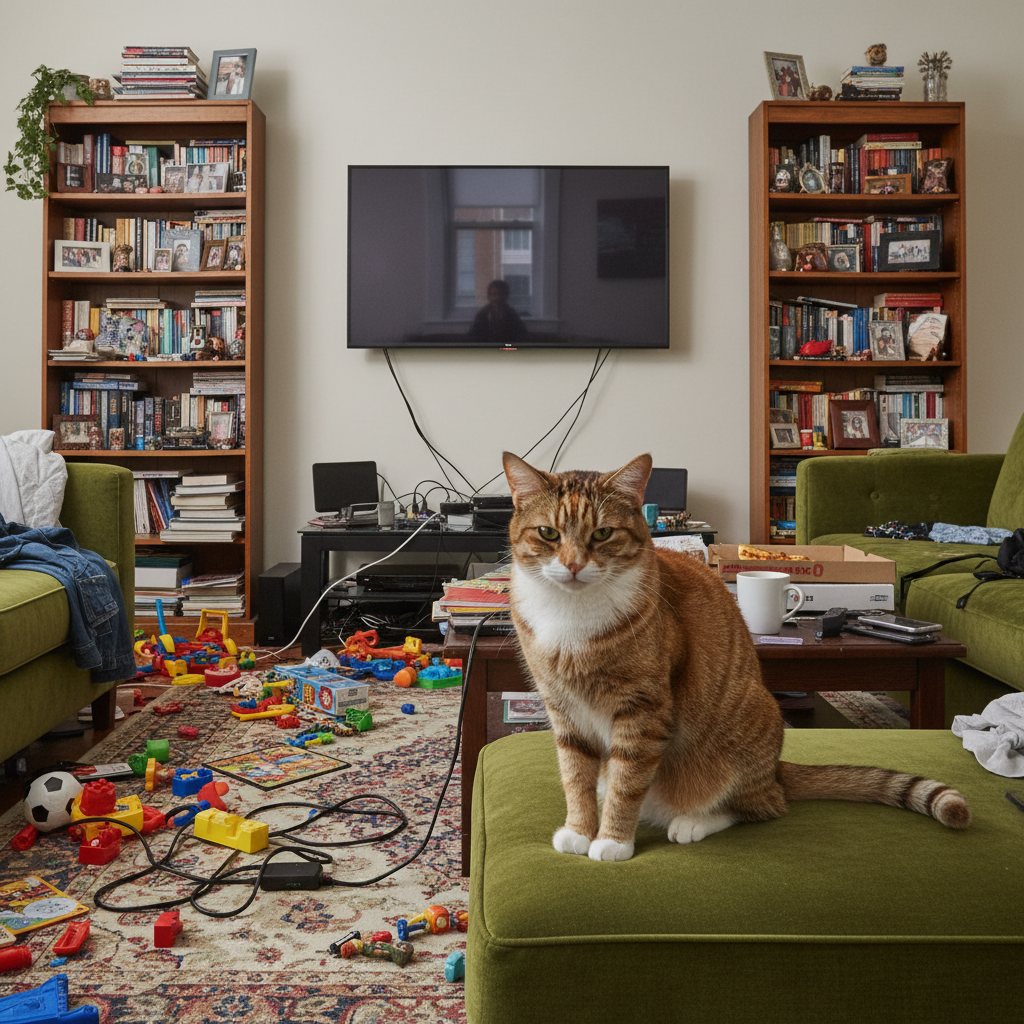
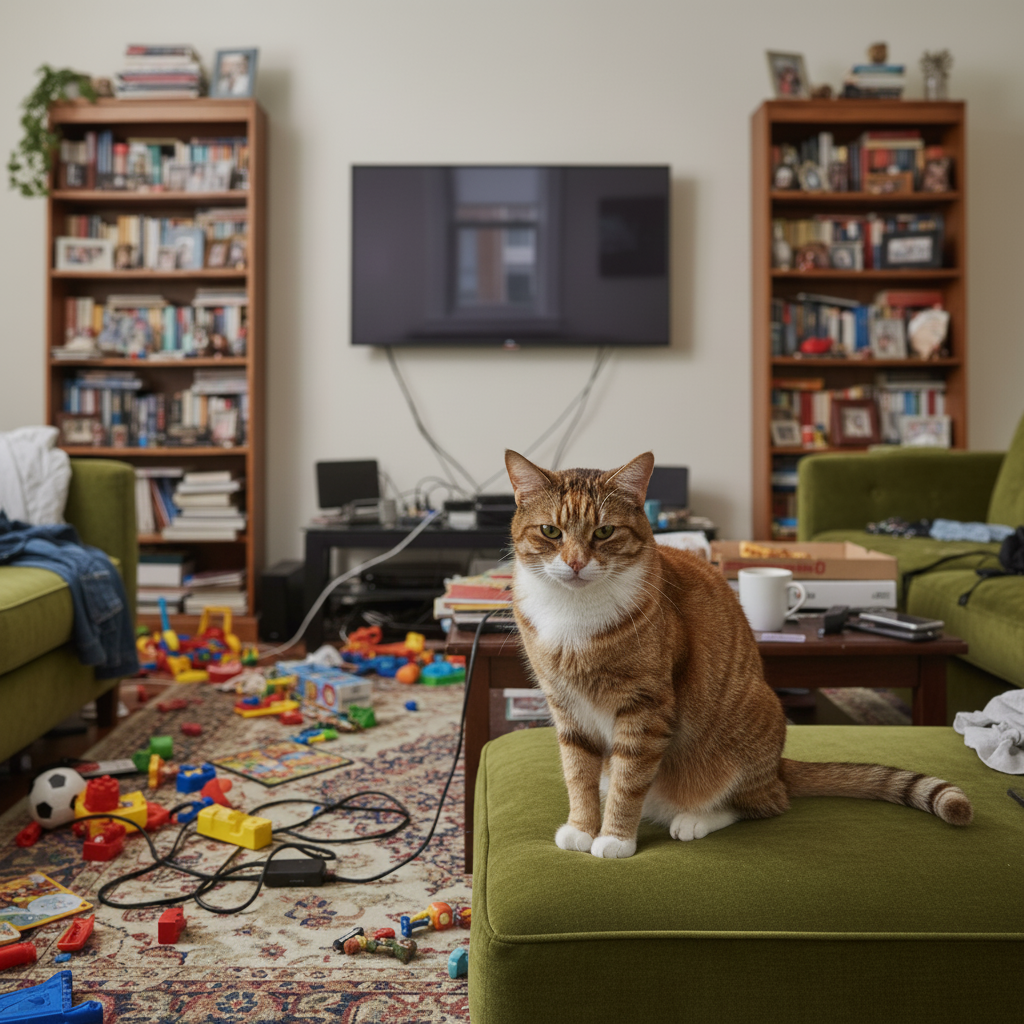
Transform the cat's orange and black tabby pattern to cream and gray tabby coloring, changing the base colors while preserving all the distinctive striped markings and swirls
Prompt:
Before
Before
->
After
After

Partial Fur Color Change

Change only the black portions of the border collie's coat to rich chocolate brown while keeping the white markings exactly as they are, maintaining the distinctive collie pattern

Prompt:
Advertisement

If something looks off

AI changed the wrong area or something I didn't want changed

Why: The AI couldn't determine exactly which area you meant from description alone.

Try: Tap a marker on the specific area you want to change, then regenerate with the same prompt

Tip: Markers tell the AI 'I mean THIS one specifically.' Use them when description alone is ambiguous.

Quick answers

Do I need to mark the fur to change its color?

No marking needed. Just describe which pet and what new fur color you want (white, black, orange, gray). The AI identifies the pet's fur automatically and transforms the color while preserving texture and patterns.

Can I change specific parts of the fur or just the whole coat?

Both options work. You can change the entire coat ('make the dog's fur all white') or specific areas ('change the body fur to brown but keep the white paws and chest'). Be specific about which parts to change.

Will fur patterns and markings be preserved?

Yes, when you request it. Specify 'maintain markings' or 'preserve stripe pattern' and the AI will keep patterns while changing colors. Example: tabby stripes stay but change from orange to gray.

What fur colors can I create?

Any realistic pet colors: white, black, brown, tan, golden, gray, cream, chocolate, ginger, calico patterns, brindle, merle, tabby colorations. Unrealistic colors (bright blue, purple) are possible but may look less natural.

Can this work on photos with multiple pets?

Yes, you can change all pets or specific ones. Identify which pet to change by position ('the cat on the left') or description ('the smaller dog'). Can specify different colors for different pets in one request.

Ready to edit your photo?

Free to try. No signup required.

Try it free