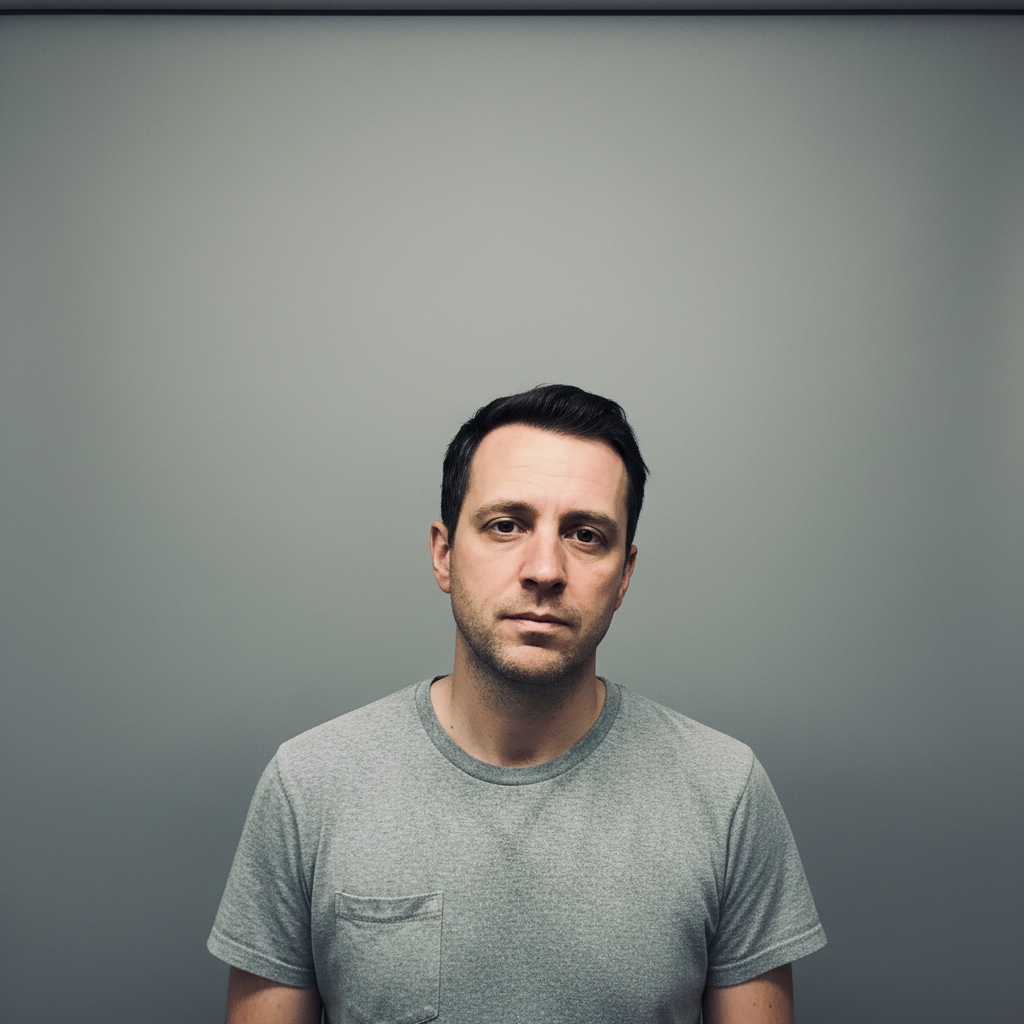
Free • No signup Enhance Selfies · Free

AI Selfie Enhancer

Describe how you want your selfie improved and AI enhances it naturally in seconds.
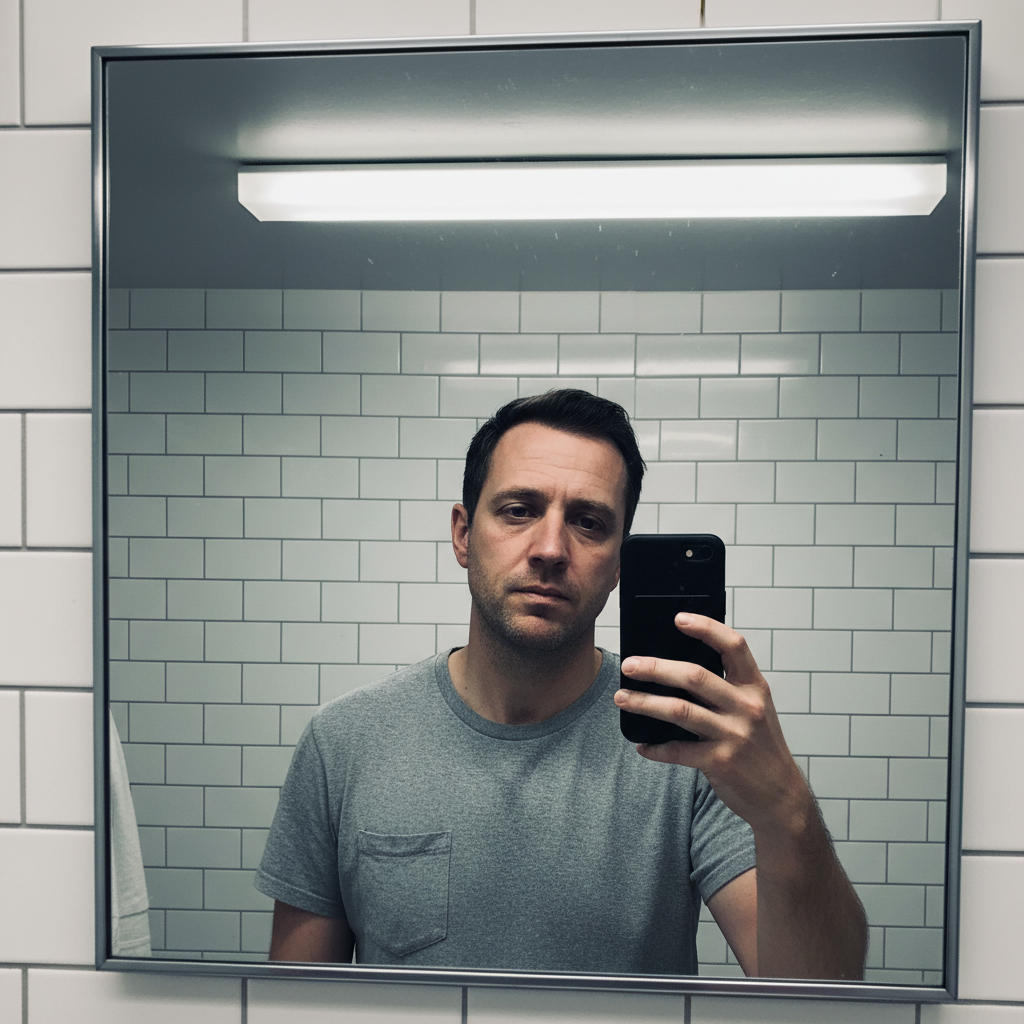
Selfie with harsh bathroom lighting creating dark under-eye shadows
Before
Same selfie with warm even lighting and natural flattering skin tones
After

AI Selfie Enhancer

Drop your photo here

or click to browse

Release to upload

Free • No signup

Advertisement
Popular use cases:
  • selfie enhancement
  • selfie lighting fix
  • front camera improvement
  • selfie quality boost
  • natural selfie editing
  • selfie skin enhancement
  • group selfie fix
  • mirror selfie enhancement

Cost
Free No signup required
Time
Instant results in 15-30 seconds
Works on
Any device - browser, phone, tablet, desktop
Powered by
AI-powered photo editing
Scenario Prompt Time
Quick lighting fix fix harsh lighting, add warm flattering tones 20s
Full selfie enhancement warm lighting, natural skin, brighter eyes, soft background 30s
Dark selfie rescue brighten significantly, reduce noise, sharpen face 35s

How it works

  1. Upload your selfie

    Drop your selfie into EditThisPic. JPG, PNG, WebP up to 7MB. Front-camera selfies, rear-camera portraits, and even mirror selfies all work. The closer and clearer your face, the better the enhancement.

    Expect: Quick lighting and tone fixes: 20-30 seconds. Full enhancement with skin and background work: 30-45 seconds and may need refinements.
  2. Describe the enhancement you want

    Type your instruction: 'enhance this selfie with warm flattering lighting and natural glowing skin' or 'fix the harsh shadows and brighten my face while keeping me looking authentic.' Be specific about lighting and skin treatment. No marking needed—the AI understands selfie enhancement naturally.

    Tip: Always include 'natural' or 'authentic' in your prompt. Over-enhanced selfies look worse than un-enhanced ones.

    Copy one of these to get started:

    Flattering natural glow enhance this selfie with warm flattering lighting, natural glowing skin, and slightly brighter eyes while keeping me looking authentic
    Harsh lighting fix fix the harsh overhead shadows in this selfie, even out the lighting on my face, and add soft warm tones for a natural look
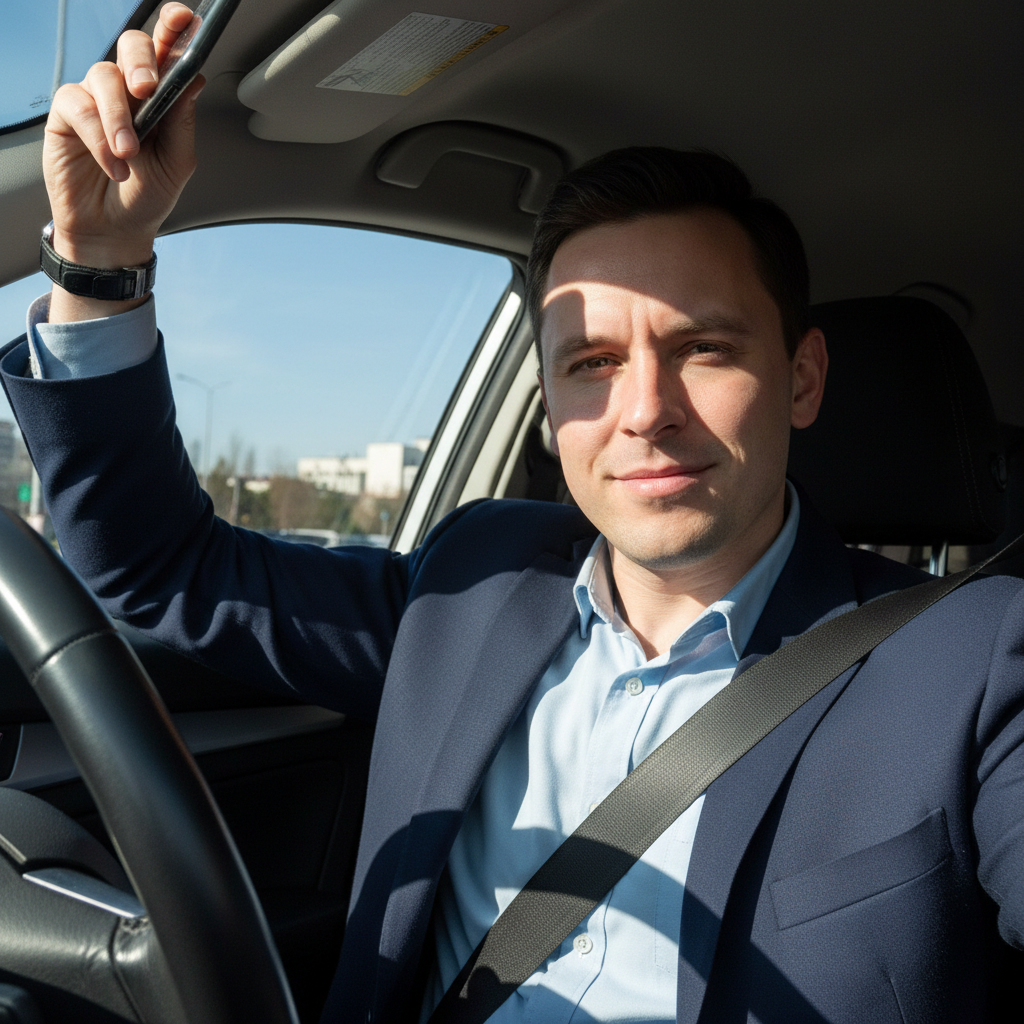
    Low light selfie rescue brighten this dark selfie significantly, reduce the noise and grain, sharpen my face naturally, and improve the color balance
    Outdoor selfie color boost enhance this outdoor selfie with vibrant natural colors, golden warm skin tones, and a softly blurred background to highlight my face
    3 more prompts
    Front camera quality upgrade improve the quality of this front-camera selfie to look like a rear-camera portrait with sharper details, better color depth, and reduced noise
    Group selfie enhancement brighten and enhance all faces in this group selfie, improve the overall lighting, and make everyone look naturally flattering
    Soft dreamy selfie aesthetic give this selfie a soft dreamy look with gentle warmth, slightly glowing highlights, and smooth background bokeh while keeping my features sharp
  3. Check authenticity at zoom

    Zoom in on skin texture, eyes, and hair to make sure nothing looks plastic or over-processed. The enhancement should look like great lighting caught you at the right moment, not like a beauty filter was applied.

  4. Refine with markers if needed

    If specific areas like under-eye shadows, one side of the face, or the background need different treatment, tap markers on those spots and regenerate. Most selfie enhancements work perfectly on the first try.

    Tip: Markers are for precision refinement only. Try without them first—you usually won't need them.
Try it free

AI Selfie Enhancer

Drop your photo here

or click to browse

Release to upload

Free • No signup

"Front camera lighting is always terrible. I describe the vibe I want—warm, soft, flattering—and it fixes the lighting while keeping me looking like me. No more deleting 20 selfies to find one good one." @SelfieQueen_Nia

See it in action

Selfie with harsh bathroom lighting creating dark under-eye shadows
Before
->
Same selfie with warm even lighting and natural flattering skin tones
After

Harsh bathroom lighting to warm flattering portrait

A selfie ruined by harsh overhead bathroom lighting transformed into a naturally flattering photo with warm even tones.

Prompt: fix the harsh overhead shadows in this selfie, even out the lighting on my face, and add soft warm tones for a natural look

Very dark nighttime selfie with heavy grain and barely visible face
Before
->
Same selfie brightened with clear facial details and balanced colors
After

Dark nighttime selfie to bright clear photo

A grainy, dark selfie taken at night brightened and cleaned up while preserving natural features.

Prompt: brighten this dark selfie significantly, reduce the noise and grain, sharpen my face naturally, and improve the color balance
Advertisement

If something looks off

AI changed the wrong area or something I didn't want changed

Why: The AI couldn't determine exactly which area you meant from description alone. This happens when you want selective enhancement on specific facial features.

Try: Tap a marker on the specific area you want to enhance, then regenerate with the same prompt

Tip: Markers tell the AI 'I mean THIS area specifically.' Use them when description alone is ambiguous.

Skin looks too smooth or plasticky after enhancement

Why: The AI applied beauty-filter-style smoothing that removes natural skin texture. This is the most common selfie enhancement mistake.

Try: enhance the lighting and colors of this selfie but keep all natural skin texture and pores intact, no smoothing whatsoever

Tip: 'No smoothing whatsoever' is the strongest directive. Natural texture at good lighting always looks better than smooth skin at bad lighting.

Eyes look unnaturally bright or edited

Why: Eye enhancement can overshoot, making eyes look alien or artificially enlarged. Subtle brightening is effective; dramatic changes look fake.

Try: enhance the overall selfie lighting but keep my eyes completely natural, do not brighten or enlarge them

Tip: If you want subtle eye improvement, try 'slightly brighter eyes' instead of just 'brighter eyes.'

Colors don't look like real life

Why: Heavy color grading can push skin tones and overall colors away from reality, making the selfie look obviously filtered.

Try: improve lighting quality only, keep all colors true to life and natural, no color grading or tinting

Tip: 'True to life' and 'no color grading' tell the AI to fix lighting without artistic color shifts.

Enhancement made existing blemishes more visible

Why: Sharpening and contrast enhancement can emphasize imperfections that were less visible in the original lower-quality capture.

Try: enhance the selfie with improved lighting and gently minimize visible blemishes while keeping natural skin texture overall

Tip: 'Gently minimize' is the right level—it reduces visibility without creating the smoothed-over look.

Quick answers

Do I need to mark my face before describing the enhancement?

No! Just describe what you want: 'enhance this selfie with warm lighting and natural skin' or 'fix the harsh shadows on my face.' The AI knows that selfie enhancement focuses on facial lighting, skin quality, and overall tone. Only use markers if one specific area needs different treatment—like fixing shadows on just one side.

How do I enhance selfies without them looking filtered or fake?

Use prompts that emphasize natural results: 'improve the lighting naturally' and 'keep my skin texture authentic.' Focus on fixing what's wrong with the lighting rather than changing your appearance. EditThisPic works in your browser for free, no account needed. The key is enhancing the photo, not altering your face.

Is there a free selfie enhancer that doesn't require login?

Yes, EditThisPic is free to try with no account needed. Upload your selfie, describe the enhancement you want, and download the result. No watermarks on outputs. Works for front-camera selfies, group selfies, and mirror shots without signing up.

What's the best free AI tool for improving selfie quality?

EditThisPic lets you describe exactly what your selfie needs instead of applying a generic beauty filter. Fix lighting, reduce noise, boost colors, or blur backgrounds—all by typing what you want. Each selfie gets individually optimized rather than running through the same auto-enhance algorithm.

Ready to enhance your selfies?

Free to try. No signup required.

Try it free