AI Tie Adder - Add Ties to Photos
Add any tie to photos instantly—just describe the style, no marking needed

AI Tie Adder
Drop your photo here
or click to browse
Release to upload
Free • No signup
Popular use cases:
- professional headshot editing
- formal photo enhancement
- business portrait upgrade
- LinkedIn profile photo
- job interview photo
- Cost
- Free No signup required
- Time
- Instant results in 15-30 seconds
- Works on
- Any device - browser, phone, tablet, desktop
- Powered by
- AI-powered photo editing
| Scenario | Prompt | Time |
|---|---|---|
| Business necktie | Add a navy blue striped necktie with a Windsor knot, hanging straight |
6s |
| Black bow tie | Put a black bow tie on the person, tied neatly at the collar, formal style |
6s |
| Silk tie | Add a burgundy silk tie with a subtle sheen, four-in-hand knot |
7s |
How it works
Try it free ↓
AI Tie Adder
Drop your photo here
or click to browse
Release to upload
Free • No signup
"Needed a formal headshot for LinkedIn but didn't have a tie. Added one in seconds and it looks completely natural." @CareerBoost_Alex
See it in action
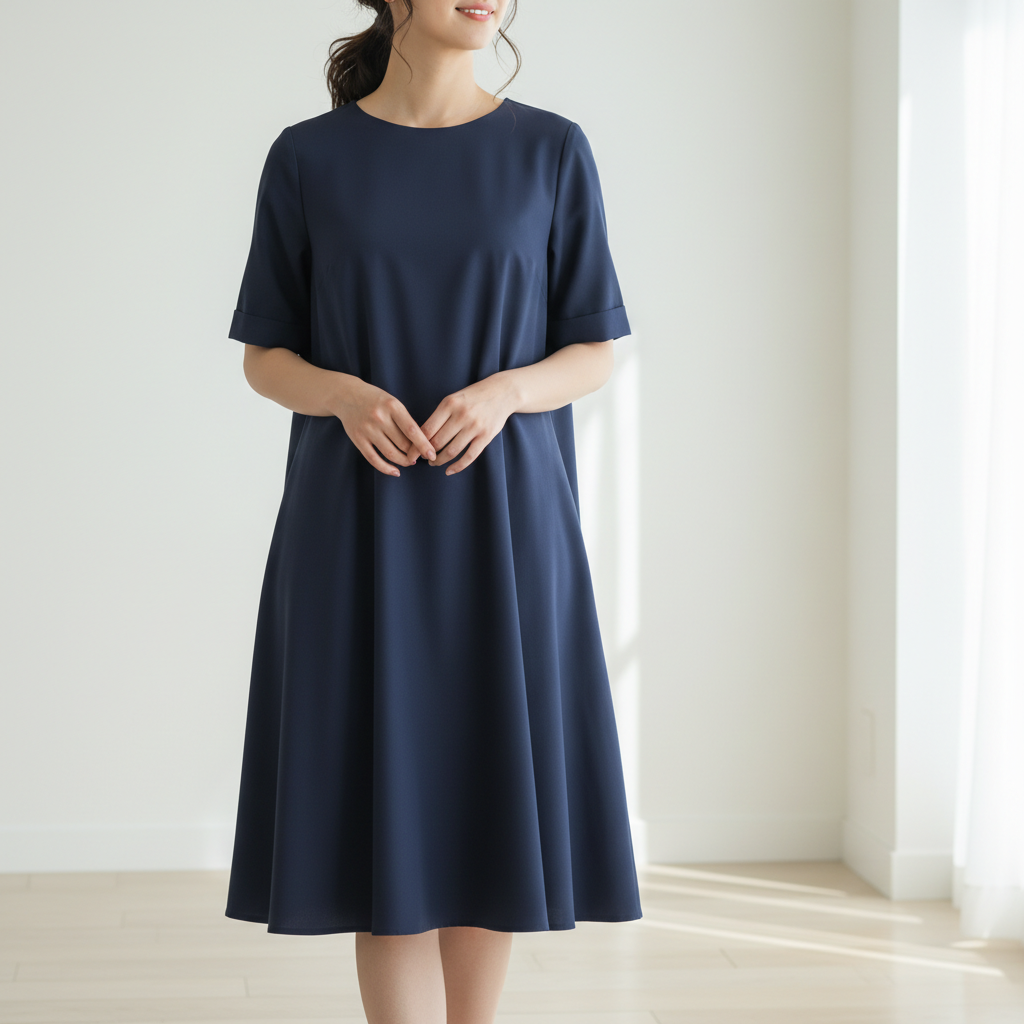
Professional Business Necktie
Corporate headshot enhanced with a classic navy striped tie for a polished appearance.
Prompt:
Add a navy blue striped necktie with a Windsor knot, hanging straight down the shirt
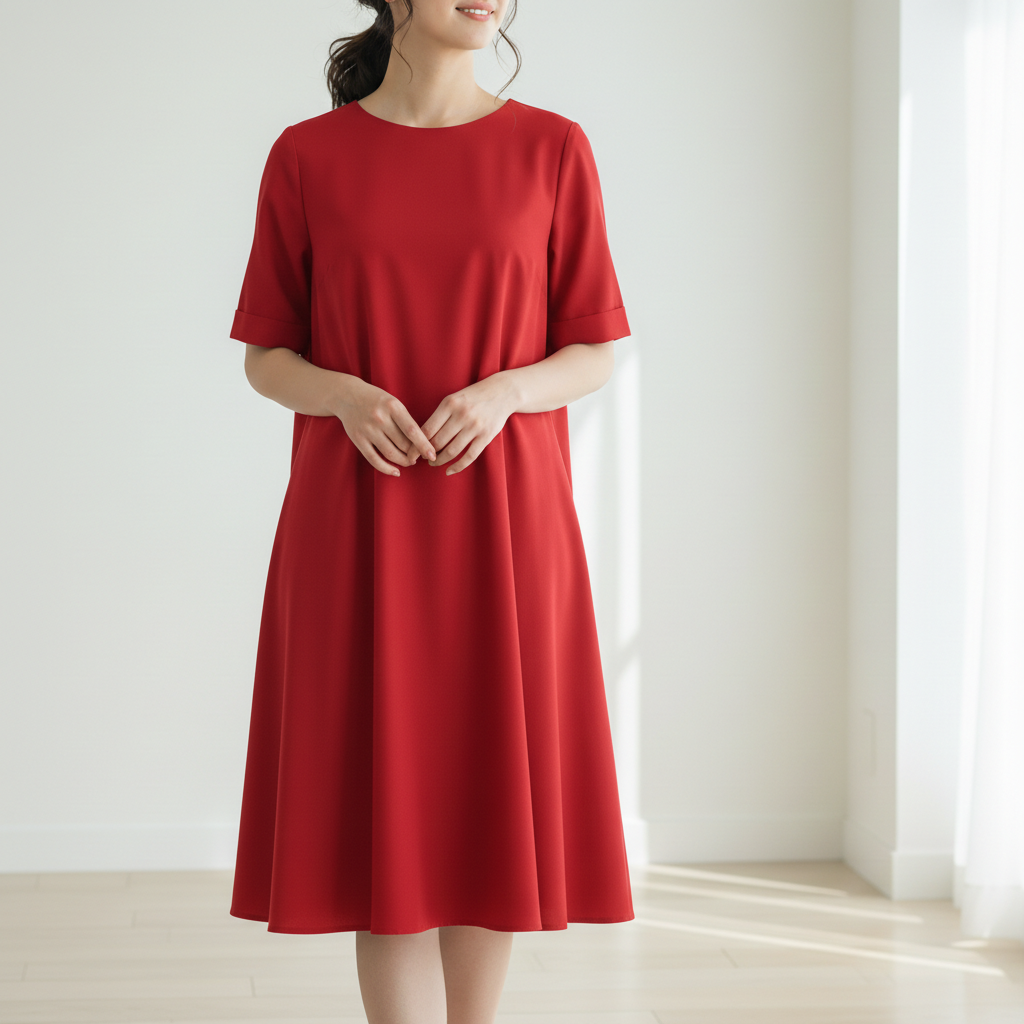
Formal Bow Tie Addition
Event photo upgraded to black-tie formal with a classic bow tie.
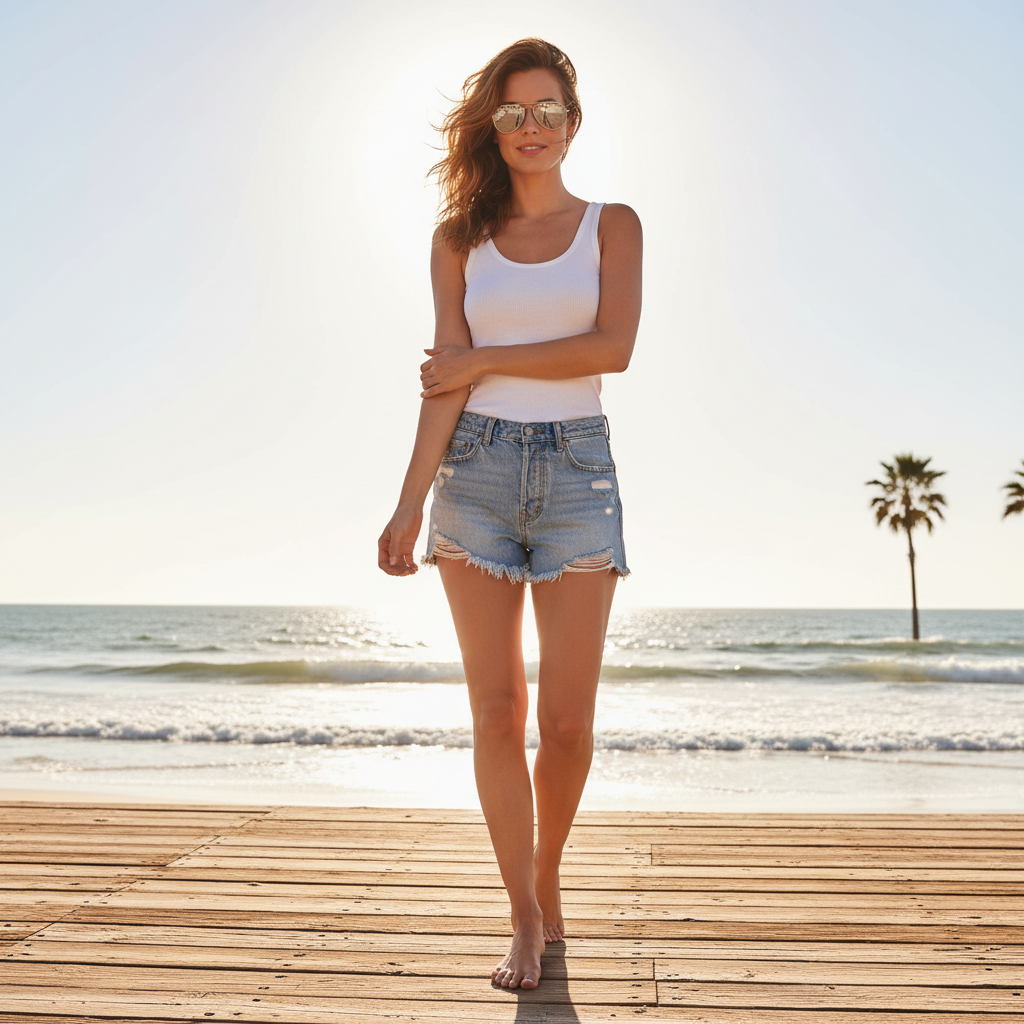
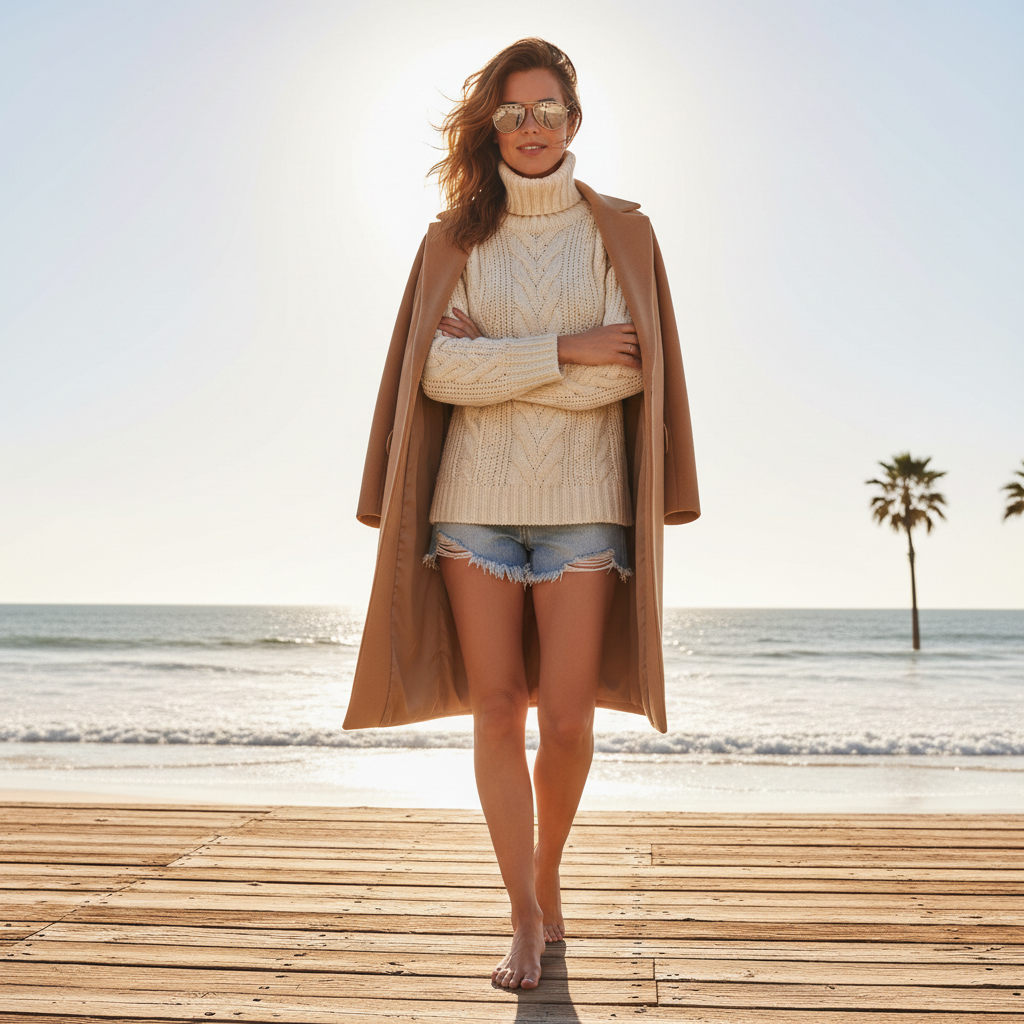
Elegant Silk Tie
Portrait enhanced with a rich burgundy silk tie for a sophisticated look.
If something looks off
Quick answers
Ready to Add Ties to Your Photos?
Free to try. No signup required. No watermark.