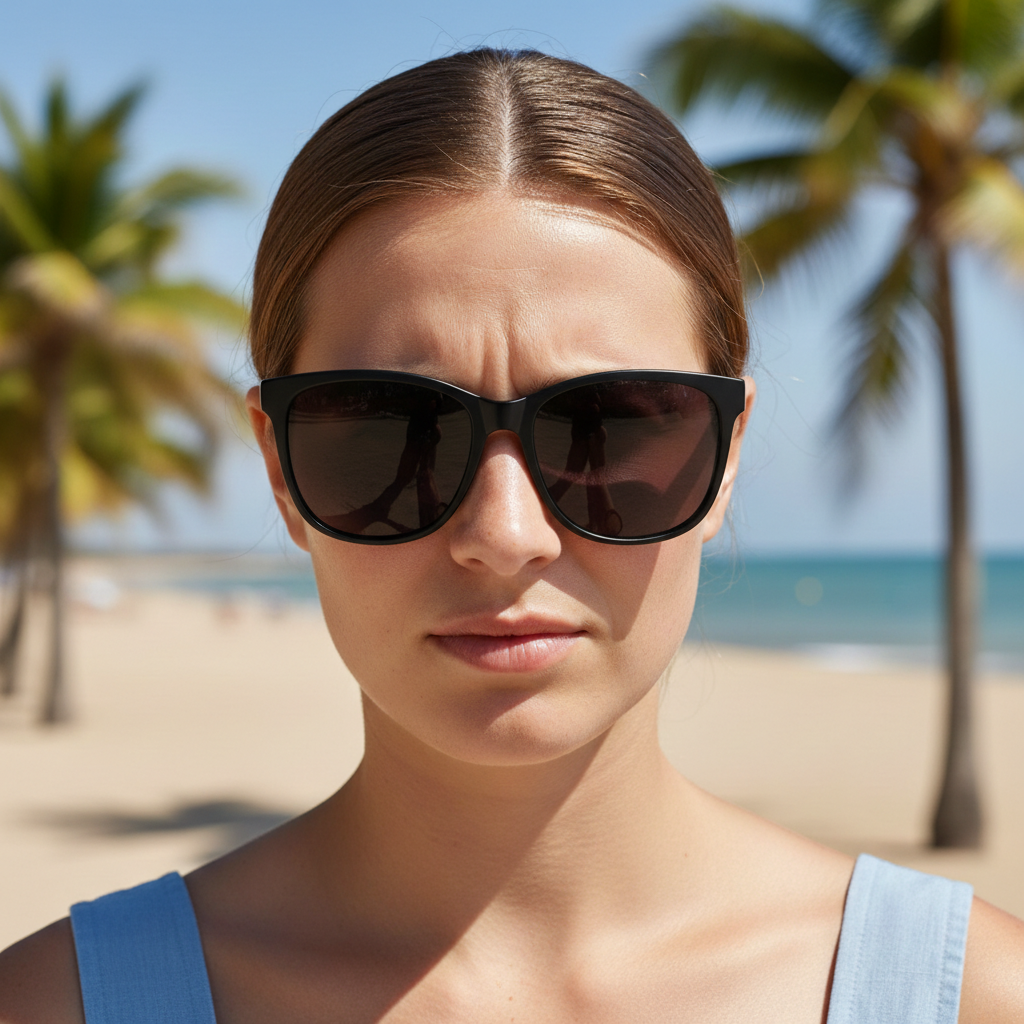
Do I need to mark where the hat should go?
No! Just describe the hat you want—'add a black baseball cap'—and the AI automatically detects the person's head and positions the hat correctly.
How do I add hats to photos for free?
Upload your photo to EditThisPic, type a description like 'add a red beanie to the person's head,' and click generate. The AI processes it in 5-10 seconds. No signup, completely free. The free edit is a preview — purchased downloads are clean, full quality.
What types of hats can the AI add?
The AI can add any hat style—baseball caps, beanies, fedoras, cowboy hats, sun hats, bucket hats, berets, and more. Just describe the specific type, color, and any details you want.
Will the hat match the lighting and shadows in my photo?
Yes. The AI automatically analyzes your photo's lighting and adds appropriate shadows and highlights to the hat. For best results, mention 'matching the lighting' in complex lighting situations.
Can I add branded hats or hats with logos?
You can request specific brands or logos in your prompt (like 'Yankees cap' or 'Nike hat'). The AI will attempt to add them, though exact logo accuracy may vary. Simple, well-known logos work best.
Is EditThisPic's AI hat adder really free?
Yes — you get 1 free edit per week, no account needed. Credit packs start at $4.99 for 10 edits.
Can I add hat on my phone?
Yes. EditThisPic works in any mobile browser — iPhone, Android, tablet. No app download needed.
What photo formats does the AI hat adder support?
JPG, PNG, WebP, and HEIC. Upload any common photo format and EditThisPic handles the rest.
How much does EditThisPic cost?
You get 1 free edit per week — no account needed. After that, one-time credit packs start at $4.99 for 10 edits, valid 12 months, no subscription. Power users who edit daily can pick Studio Membership, a monthly workspace at $49.99/mo for 300 edits. Purchased downloads are clean with no watermark.