Free • No signup Change Clothing pattern · Free

AI Clothing Pattern Changer - Change Patterns on Clothes

Add or change patterns on clothing instantly—just describe the pattern, no marking needed

Professional in solid white dress shirt with blue tie
Before
Same photo with natural navy pinstripes added to shirt
After

AI Clothing Pattern Changer

Drop your photo here

or click to browse

Release to upload

Free • No signup

Advertisement
Popular use cases:
  • fashion visualization
  • outfit pattern preview
  • clothing customization
  • professional photo enhancement
  • wardrobe experimentation

Cost
Free No signup required
Time
Instant results in 15-30 seconds
Works on
Any device - browser, phone, tablet, desktop
Powered by
AI-powered photo editing
Scenario Prompt Time
Pinstripes Add vertical navy blue pinstripes to the shirt, thin and evenly spaced 8s
Polka dots Change the dress to a white and black polka dot pattern, medium-sized dots 7s
Floral Add a delicate floral pattern to the blouse, small pink and white flowers 8s

How it works

  1. Upload your photo

    Choose any photo where you want to change or add clothing patterns. Works with shirts, dresses, pants, blazers, or any garment. The AI handles different fabric types, poses, and lighting conditions automatically.

    Expect: Simple uploads: 2-3 seconds. Large files or slow connections: 5-8 seconds.
  2. Describe what you want

    Type the pattern you want in plain English—'add vertical navy pinstripes to the shirt,' 'change the dress to a red and white polka dot pattern,' or 'make the blazer checkered gray plaid.' Be specific about pattern type, colors, and scale. The AI automatically applies the pattern while preserving fabric folds, shadows, and garment structure.

    Tip: Specify pattern scale like 'small florals,' 'thin stripes,' or 'large checks' to control the size of the pattern elements.

    Copy one of these to get started:

    Classic pinstripes Add vertical navy blue pinstripes to the shirt, thin and evenly spaced, following the fabric folds
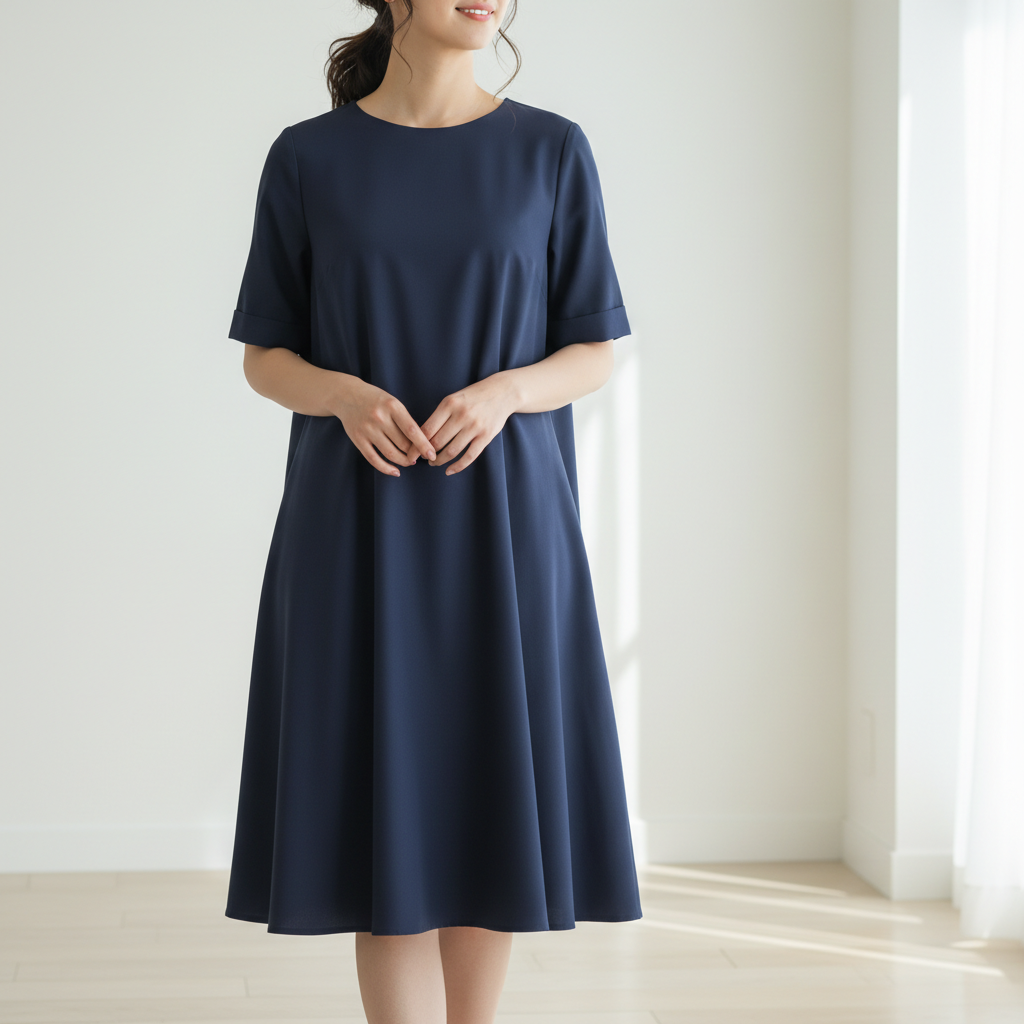
    Polka dots Change the dress to a white and black polka dot pattern, medium-sized dots, evenly distributed
    Floral pattern Add a delicate floral pattern to the blouse, small pink and white flowers on the existing color, subtle style
    Checkered plaid Make the blazer a gray and charcoal checkered plaid pattern, classic business style with thin lines
    3 more prompts
    Horizontal stripes Change the shirt to navy and white horizontal stripes, sailor style with even spacing
    Animal print Add a subtle leopard print pattern to the dress, brown and tan spots, sophisticated style
    Geometric pattern Change the shirt to a geometric triangle pattern in navy, gray, and white, modern abstract style
  3. Review the result

    Check that the pattern looks natural—follows fabric folds, maintains proper scale, correct color placement, and realistic pattern flow. Make sure the pattern doesn't look flat or pasted on. If the pattern is too bold or too subtle, adjust your prompt and regenerate.

  4. Refine with markers if needed

    If the AI changed the wrong garment or you want the pattern only on a specific part (like just the collar or sleeves), tap a marker on that exact area. This tells the AI precisely where to apply the pattern when you regenerate.

    Tip: Markers are helpful for multi-piece outfits when you want patterns on only one item.
Try it free

AI Clothing Pattern Changer

Drop your photo here

or click to browse

Release to upload

Free • No signup

"Turned my plain blazer into a subtle pinstripe pattern for my LinkedIn photo. The fabric texture stayed perfect and it looks completely natural." @CareerPro_Jordan

See it in action

Professional in solid white dress shirt with blue tie
Before
->
Same photo with natural navy pinstripes added to shirt
After

Professional Pinstripe Addition

Solid business shirt transformed to pinstripe pattern with natural fabric fold preservation.

Prompt: Add vertical navy blue pinstripes to the shirt, thin and evenly spaced, following the fabric folds
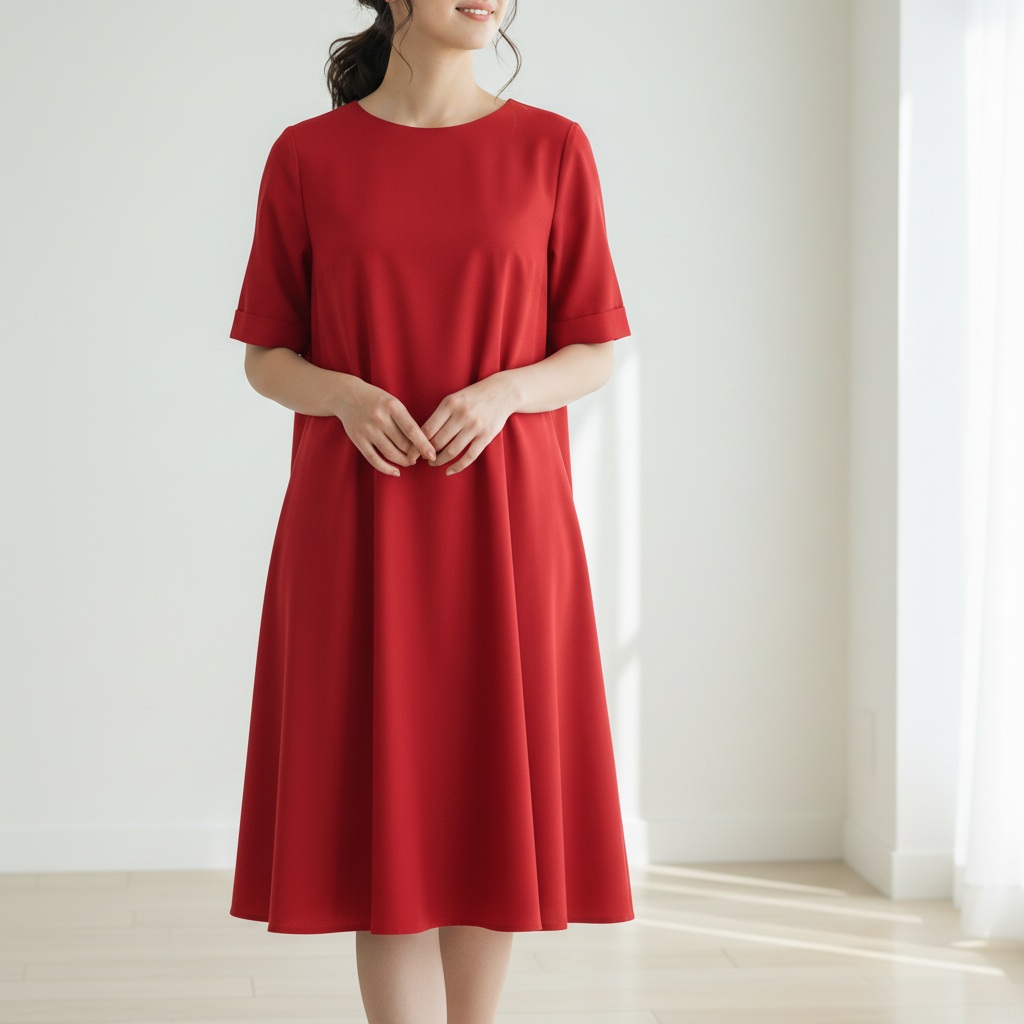
Woman in solid red dress at cafe
Before
->
Same photo with natural white and black polka dot pattern on dress
After

Polka Dot Dress Pattern

Plain dress enhanced with classic polka dot pattern maintaining garment shape.

Prompt: Change the dress to a white and black polka dot pattern, medium-sized dots, evenly distributed
Woman in solid lavender blouse outdoors
Before
->
Same photo with delicate pink and white floral pattern on blouse
After

Delicate Floral Blouse

Solid blouse upgraded with subtle floral pattern preserving fabric texture and lighting.

Prompt: Add a delicate floral pattern to the blouse, small pink and white flowers on the existing color, subtle style
Advertisement

If something looks off

AI changed the wrong area or something I didn't want changed

Why: The AI may have applied the pattern to multiple garments or similar colored items.

Try: Tap a marker on the specific garment, then regenerate with 'change only the [garment] to [pattern]'

Tip: Be specific about which clothing item—'the shirt,' 'the dress,' 'the blazer'—to avoid ambiguity.

The pattern looks flat or doesn't follow fabric folds

Why: The AI may have applied a 2D overlay instead of conforming to the garment's 3D shape.

Try: Add 'following the fabric folds and wrinkles' or 'conforming to the garment shape' to your prompt

Tip: This is especially important for striped or geometric patterns that need to wrap naturally.

The pattern is too large or too small

Why: The AI defaulted to a standard pattern scale that doesn't match your preference.

Try: Specify the size—'small florals,' 'thin stripes,' 'large polka dots,' or 'micro checkered pattern'

Tip: Pattern scale affects the overall look—smaller patterns are more subtle, larger ones more bold.

The pattern colors don't match what I requested

Why: The prompt may have been unclear about which colors go where in the pattern.

Try: Be specific about color placement—'white shirt with navy blue stripes' instead of 'striped shirt'

Tip: List the base color first, then the pattern color for clarity.

The pattern lost the fabric texture or looks painted on

Why: The AI may have replaced texture instead of overlaying the pattern on existing material.

Try: Add 'preserve the fabric texture' or 'maintain the material details under the pattern'

Tip: For complex fabrics like knits or tweeds, explicitly mention preserving the base texture.

The pattern doesn't look realistic in shadows or highlights

Why: The AI may not have adjusted pattern visibility in darker or lighter areas.

Try: Add 'maintain realistic lighting and shadows on the pattern' to your prompt

Tip: Patterns should be slightly darker in shadowed folds and lighter in highlighted areas.

Quick answers

Do I need to mark the clothing?

No! Just describe the pattern change—'add vertical stripes to the shirt'—and the AI automatically identifies the garment and applies the pattern. Markers are only needed if you're wearing multiple items and want to specify which one gets the pattern.

How do I change clothing patterns in photos for free?

Upload your photo to EditThisPic, type a description like 'add navy pinstripes to the shirt,' and click generate. The AI processes it in 5-10 seconds. No signup, no watermark, completely free.

What types of patterns can the AI add?

The AI can add any pattern—stripes (vertical, horizontal, diagonal), polka dots, florals, checkered, plaid, animal prints, geometric shapes, paisley, and more. Just describe the specific pattern type, colors, and scale you want.

Will the pattern follow fabric folds and wrinkles?

Yes. The AI applies patterns that conform to the garment's 3D shape, following folds, wrinkles, and draping. For best results, mention 'following the fabric folds' in your prompt for complex garments.

Can I change a patterned garment to a different pattern?

Yes. You can change from one pattern to another—stripes to florals, polka dots to plaid, etc. The AI replaces the existing pattern with your requested one while preserving the garment structure.

Ready to Change Clothing Patterns in Your Photos?

Free to try. No signup required. No watermark.

Try it free